Welcome Guest ( Log In | Register )

Outline · [ Standard ] · Linear+

 Fun with my first camera, noobie attempts of photography&photoshop

views
     
TSV3i HoN6
post Oct 23 2007, 04:58 PM, updated 19y ago

ǝlıɥdouɥɔɐɹɐ
******
Senior Member
1,617 posts

Joined: Mar 2005


After much thoughts, I brave my cheeky self to open this thread along with all the experienced photographers and state of the art gears.
I'm just a newbie with my first compact camera trying to shoot and learn to utilize every bits of it before I buy my own DSLR, if I still find myself in the hobby and I'm ready for it. Like how I decide to move from my camera phone to my current cam.

I do realize that post-processing is pretty much as important as the shooting skill. I've been playing with the photoshop brightness, contrast, curve, shadow, highlight function lately but hard to find a compromise point between reality and pretty. So there will many questions of "is it looks real" to you for those pictures with some editing. Learning the photoshop now for some light editing and framing to add marks for my picture.

Comments and critics are very much welcome and please please please help me with my various questions.
Hope I don't get ignore because of my lousy cam and boring pictures, tell me how can I improve instead.
Thanks.

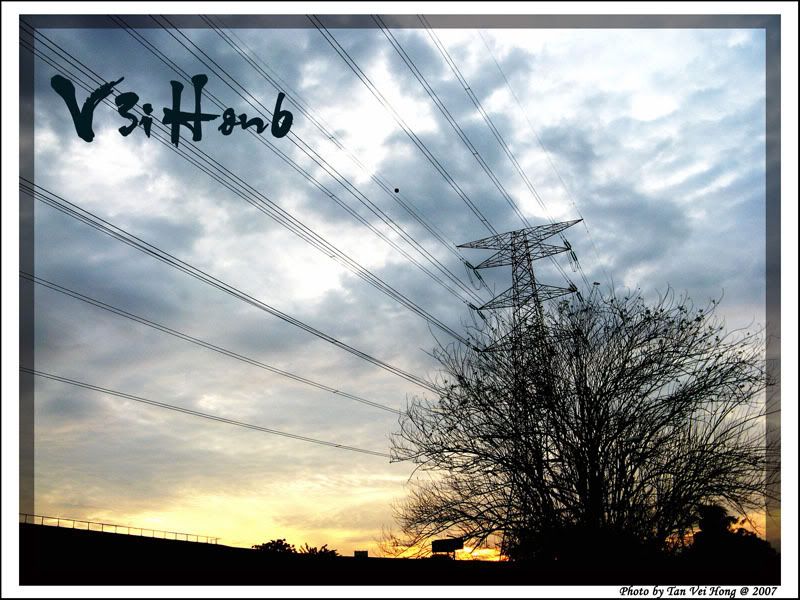
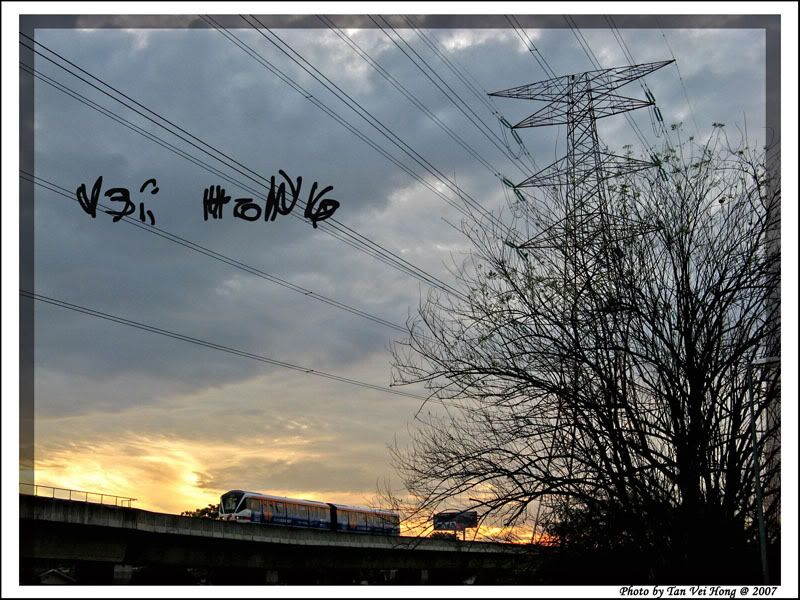
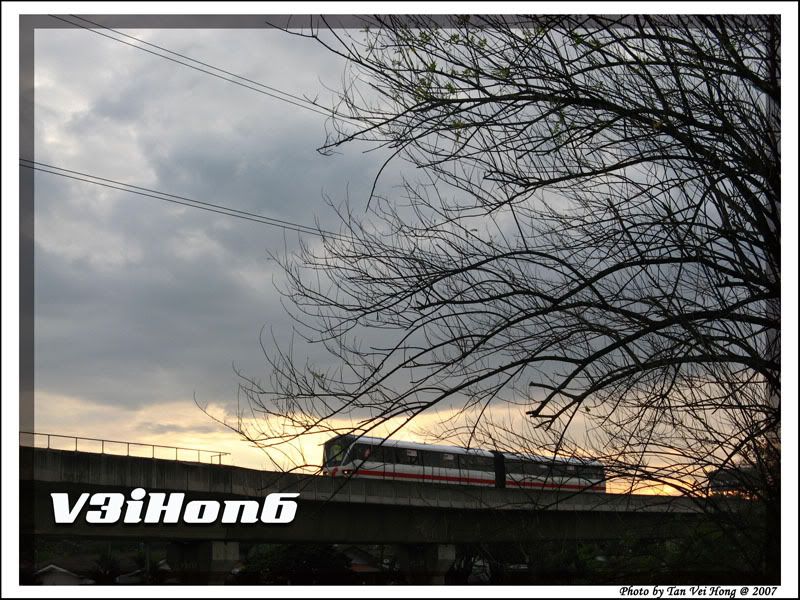
Here are some attempts when I first got my camera, before I sort out my Beijing trip and Zoo Negara pictures.

LRT near my house.
» Click to show Spoiler - click again to hide... «

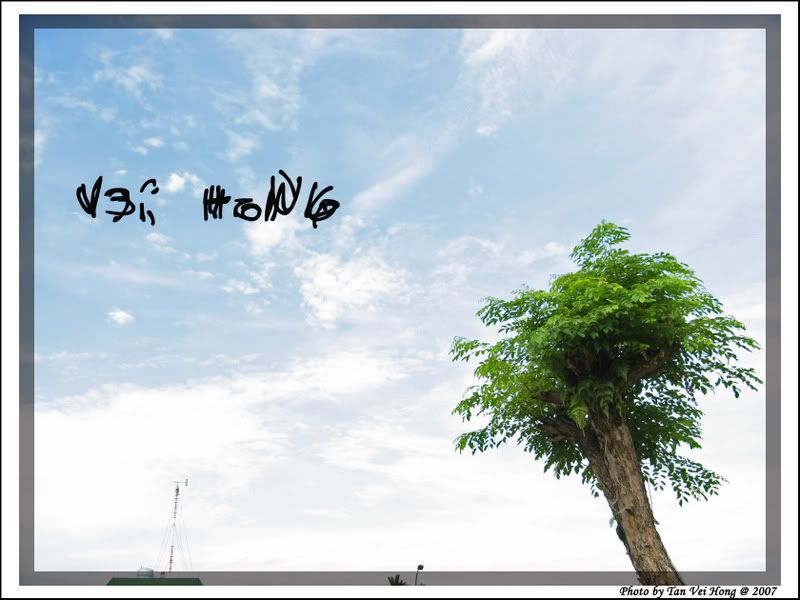
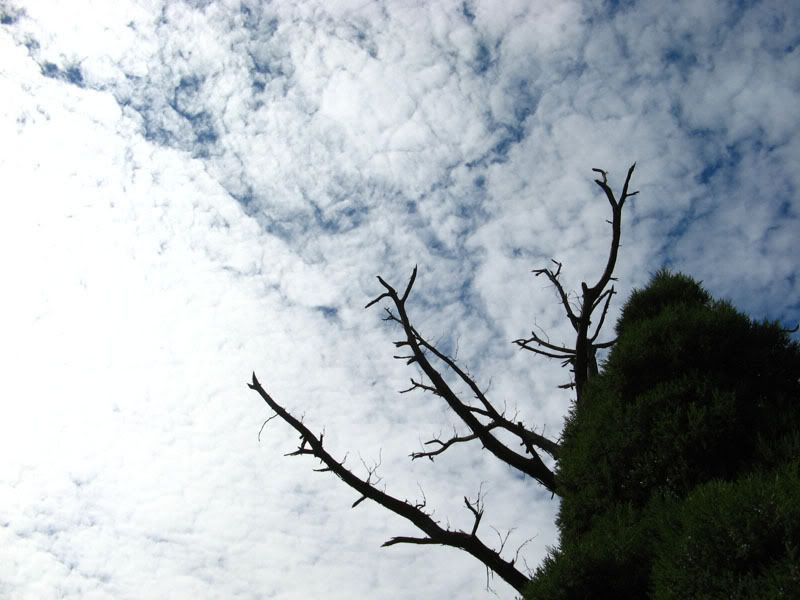
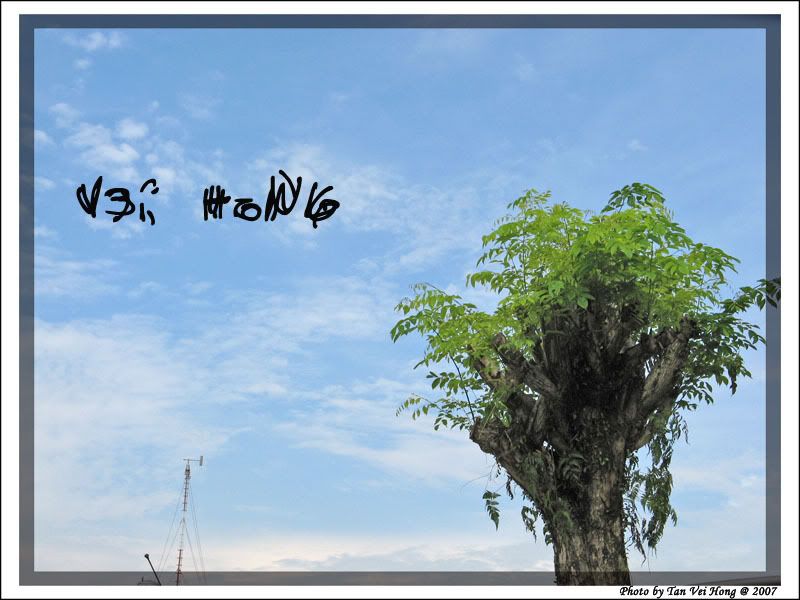
Some tree and sky.
» Click to show Spoiler - click again to hide... «
The 6. are slightly edited to reveal "highlight" on the sky part.
I realized that the tree part will get dark shadow because of the bright sky behind it.
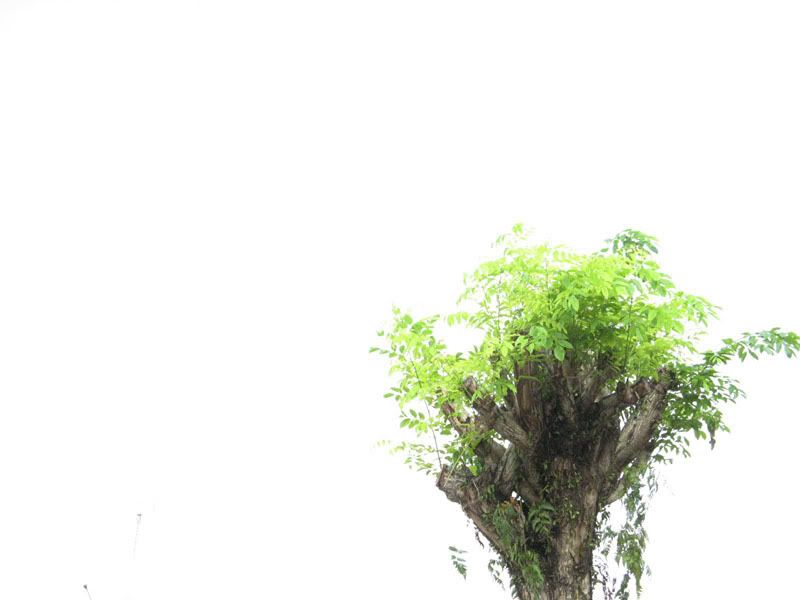
My limited knowledge tell me that I should use a lower f number and I did it.
I got more tree and leaves details now but that made the background overexposed and lose the beautiful blue sky and clouds.
Picture. 7 is a total failure. The sky became white paper and cannot recover by photoshop but I like how the tree looks like.

I did not get till a point that balance of details and exposure but I hope the photoshop editing is ok.
What do you think? Or I should not edit at all.
I was in a car park waiting for my friends that time. tongue.gif


sharkware
post Oct 23 2007, 05:18 PM

Getting Started
**
Junior Member
57 posts

Joined: Nov 2005
From: What the?


Your pics are fine for a newbie

Try using the Rules of Third during compositing, before you snap a picture.

Maybe you can try Foreground framing, and leading lines.

Keep the histogram nicely positioned, dont worry about dark images, just dont hit the spike which is the 230-255 in the histogram. (itll make your image over exposed)
TSV3i HoN6
post Oct 23 2007, 07:58 PM

ǝlıɥdouɥɔɐɹɐ
******
Senior Member
1,617 posts

Joined: Mar 2005


QUOTE(sharkware @ Oct 23 2007, 05:18 PM)
Your pics are fine for a newbie

Try using the Rules of Third during compositing, before you snap a picture.

Maybe you can try Foreground framing, and leading lines.

Keep the histogram nicely positioned, dont worry about dark images, just dont hit the spike which is the 230-255 in the histogram. (itll make your image over exposed)
*
Just did a wiki of the Rules of Third and feel shameful I don't know about this before.
Very much agree to it after seeing all the examples. rclxms.gif
Are there rules of first or second or forth for me to read up? I cannot seems to find it.

Will try to understand foreground framing and leading lines, is it something of the composition too or the depth of field.

And for the histogram, Isn't it will only be generated after the picture was taken? Or was it a feature that you can see the histogram while shooting/focusing?
Or should I shoot and refer to the histogram, then adjust, then shoot again until the I see a nice "bukit" shape on the histogram?
Sorry if my question sound stupid.

Here are some macro pictures which still far from satisfy, but I'm like cannot get it better after many tries.
» Click to show Spoiler - click again to hide... «
I'm trying to focus on the whole screen instead of just the carapace(head) part are clear and leave the legs blurry.
Try with the macro mode and manual focus mode but still either I get to focus on the legs or or the body.

This post has been edited by V3i HoN6: Oct 23 2007, 08:01 PM
leetplayer
post Oct 23 2007, 08:02 PM

O'le
*****
Senior Member
984 posts

Joined: Feb 2006
From: Here and There.


love your tarantulas man smile.gif
Keep up the good work.
mindkiller6610
post Oct 24 2007, 04:40 AM

IT-Motion : Your Digital Solutions
*******
Senior Member
2,477 posts

Joined: Feb 2005


Nice pictures thumbup.gif thumbup.gif
goldfries
post Oct 24 2007, 04:46 AM

40K Club
Group Icon
Forum Admin
44,415 posts

Joined: Jan 2003


well your newbie digital compact shots ARE an example of how people should use their camera.

at least you didn't snap lens cap or mug, some people just like to cincai snap and post - nothing to show, waste people's time.

yours shots are good! keep it up!
ac98
post Oct 24 2007, 11:32 AM

The Spirit of Photography
*******
Senior Member
3,758 posts

Joined: Apr 2006
From: Selayang


Wohoo love the spiders too thumbup.gif
orenzai
post Oct 24 2007, 11:38 AM

Look at all my stars!!
*******
Senior Member
3,114 posts

Joined: Dec 2006


QUOTE(goldfries @ Oct 24 2007, 04:46 AM)
well your newbie digital compact shots ARE an example of how people should use their camera.

at least you didn't snap lens cap or mug, some people just like to cincai snap and post - nothing to show, waste people's time.

yours shots are good! keep it up!
*
that just sounds exactly like me laugh.gif

your shots are great...
i like how you post process it to make it look so dramatic...
TSV3i HoN6
post Oct 24 2007, 12:48 PM

ǝlıɥdouɥɔɐɹɐ
******
Senior Member
1,617 posts

Joined: Mar 2005


Any taiko care to teach me how could I focus the whole object (my spider) on the macro shoot.
Can lighting help? I'm struggling to put a bigger f number but it will be too underexposed.
I try not to use the flash in this situation as it is placed on a angle that will be blocked by the protruding lense. A close shot with the flash on will result a dark corner on the right bottom. I wonder other Canon A710 users have this problem?

Plus I don't feel natural with the flash light in such close distance. My tarantulas look shiny.

QUOTE(leetplayer @ Oct 23 2007, 08:02 PM)
love your tarantulas man smile.gif
Keep up the good work.
*
Would like to see yours too when I'm back in Penang.

QUOTE(goldfries @ Oct 24 2007, 04:46 AM)
well your newbie digital compact shots ARE an example of how people should use their camera.

at least you didn't snap lens cap or mug, some people just like to cincai snap and post - nothing to show, waste people's time.

yours shots are good! keep it up!
*
Well actually I'm guilty of shooting ceiling fans and flowing water taps to test out the shutter speed on the first few nights.
I'm too excited with the camera and haven't ever play with aperture, ISO and shutter speed prior to that. laugh.gif
But of course those are try out shots that not worth posting.
Will keep shooting whenever I can until I got really bored with it.

QUOTE(orenzai @ Oct 24 2007, 11:38 AM)
that just sounds exactly like me laugh.gif

your shots are great...
i like how you post process it to make it look so dramatic...
*
I couldn't grasp the idea of dramatic but thanks a lot on the compliment. notworthy.gif
Reading through your gallery too and would like to do a mini studio for my tarantula too.

travis_ckf
post Oct 24 2007, 12:54 PM

ambitious but rubbish......
*******
Senior Member
6,413 posts

Joined: Jan 2003
From: Puchong Not For Human Live One....


Honestly not bad for a newbie like u. But i would love u to not rely too much on post processing and try to capture ur best shot frm ur cam, rather than relying on editing.

Looking forward for ur next batch of pics. smile.gif
aaltong
post Oct 24 2007, 01:32 PM

Getting Started
**
Junior Member
239 posts

Joined: Oct 2006
If you want the whole subject (the spider) to be sharp, you have no choice but to use smaller aperture(big f number), maybe f11 or f16 would be good enough. Then reduce your shutter speed to get the correct exposure.
However, if shutter speed too low, your subject might be blur unless it keep still and not moving around.
If that the case, then you can up your ISO, so that your shutter speed can be faster.

TSV3i HoN6
post Oct 24 2007, 03:27 PM

ǝlıɥdouɥɔɐɹɐ
******
Senior Member
1,617 posts

Joined: Mar 2005


Thanks for all the inputs.
Will go through you guys gallery when free.
Learn to see from more angle and direction.

QUOTE(travis_ckf @ Oct 24 2007, 12:54 PM)
Honestly not bad for a newbie like u. But i would love u to not rely too much on post processing and try to capture ur best shot frm ur cam, rather than relying on editing.

Looking forward for ur next batch of pics. smile.gif
*
Yeah, I feel like cheating a bit with photoshop but I can't help myself to not doing it. smile.gif
Almost all of my editing is "+10" or "+20" contrast or "-30" shadow.
I like the "after" more but sometimes look back its feel unnatural so right now I keep trying on my photos till my eyes can spot till a level I won't overdone it.
But nonetheless I will still try my best to capture the best from tweaking the cam.
Don't know when is the next outing but I still have bunch of pics haven't uploaded.

QUOTE(aaltong @ Oct 24 2007, 01:32 PM)
If you want the whole subject (the spider) to be sharp, you have no choice but to use smaller aperture(big f number), maybe f11 or f16 would be good enough. Then reduce your shutter speed to get the correct exposure.
However, if shutter speed too low, your subject might be blur unless it keep still and not moving around.
If that the case, then you can up your ISO, so that your shutter speed can be faster.
*
Gotta slowly try out on this.
Yeah, the reading materials on the net tell me to slower the shutter but avoid any shaking in between. The subject is nice enough to stay still for me but me hands is kinda shaky.
Trying to hang it with my mini tripod but it won't allow me to bend closer to the subject.
Too bad my camera don't allow such small aperture size. But will try with the combination of aperture, shutter speed and ISO all together.

ac98
post Oct 24 2007, 04:29 PM

The Spirit of Photography
*******
Senior Member
3,758 posts

Joined: Apr 2006
From: Selayang


Laoo aaltong sifu comment already tongue.gif
More spidey please ...
TSV3i HoN6
post Oct 24 2007, 07:18 PM

ǝlıɥdouɥɔɐɹɐ
******
Senior Member
1,617 posts

Joined: Mar 2005


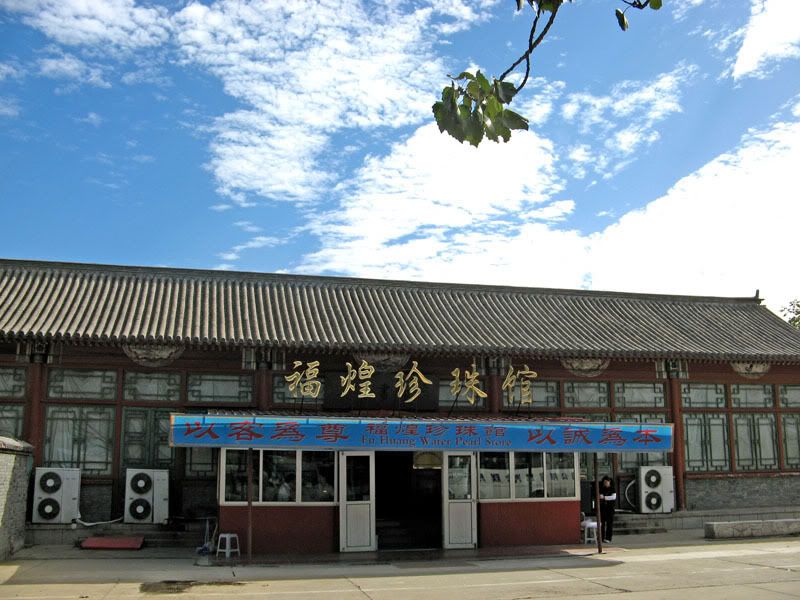
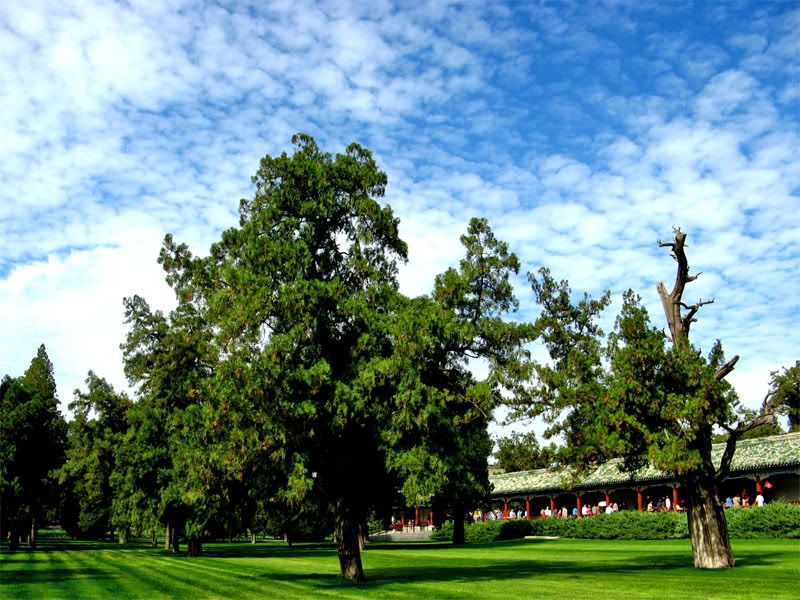
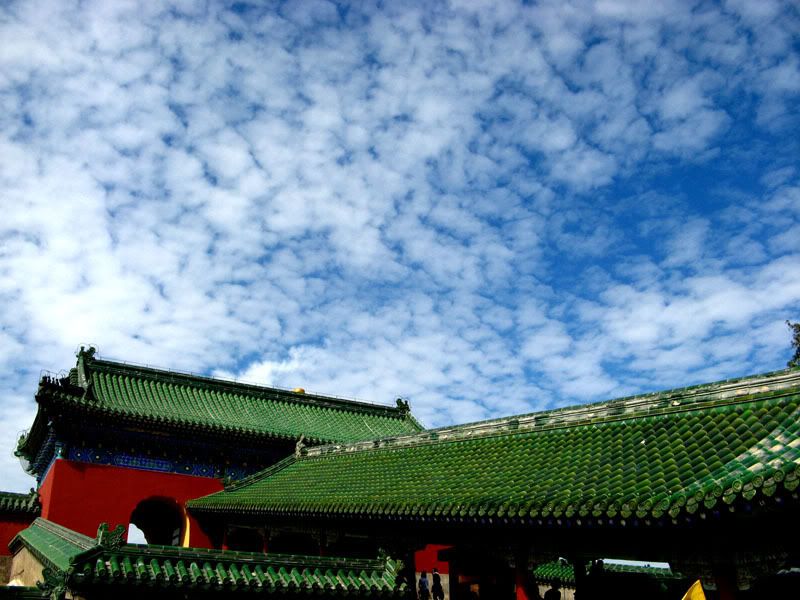
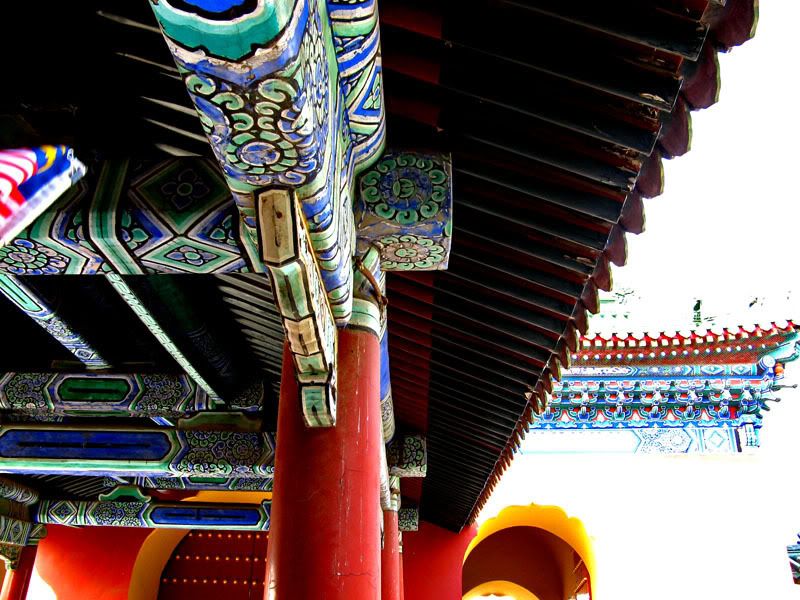
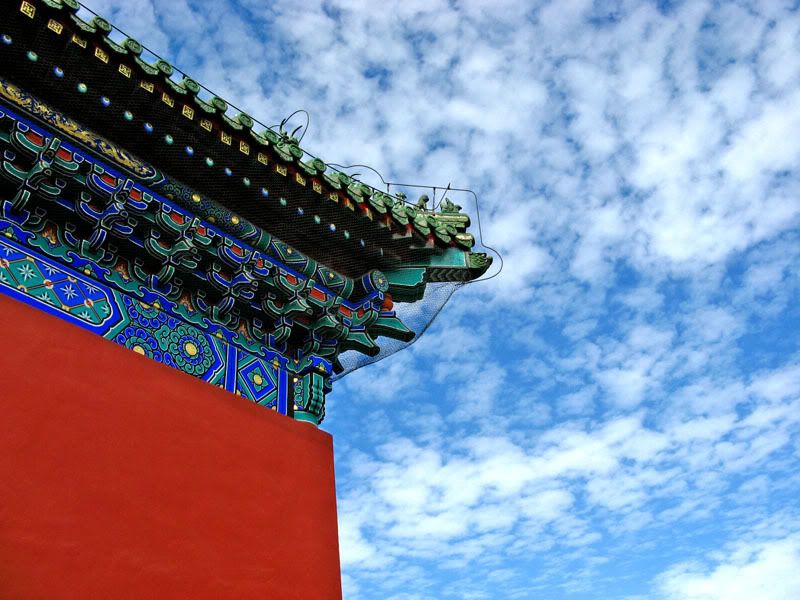
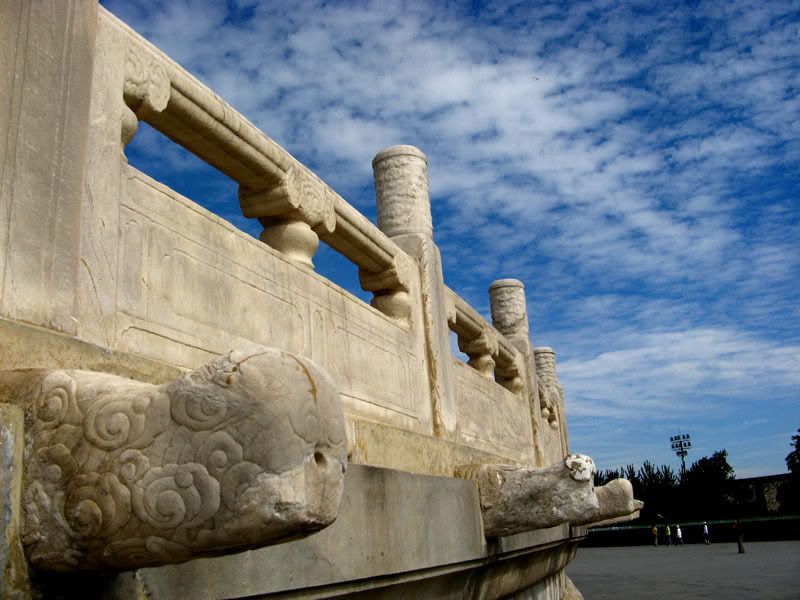
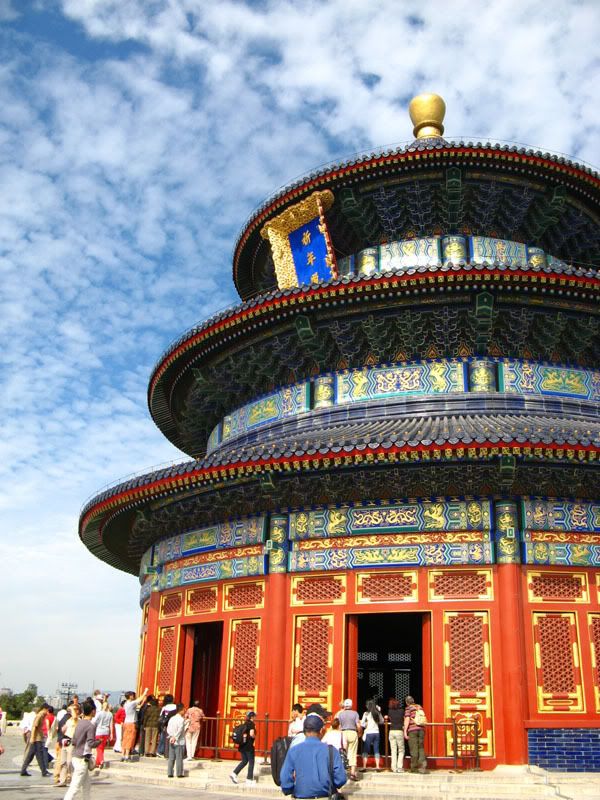
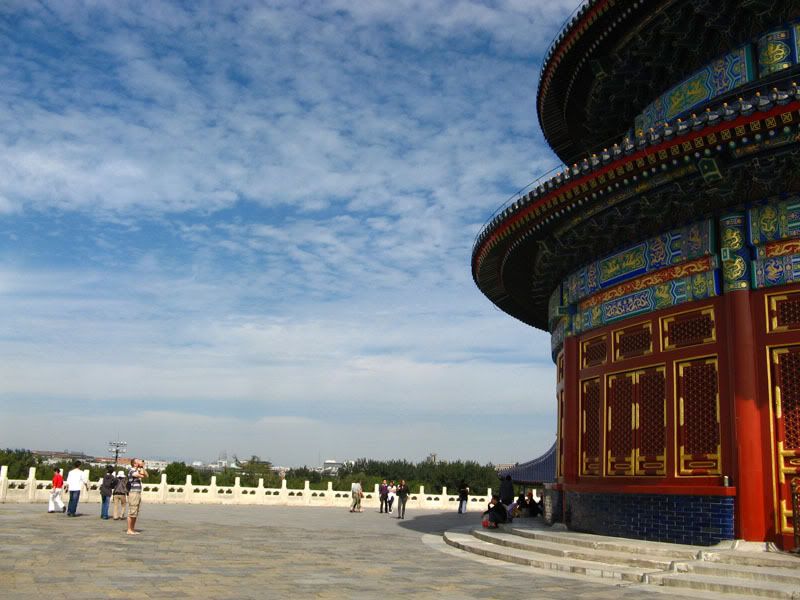
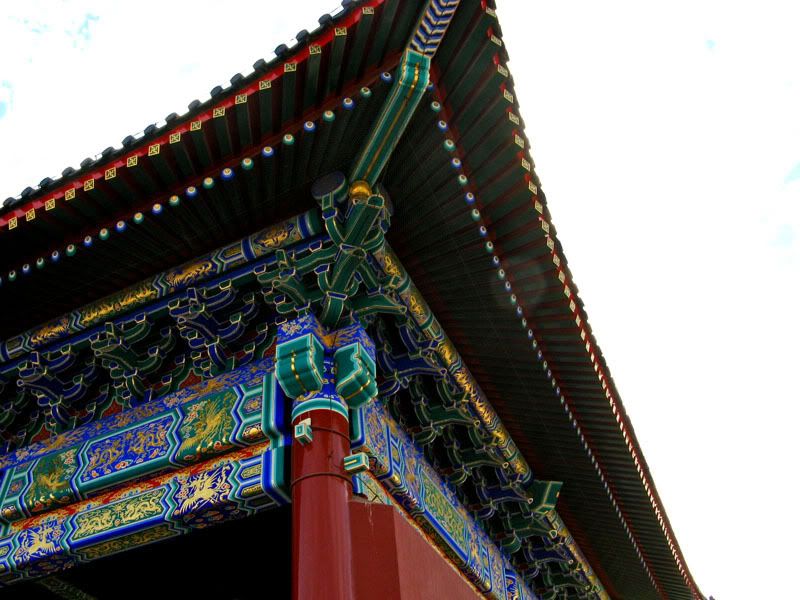
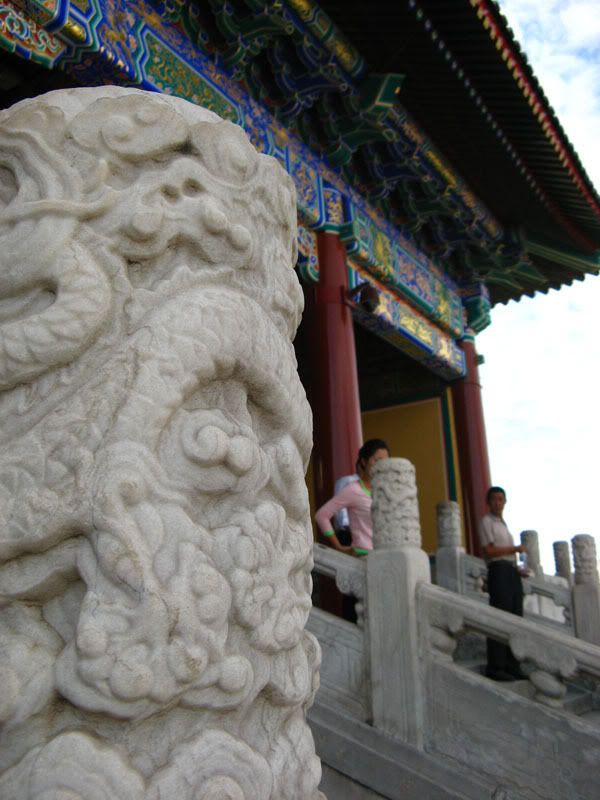
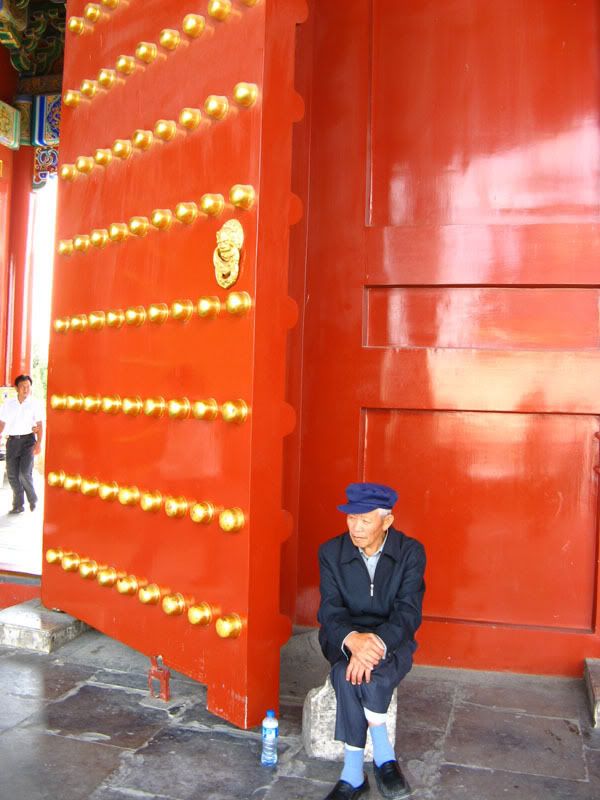
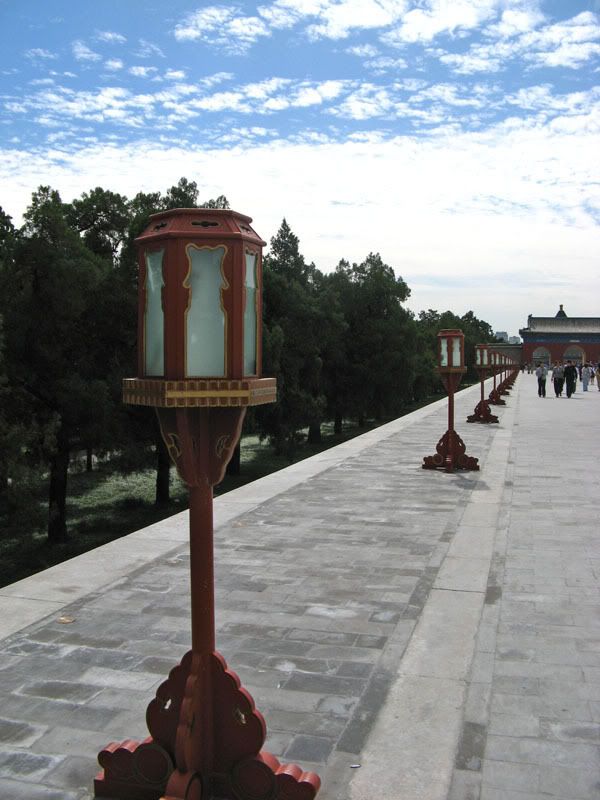
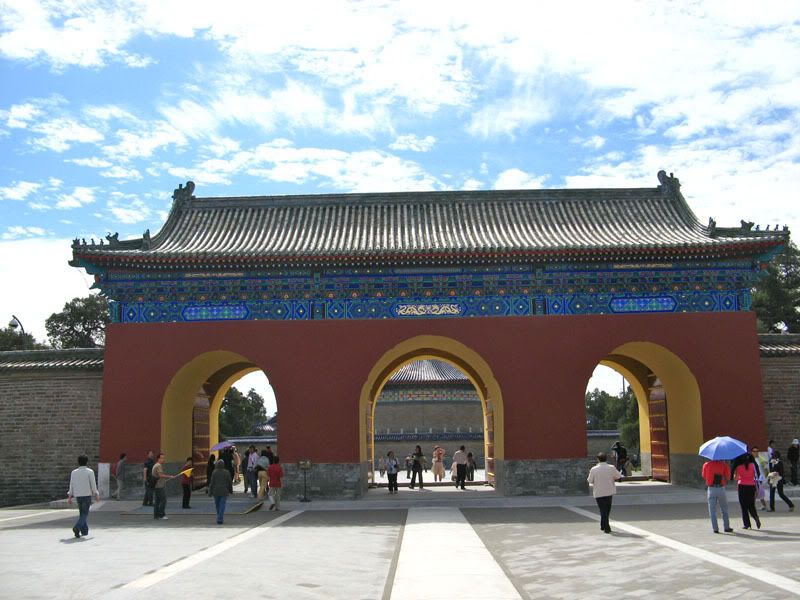
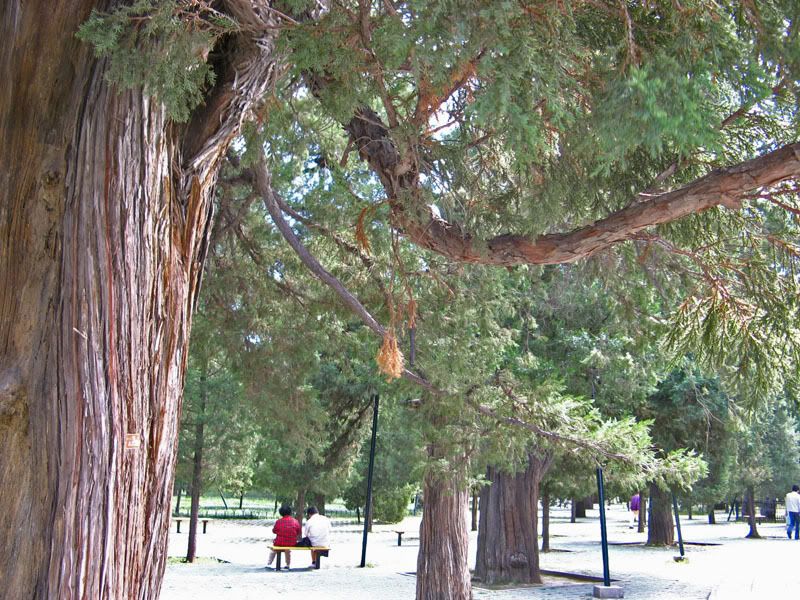
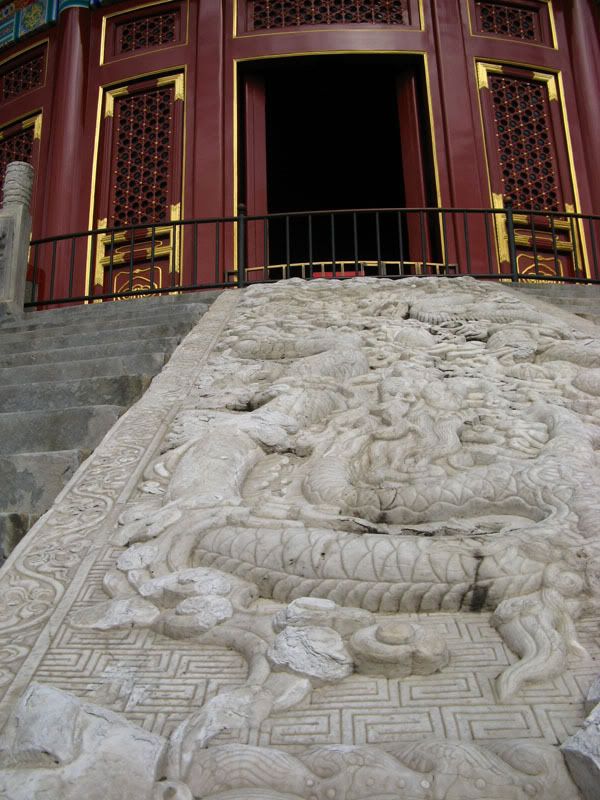
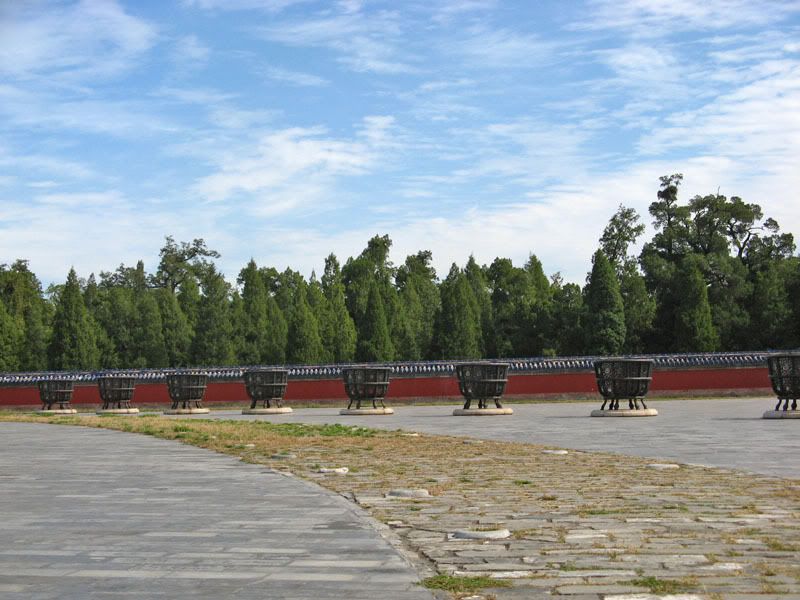
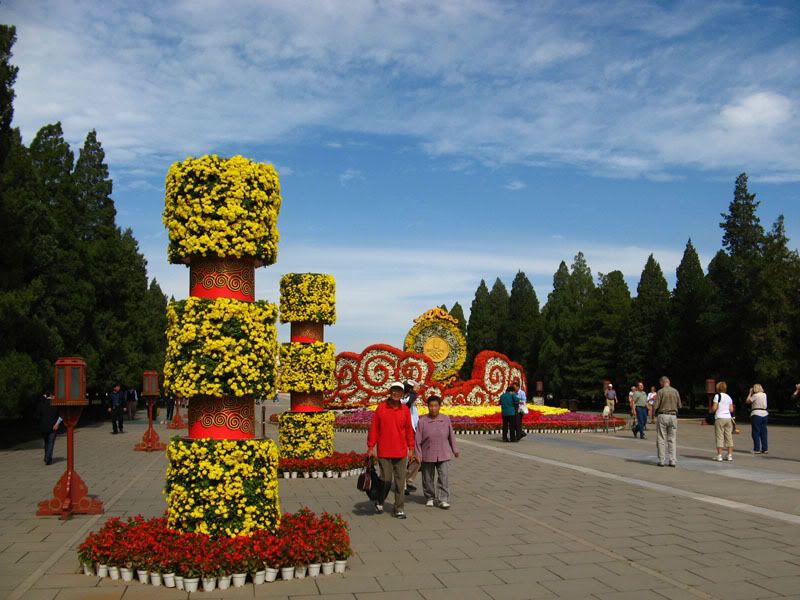
My trip to Beijing. 天坛。A place the ancient emperor worship the god of sky.
Really I wasted the good chances of this very unique place and the good weather.
It was my first time holding a camera during a trip and the tour guide basically rushed us like sheep.
I feel like running around with the tour and struggling to take photo over the crowd's head, and by the same time listening to the tour's explanation. mad.gif
Would have think more and adjusted to better setting if given some times but I promise my gf to shot a lot of pictures for her to see.
So i just dont care so much, shoot whatever I can in the times given.
» Click to show Spoiler - click again to hide... «

This post has been edited by V3i HoN6: Oct 24 2007, 07:41 PM
orenzai
post Oct 24 2007, 07:58 PM

Look at all my stars!!
*******
Senior Member
3,114 posts

Joined: Dec 2006


yes...like the other member said...don rely too much on PS... you can tweak it to fine-tune the photos but try not to overdo it... sometimes some shots look better naturally without that dramatic look smile.gif
goldfries
post Oct 24 2007, 08:47 PM

40K Club
Group Icon
Forum Admin
44,415 posts

Joined: Jan 2003


QUOTE(V3i HoN6 @ Oct 24 2007, 12:48 PM)
Well actually I'm guilty of shooting ceiling fans and flowing water taps to test out the shutter speed on the first few nights.
I'm too excited with the camera and haven't ever play with aperture, ISO and shutter speed prior to that. laugh.gif
But of course those are try out shots that not worth posting.


shooting ceiling fans and flowing water taps are NOT guilty acts. smile.gif it shows you made attempt to understand your camera.

biggrin.gif who doesn't do that? c'mon i snap my toys once a while just for fun. tongue.gif sometimes simply snapping could give you inspiration, ideas and lessons.

and to give you some inspiration on CEILING FAN shots, here's what my wife took the other day using my previous camera, the Fujifilm S7000 Prosumer.

user posted image

smile.gif
TSV3i HoN6
post Oct 25 2007, 03:03 PM

ǝlıɥdouɥɔɐɹɐ
******
Senior Member
1,617 posts

Joined: Mar 2005


Fantastic shot of the ceiling fan.
How can you blur the background this much, I try with my biggest aperture 2.8 but the background still very visible.
And for shot like this, for sure i have to use tripod?

Continue from the same place.

» Click to show Spoiler - click again to hide... «


C & C for this batch please.
Be mean if you have to.

Btw, can someone show me how you would crop picture 13.
I feel like the left side distracting.

This post has been edited by V3i HoN6: Oct 25 2007, 03:41 PM
goldfries
post Oct 25 2007, 03:53 PM

40K Club
Group Icon
Forum Admin
44,415 posts

Joined: Jan 2003


QUOTE(V3i HoN6 @ Oct 25 2007, 03:03 PM)
How can you blur the background this much, I try with my biggest aperture 2.8 but the background still very visible.
And for shot like this, for sure i have to use tripod?


believe it or not, she was using hand. smile.gif the fan was decently fast, lighting not that dark yet. late afternoon i think.


Added on October 25, 2007, 3:57 pm#11 would be nicer if you don't cut the tip off.
#12 no subject, might as well shoot the front of the statue
#13 the idea is there, try to avoid the other distraction like on the left
#14 is nice. have to play around with exposure a little. perhaps even composing it to avoid the humans.
#15 just a snapshot
#16 just another snapshot but I believe with proper composing something could come out of it.
#17 ... no idea. composition la.
#18 ... just another snapshot but has potential.
#19 just another snapshot

This post has been edited by goldfries: Oct 25 2007, 03:57 PM
travis_ckf
post Oct 25 2007, 09:31 PM

ambitious but rubbish......
*******
Senior Member
6,413 posts

Joined: Jan 2003
From: Puchong Not For Human Live One....


From ur pics in bejing i believe u can do alot better with a DSLR. As what goldfries mentioned, most of teh pics r snapshot frm a normal ps camera. Sorry to say that but u need to work alot on the compo. wink.gif


TSV3i HoN6
post Oct 26 2007, 10:29 AM

ǝlıɥdouɥɔɐɹɐ
******
Senior Member
1,617 posts

Joined: Mar 2005


QUOTE(goldfries @ Oct 25 2007, 03:53 PM)
believe it or not, she was using hand. smile.gif the fan was decently fast, lighting not that dark yet. late afternoon i think.


Added on October 25, 2007, 3:57 pm
#11 would be nicer if you don't cut the tip off.
#12 no subject, might as well shoot the front of the statue
#13 the idea is there, try to avoid the other distraction like on the left
#14 is nice. have to play around with exposure a little. perhaps even composing it to avoid the humans.
#15 just a snapshot
#16 just another snapshot but I believe with proper composing something could come out of it.
#17 ... no idea. composition la.
#18 ... just another snapshot but has potential.
#19 just another snapshot
*
QUOTE(travis_ckf @ Oct 25 2007, 09:31 PM)
From ur pics in bejing i believe u can do alot better with a DSLR. As what goldfries mentioned, most of teh pics r snapshot frm a normal ps camera. Sorry to say that but u need to work alot on the compo. wink.gif
*
Yeah, I feel boring after looking at other's gallery and looking back at mine. The composition is weak but I was pretty helpless that time rushing around and trying to avoid the crowd.
Okay, let's just admit I'm still too noob. nod.gif

Maybe DSLR will help a little but certainly will be underutilized by me. I will not go there unless I satisfy with what I can do with my P&S.

Will look for inspiration and go shoot again.


2 Pages  1 2 >Top
 

Change to:
| Lo-Fi Version
0.0210sec    0.54    5 queries    GZIP Disabled
Time is now: 23rd December 2025 - 06:28 AM