QUOTE(RochoaEvans @ Nov 3 2022, 05:19 PM)
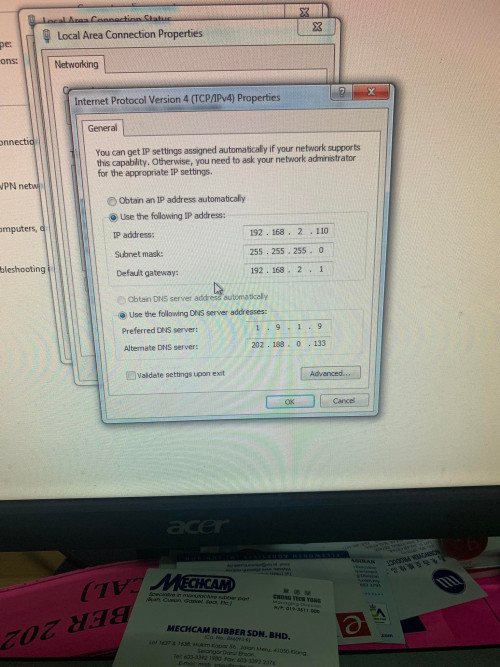
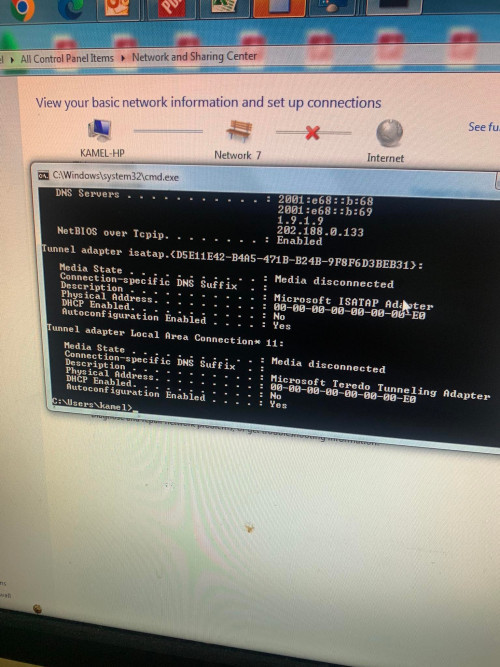
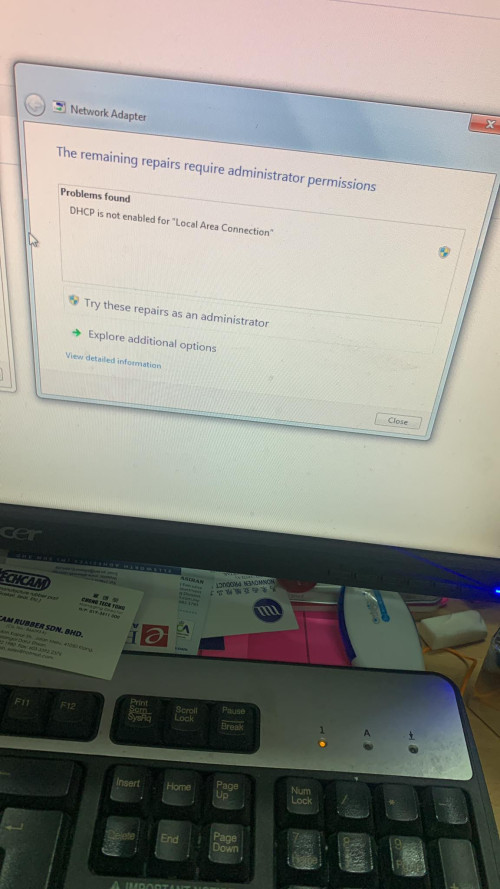
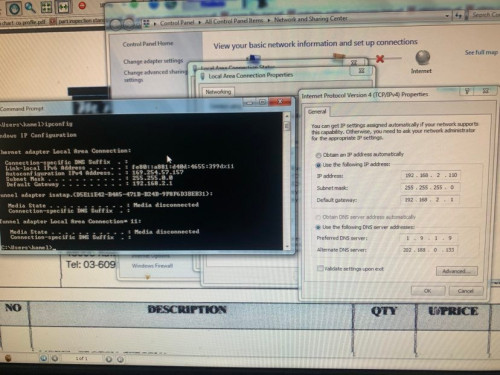
Back to the issue.. there is staff here who is his can't connect to the network via ethernet port.. so I try to find solution at google and I change his TCP/IP for IPV4 IP address and DNS address from manually to automatically.. this fix the issue on his network.
If you changed from manual to auto - this means the PC got the address from DHCP. This fixed the access problem because he was given an IP not in use.
It also means that maybe the reason he couldn't access is because his IP was in conflict with someone else IP.
QUOTE(RochoaEvans @ Nov 3 2022, 05:19 PM)
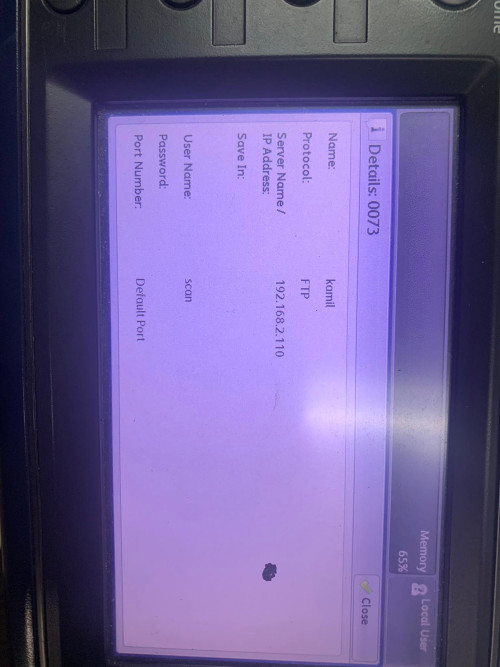
But later somehow he can't scan document and got his document directly to his PC(maybe because I've change his IP Address before, p/s : correct me if I'm wrong because I'm not sure).
He cannot scan the document because scanning from printer to PC normally relies on fixed IP. (there are other ways to configure this but printer companies always take this shortcut).
QUOTE(RochoaEvans @ Nov 3 2022, 05:19 PM)
Do you guys have any solutions? should I call the printer support?
If you want to save yourself the headache, yes, you can call them, but they may charge the company for the support call.
What you need to do to resolve all the issues:
- Find out what fixed IP's are in use. If your colleague has documentation, great. If not, one way is to go through the scanning destinations in the printer address book. That should give you a clue as to all the IP's that are being used.
- Configure the machine to use an IP that's not in use
- Update the address book entry for this person to that new IP
Good luck.


 Nov 3 2022, 05:19 PM, updated 4y ago


 Quote
Quote








 0.0200sec
 0.57
0.57
 5 queries
 GZIP Disabled