

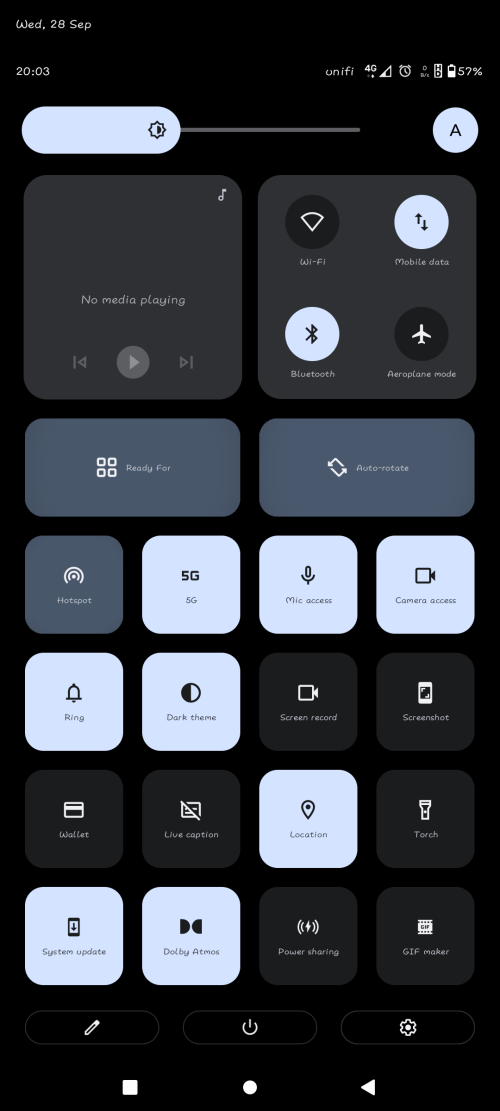
unifi volte working
Motorola Edge 30 Ultra / X30 Pro Discussion Thread, World's First 200MP Camera Phone
|
|
 Sep 28 2022, 08:08 PM Sep 28 2022, 08:08 PM
Return to original view | Post
#1
|
 
Junior Member
57 posts Joined: Jun 2011  
|
unifi volte working neuromancerx liked this post
|
|
|
|
|
|
Oct 31 2022, 12:56 PM
Return to original view | Post
#2
|
|
Junior Member
57 posts Joined: Jun 2011
|
anyone try 5g on this phone...tried redeem 5g on myunifi app...volla.. 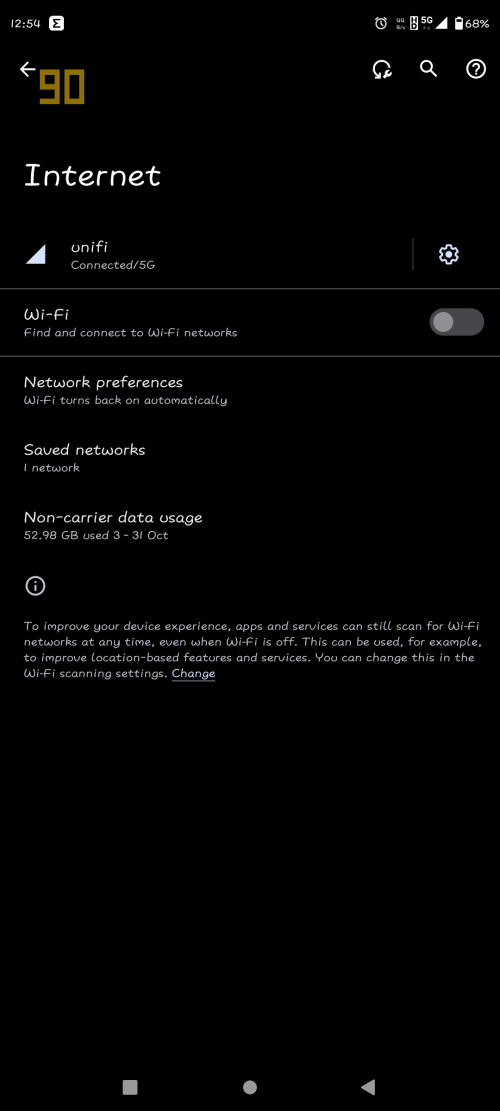 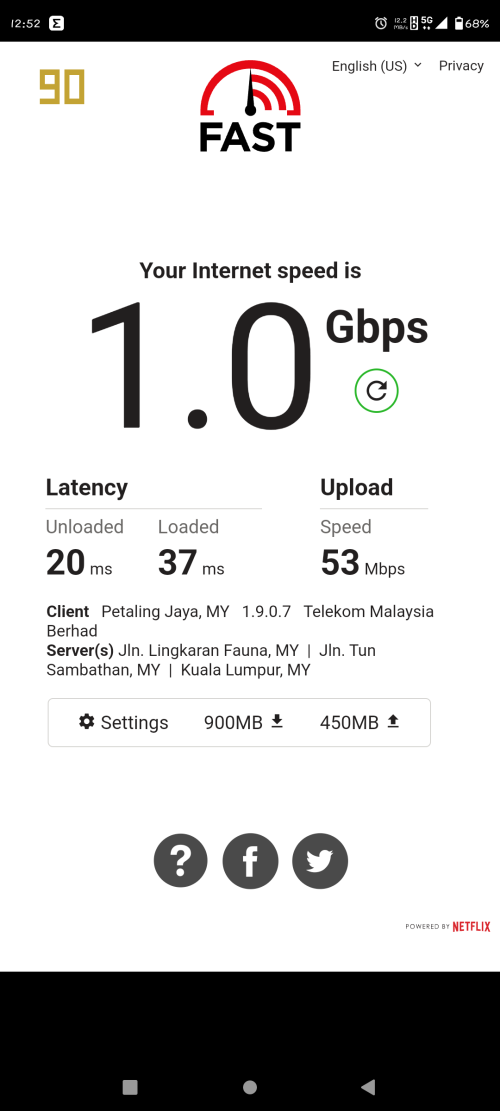 pikacu liked this post
|
|
|
Nov 4 2022, 10:49 AM
Return to original view | Post
#3
|
|
Junior Member
57 posts Joined: Jun 2011
|
X30 PRO October Security patch + some fix released.
S3SQ32.16-72-12. 199MB |
|
|
Nov 10 2022, 11:28 AM
Return to original view | Post
#4
|
|
Junior Member
57 posts Joined: Jun 2011
|
QUOTE(chilskater @ Nov 10 2022, 11:14 AM) where to buy? U can search on FB...cheaper thn fastech shoppee...pls ignore dos xda telo to buy import set... ijuanp03 liked this post
|
|
|
Nov 10 2022, 02:52 PM
Return to original view | Post
#5
|
|
Junior Member
57 posts Joined: Jun 2011
|
QUOTE(Gratitude2022 @ Nov 10 2022, 01:39 PM) ijuanp03 I wanna ask, I see tu fastech FB, got this picture for x30 pro. Your phone got option to select english (Malaysia)? Only 2 region for English? Thks language & input tht available after October security update.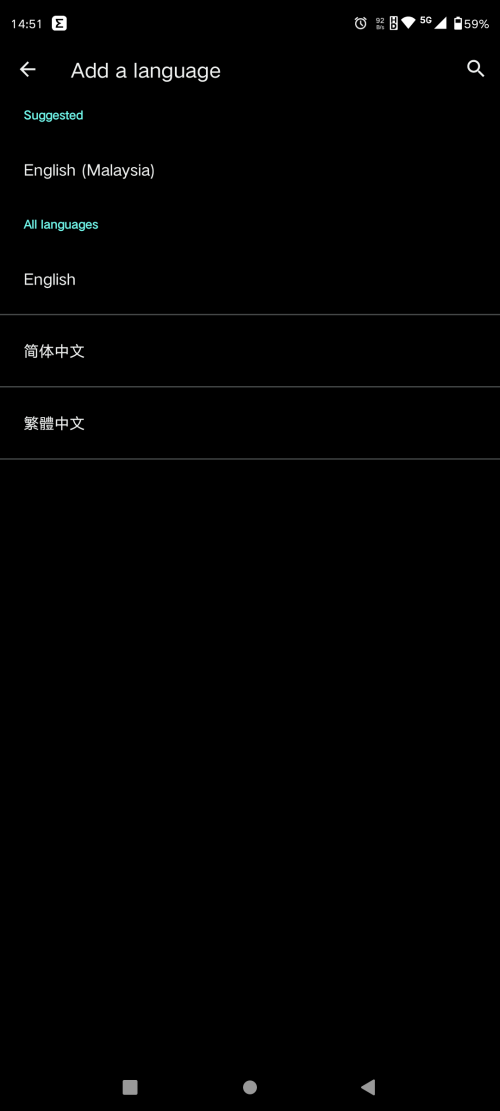 ijuanp03 liked this post
|
|
|
May 25 2023, 10:45 PM
Return to original view | IPv6 | Post
#6
|
|
Junior Member
57 posts Joined: Jun 2011
|
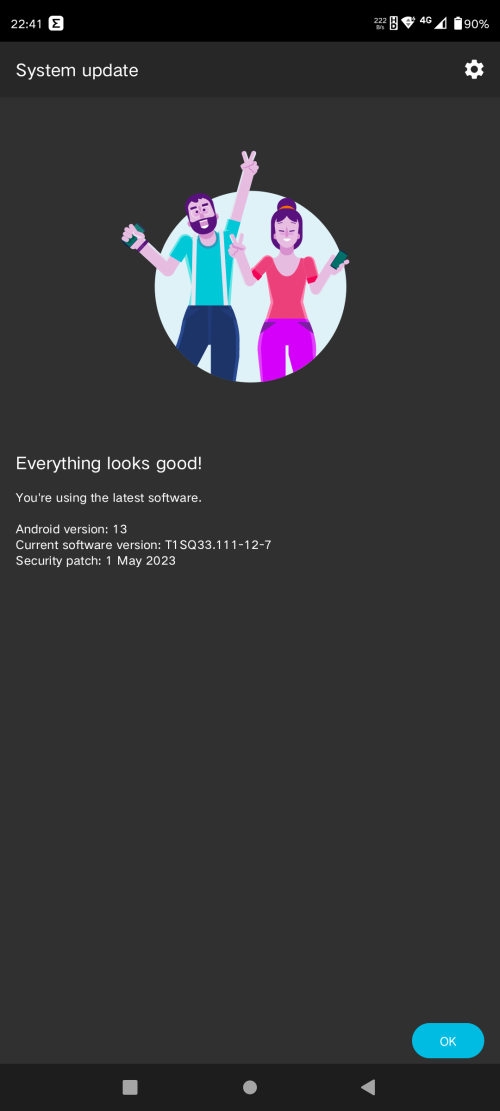 helo... anybody home? finally...😭😅😂🤣 ijuanp03 liked this post
|
|
|
Sep 21 2023, 09:22 PM
Return to original view | IPv6 | Post
#7
|
|
Junior Member
57 posts Joined: Jun 2011
|
Enable 5G in Moto X30 Pro, Android 13 Hi Everyone, after a lot of research, I found the solution for Enable 5G in Moto X30 Pro after upgrading to Android 13 as everyone knows Motorola policy disabled 5G outside China for Chinese version devices but there is a solution that is 100% working, There is NO NEED TO ROOT OR ANY APP First thanks to lenovo78633889 for posting the solution in the Motorola Chinese Forum 1. Turn Off Phone 2. Remove Sim Card(s) 3. Turn On Phone 4. Go to Settings>Apps>See All Apps>Select 3 Dots in the Top right Side and Select Show system apps>Then Select Carrier Setting and Remove Storage Date then Disable App, then Uninstall Carrier Service 5. Go to Settings>System>Reset Options>Reset Wifi, mobile & Bluetooth 6. Shutdown Phone 7. Insert Sim Card(s) 8. Turn On Phone 9. Check and you will see the 5G is already back, and you can use it https://forum.xda-developers.com/t/enable-5...oid-13.4628219/ Gratitude2022 liked this post
|
| Change to: |  0.0232sec 0.0232sec
 0.46 0.46
 7 queries 7 queries
 GZIP Disabled GZIP Disabled
Time is now: 8th December 2025 - 10:54 PM |
 Quote
Quote