Step 7: Upload RT-AC66U firmware using Asus CFE Miniweb Server• After booting, the router IP address is changed back to 192.168.0.1.
• I can only assumed that the router default IP address was inherited from DLink CFE Miniweb Server.
• Change PC IP address back to 192.168.0.3
• On your browser, type 192.168.0.1 and you should see the web page below.
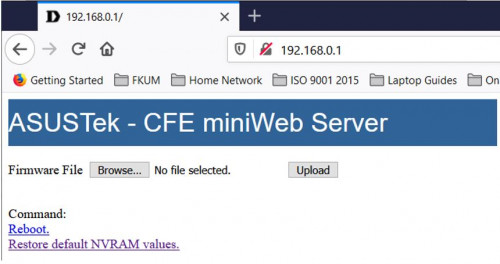
• Next, click on "Restore default NVRAM values" to erase nvram contents.
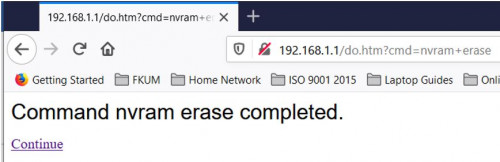
• Browse for RT-AC66U_B1_3.0.0.4_385_20630-ged5e4c3.trx firware file
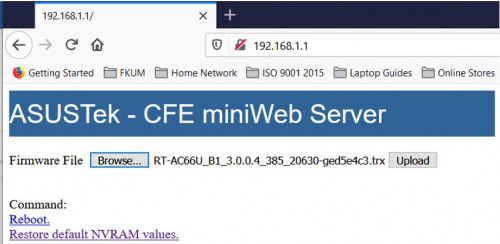
• Click Upload button and let the RT-AC66U firmware be loaded to the router. Please be patient, it will take some time (maybe about 3-5 minutes).
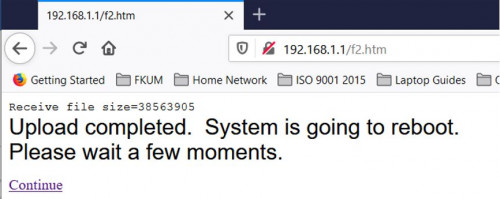
• Finally, you will see the following message. Click Continue link to reboot the router.
• Congratulations you succeeded in migrating your DIR-868L router to Asus AiMesh firmware.
• Don’t forget to set your PC IP address back to automatic.
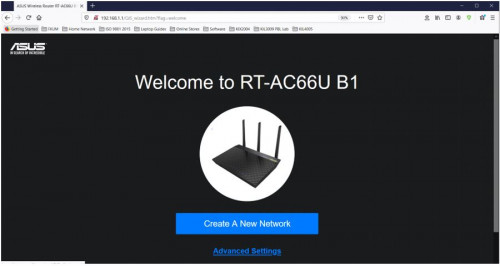
• You should see welcome page of RT-AC66U B1.
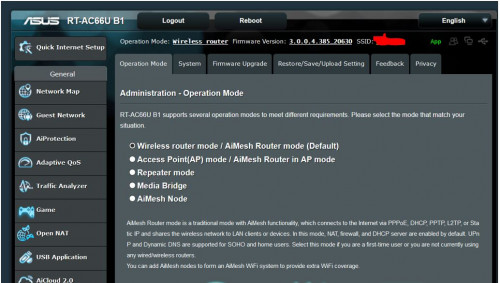
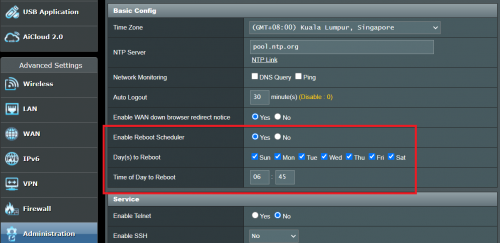
• Now you should be able to do the necessary router configurations. See sample below.
• Good luck with migration to Asus AiMesh. :thumbsup:
• My work is done.
 ASUS Router App
:
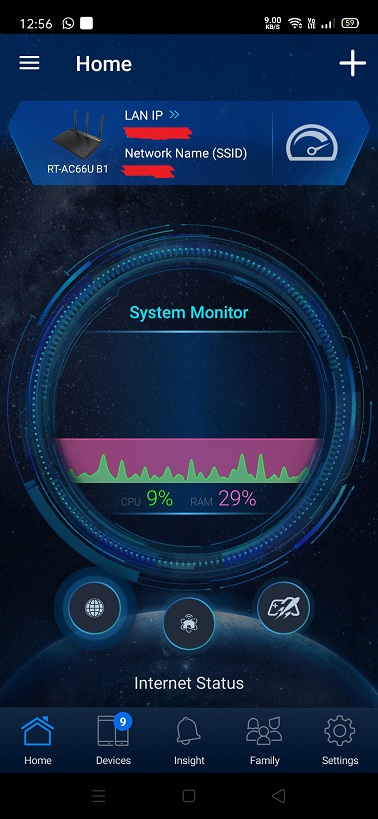
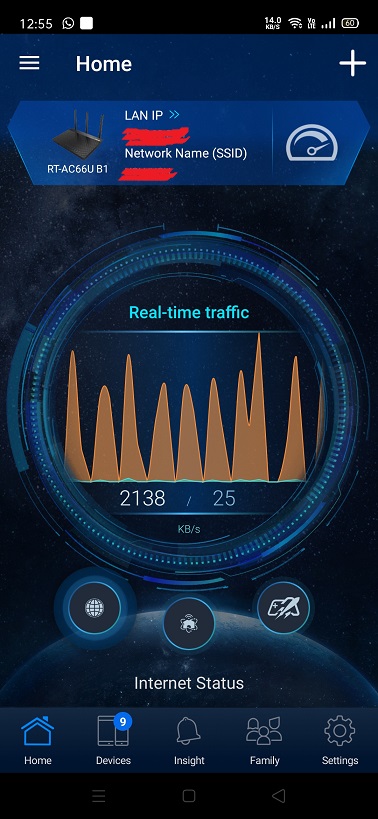
• Recently, I installed the ASUS Router app in my android phone. The app is awesome.
• Similar in comparison to other routers brand such as TP-Link or DLink in terms of functionality but definitely more features and better looking.
• The app will think the converted DIR-868L is a genuine RT-AC66U B1 router.

• A recommended download.


 P/S:
P/S: • I saw in the internet people migrating to AsusWrt-Merlin firmware.
• Technically it could be done.
• I don't have any spare DIR-868L router anymore to try this.
• Maybe someone with a spare DIR-868L could have a try and let us know the outcome?
Updated 16th January 2021


 Feb 6 2021, 09:37 PM


 Quote
Quote

 0.0145sec
 0.70
0.70
 7 queries
 GZIP Disabled