QUOTE(marcyeo @ Mar 14 2019, 07:39 AM)
latest update for today s10e. 6% battery drop. 1045pm to 730am today.
data on. wifi off. nfc, sync, and the rest off
Location off? Including WiFi scanning?
QUOTE(sky191 @ Mar 14 2019, 09:12 AM)
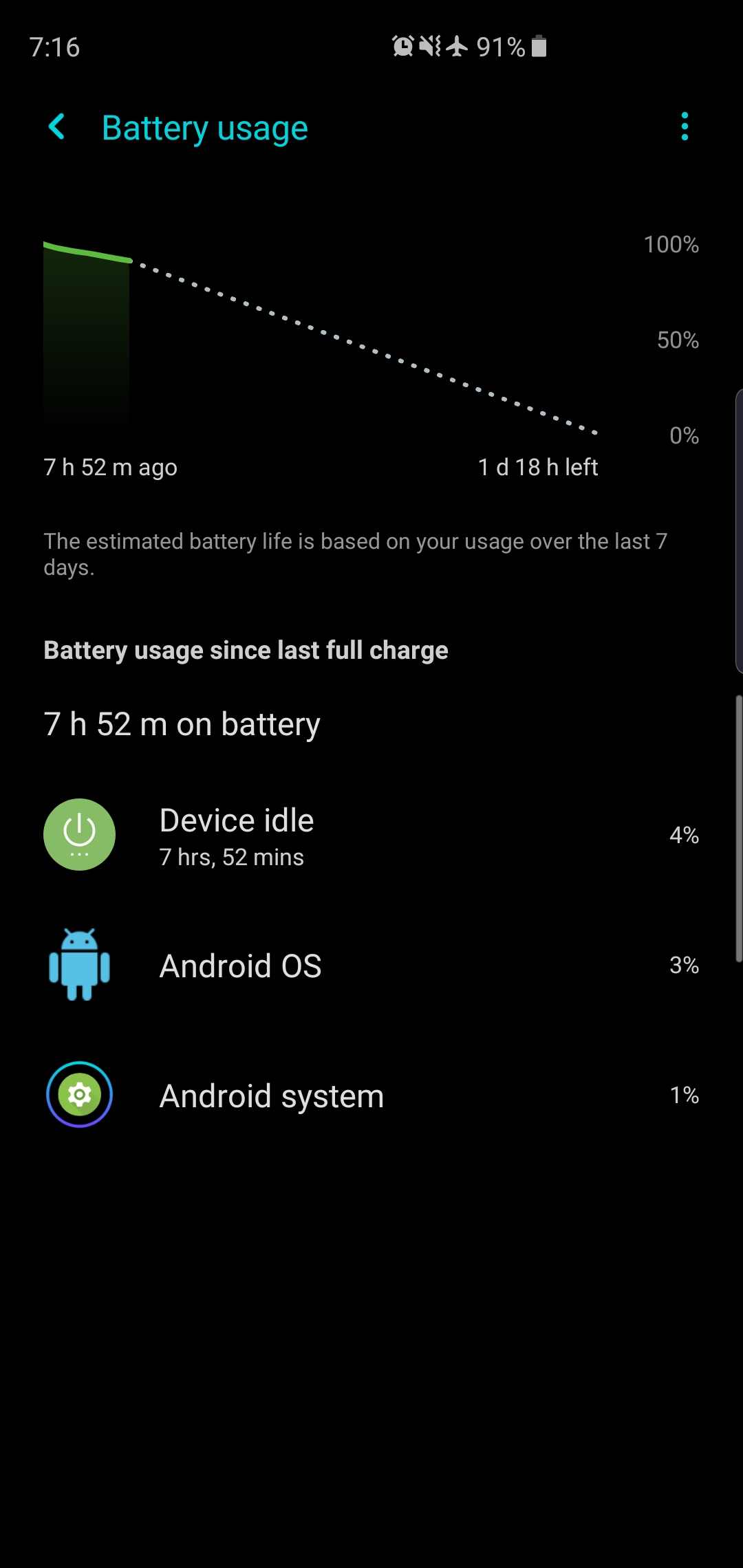
Battery still dropped 9% in less than 8hrs from full charge on airplane mode even after following some tweak of the members here.. And after turning on WiFi and data, it drastically drop another 2%..

Earlier, I had similar battery consumption (~9% drop) during 8-hour sleep. My settings are: Aeroplane mode but with WiFi turned on.
After a brief test, I have managed to get lesser sleep consumption. It only dropped 5% overnight. And I got much better WiFi SOT after doing the following yesterday:
1) Location OFF
2) Uninstalled Samsung Pay (this
read this3) Switch to FHD+
I will observe more today.
QUOTE(ZeneticX @ Mar 14 2019, 09:19 AM)
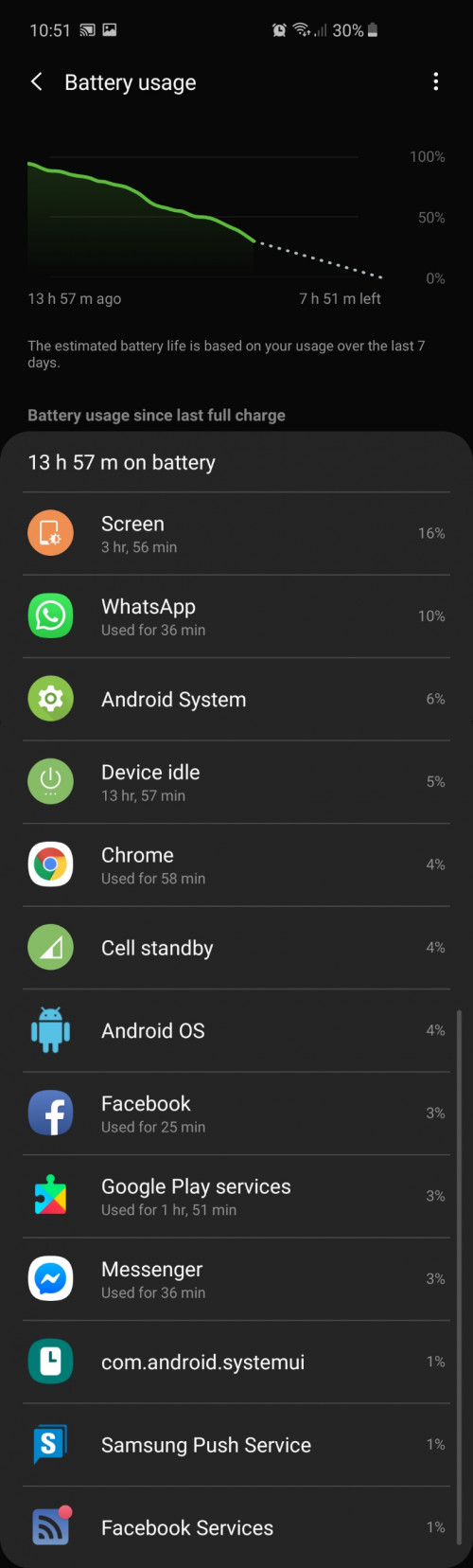
Not sure whats causing your device to consume more power during idle
This is mine
[attachmentid=10203341]
Did you have Samsung Pay set up? And Location ON?
QUOTE(redclarity @ Mar 14 2019, 10:25 AM)
My battery still drains 8-10% overnight, even after following all the tweaks shared by sifus here. Im gonna follow the advise given from S8 thread last time la, stop obsessing on the battery and just enjoy the phone instead. Think a few posted this too few pages back. And coming from an S8, the battery is much better.
Anyone here from roadshow havent received emails from Samsung yet? I still havent received mine on the warranty.
For me, I'm very curious what is the issue that causing it to drain so much. I will find that task...and then I will kill it.

QUOTE(ZeneticX @ Mar 14 2019, 11:28 AM)
just found out if you use the gesture function instead of navigation buttons, you can choose to turn off gesture hints at the settings. this will give you a true full screen experience. but I only recommend u turning off after you're used to it
A bug: We can't switch to the previous app by swipe right if we disable the gesture hints.


 Mar 11 2019, 08:12 AM


 Quote
Quote

 That's a wakelock disaster when we walk a lot.







 0.0757sec
 0.39
0.39
 7 queries
 GZIP Disabled