QUOTE(karwaidotnet @ May 13 2007, 10:28 PM)
cjtune: as i mentioned earlier on..."DEPENDS".
however, at reasonable range, it can be resolve.
for the photo i took as an example,
i believe wif couple of reflectors, few more flashs, preferably softbox...perhaps,
should solve those harsh shadows problem...
*IMHO, i can already see the flower is shot wif some use of external light as there's highlight at few spots of the flower, the shadow is at the wrong place and the light looks kinda...doesn't seems like from the sun.
the use of a reflector is a better alternative here...as it would be more diffuse and the light bounce back to the flower is still from the sun itself. thus making it more natural.
Well, it was good that you mentioned about fill flash. But I had to digress a bit more about "it depends" and limitations of fill flash when it comes to high contrast scenes.
Your eye is a trained eye! Pretty good you can tell the lighting direction, especially when there is no other clue in the picture. In fact, I can't really remember where was the sun! The light was from a bounce card, not direct flash. The flower cluster was about 6ft from the ground, and it was actually being shaded by trees. If you're going to use reflectors, you can't rely on sunlight alone with all that shade.
I've been thinking about carrying a foldable reflector, but have put it off for quite some time as I usually don't do macros (I do street shots), and with one free hand and no tripod, I'd rather use an off-camera flash with sync cord to change the direction of lighting to counter harsh shadows.
Added on May 13, 2007, 11:49 pmQUOTE(xandman @ May 13 2007, 11:02 PM)
guys...
from all of ur discussion...
i think i understand a bit about exposure...
but what i m still confused is...
how to use the different type of metering...
matrix, center weighted and spot...
and also...i tried reading up on metering....
i juz couldnt understand the concept...
can u all help me to understanding this topic?
thx thx thx!!!!
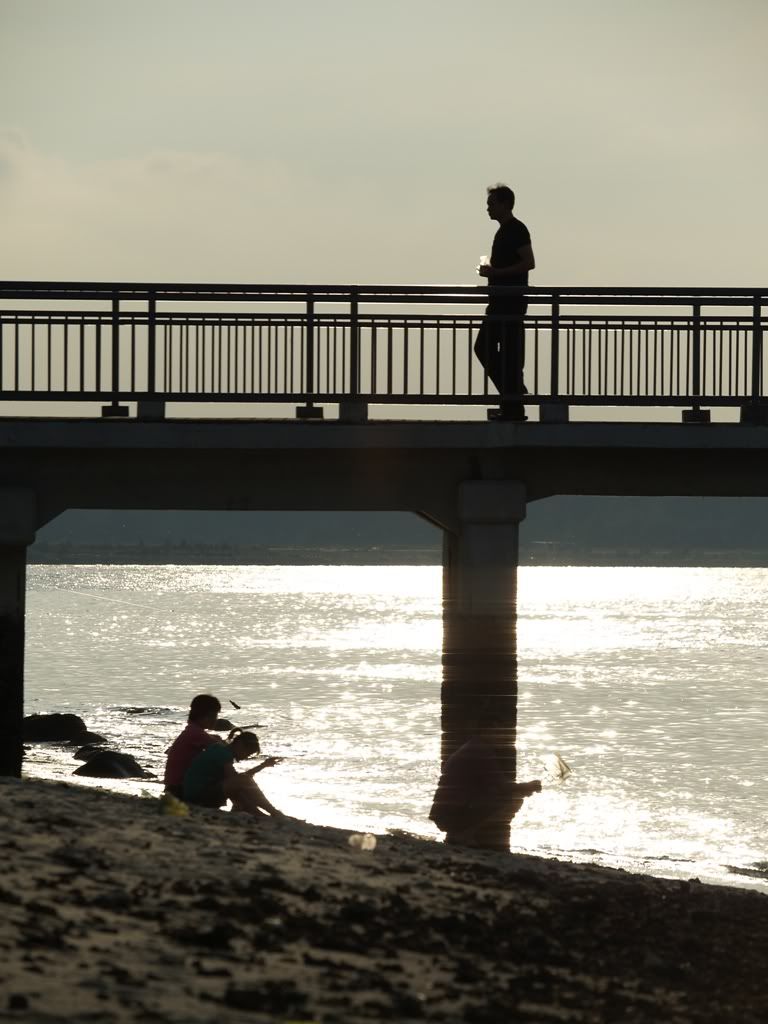
Well, spot and centre-weighted is about the same except that spot meters from a very small, almost dot-like area for brightness, while centre-weighted covers a larger area -a bit larger than your centre focus target zone and then averages whatever is inside that zone.
You can use spot/centre-weighted to meter the brightness off some surface you think is most representative of what you want, press Auto-Exposure Lock (AEL), and then move the viewfinder to cover your actual scene and then snap. It's just like focus-lock but for exposure. Very rarely the centre of your current view also has the best exposure so you've got to use AEL.
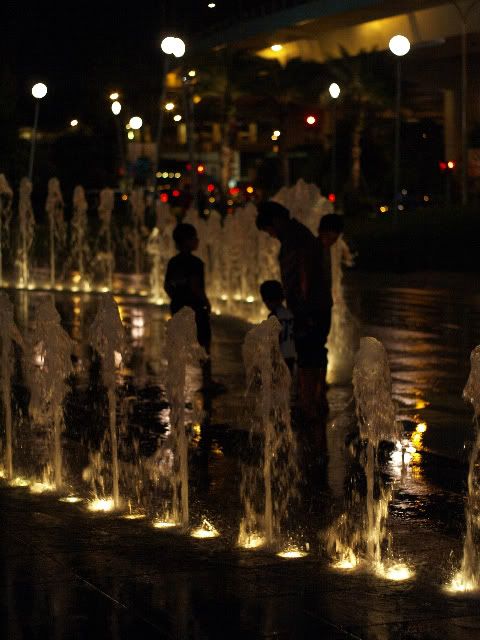
Matrix or evaluative metering takes readings from your entire view. This sort of metering segments your current view into some NxN number of evaluation zones. 7x7=49 zones is quite normal. This is then compared against a database of possible shooting scenarios pre-programmed in your camera's logic board. But in using it, I find that it largely is just an average of the entire scene. So if you're shooting against a bright or largely whitish background, it will 'drag' down your reference exposure and then whatever minority area (most likely your subject!) will be shot severely underexposed. Similarly, if your background is largely dark, any minority area will be severely overexposed (but most likely you will suffer from slow shutter speed blur first).
This post has been edited by cjtune: May 13 2007, 11:54 PM 

 May 10 2007, 10:02 PM, updated 19y ago


 Quote
Quote







 glad that u understand...



 0.0953sec
 0.77
0.77
 5 queries
 GZIP Disabled