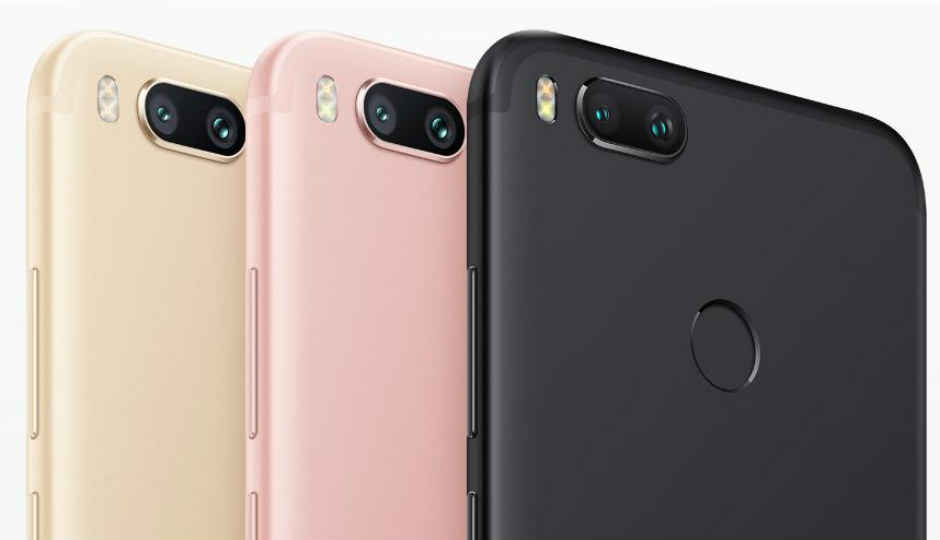
7 Best Gallery Apps for Xiaomi Mi A1Since Xiaomi Mi A1 runs on stock Android, it comes with Google Photos. There is no separate gallery app installed on the Mi A1. Many people don’t like the Google Photos app and are looking for Google Photos alternatives. If you are one of them, we have handpicked seven best gallery apps for your brand new Mi A1.
The Mi A1 is the first Android One phone from Xiaomi and comes with some incredible features like dual camera and stock Android. However, the lack of a proper gallery app is annoying many users. So, without further ado, let’s dive into the world of gallery apps.
1. SIMPLE GALLERYDon't let the name deceive you. Simple Gallery is one of the cleanest and more polished gallery apps available on the Play Store for your Mi A1.
This app shows your pictures and videos in a folder view. However, if you want to view all the photos, the app also provides that function. The feature is two steps away under the three-dot menu. And that’s the only drawback this app has.


Simple Gallery supports videos and GIFs too. It comes with a built-in video player. This app also provides multiple ways to sort and view media. You can even copy and move media.
You can also filter media and view only images, videos or GIFs. The app also lets you change the column count. You can also customize the colors and themes of the app.


Besides the built-in photo editor that lets you perform simple tasks like rotate and flip, you can also hide media using this app. Interestingly, you can even pin the folders to the top.
2. A+ GALLERY - PHOTOS & VIDEOSIf I had to grade this gallery app, it'd deserve an A+ like its name. When you open the app, you will find three tabs — Photos, Online, and Albums.
The Photos tab shows all your photos sorted by the time. The most recent ones are shown at the top and so on. You can change the view to a month-and-year format too.


The Online tab shows the photos in your cloud accounts. If you have images on Facebook, Dropbox, etc., all of them will be shown in this tab. The Albums tab, as is obvious, shows the photos in albums.
A+ Gallery also provides multiple ways to sort and view data. It also supports themes and offers a secure vault where you can hide your media.


Interestingly, the app lets you search photos in various ways. You can search by date, album or color, which is really cool.
The only drawback of this app is that it comes with ads. Many times, a user thinks the image is a part of the app, but it’s actually an ad. If the ads bother you too much, you can always buy the premium version that costs $0.93 only.
3. QUICKPIC - PHOTO GALLERY WITH GOOGLE DRIVE SUPPORTIf you ask anyone which third-party gallery app they use, the answer will be QuickPic. It is one of the oldest gallery apps that continues to dominate this area.
The default view of QuickPic shows different folders. While you can view the data month-wise, this app doesn’t provide a function to view all pictures without any folders. You can, however, include or exclude folders from the list. This Android gallery app also lets you copy and move files.


Notably, you can connect to multiple online services like Google Drive, Dropbox etc. with QuickPic. You can also share media using the native file transfer function. This app also focuses on privacy and lets you hide photos on your Mi A1.


 Mar 9 2018, 01:53 PM


 Quote
Quote




 0.0238sec
 0.52
0.52
 7 queries
 GZIP Disabled