QUOTE(Shufflerz @ Mar 17 2008, 09:45 AM)
M2300 when on with Zero volume also got static sound, is that normal?
Q: My Edifier System can sometimes make some unwanted noises, why?
A: "Noise" is a general term referring to any sound a speaker system makes that is not part of the original source material. There are many different types and sources of noise, each with its own solutions. Below is an explanation of the most common types of noise, what causes them, and how to minimize their occurrence and effects.
Hum or Buzz
There are four common causes of humming and buzzing:
1. Sound card If the humming or buzzing gets louder or softer with changes in the volume setting, this is an indication of noise coming from the sound card. In this case, check all of the connections to the sound card to make sure they are all completely plugged in and secure. Then, adjust the level setting of the sound mixer to obtain the best performance. Generally, you should leave your CD volume settings in the mixer at full and reduce the sound card's master output level down. For information on doing this, please refer to your sound card manufacturer's documentation.
2. Unused input cables If you are not using all of the source inputs to your speaker system (such as using a 5.1 speaker system with a 4 channel sound card), the unused input cables will tend to pick up noise.
3. High-power devices If you are using other high powered devices on the same electrical circuit, they may be causing hum or buzz. If so, discontinue their use while you are using your speaker system. Examples of such devices include microwave ovens, halogen lamps, power tools, etc.
Also note that high-power devices with dimmer switches (such as halogen torchiere lamps) will cause an especially pronounced buzzing effect. To minimize hum or buzz, make sure that the dimmer switch on these products is either all the way on or off.
4. Electric Polarity In many countries, the US being one, the electrical power grid is polarized. In these countries, the power plugs are designed so they can only be inserted into the wall socket in a single direction. For example, in the US one of the plug blades is larger than the other. To avoid humming and buzzing, both your computer and speaker system must be properly plugged into polarized outlets. If your wall outlets do not have polarized plugs, as in the case of many older homes, and you are using adapters to plug these power cords into the wall, it is possible that the polarity of either your computer or your speaker system is reversed. In many other countries, such as most of the European Continent, wall sockets are not polarized at all - making it even more difficult to properly match the computer and speaker system.
To solve the problem you will need to remove the power plug from the wall outlet, rotate the plug 180°, and re-insert it into the wall. Try this for your speaker system power cord, your computer power cord, or both. You should be able to find a combination that will eliminate the humming and buzzing
Pops and Clicks
There are three main causes of pops and clicks:
1. Sound Card Many pops and clicks are created by the sound card. There are two common causes: sound card quality, and older or mismatched drivers. If the overall volume level of the pops and clicks goes up and down as you change the volume on the speaker system, the noise is being generated by your sound card. Lower quality sound cards don't include the necessary circuitry to cleanly remove noise from the sound output. If you are using an older or lower quality sound card, it is suggested upgrading your sound card.
The other primary cause is older or mismatched drivers. Make sure you are using the latest drivers for your sound card usually available from the manufacturer's website.
2. Multi-tasking If you are running more than one program on your computer that accesses the sound system at the same time, small pops and clicks can be common. This is a function of your computer and/or sound card. A common example is using a program that generates occasional audio feedback (such as beeps or other sound effects) while listening to an MP3 track in the background. The solution is to turn off audio feedback in the first application so that the background MP3 track is uninterrupted.
Stutter
A stuttering sound track is an indication of either insufficient or conflicting computer resources. Check to make sure that your computer has sufficient processor power and memory to handle the applications you are running, especially if you are using a software DVD player. De-fragmenting your hard drive may also help. If you are sure you have sufficient resources, check to make sure that you don't have any conflicting IRQ or DMA channels.
Hiss
All high-powered amplification devices - everything from multimedia systems to home theater systems to movie theater sound systems -- generate some level of background noise, or hiss. In addition, low quality sound cards with poor signal-to-noise ratios can generate a significant amount of steady hiss that is reproduced on the speakers. Under normal conditions at a normal listening distance, the hiss coming from the sound system should not be noticeable. In a very quiet room, or if you place your ear very close to the speaker, you may hear a very low level hiss. This is normal, but should be completely masked by normal music and game sounds. Also, note that the satellites in most Edifier speaker products are designed to be wall-mounted. Wall mounting the speakers provides two benefits: 1) it moves the all of the satellites further away from your listening position, making any hiss less noticeable and 2) it moves all of the satellites further away from each other, providing better channel separation and surround sound ambiance.


 Mar 15 2008, 11:54 AM


 Quote
Quote





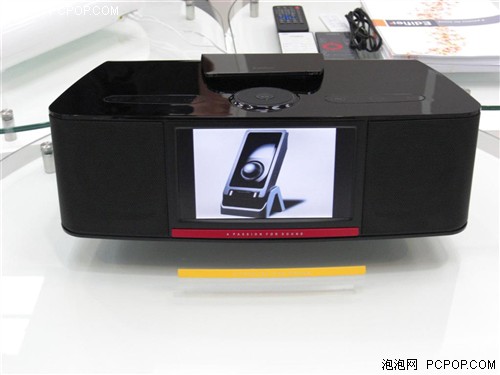
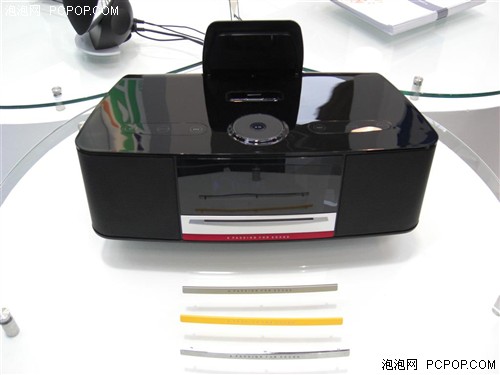
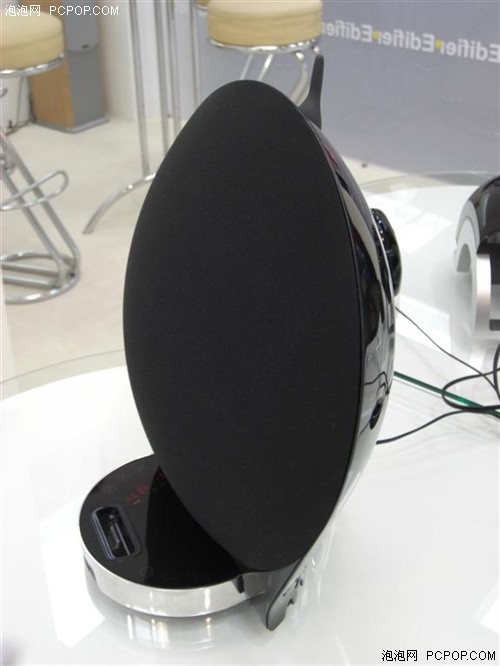
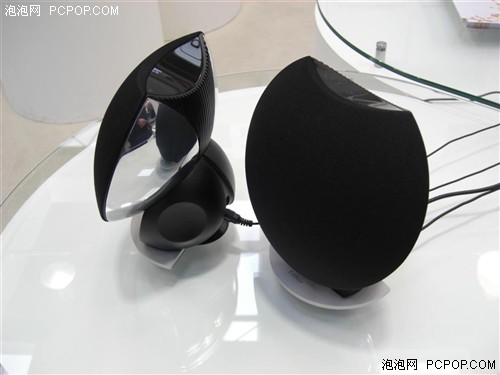
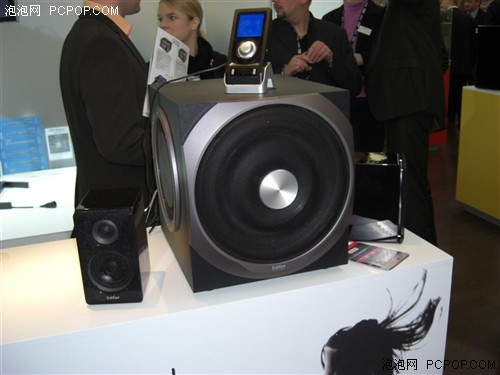


 . If in this case, those ppl who bought s530d will






 0.0224sec
 1.20
1.20
 6 queries
 GZIP Disabled