Welcome Guest ( Log In | Register )

22 Pages « < 16 17 18 19 20 > » Bottom

Outline · [ Standard ] · Linear+

 Skylake/Kaby/Coffee/Comet/Rocket Lake OC V1, Show off your OC here

views
     
TSowikh84
post Jan 12 2020, 10:46 PM

i7 Clan
Group Icon
Elite
8,711 posts

Joined: Nov 2007
From: Butterworth, PG / Machang, Kelantan


QUOTE(keyo @ Jan 12 2020, 09:36 PM)
is it my imc weak i cannot oc at all when using asrok can oc 4+++
*
Not an apple to apple comparison because you're comparing 8700K + Z370 ASRock vs 9900K + GIGABYTE Z390. Could be either IMC or BIOS RAM setting issue as you're playing with auto most of the time. My last 9900K and current 9900KS have stronger IMC than my 8700K, based on the same board. smile.gif

QUOTE(keyo @ Jan 12 2020, 10:12 PM)
it it this
*
Yes, your real vCore = VR VOUT. Now stop looking at CPU-Z. smile.gif

This post has been edited by owikh84: Jan 12 2020, 10:50 PM
TSowikh84
post Feb 7 2020, 09:38 PM

i7 Clan
Group Icon
Elite
8,711 posts

Joined: Nov 2007
From: Butterworth, PG / Machang, Kelantan


QUOTE(keyo @ Feb 7 2020, 09:02 PM)
isit ok test memory using this cannot use mempro

Memtest64 is not good for RAM OC, probably useful for checking faulty RAM stick only.
I always use HCI and Prime95 custom blend with 90%+ memory load.
OCers have been recommending 2-3 hours of GSAT, Karhu Ramtest 20000%, HCI 1000%.
TSowikh84
post Feb 9 2020, 11:00 PM

i7 Clan
Group Icon
Elite
8,711 posts

Joined: Nov 2007
From: Butterworth, PG / Machang, Kelantan


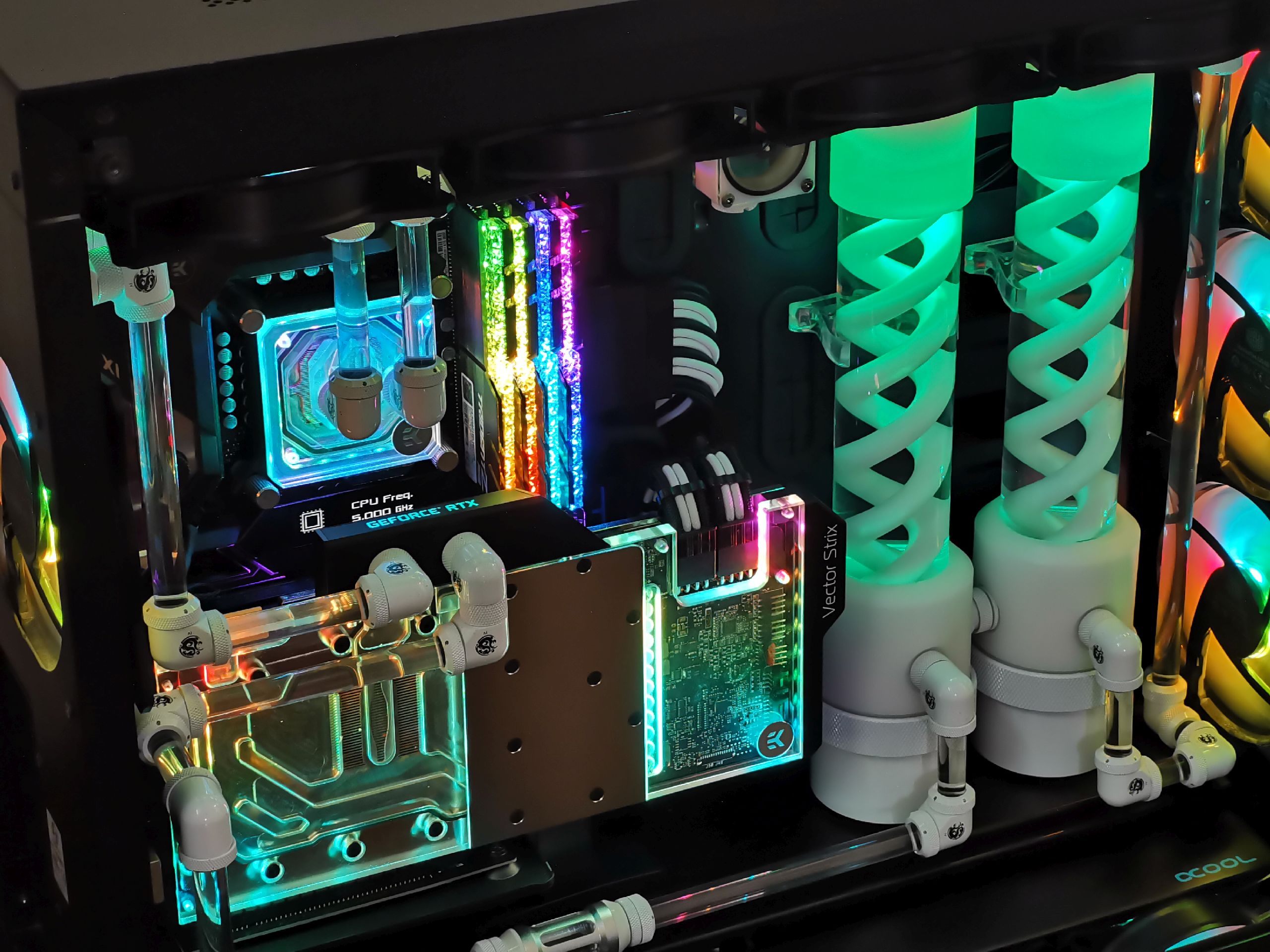
Finally moved the 9900KS to my V3000 build to replace the old 8700K.
Other updates are Maximus X Formula > Maximus XI Formula, Strix 1080Ti SLI > Vertical Strix 2080Ti.
TridentZ RGB sticks now received Royal-like crystal tops. biggrin.gif

user posted image

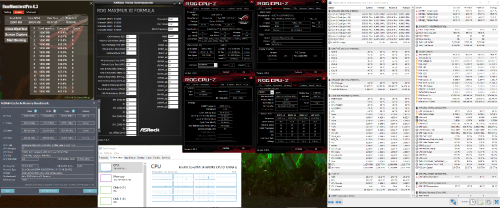
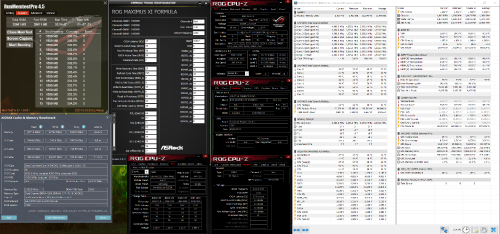
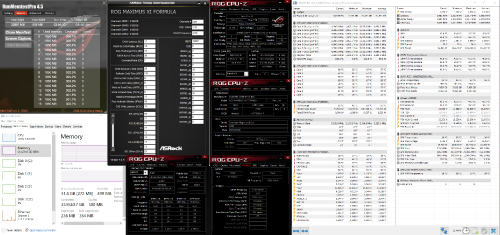
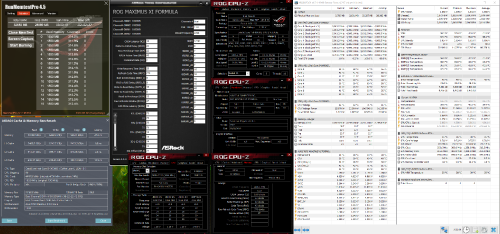
Initially had problem getting my 32GB memory to POST at the rated 4266 CL19 specs with the latest 1401 BIOS, but managed to get it fixed with the older 1302 BIOS. However, ASUS' auto-set both SA and IO voltages at 1.40v gave me errors in HCl test. Reducing both SA and IO down to 1.25v has allowed me to achieve stability.

4x8GB 4266 CL19 @ 1.40v:
user posted image

user posted image

More tests to come, stay tuned biggrin.gif

This post has been edited by owikh84: Feb 23 2020, 04:27 PM
TSowikh84
post Feb 11 2020, 12:08 AM

i7 Clan
Group Icon
Elite
8,711 posts

Joined: Nov 2007
From: Butterworth, PG / Machang, Kelantan


9900KS 5.0GHz @ 1.190v Realbench v2.56...

Max CPU core temp: 87C
Max GPU temp: 49C

user posted image
TSowikh84
post Feb 15 2020, 09:46 PM

i7 Clan
Group Icon
Elite
8,711 posts

Joined: Nov 2007
From: Butterworth, PG / Machang, Kelantan


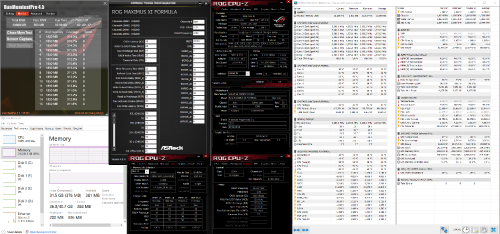
4x8GB DDR4-4266 CL17-18-18-38-2T @ 1.45v

In order to achieve this stability, the RAM needed to be actively cooled to bring the temp down from 55C to about 40C.

user posted image

user posted image
TSowikh84
post Feb 16 2020, 05:07 PM

i7 Clan
Group Icon
Elite
8,711 posts

Joined: Nov 2007
From: Butterworth, PG / Machang, Kelantan


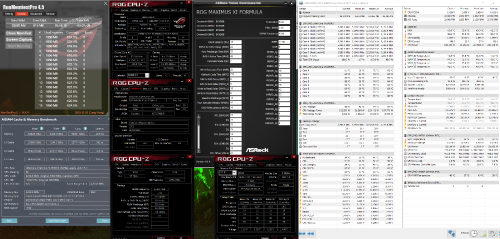
4x8GB DDR4-4400 CL18-22-22-42-2T @ 1.50v

Not optimized yet, slightly better bandwidths but higher latency.

user posted image

user posted image

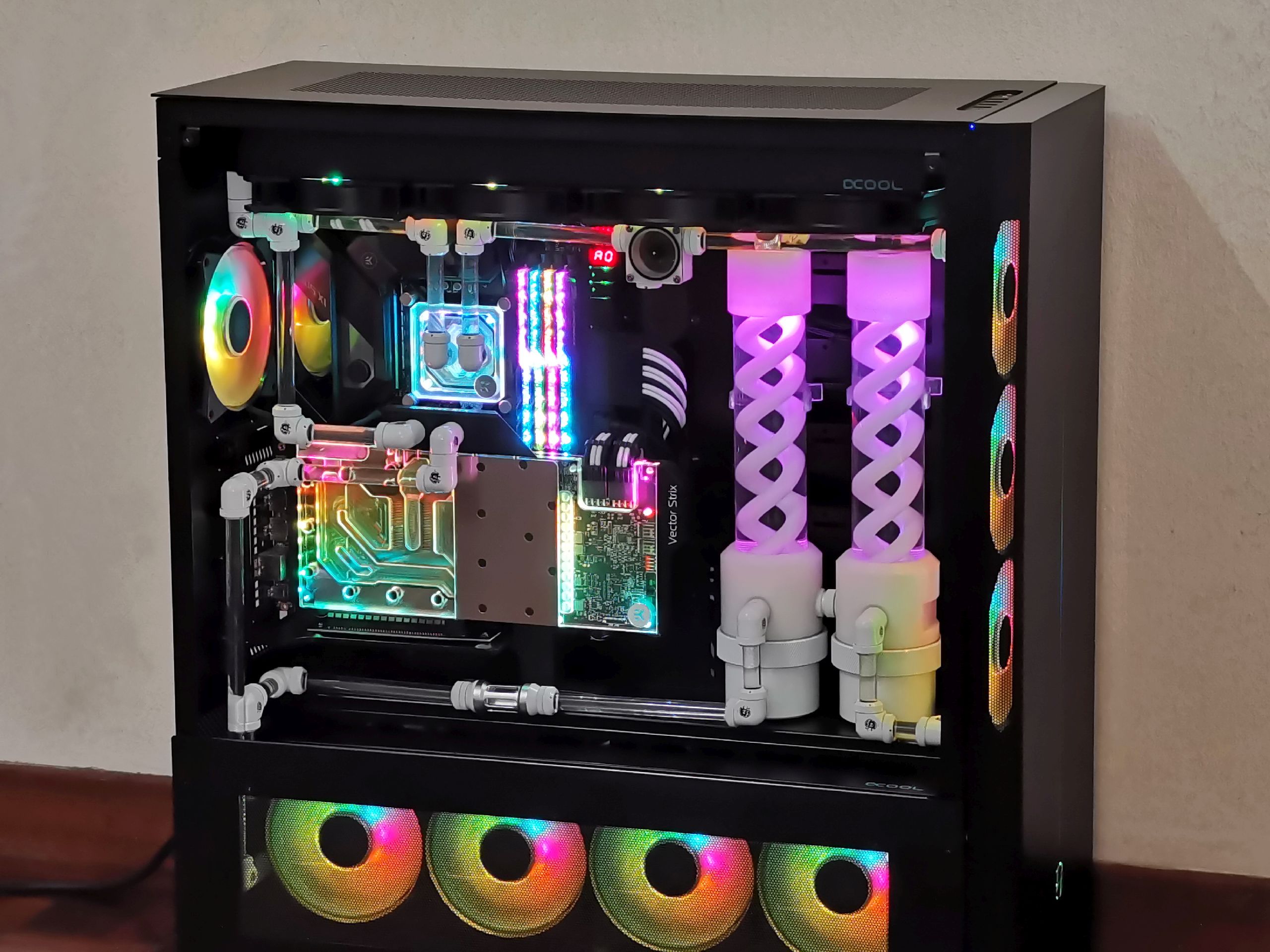
Edit: pic of the rig tongue.gif
user posted image

This post has been edited by owikh84: Feb 23 2020, 04:27 PM
TSowikh84
post Mar 8 2020, 08:34 AM

i7 Clan
Group Icon
Elite
8,711 posts

Joined: Nov 2007
From: Butterworth, PG / Machang, Kelantan


9900KS 5.2GHz @ 1.235v
4x8GB DDR4-4400 CL18-22-22-42-2T @ 1.50v


user posted image
TSowikh84
post Mar 17 2020, 08:59 PM

i7 Clan
Group Icon
Elite
8,711 posts

Joined: Nov 2007
From: Butterworth, PG / Machang, Kelantan


QUOTE(wongtheboy92 @ Mar 17 2020, 10:10 AM)
Using the Z390-E gaming motherboard. Pretty stable at 4.9GHZ @1.28V, LLC level 6, stable Vcore without any Vdroop, VRM Max temp around 52C, CPU Package hit 92C.

Updated.
Why now 4.9GHz compared to 5.0GHz achieved on ASRock Z370 Gaming-ITX/ac?

TSowikh84
post Mar 29 2020, 12:09 PM

i7 Clan
Group Icon
Elite
8,711 posts

Joined: Nov 2007
From: Butterworth, PG / Machang, Kelantan


QUOTE(keyo @ Mar 28 2020, 06:21 PM)
ram hijau
1.41v
io1.19v
sa 1.16v

Well done! 3733 CL18 2x16GB DR 1.41v at 1T.
Are you able to do 2T at lower voltage say 1.35v?
2T should have slightly lower performance than 1T.
Perhaps you could share AIDA64 readings of 1T vs 2T.

TSowikh84
post Apr 28 2020, 01:59 PM

i7 Clan
Group Icon
Elite
8,711 posts

Joined: Nov 2007
From: Butterworth, PG / Machang, Kelantan


2 more days guys...

TSowikh84
post May 2 2020, 10:11 AM

i7 Clan
Group Icon
Elite
8,711 posts

Joined: Nov 2007
From: Butterworth, PG / Machang, Kelantan


QUOTE(wongtheboy92 @ May 1 2020, 07:21 PM)
Z490 is coming soon. Hope to see some new OC results, especially from owikh84.
*

QUOTE(nrw @ May 1 2020, 11:47 PM)
haha, new toy incoming @owikh84? rclxm9.gif
*

Don't be like that guys. I still need to feed myself during this MCO. doh.gif

Btw, ROG Strix Z490-A spotted at IdealTech. Pricing and availability TBA.


TSowikh84
post May 5 2020, 07:42 PM

i7 Clan
Group Icon
Elite
8,711 posts

Joined: Nov 2007
From: Butterworth, PG / Machang, Kelantan


QUOTE(djandrew @ May 5 2020, 04:33 PM)
Hi sifus sifus, i seldom overclock ram, this is corsair vengeance rgb pro 3600mhz @18-22-22-42 micron E-Die ram,
so far only able to push max 3900mhz @17-20-20-40 2T  4x8GB with (1.390v io/1.130v  sa/1.170v) gigabytze z390 aorus master mobo, would not post at 4000mhz unless CL 19 only can, tried 1.45v and training 1.45v also same, i guess its the max can handle already tho?
processor is 9900k stock speed, only uncore i push from default x43 to x45 with default adaptive processor voltage at normal +0.000 bios boot reading is (1.236v) realbench vdroop reading lowest is 1.113v (hwinfo VROUT reading)
if uncore i leave it at default x43 the adaptive vcore lowest can stable at bios settings is -0.0025 post reading at (1.216v) vdroop lowest reading around 1.098v (hwinfo vrout reading) with (io/1.120v sa/1.120v).. yeah love to undervolt default haha
i have no idea where im heading lol
*

I don't have the Z390 AORUS Master board, so can't speak much especially regarding CPU OC.
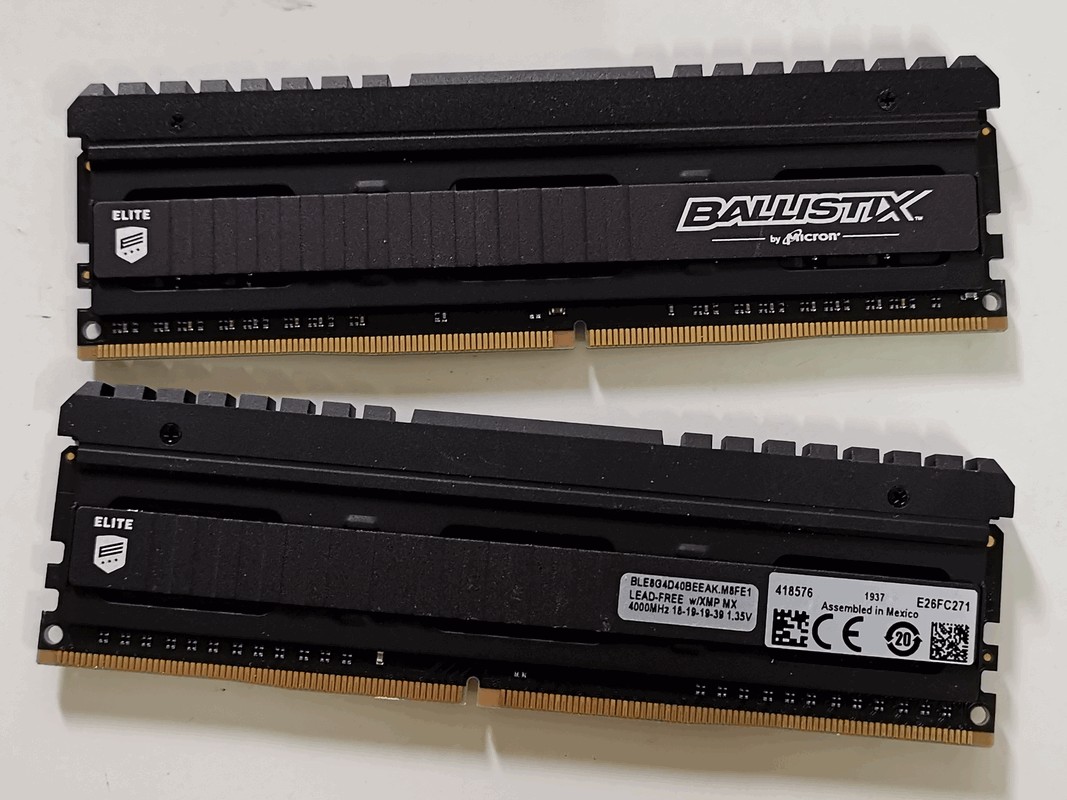
Micron E should be able to do well at 4000 CL18-19-19-39 @ 1.35v just like my Crucial Ballistix Elite (Micron E). smile.gif
No overclocking result from me though.
Can consider raising the VCCSA & VCCIO to about 1.25-1.30v to achieve stability, that depends hugely on your CPU IMC ya.
Oh damn I just saw you are running with 4x8GB, this definitely requires higher vDIMM, VCCSA, VCCIO and probably loose RAM timing than just 2 sticks. biggrin.gif

user posted image
Bought new from eBay at RM600 recently, I bet you won't find this deal anywhere else.

This post has been edited by owikh84: May 5 2020, 07:48 PM
TSowikh84
post May 5 2020, 08:57 PM

i7 Clan
Group Icon
Elite
8,711 posts

Joined: Nov 2007
From: Butterworth, PG / Machang, Kelantan


QUOTE(djandrew @ May 5 2020, 08:29 PM)
Wow thats a very good deal rm600 for 4000mhz@18-19-19-39
By the way u know the teamgroup xtreem ram? That one very catch eye look also very solid. Very attractive
https://www.teamgroupinc.com/en/product/xtreem-ddr4
*

Yo bro, Xtreem 4500 has been in my Amazon wish list since months ago.
Super binned B-die with tweaked PCB, but damn expensive for a non-RGB RAM. laugh.gif
Btw, I did link its review in the first post, check this out: https://www.clockemup.com/review-t-force-xt...pcb-rev-2018/6/
TSowikh84
post May 5 2020, 10:50 PM

i7 Clan
Group Icon
Elite
8,711 posts

Joined: Nov 2007
From: Butterworth, PG / Machang, Kelantan


QUOTE(silvaco22 @ May 5 2020, 09:30 PM)
anyone here has any beginner tutorials on how to OC? I have 9700k with z390 aorus pro wifi board. really hoping to OC but I really don't know where to start
*

QUOTE(owikh84 @ Sep 4 2015, 10:22 PM)


TSowikh84
post May 10 2020, 10:45 PM

i7 Clan
Group Icon
Elite
8,711 posts

Joined: Nov 2007
From: Butterworth, PG / Machang, Kelantan


Hynix DJR will be the new B-die? hmm.gif

user posted image
Source: https://www.msi.com/Motherboard/support/MEG...#support-mem-31

user posted image
Source: https://download.gigabyte.com/FileList/Memo...reme_200507.pdf

Local pricing for ASUS Z490 mobos announced and now opened for pre-order with ROG Gladius mouse as free gift. tongue.gif


This post has been edited by owikh84: May 11 2020, 12:15 AM
TSowikh84
post May 11 2020, 07:57 PM

i7 Clan
Group Icon
Elite
8,711 posts

Joined: Nov 2007
From: Butterworth, PG / Machang, Kelantan


QUOTE(cstkl1 @ May 11 2020, 10:06 AM)
from info
MY all da ROG boards available.. EXTREME, FORMULA, HERO.. and some APEX boards...

THe issue now is the ETA on the 10900k or KF...
*

QUOTE(cstkl1 @ May 11 2020, 03:16 PM)
sorry no apex board...

extreme, formula, hero, Strix E/G, TUG PLus, Prime Plus, Creator 10g..
*

My source says Apex is coming but in very limited unit.
Extreme $750 - RM 3429
Formula $500 - RM 2409
Apex $420 - RM 2025
Hero Wifi $400 - RM 1986

10900K no ETA yet, but hard to guess the price cos back then 9900K was launched here at RM2.8k while 9900KS @ RM2.4k. rclxub.gif
TSowikh84
post May 15 2020, 09:12 PM

i7 Clan
Group Icon
Elite
8,711 posts

Joined: Nov 2007
From: Butterworth, PG / Machang, Kelantan


10900K @ 5.0GHz ~ 80-87c on 240mm AIO ft. ROG Strix Z490-A mobo.


Only Z490 Extreme supports PCIe4 on the M.2 port.
user posted image
Source: https://www.cool3c.com/article/153618


This post has been edited by owikh84: May 15 2020, 10:27 PM
TSowikh84
post May 17 2020, 03:46 PM

i7 Clan
Group Icon
Elite
8,711 posts

Joined: Nov 2007
From: Butterworth, PG / Machang, Kelantan


QUOTE(djandrew @ May 17 2020, 09:46 AM)
Hi guys..hmmm.. headache
Is vccio 1.30v and vccsa 1.30v safe??
Running samsung B-die dram voltage around 1.420v (3900mhz 17-17-17-37) 4x8gb
9900k @4.70ghz uncore 4.50ghz (didnt overclock the clock speed)
Been tweaking for 8 hours touching this and that still cant get pass prime95 bend stress test for 1 hour, keep on fail before 1 hour then change abit then test again fail b4 1 hour..
Haiz dun give a fcuk ady. Now applying auto voltage for vccio and vccsa which is default 1.30v both.. testing halfway now see how.  Damn the heat dumping into processor with these vccio and vccsa voltage me aint liking it..

Update
With vccio and vccsa 130v also fail.. guess is not that issue ady..
Going to lower io/sa to 1.15v/1.20v and increase vcore +0.030mv and test again see now.....hard to catch the cuplrit haiz
*

Maximum safe voltage for IO/SA are not really confirmed.
Intel's limit for SA is 1.52v max while IO has not been defined, specs as follows:
QUOTE(owikh84 @ Sep 4 2015, 10:22 PM)
Voltage Limits:
» Click to show Spoiler - click again to hide... «
Depending on board vendors, typical SA and IO voltages for high-speed (4266-4400) and 4x8GB RAMs should be around 1.30-1.40v. 4500+ 2x8GB would require 1.6v SA/ 1.45v IO at least on ASUS 2-DIMM boards. Make sure to monitor actual reading of these voltages with HWiNFO64 during load because some mobos might have LLC feature on IO/SA that makes them droop at load.

Since you're using Z390 AORUS Master right, why don't you refer to their [URL=RAM QVL]https://download.gigabyte.com/FileList/Memory/mb_memory_z390-aorus-master_191113.pdf[/URL].
user posted image

Try to replicate the RAM frequency & timings. Maybe 17-17-17 is too tight for your board or CPU IMC to handle. For me, I'd start with 4000 17-18-18 @ 1.35v for a good B-die kit or 18-19-19 for below-average B-die sticks.

TSowikh84
post May 17 2020, 04:59 PM

i7 Clan
Group Icon
Elite
8,711 posts

Joined: Nov 2007
From: Butterworth, PG / Machang, Kelantan


QUOTE(djandrew @ May 17 2020, 04:36 PM)
Thx bro yeah good idea replicate the qvl list i didnt think of it..
My this new bought ram is galax oc lab master 3600mhz (17-18-18-38)
By the way i have tried 4000mhz 17-18-18-38 but the latency is worst than 3900mhz with the same timing haha. Very weird right? lol.. i reset cmos few times already and is the same result. So i stick with 3900mhz..
*

It's because you let BIOS to auto-set the subtimings for you.
Mind sharing screenshot of timings on 4000 C17 vs 3900 C17 read by ASRock Timing Configurator?
Oh now I got it, 3900 C17-17-17 should have better latency than 4000 17-18-18 but the former is not stable. How about stability of 4000 17-18-18?

This post has been edited by owikh84: May 17 2020, 05:04 PM
TSowikh84
post May 18 2020, 07:35 PM

i7 Clan
Group Icon
Elite
8,711 posts

Joined: Nov 2007
From: Butterworth, PG / Machang, Kelantan


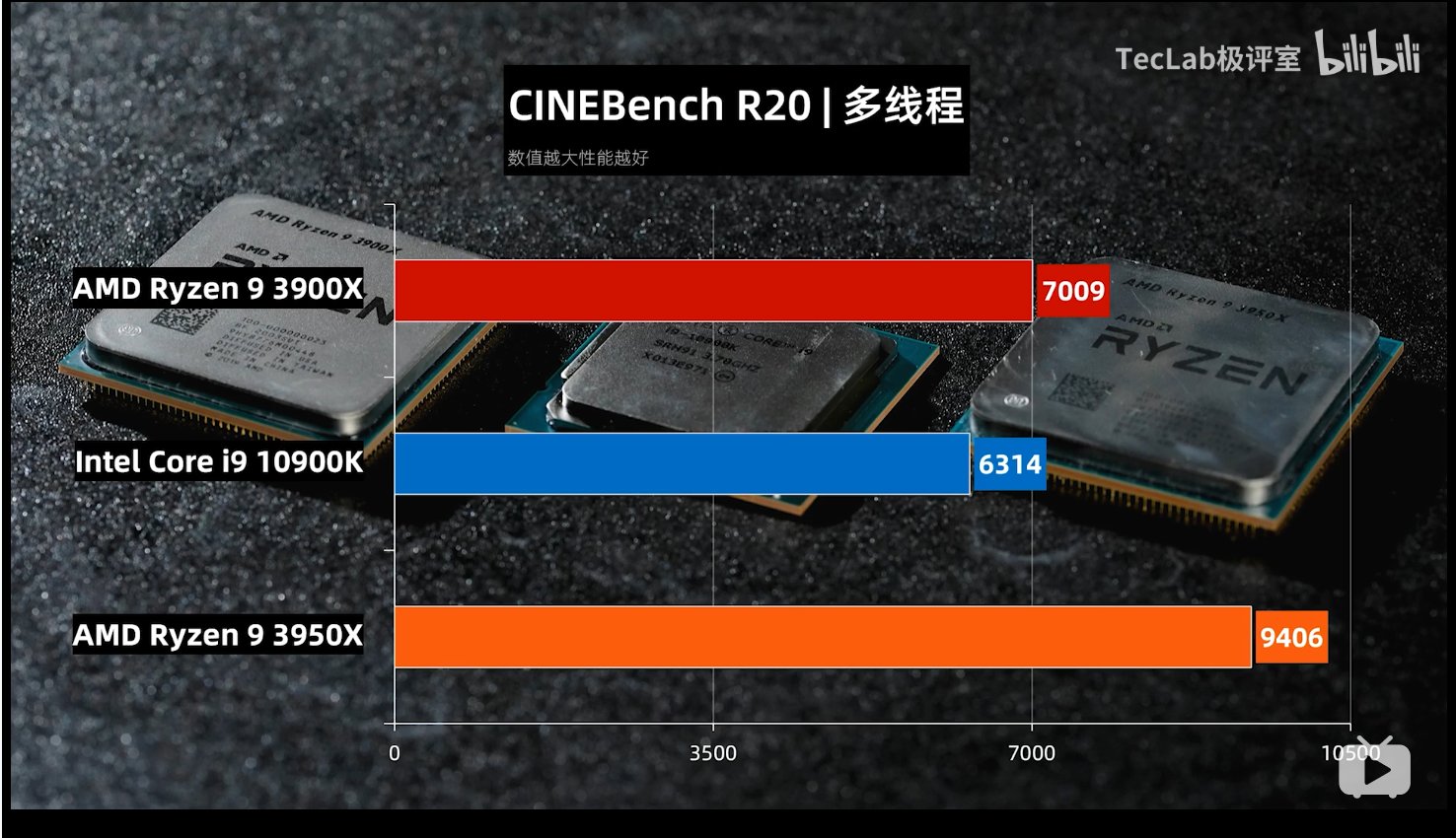
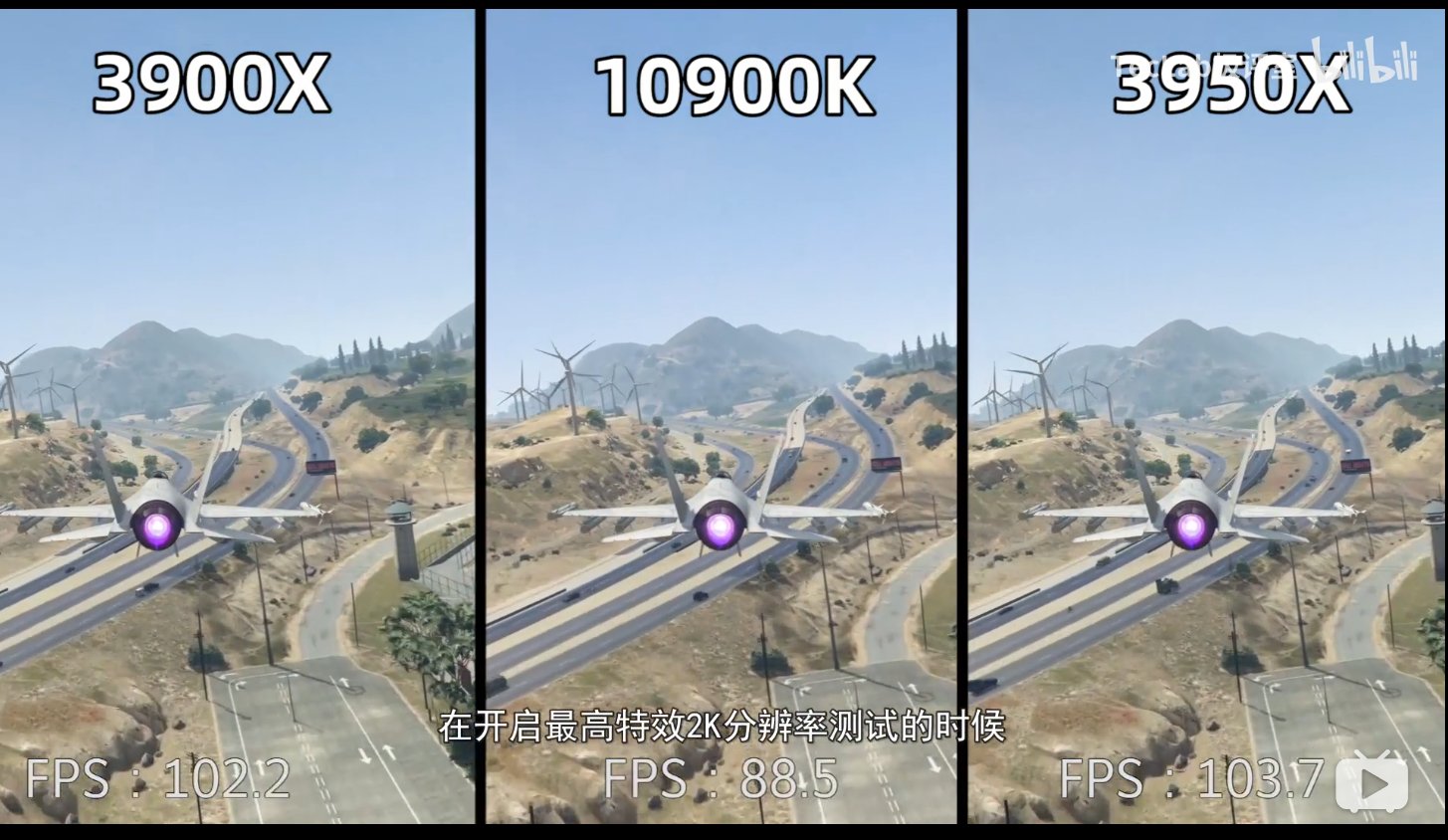
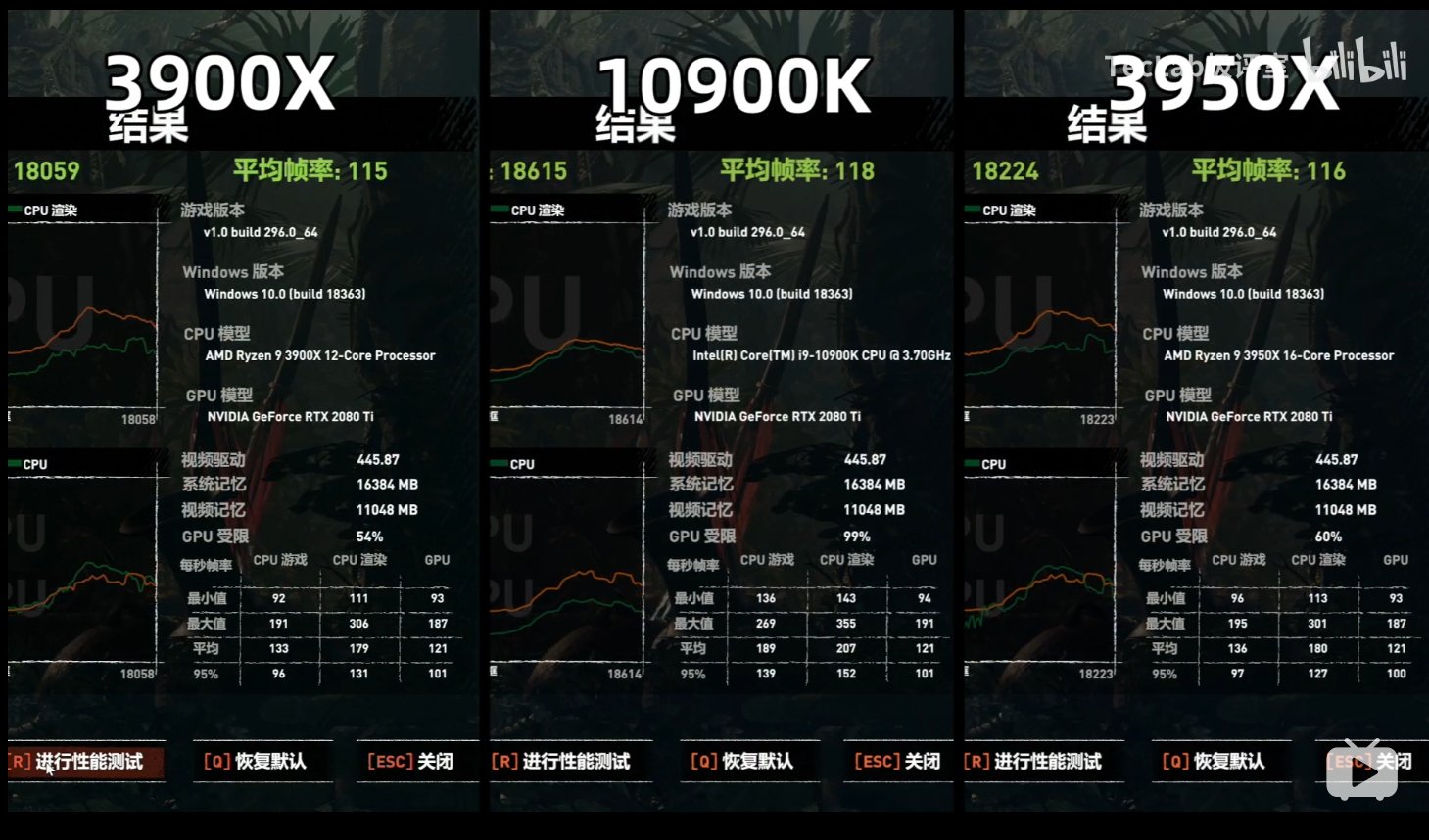
10900K vs 3900X vs 3950X

user posted image

user posted image

user posted image

Soruce: https://www.bilibili.com/video/BV1ZC4y1H7NC/

TL;DR:

10900k is 3.3% faster than 3950x and 4.1% than 3900x in gaming.
3950x and 3900x beats it by a lot in other things.

10900k runs hot even on a 360mm aio

Power draw;
10900k = 338w
3950x = 306w
3900x = 263w

This post has been edited by owikh84: May 19 2020, 06:58 AM

22 Pages « < 16 17 18 19 20 > » Top
 

Change to:
| Lo-Fi Version
0.0543sec    0.46    7 queries    GZIP Disabled
Time is now: 8th December 2025 - 01:37 PM