Zemismart Curtains review
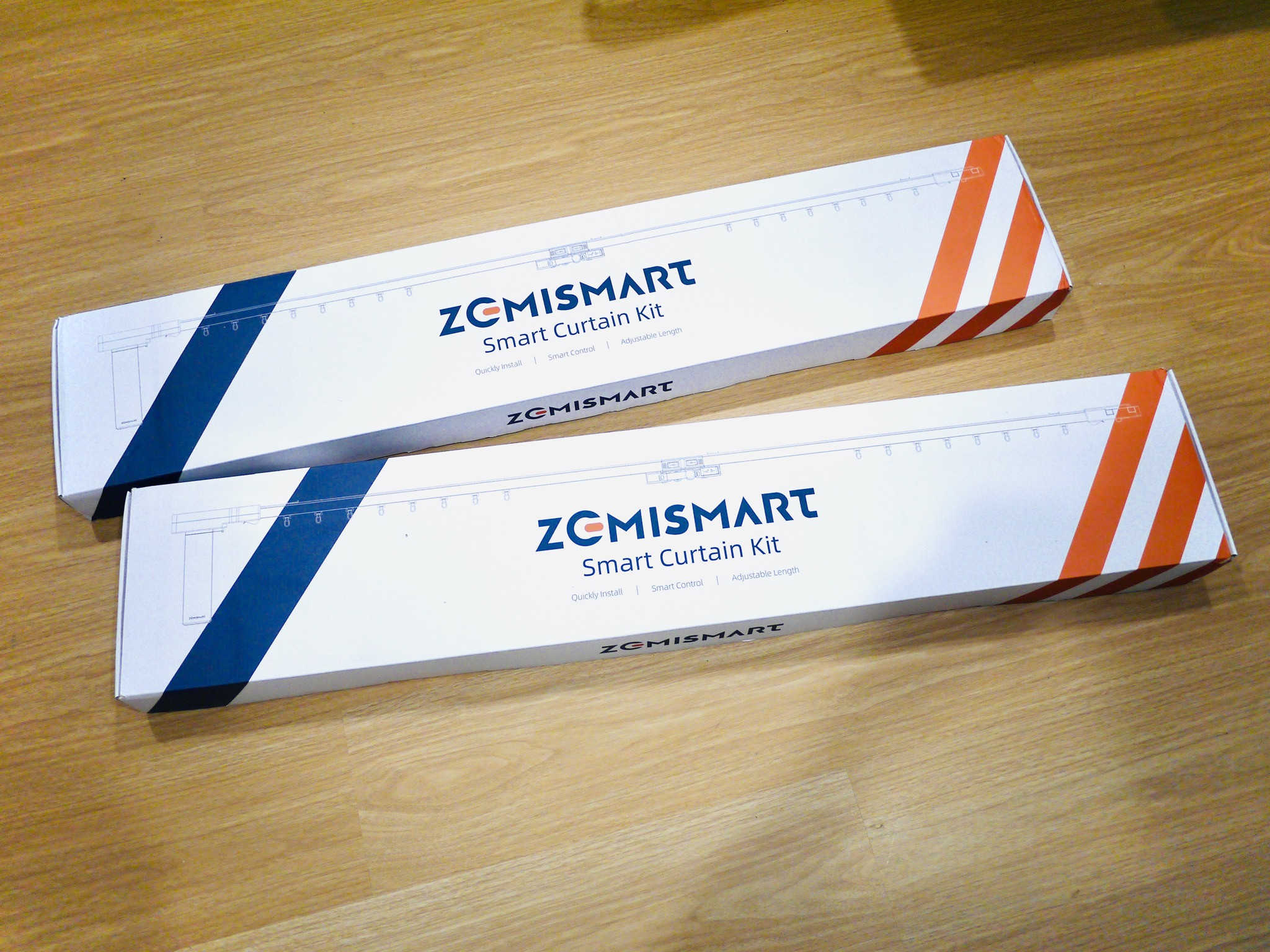
Just received Zemismart’s Matter curtains not too long back. Managed to unbox it and had a first impressions of the device.
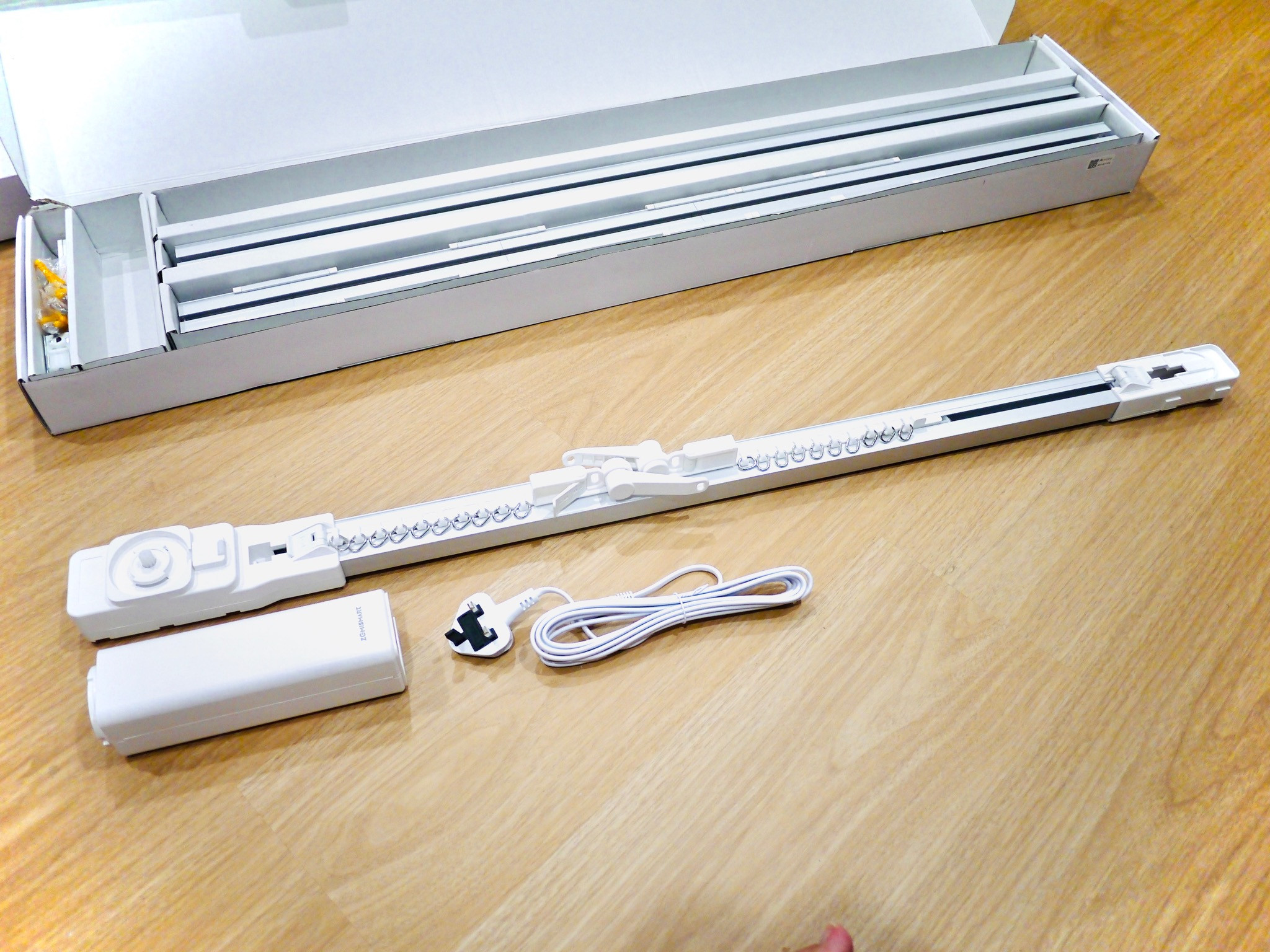
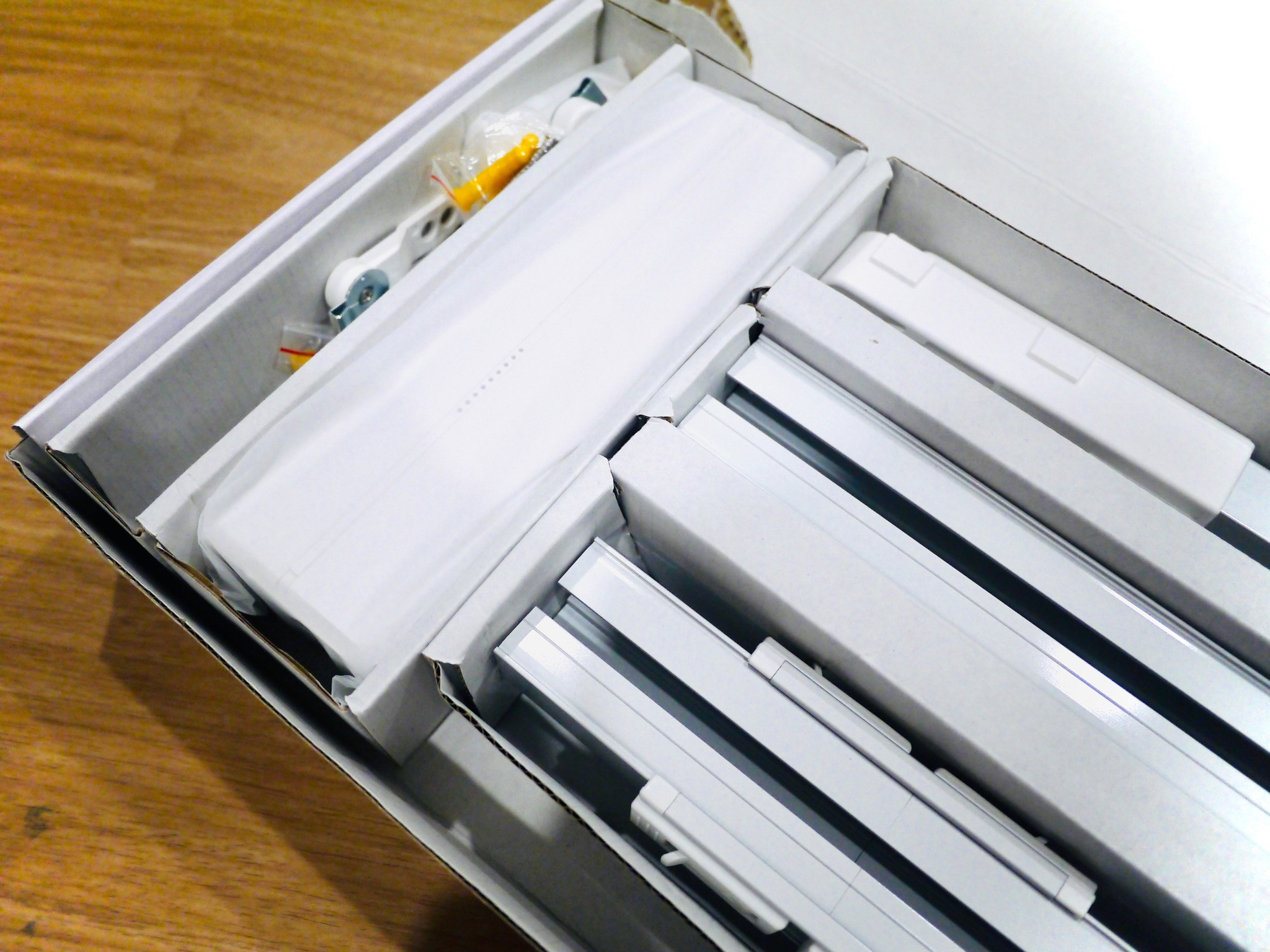
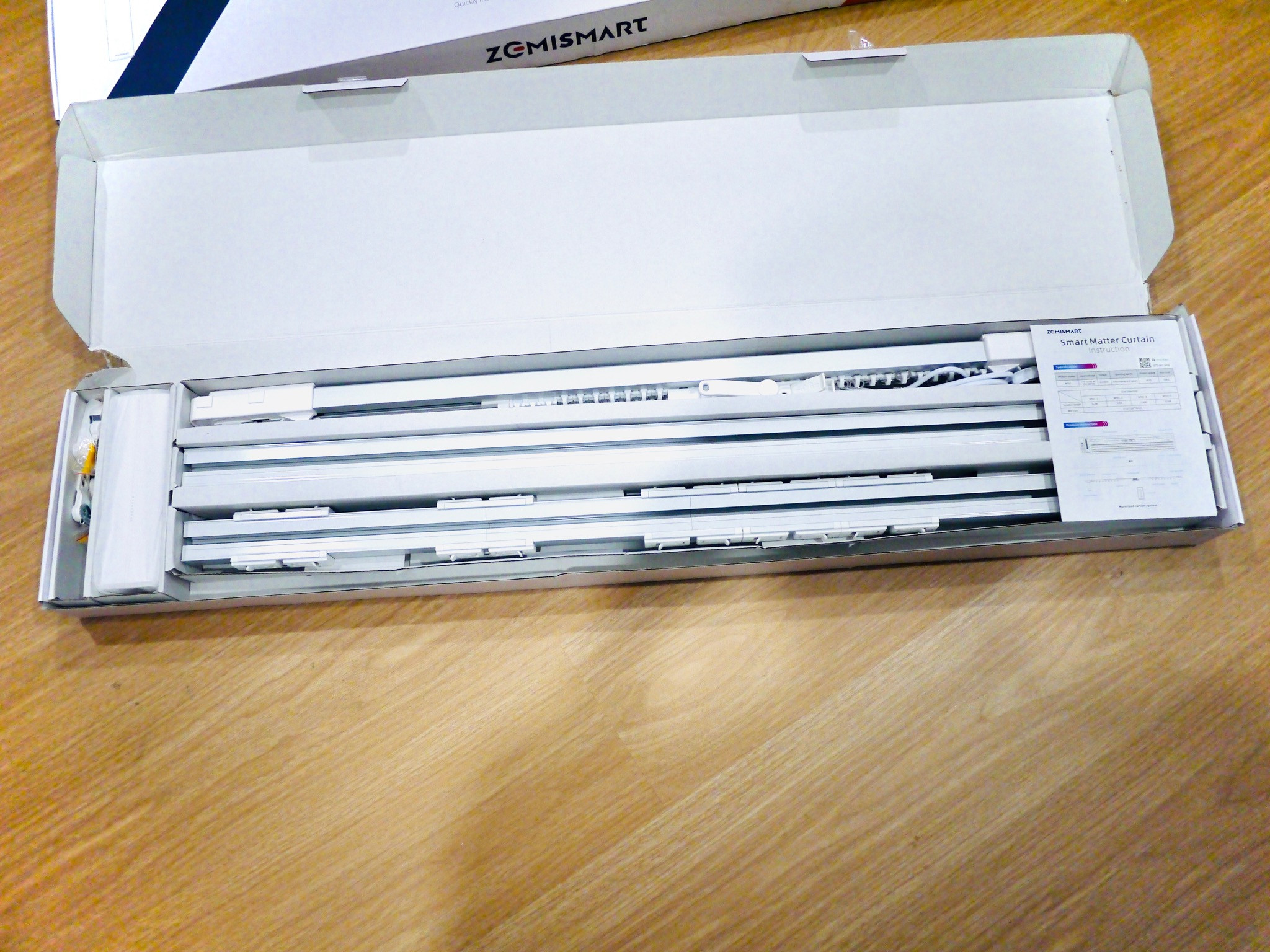
1. The unboxing experience was good, no fluff. All the items inside the box were laid out in a presentable manner.
2. I got the 3 meter length curtain rails. In the Box, you will get 3 rails, one of which is the rail that mounts to your curtain motor. The other 2 are the extension rails. Theres one rail that is partitioned to short lengths that are tied together with clips. This allows you to fine tune the length that you need for the curtains. I found that the materials used for the rails to be solid and firm. Definitely not flimsy at all. Thumbs up for that.
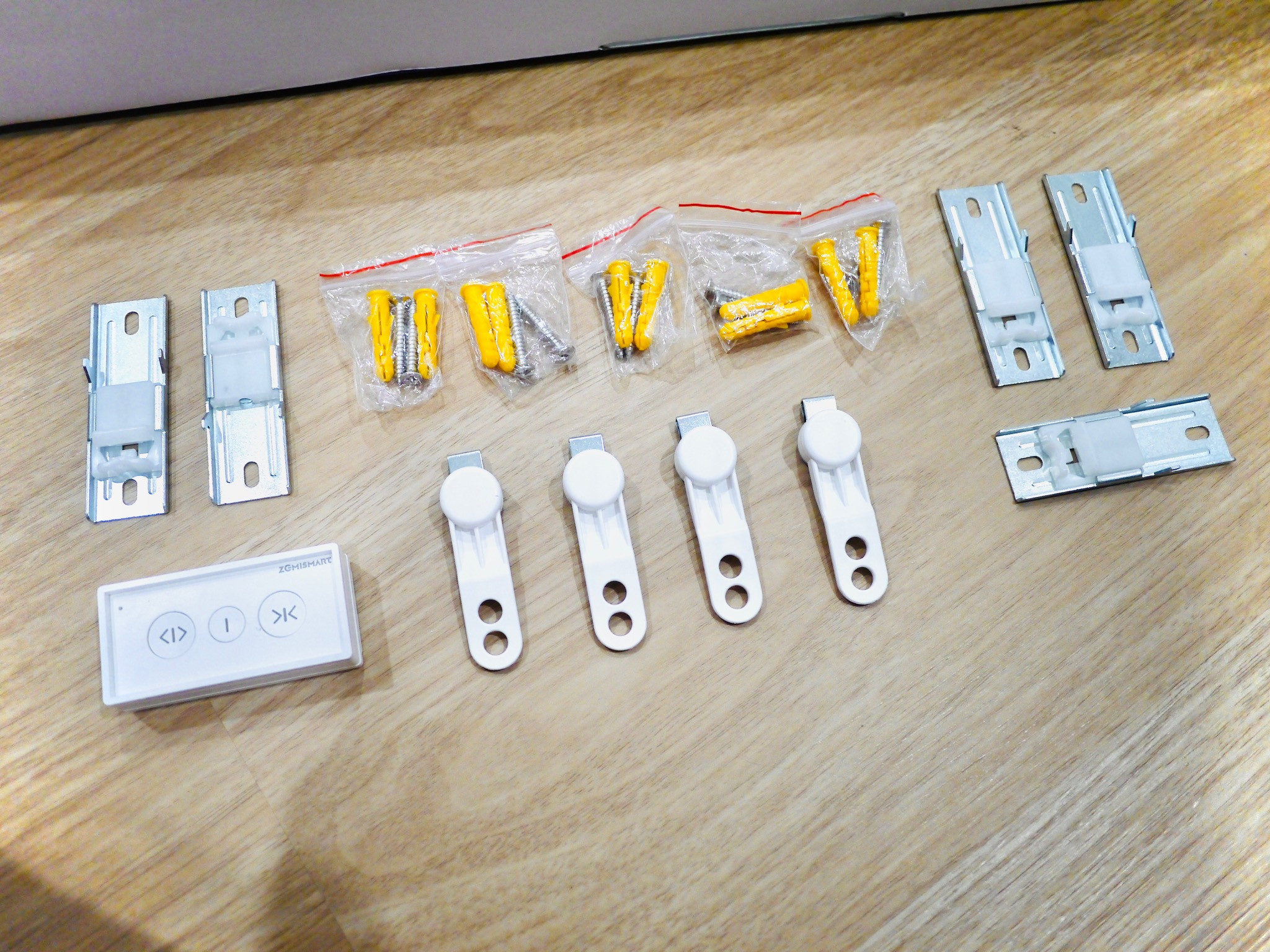
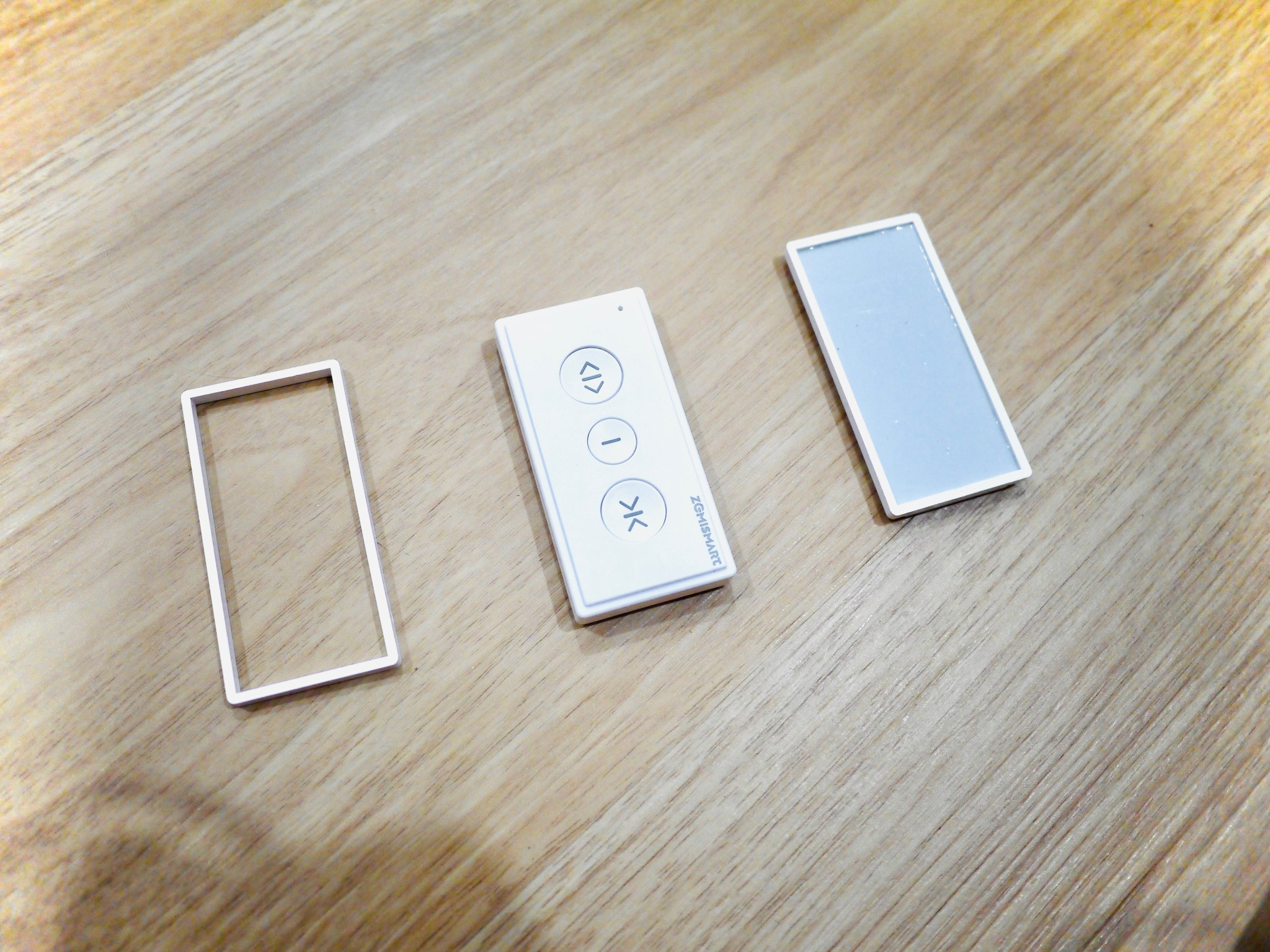
3. The other items were the motor itself, which has an AC 2 prong input for power, which is connected to (in my case) a 3 pin 13A plug top. There’s also some screws with wall inserts, clips, a remote (CR2032 battery not included for shipping purposes), and an instruction manual. Theres a matter QR code on the motor, and also a QR code in the manual. Definitely take a photo of the QR code for safekeeping, and better yet, put it into a 3rd party app for posterity.
4. The installation was dead simple. Clip the extensions together to the desired length, and then twist the motor into its socket. Plug in the 13A supply to the motor, and your set. Once its powered up, just press the little button on the motor (named Set) and then click on the remote to pair. Note: prior to using the remote, make sure that you unclip the curtain lock latch, and pull both sides to the extreme ends of the rail, then lock it. This will ensure that the curtain motor will recognize the length of the curtains.
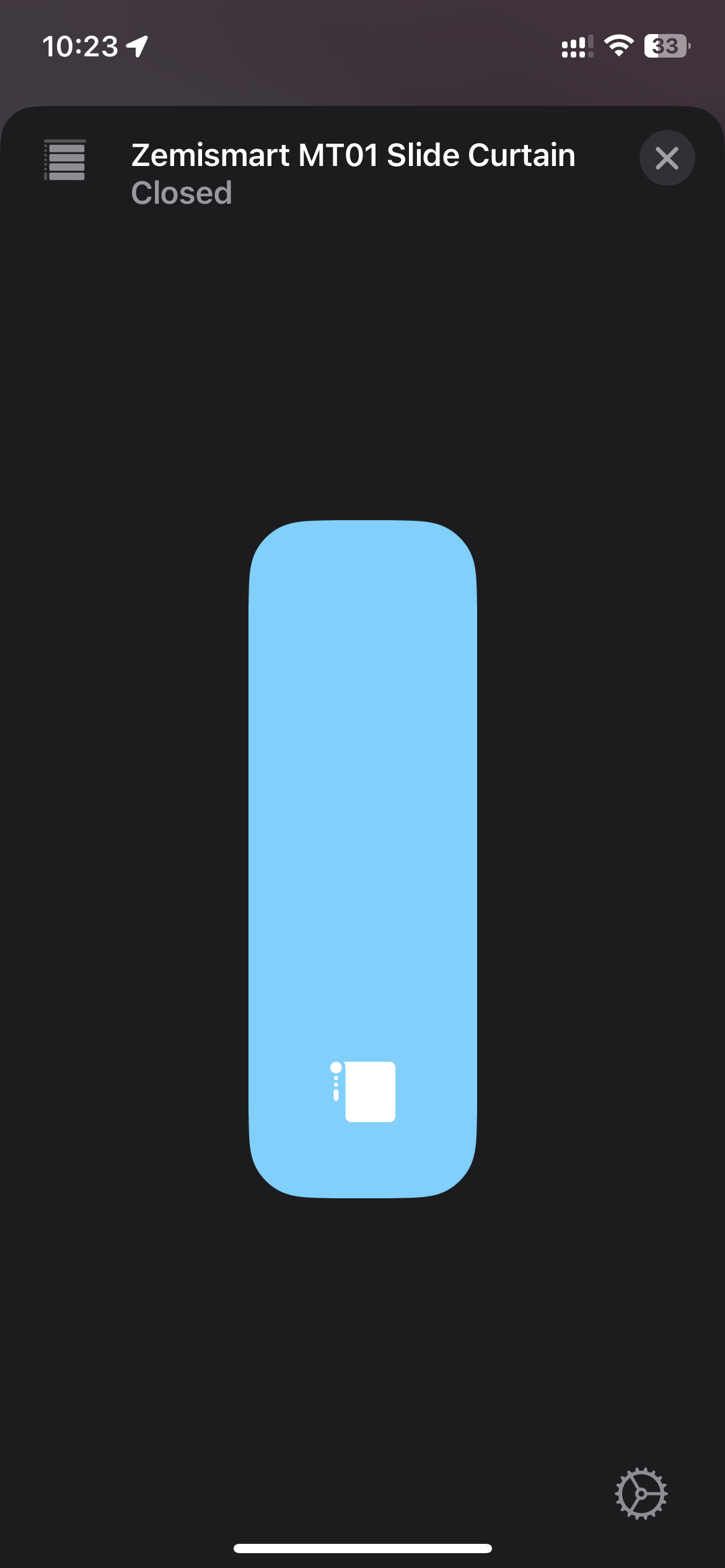
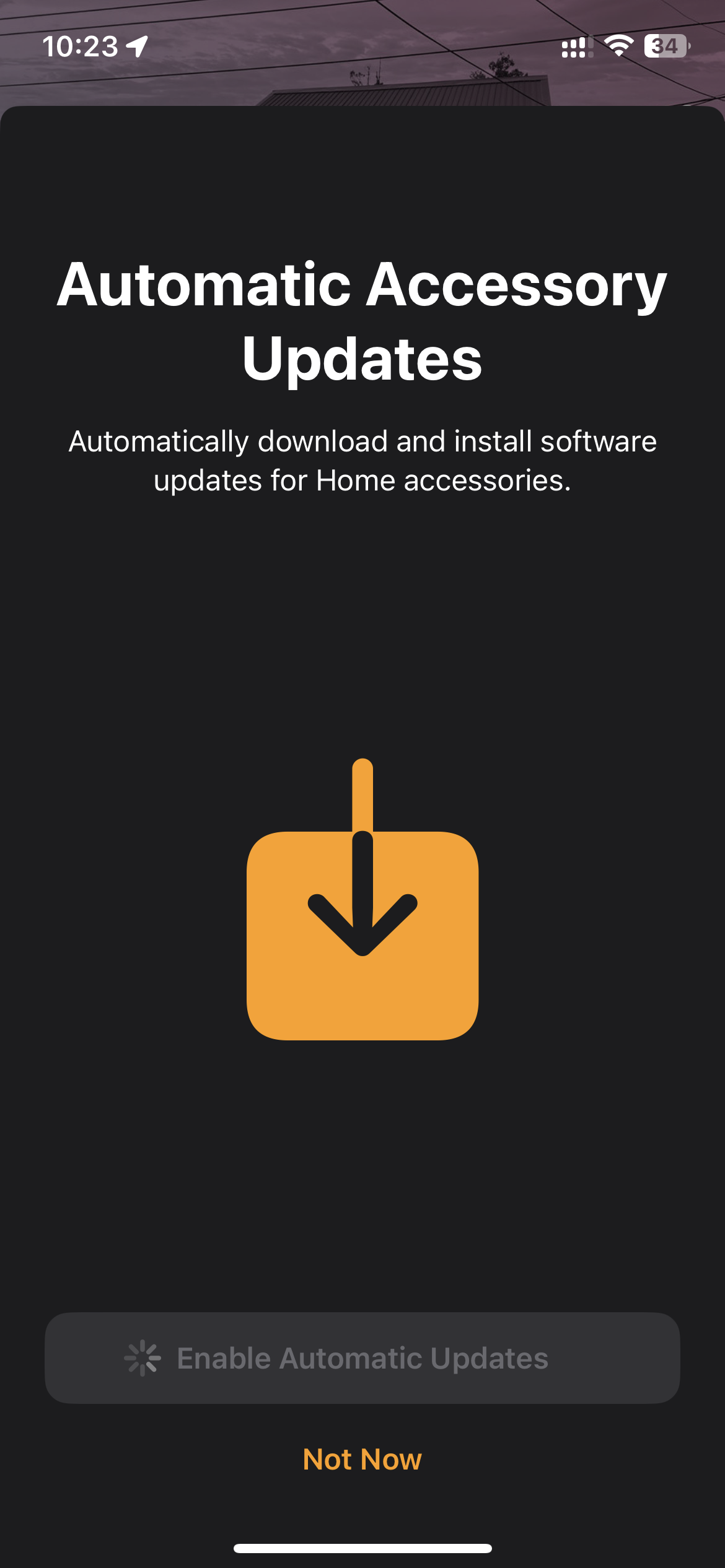
5. Pairing to your Home ecosystem. This being matter, it’s dead simple. You must have a Thread Border Router in your home, so in my case, it was a Apple Homepod Mini. To pair, just triple click the SET button on the motor, and then use your iPhone to scan the QR code. Note that you should update your iPhone’s software to the latest software at the time of this first look review, which is 16.6. The Homepod should also be updated to the latest firmware. I’m also on Homekit’s new architecture. Once i scanned the QR code, Apple Home app launched, and it showed the Zemismart as blinds. Then it just takes a minute or 2, and you’re able to select the room that you want to put it into, and rename the device. So so simple.
6. Once setup, you’re ready to use it. So simple. It’s like any other remote, but it operates without a 3rd party hub. So, click the remote, to open, close or to stop. Correspondingly, drag the slider in the Home app to whatever position you want it to open or close to. Couldn’t be simpler.
All in all, I’m pretty happy with these curtains. A must buy for the price that they’re charging, which is around a little over USD100. Recommended.


 Jun 4 2023, 12:43 AM


 Yes, HKSV capable camera.
 Quote
Quote


 0.1191sec
 0.60
0.60
 7 queries
 GZIP Disabled