QUOTE(evanrue @ Sep 25 2014, 01:55 PM)
yup, using Nova here too.. but i think it's just my constant moving/walking around with the OPO in my pocket..

looks like you are one of the users that still has this issue. use jira and reportOnePlus One Official Thread v7, The Special One
|
|
 Sep 25 2014, 02:00 PM Sep 25 2014, 02:00 PM
Return to original view | Post
#41
|
 
Senior Member
2,663 posts Joined: Aug 2012  
|
QUOTE(evanrue @ Sep 25 2014, 01:55 PM) yup, using Nova here too.. but i think it's just my constant moving/walking around with the OPO in my pocket.. looks like you are one of the users that still has this issue. use jira and report |
|
|
|
|
|
Sep 25 2014, 02:02 PM
Return to original view | Post
#42
|
|
Senior Member
2,663 posts Joined: Aug 2012
|
QUOTE(wayfeel @ Sep 25 2014, 01:59 PM) Wat brand good? Maybe u guys have more exposure. Sometime branded don mean good glass SP so I just ask tq loca tp not good. my bet guess is that the shop sold it to u as bundle.use either nillkin, neomemos or if you have extra cash, rhino shield. there are more good brands out there. i forgot their names This post has been edited by Haters_Gonna_H8: Sep 25 2014, 02:05 PM |
|
|
Sep 25 2014, 02:24 PM
Return to original view | Post
#43
|
|
Senior Member
2,663 posts Joined: Aug 2012
|
QUOTE(NightFelix @ Sep 25 2014, 02:19 PM) Stay away from Nillkin, Overated Tempered Glass. I recommend Neomemos, by the way I'm using Bepak brand. Same as Neomemos but slightly bigger cut out on the top, Proximity and Light Sensors are not cover. lol yeah i stated nillkin because at least its better than loca. but still, nillkin = dust collector  |
|
|
Sep 25 2014, 02:27 PM
Return to original view | Post
#44
|
|
Senior Member
2,663 posts Joined: Aug 2012
|
QUOTE(kurangak @ Sep 25 2014, 02:25 PM) can gip reason why loca is no good? coz im currently using loca i used it for a while before changing to nillkin, then a few days ago to neomemos loca tp somehow makes ur touch not accurate. very noticable when gaming. when u need to use combo button + swipe + other gestures. miss rate > 30% This post has been edited by Haters_Gonna_H8: Sep 25 2014, 02:29 PM |
|
|
Sep 25 2014, 02:30 PM
Return to original view | Post
#45
|
|
Senior Member
2,663 posts Joined: Aug 2012
|
QUOTE(wayfeel @ Sep 25 2014, 02:24 PM) Thankyou for the brand TG SP recommendation. Rhino shield should be better coz rhino sounds cool do take note rhino shield is not glass |
|
|
Sep 25 2014, 03:01 PM
Return to original view | Post
#46
|
|
Senior Member
2,663 posts Joined: Aug 2012
|
QUOTE(wayfeel @ Sep 25 2014, 02:50 PM) I wan temper glass SP one then go for neomemos or other brands la. got so many threads under mobile accessories in garage sales ma |
|
|
|
|
|
Sep 25 2014, 03:33 PM
Return to original view | Post
#47
|
|
Senior Member
2,663 posts Joined: Aug 2012
|
QUOTE(NightFelix @ Sep 25 2014, 03:32 PM) My battery drain like nobody today... can't find the culprit. open BBS or WLD also can't find the problem, is like every 30-40minutes drop 1% even is idle. network condition? does your phone keeps going up and down from E to 3G to HSDPA? |
|
|
Sep 25 2014, 05:19 PM
Return to original view | Post
#48
|
|
Senior Member
2,663 posts Joined: Aug 2012
|
QUOTE(LuffyPSP @ Sep 25 2014, 05:05 PM) Yeah i will have those moments as well. Best to do, reboot. Haha. how did u modify auto brightness to lower value?I use ART on Nexus 5 and Dalvik on Oneplus cuz i want to use Xposed Framework. Well my phone setup, CM11S+Franco Kernel R20 Undervolted about -75mV, Greenify with Xposed addition, Xposed Unbounced module, Google Play Services MODIFIED to Deny "Keep Awake" and "Wake Up" permission, and i have set up a profile specifically for overriding the settings depending on my location(example: Work, Save Battery, Driving, Home, etc) and change them accordingly. I also have Auto Brightness tweaked to lower values but I use Manual toggle (status bar slider ftw!) all the time so its does not matter much but it helps at times. |
|
|
Sep 25 2014, 05:46 PM
Return to original view | Post
#49
|
|
Senior Member
2,663 posts Joined: Aug 2012
|
QUOTE(LuffyPSP @ Sep 25 2014, 05:42 PM) Click on the auto brightness icon and there should be a gear/setting icon. Click on that and hit adjust. found it. now gimme ss of your auto-brightness settings. hahahaIts not that much once you do it. The words made it longer. I use Google Now. Haha. I am not sacrificing the features for battery. Haha. |
|
|
Sep 25 2014, 06:27 PM
Return to original view | Post
#50
|
|
Senior Member
2,663 posts Joined: Aug 2012
|
QUOTE(wayfeel @ Sep 25 2014, 06:26 PM) guys, everyone charger is a squarish 2 pin one is it, not our ordinary local appliances 3 pin charger? :/ coverter can buy RM1.50 from 99speedmart. so mafan meh?Like that very mafan, need a converter :< |
|
|
Sep 25 2014, 09:27 PM
Return to original view | Post
#51
|
|
Senior Member
2,663 posts Joined: Aug 2012
|
QUOTE(apisfires @ Sep 25 2014, 09:23 PM) Haters_Gonna_H8 thank you » Click to show Spoiler - click again to hide... «  gonna buy it too |
|
|
Sep 25 2014, 09:32 PM
Return to original view | Post
#52
|
|
Senior Member
2,663 posts Joined: Aug 2012
|
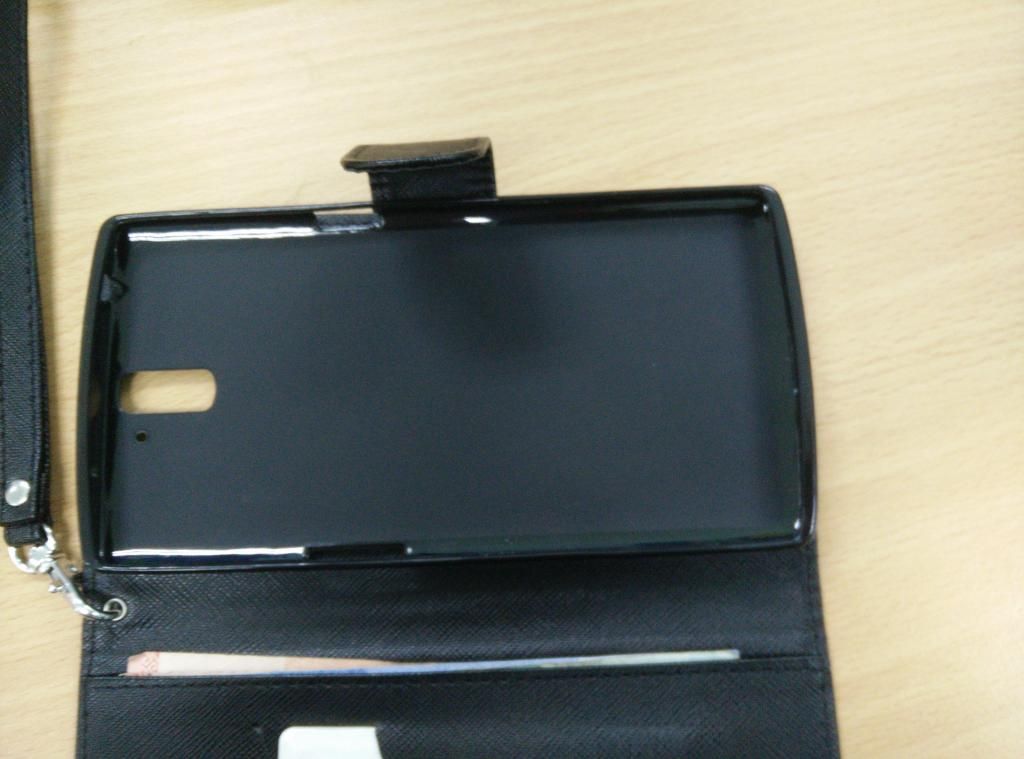
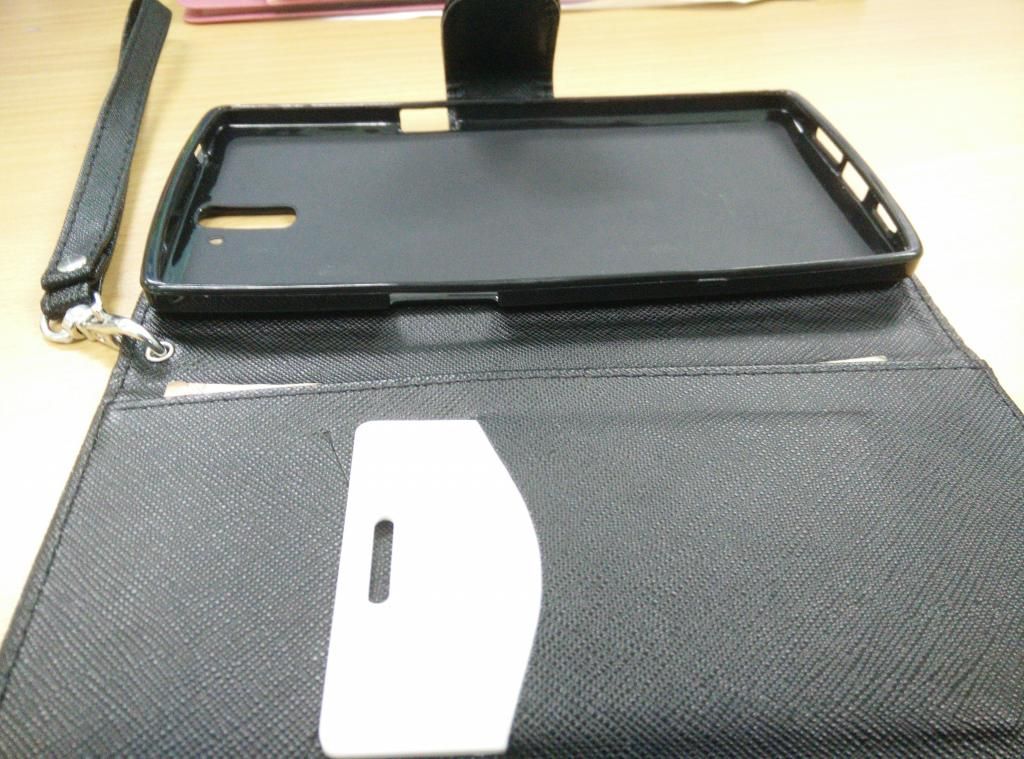
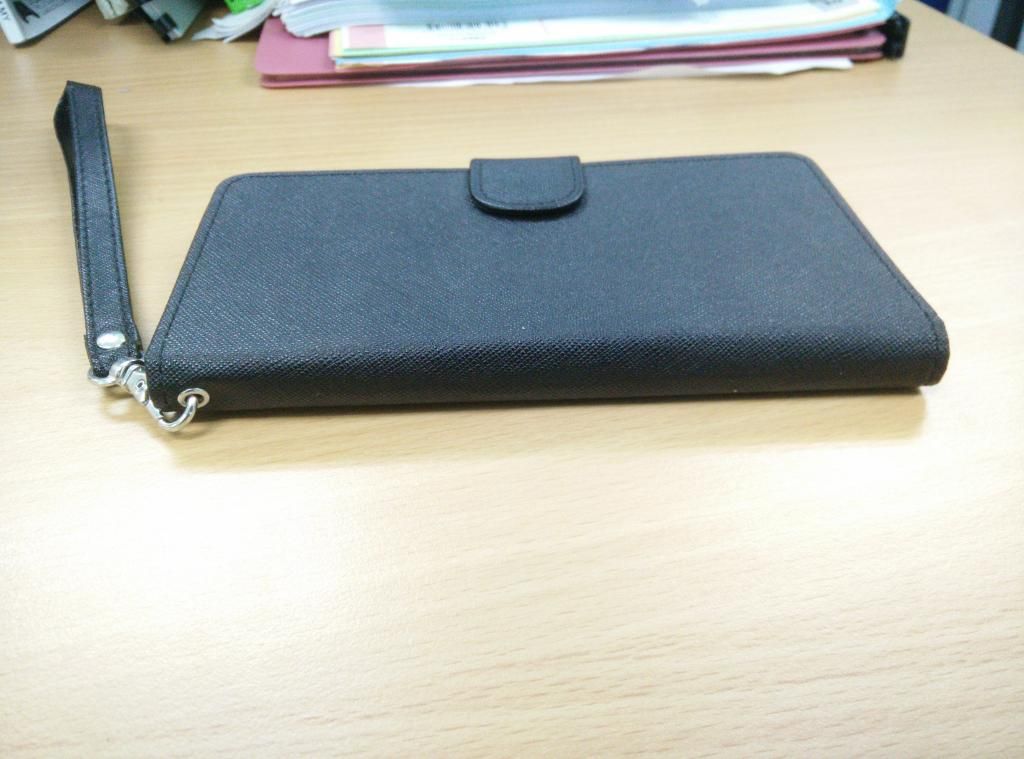
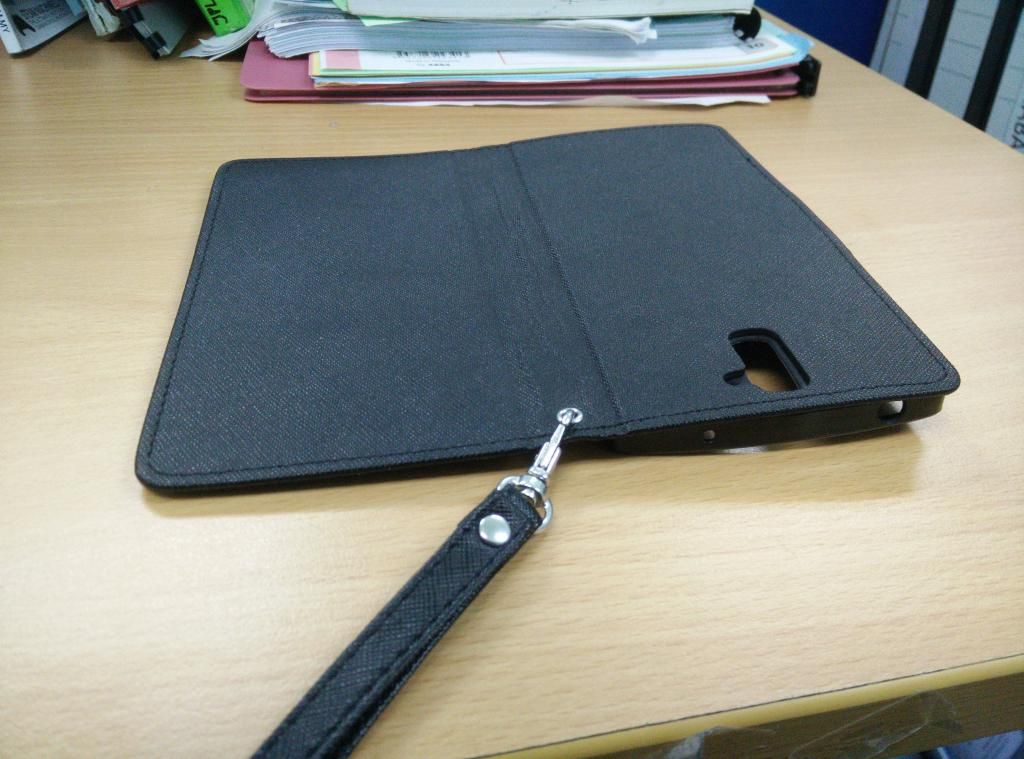
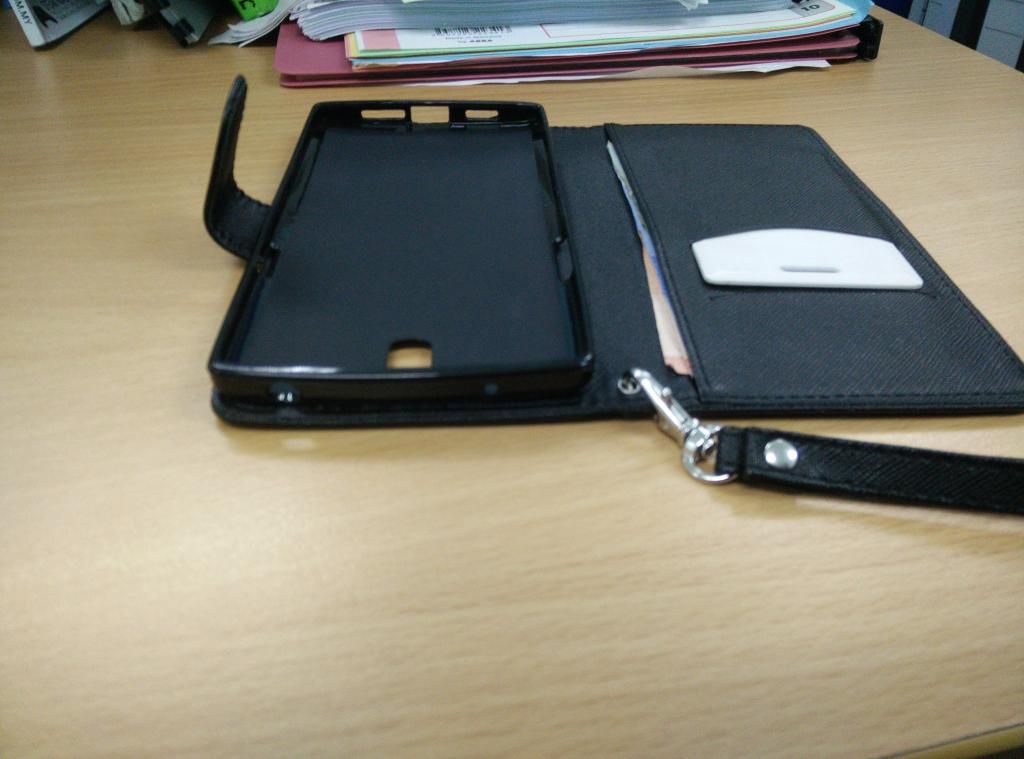
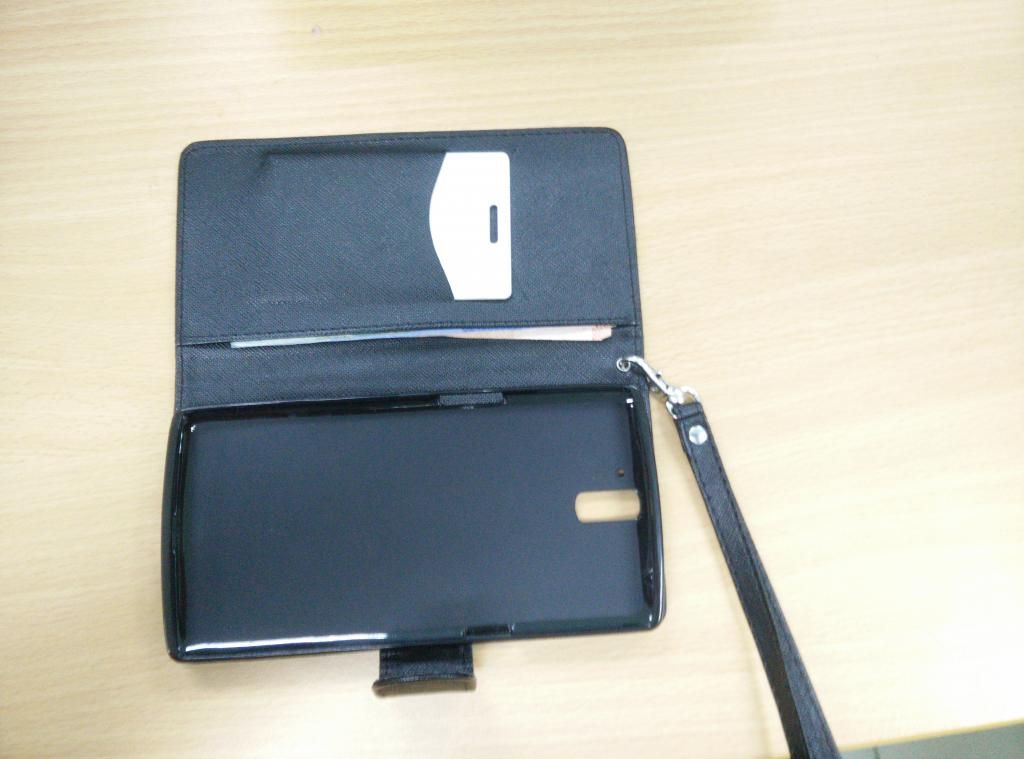
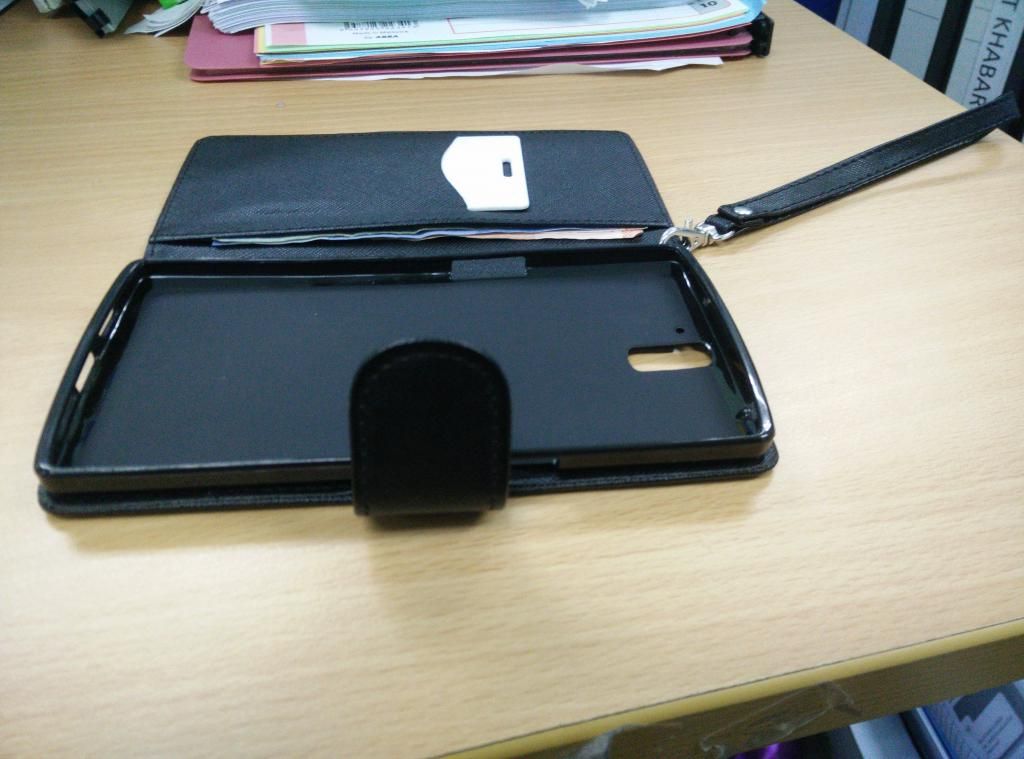
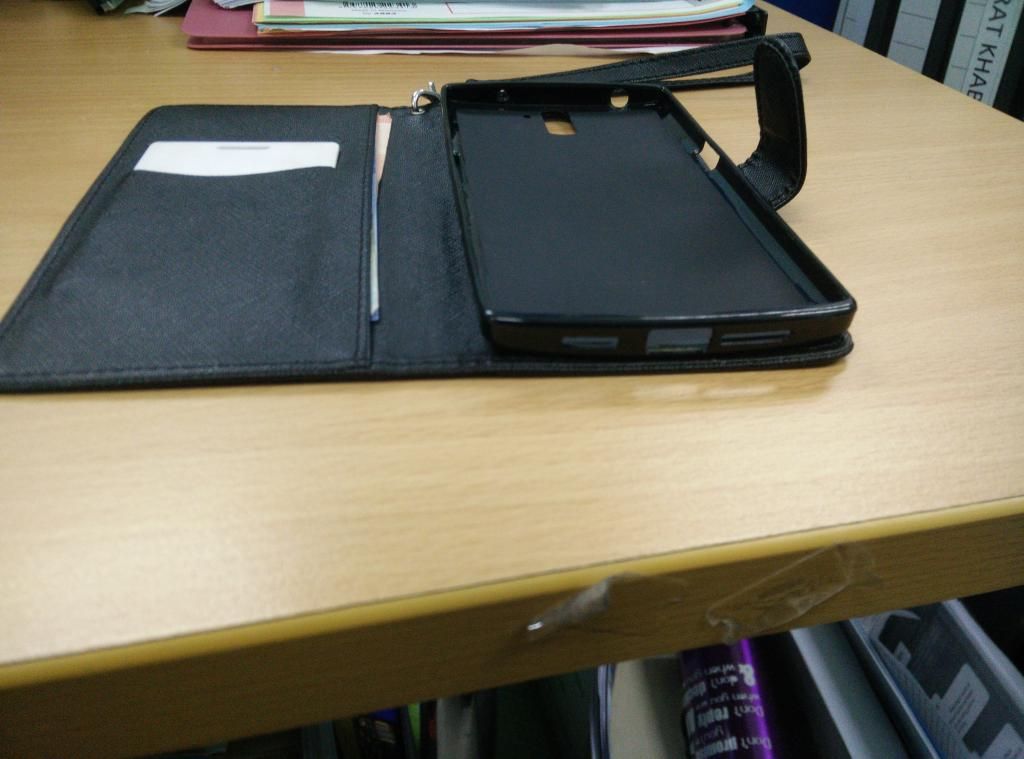
QUOTE(xxdesire @ Sep 25 2014, 09:30 PM) This looks like combination of a soft flip + a tpu case, lol. indeed. but its good for long travel |
|
|
Sep 26 2014, 12:14 AM
Return to original view | Post
#53
|
|
Senior Member
2,663 posts Joined: Aug 2012
|
QUOTE(LuffyPSP @ Sep 26 2014, 12:07 AM) I think not only me. In Franco thread also got people reporting battery drain when using wifi, and touch sensitivity. Flashing to r19 back. i reverted back to r19 too. touch too sensitive on r20 |
|
|
|
|
|
Sep 26 2014, 09:33 AM
Return to original view | Post
#54
|
|
Senior Member
2,663 posts Joined: Aug 2012
|
QUOTE(bestsane @ Sep 26 2014, 08:51 AM) Guys, after 4 days owning the phone, everything is very satisfactory and I love this phone, but I realized that there's a setting that I can't go into: try the universal fix 1st:Language & Input >> Android Keyboard (AOSP) >> Input Languages After selecting "Input languages", this window pops out: Unfortunately, Android Keyboard (AOSP) has stopped I don't know what setting is that for but I've never gotten pass through it. My CM11S version is 33R and unmodded. Anyone has this issue and how to rectify this? settings > apps > all > select Android Keyboard (AOSP) select force stop select clear cache select clear data reboot (optional) then try open the keyboard settings again |
|
|
Sep 26 2014, 09:46 AM
Return to original view | Post
#55
|
|
Senior Member
2,663 posts Joined: Aug 2012
|
QUOTE(Tae-Bo @ Sep 26 2014, 09:30 AM) any sifu pls help me..just got OPO last night from DD. 1st put your device in fastboot mode and check whether your pc detects the phone. run this code:i got this error when trying to install recovery CODE c:\android-sdk-windows\platform-tools>fastboot flash recovery recovery.img target reported max download size of 536870912 bytes sending 'recovery' (4 KB)... OKAY [ 0.004s] writing 'recovery'... FAILED (remote: image is not a boot image) finished. total time: 0.010s running XNPH33R and using openrecovery-twrp-2.8.0.1-bacon.img..any idea??  CODE fastboot devices you should get a return message with some device number indicating your device is connected and recognzed 2nd. make sure you extracted the openrecovery-twrp-2.8.0.1-bacon.img file into your platform tools folder 3rd. have you unlocked bootloader? 4th. if everything is good to go. your either: rename the openrecovery-twrp-2.8.0.1-bacon.img to recovery.img then run CODE fastboot flash recovery recovery.img or if dont want to rename, you can simply run the flashing like this: CODE fastboot flash recovery openrecovery-twrp-2.8.0.1-bacon.img when the flashing is done, reboot by using: CODE fastboot reboot This post has been edited by Haters_Gonna_H8: Sep 26 2014, 09:46 AM |
|
|
Sep 26 2014, 09:48 AM
Return to original view | Post
#56
|
|
Senior Member
2,663 posts Joined: Aug 2012
|
QUOTE(Tae-Bo @ Sep 26 2014, 09:47 AM) yes I rename it..I follow guide from Chromium and change the filename to recovery.img ok. redownload the file. it should be 12.0mb. not 4kb onlyThis post has been edited by Haters_Gonna_H8: Sep 26 2014, 09:51 AM |
|
|
Sep 26 2014, 10:28 AM
Return to original view | Post
#57
|
|
Senior Member
2,663 posts Joined: Aug 2012
|
QUOTE(xxdesire @ Sep 26 2014, 10:22 AM) Been mentioned like a million times, please ALWAYS check the file md5sum that you downloaded against the md5 posted. its easier to ask away i think if a person here provides all-in-one service to other users, from flashing, modding, debugging, etc, RM50 per service, just need a laptop with adb, related roms, kernels, and apps. can make good income benny888 can do this after retirement. This post has been edited by Haters_Gonna_H8: Sep 26 2014, 10:29 AM |
|
|
Sep 26 2014, 10:29 AM
Return to original view | Post
#58
|
|
Senior Member
2,663 posts Joined: Aug 2012
|
QUOTE(highplaces @ Sep 26 2014, 10:28 AM) Morning guys. A noob question? disable or uninstall before apply OTAIf you have xposed framework running, I'm sure you can get OTA. How about installing the OTA? or do you need to un-touch stock ROM? Thanks mate |
|
|
Sep 26 2014, 10:48 AM
Return to original view | Post
#59
|
|
Senior Member
2,663 posts Joined: Aug 2012
|
QUOTE(LuffyPSP @ Sep 26 2014, 10:38 AM)   Ok I won't test battery anymore. Haha.  |
|
|
Sep 26 2014, 10:48 AM
Return to original view | Post
#60
|
|
Senior Member
2,663 posts Joined: Aug 2012
|
QUOTE(harizdesu @ Sep 26 2014, 10:48 AM) from full charge until now, r20 sucking your battery4h28m - 84% i feel like something is wrong  |
|
Topic ClosedOptions
|
| Change to: |  0.0468sec 0.0468sec
 0.84 0.84
 7 queries 7 queries
 GZIP Disabled GZIP Disabled
Time is now: 13th December 2025 - 01:18 AM |
 Quote
Quote