QUOTE(sioe @ May 20 2012, 05:24 PM)
OK, just to share a small "disadvantage"of the OMD so that maybe some sifus here can help sort it out. =)
When I used my Nikon D90 the last time, my habit was to use the VF to compose the shot, take it then immediately look at the LCD for the preview. I dont have to press the play button as the image will display for a second or two on it.
For the OMD, the preview will be shown in the EVF itself but not on the LCD or vise versa. Is there a way to use the EVF to compose and shoot and have the preview displayed on the LCD immediately after? This means, I dont hv to press the "play"button.
Im not sure how ur EM5 settings are but here's mine.
1) You can only preview the photo you just took on the rear screen if you permanently ON the rear display or set it to AUTO (see no. 3). if ure taking photos through the EVF with the rear screen permanently off. the preview will only shows on the EVF. Play around with this settings by pressing the small button on the right side of the EVF.
2) In SETUP MENU (the one with the wrench symbol). I set REC VIEW to AUTO. This will preview the photo ure taking until u press the shutter again to take next photos.
3) In BUILT-IN EVF menu. I set EVF AUTO SWITCH to ON. I can still have my OLED screen on and automatically switch on the EVF (switch off the OLED screen) if im looking through the EVF.


 Apr 29 2012, 04:19 AM


 Quote
Quote

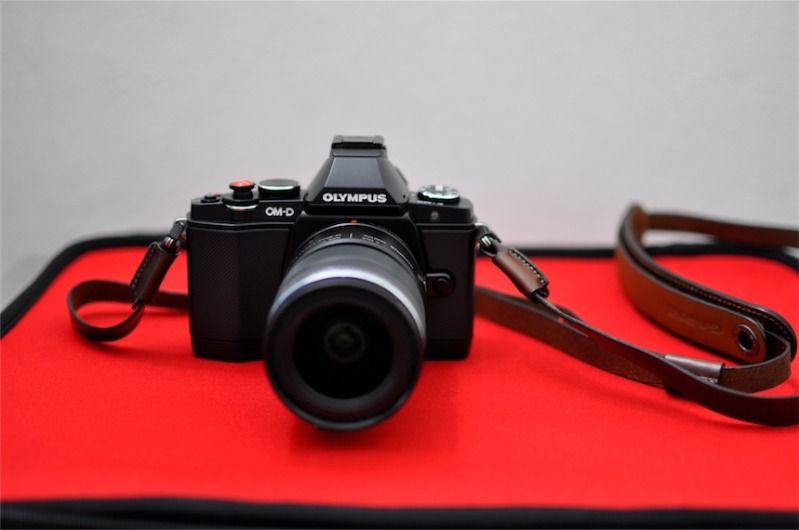
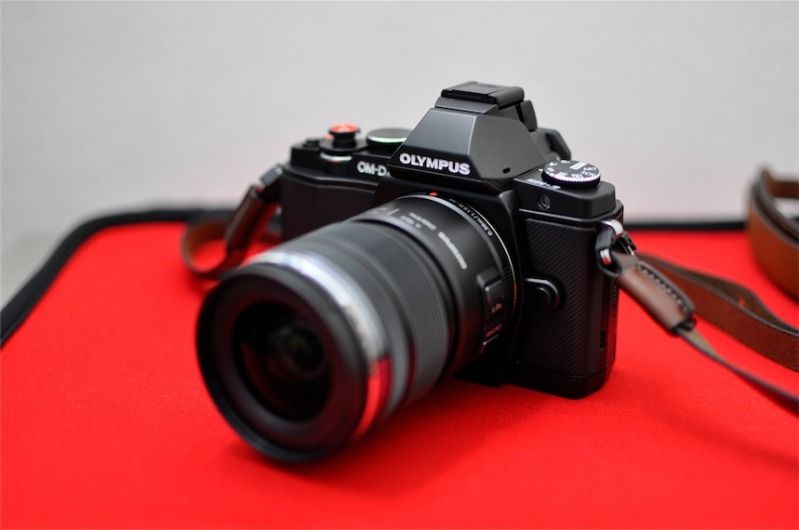
 i have the wrist strap to accompany the gariz sling strap

 how much would it be?
 0.0272sec
 0.29
0.29
 7 queries
 GZIP Disabled