Eh sorry guys, can't really reply these days, my University orientation starts today....so not at home to lurk around Lowyat anymore
QUOTE(ngkhanmein @ Jul 18 2011, 09:26 AM)
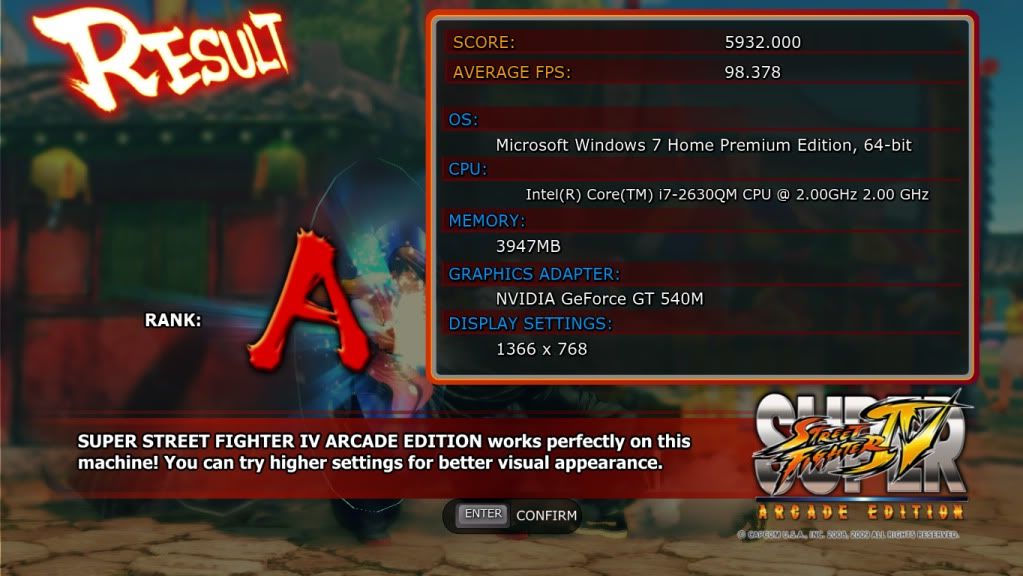
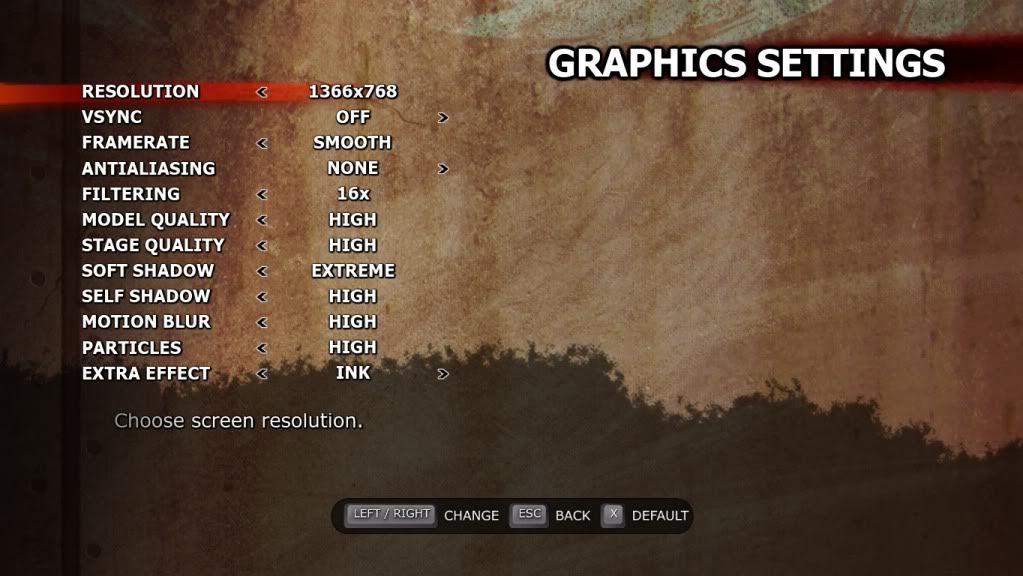
wilson play ssf4 lah dun play witcher 2 cos lappy can't "tahan"
ssf4 update 1 is out!

got improvement for nvidia user as well.. fixed the config 2.
Yalor...like GTA4, so lag even play on my laptop, too laggy...so i dont play it
QUOTE(IvanWong1989 @ Jul 18 2011, 09:30 AM)
omg.... this thread is still alive.... im stupified,......


This topic is my one and only thread that has the most replies

QUOTE(ashingburning @ Jul 18 2011, 11:48 AM)
hey guys...
wat setting do u use on Fraps???
coz the file is kinda big when i record the vid
Yeap, its really big. You need to compress it. Its either you use VirtualDub or Windows Live Movie Maker.
VirtualDub = Can compress 4GB video to 50MB (quality sucks shit)
Windows Live movie Maker = Can compress 4Gb video to 200MB (quality is still good, being shown in Youtube as 1080p Full HD)
QUOTE(cowithgun @ Jul 18 2011, 11:53 AM)
Here is some screen shots of Witcher 2 in out-door with everything disable / minimal running at 1366x768 using OC (770/1110):
*warning: full size*
» Click to show Spoiler - click again to hide... «
There are many settings can be enable such as Bloom, DoF, Vignette, Motion Blur, etc which if combine will take 1 or 2 FPS. The only setting that *cannot* be enable / high is UberSampling, AA, SSAO and Shadow Quality. Those hurt FPS a lot.
Those are for ATI 5650 card anyway. Higher end card are excluded of cause.

This reminds me of playing GTA4. Settings all low but Frame Rate only 40FPS. The graphics not that nice....thats why im not really into these kind of games liao..


 Jul 11 2011, 12:04 PM


 Quote
Quote


 )
)


 0.0315sec
 0.87
0.87
 7 queries
 GZIP Disabled