Due to many requests, Here is how u do itPRE-INSTALLATION1. Make sure the battery of the device is fully charged.
2. Backup the data on the device to a computer. (use Xbackup)
3. Reset your device and close all running applications prior to upgrade.
4. (Better)Restart your PC and close all applications prior to upgrade.
5. Connect directly to the USB port of your PC. Using a USB hub may affect ROM upgrade process.
6. Do not execute other applications on your PC during the ROM upgrade.
STEPS1. Connect your device to a computer via cradle or cable.
2. Make sure ActiveSync partnership is established and connection is established with "Connected" sign shown.
3. Execute the ROM upgrade file from the computer.
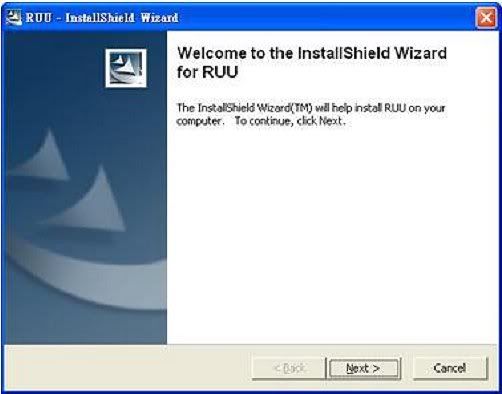
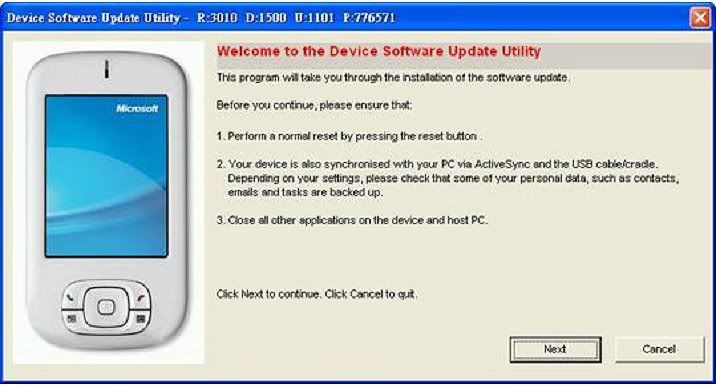
4. Make sure your device is connected firmly.
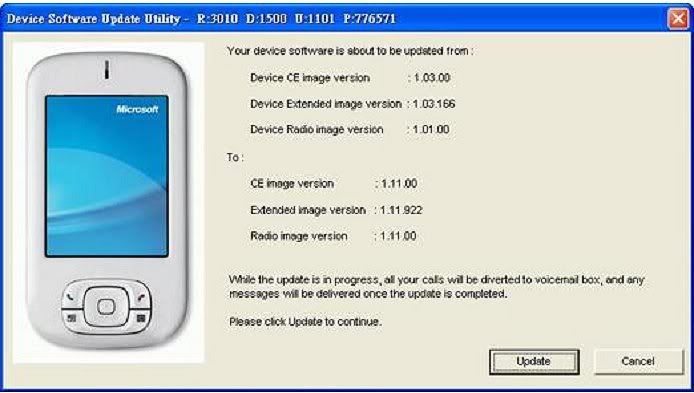
 IMPORTANT: Never interrupt the installation process. The device may become unstable and require service should the installation process be interrupted.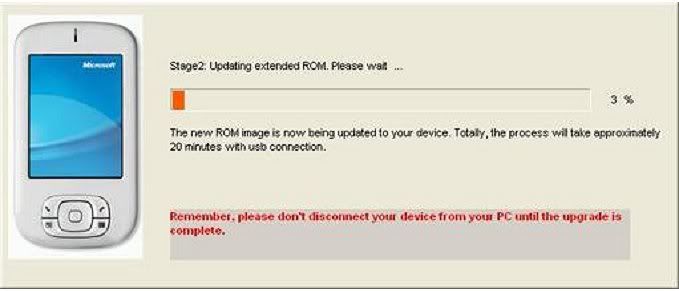
5. Check to see if the installation can be completed without any error messages. Hard Reset
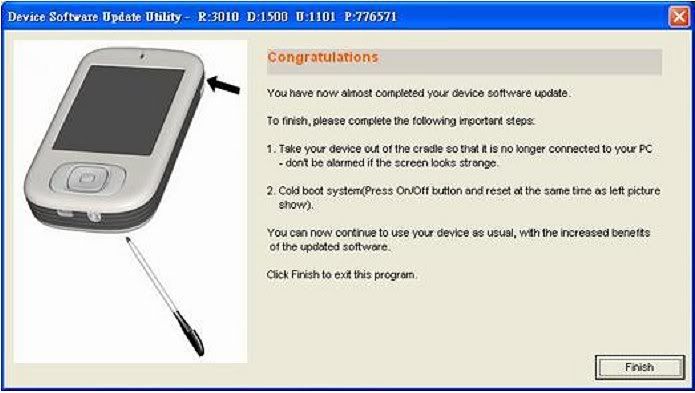
6. Verify the installation by going to Start > Settings > System tab > Device Information > Version tab.



 Aug 2 2006, 10:44 PM


 Quote
Quote

 again........


 (esp the mini one)
 your sig dude........


 0.0221sec
 0.87
0.87
 7 queries
 GZIP Disabled