

 Jan 10 2006, 06:40 AM


SONY DB29M61 review
XBOX
====
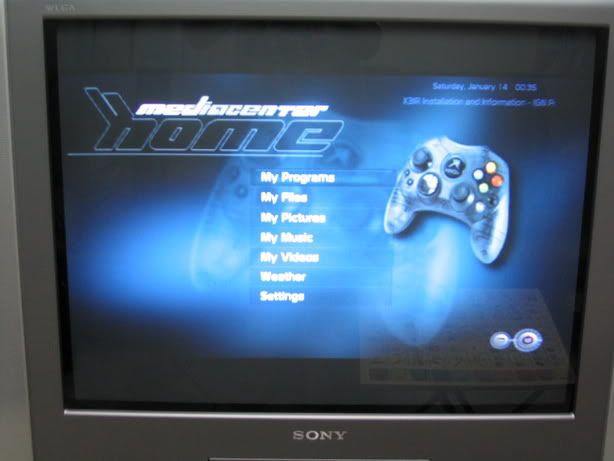
After setting up the TV to progressive scan mode and the XBOX video menu to select the mode to 720p, i've tried booting up to EVOX and try to load my games on the HDD. The first thing i notice is that the text is now a bit blur!! Maybe the EVOX menu is interlaced i guess, so i select Soul Calibur 2 to run and to my suprise, the game won't run and just return to the EVOX menu!! So i try some other games and all of them just hang!!
I thought...s****t!!! This thing doesn't even works with my XBOX! Then i tried to boot up Ninja Gaiden using the game disc and voila...it works!
So lesson learnt. EVOX+progressive mode/HDTV=no good. Looks like i've to boot from the disc if i need to run in progressive scan mode!
720p
===
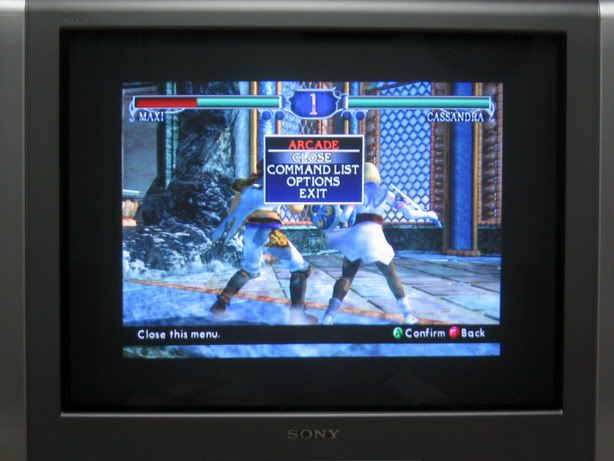
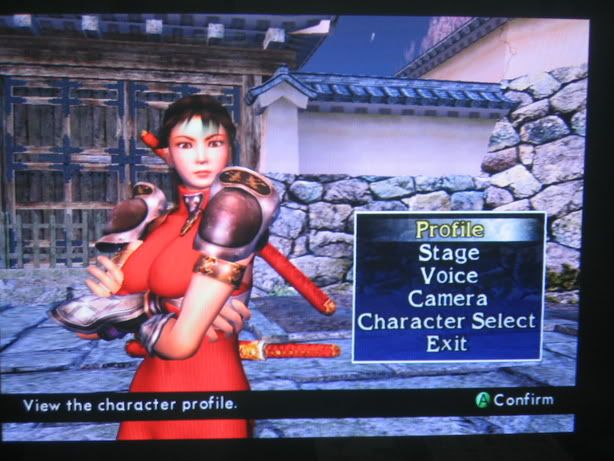
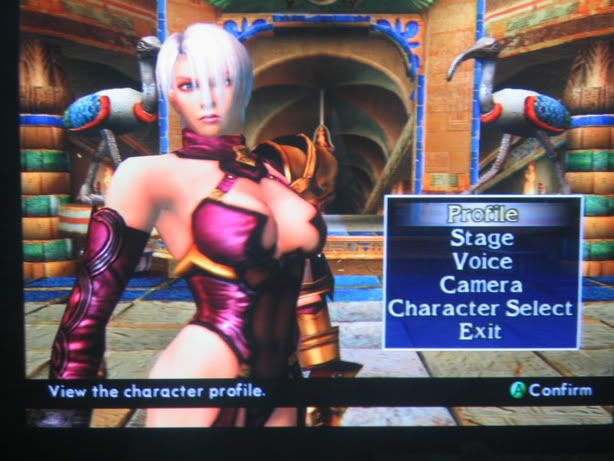
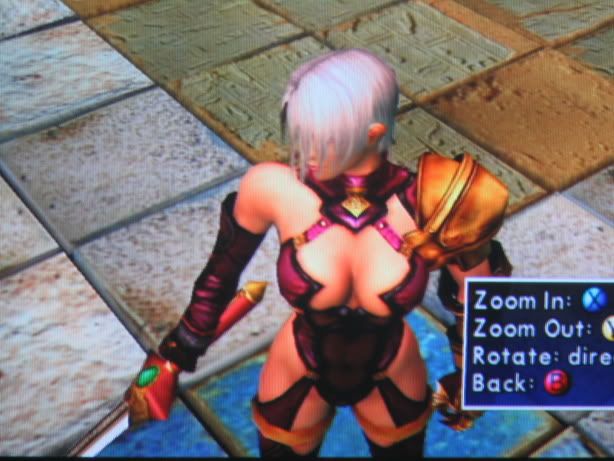
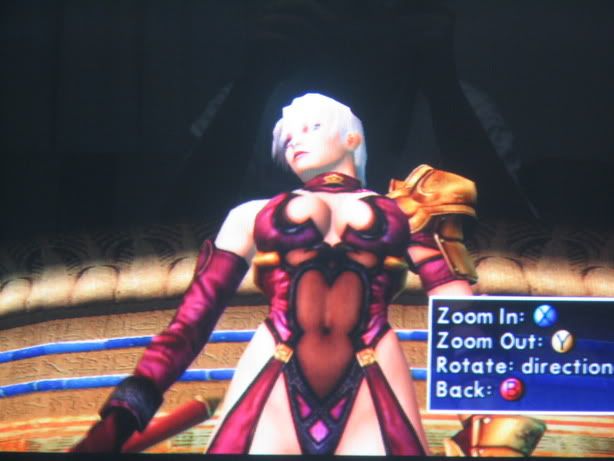
(1) Soul Calibur 2 - this sucks. For some strange reason, the pictures are blur and the screen has been reduced to a smaller box inside the TV with black borders on left,right,top and bottom. There's nothing can be changed to rectify this. I guess it's not really support 720p properly....maybe some kinda downscale/upscale thingy??

480p
===
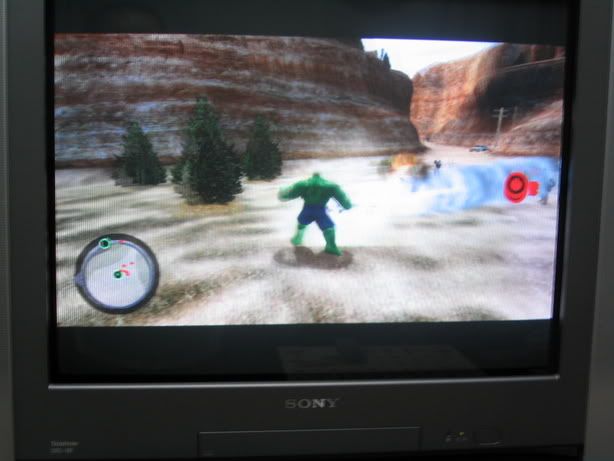
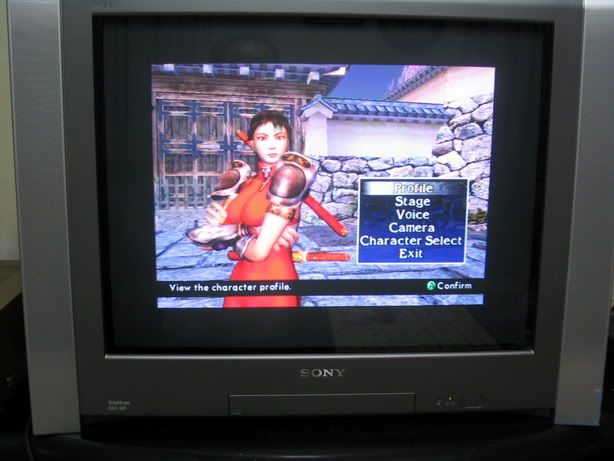
Tested SC, Ninja Gaiden, BurnOut 3 - so far so good, everything is sharp and stable. Is it really better than interlaced? Well, it's definitely an improvement. But don't expect the 1024 x 768 kinda sharp if you're used to a PC monitor. I think we'll need at least 1080i to really see that kind of sharpness.
DRC-1250
=======
WTF is this??!! you asked. Basically, this is SONY propriatery tech to improve picture quality by line doubling vertically and horizontally using some algorithm. It enhance normal video signal like ASTRO and everything else. If progressive mode is on, this is off and vice versa.
So why am i including this here? I've tested it on the games as well and to my suprise, it's almost as good as 480p!! I'm hard pressed to find significant difference between this and 480p mode except maybe it's a bit softer while 480p is a bit sharp, Anyway, will be doing more test for this as i was very tired last night already.
Other quirks
========
Now i can enable the XBOX to widescreen mode. Once you set this and also the TV to 16:9, the games will appear in widescreen format. It's kinda nice despite the fact i get top n bottom black borders. The characters are approriately proportioned to widescreen mode and in fact, if i force the TV to 4:3, the characters becomes elongated (using DOA3). Nice feature!
DVD video (using SONY DVD player)
========================
My new SONY DVD player has a progressive mode button(PROGRESSIVE AUTO). Press this button and set the TV to progressive mode and the picture is in 480p!
however, the screen for some strangre reason become 4:3 with the pictures elongated and i need to set the TV back to 16:9 to get the correct widescreen format.
Anyway, watching DVD with progressive scan is great!!!

PS2
===
Sorry no reviews yet. My PS2 component cable together with a Component video box is still on the way from Play-Asia. I'll put up a review once these items arrived(hopefully!).
Next up
=====
More testing with my XBOX with differrent games and fiddling with XBMC!!!!
Stay tuned!!!
 Quote
Quote



 Jak II also support 480p 720p 1080i.
  i believe

 0.0232sec
 0.89
0.89
 7 queries
 GZIP Disabled