

» Click to show Spoiler - click again to hide... «
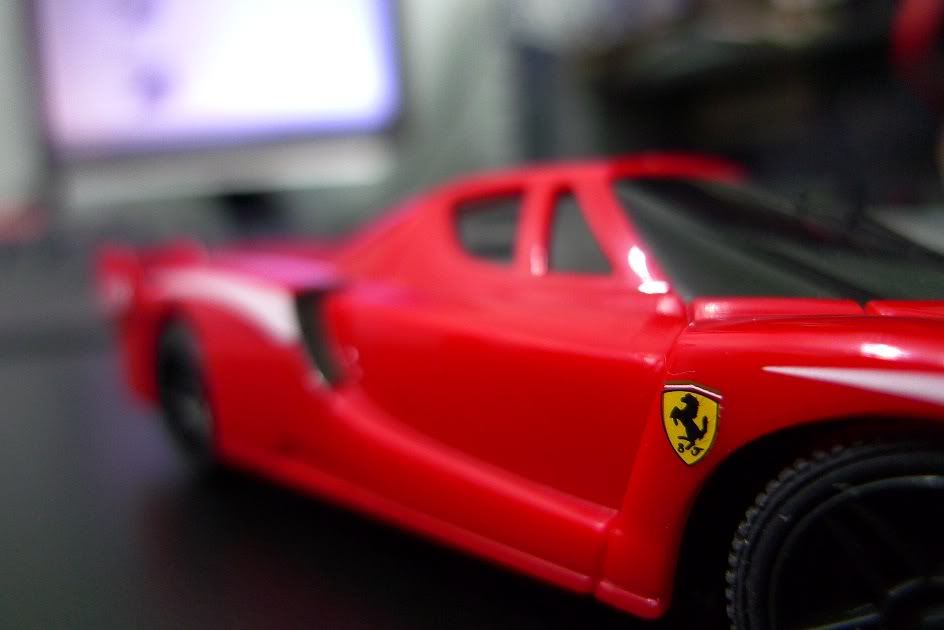
1/30 - f/2 - ISO400
Noob shot taken with Panny LX-3
Unchopped
Photography [PIC-A-Day Thread] Post your daily shots here! V4!, A Pictar A Day Keeps Da Fungus Away! XD
|
|
 Nov 11 2009, 01:24 AM Nov 11 2009, 01:24 AM
|
 
Senior Member
1,096 posts Joined: Apr 2007 From: Diamond Bay  
|
» Click to show Spoiler - click again to hide... « 1/30 - f/2 - ISO400 Noob shot taken with Panny LX-3 Unchopped |
|
|
|
|
|
Nov 11 2009, 02:15 AM
|

Junior Member
272 posts Joined: Dec 2007 From: Seremban,Cyberjaya
|
We run, we walk, we stop.
 Camera: Canon 450D F-stop: f/8 Exp time: 1/10 ISO: 200 Focal Length: 21mm |
|
|
Nov 11 2009, 02:22 AM
|

Senior Member
6,738 posts Joined: Dec 2006 From: Kuala Lumpur, Malaysia | Eau Claire, Wisconsin
|
Not sure if I can post this here but does anyone know/have a tutorial on how to replicate a "film grain" effect in Photoshop CS3? Thanks in advance.
|
|
|
Nov 11 2009, 06:42 AM
|

Senior Member
3,807 posts Joined: Jan 2003 From: Masking
|
QUOTE(TechnoDude94 @ Nov 11 2009, 12:47 AM) No problem mate, glad to help. thats when u r using auto mode..in semi auto aka shutter/aperture priority..the camera should help u to adjust the exposure itself...achew: Then how come the picture looks overexposed? I thought a slow shutter speed + high ISO = Overexposure?  Care to enlighten me, I'm also a beginner.   if a photo is over/under exposed in 1 of those semi auto mode..i'd usually suspect on the metering...if ur r taking high contrast photo..where certain part of the photo is quite dark/bright...and u r spot/center weighted metering that part..it would usually cause under/over exposure on the other part of the photo... thats my guess..im a beginner too =) btw...for the film grain thingy..try to seach for actions..maybe in devianart... |
|
|
Nov 11 2009, 01:29 PM
|

Senior Member
1,467 posts Joined: Dec 2004 From: Petaling Jaya/Melaka/USA 
|
 Camera: Canon S90 F-stop: f/2.0 Exp time: 1/60 ISO: 80 Focal Length: 28mm In addition I used the camera's nostalgic mode and make the focus shorter for some blur. Feel free to comment  |
|
|
Nov 11 2009, 02:29 PM
|

Senior Member
502 posts Joined: Nov 2007 From: Kedah / Siam
|
I Dumb Her
  1/30s, f10 @ 1600 ISO |
|
|
|
|
|
Nov 11 2009, 02:57 PM
|

Senior Member
781 posts Joined: Jan 2003 From: with your mom
|
 |
|
|
Nov 11 2009, 03:22 PM
|
|
Senior Member
1,394 posts Joined: Apr 2007
|
QUOTE(ReeNz @ Nov 11 2009, 01:29 PM) » Click to show Spoiler - click again to hide... « Camera: Canon S90 F-stop: f/2.0 Exp time: 1/60 ISO: 80 Focal Length: 28mm In addition I used the camera's nostalgic mode and make the focus shorter for some blur. Feel free to comment  |
|
|
Nov 11 2009, 09:41 PM
|

Senior Member
2,221 posts Joined: Feb 2006 
|
QUOTE(Cwz90 @ Nov 10 2009, 07:40 PM) 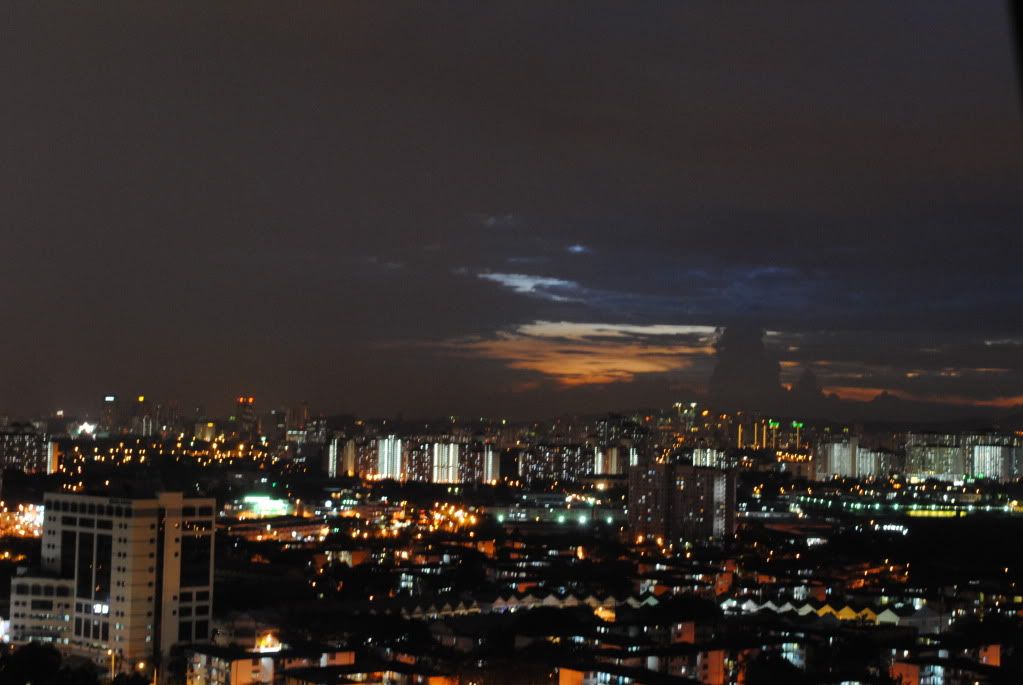 Camera Model: Nikon D3000 Exposure: Auto Aperture: f/13 ISO Speed: 800 I'm newbie... this is my first shot... give some comment so i can improve it... thanks.... |
|
|
Nov 11 2009, 10:01 PM
|
|
Senior Member
6,738 posts Joined: Dec 2006 From: Kuala Lumpur, Malaysia | Eau Claire, Wisconsin
|
QUOTE(achew @ Nov 11 2009, 06:42 AM) thats when u r using auto mode..in semi auto aka shutter/aperture priority..the camera should help u to adjust the exposure itself... I see, thanks for clarifying.if a photo is over/under exposed in 1 of those semi auto mode..i'd usually suspect on the metering...if ur r taking high contrast photo..where certain part of the photo is quite dark/bright...and u r spot/center weighted metering that part..it would usually cause under/over exposure on the other part of the photo... thats my guess..im a beginner too btw...for the film grain thingy..try to seach for actions..maybe in devianart... How can you be a beginner... Bokehmon...?  |
|
|
Nov 11 2009, 11:43 PM
|
|
Senior Member
1,394 posts Joined: Apr 2007
|
QUOTE(TechnoDude94 @ Nov 11 2009, 10:01 PM) I see, thanks for clarifying. In Photochop under the Filters section, you can choose to add noise. How can you be a beginner... Bokehmon...? Here I did this just now when I was bored.  P.S: I think the small file size screwed up my grains =X To save the full file was 20mb @.@  This post has been edited by joyyy: Nov 11 2009, 11:43 PM |
|
|
Nov 12 2009, 12:03 AM
|
|
Senior Member
6,738 posts Joined: Dec 2006 From: Kuala Lumpur, Malaysia | Eau Claire, Wisconsin
|
joyyy, thanks for the help.
 |
|
|
Nov 12 2009, 12:23 AM
|
|
Junior Member
20 posts Joined: Mar 2008
|
 Camera Model - Nikon D90 Lens - Nikkor 18-105mm F3.5- 5.6 Aperture - f5.3 Shutter Speed - 1/160s ISO - 400 |
|
|
|
|
|
Nov 12 2009, 05:49 AM
|
|
Senior Member
1,467 posts Joined: Dec 2004 From: Petaling Jaya/Melaka/USA
|
QUOTE(joyyy @ Nov 11 2009, 03:22 PM) The colours certainly bring the nostalgia out, but the out of focus totally ruined the picture. Old pictures can have faded colors, but the focus makes one forget about the nostalgia Thanks for the comment I tot maybe with the out of focus thing will give a feeling to pic i.e a memory of a missing girl or sumthing similar..but maybe i'm wrong..thanks again! |
|
|
Nov 12 2009, 03:39 PM
|

Junior Member
367 posts Joined: Jan 2008
|
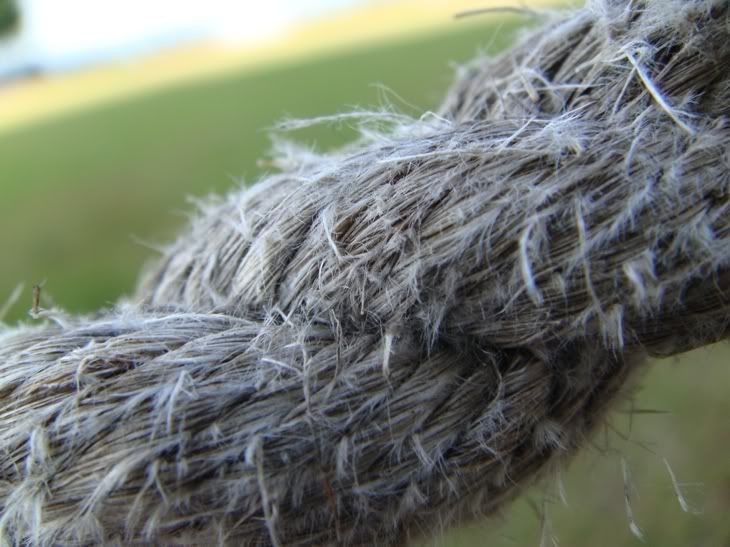 1/160 F3.5 ISO100 cc welcome This post has been edited by Alex_tan168: Nov 12 2009, 03:44 PM |
|
|
Nov 12 2009, 03:56 PM
|
|
Senior Member
502 posts Joined: Nov 2007 From: Kedah / Siam
|
Made in Malaysia!
  1/30s, f11 @ 1600 ISO This post has been edited by sunmenghao: Nov 12 2009, 03:58 PM |
|
|
Nov 12 2009, 05:06 PM
|

Senior Member
4,670 posts Joined: Dec 2004 
|
 Camera: Olympus E-500 Exposure: 0.006 sec (1/160) Aperture: f/2.8 ISO Speed: 100 Threw in some Photoshop effects. |
|
|
Nov 12 2009, 08:03 PM
|
|
Senior Member
6,738 posts Joined: Dec 2006 From: Kuala Lumpur, Malaysia | Eau Claire, Wisconsin
|
Aoshi_88, I think it would've been better with some "bokeh".
Just my 2 cents. |
|
|
Nov 12 2009, 10:57 PM
|
|
Senior Member
1,000 posts Joined: Jun 2008 From: Kota Kinabalu, Sabah
|
 Camera: Canon EOS 400D Digital Exposure: 0.02 sec (1/50) Aperture: f/5.6 Focal Length: 55 mm Exposure Bias: 0 EV ISO Speed: 800 This post has been edited by DEVICLOT: Nov 12 2009, 10:57 PM |
|
|
Nov 12 2009, 11:25 PM
|
 
Elite
6,075 posts Joined: Jan 2006 From: 3.1553587,101.7135668
|
 Camera Model - Sony Alpha A700 Lens - Minolta 50mm Exposure - 1/80s, f/1.7 @ 800 ISO |
|
Topic ClosedOptions
|
| Change to: |  0.0309sec 0.0309sec
 1.14 1.14
 6 queries 6 queries
 GZIP Disabled GZIP Disabled
Time is now: 22nd December 2025 - 12:12 PM |
 Quote
Quote