

 Nov 5 2006, 05:58 PM, updated 18y ago


QUOTE
Source : http://www.overclockersclub.com/guides/hea...appingguide.php
Why Lap?
Due to the machining process, just about every heat sink will have a rough surface. To the naked eye it may look flat or even feel smooth, but there are microscopic groves in the surface. These groves will trap air between the heat sink and the CPU, and cause a poor transfer of heat.
Thermal compound (Artic Silver, Nanotherm, etc.) is used to fill these groves and help transfer the heat from the CPU to the heat sink. Just like air, thermal compound is something else that the heat has to pass through to get from the CPU to the heat sink.
We lap the heat sink to make it smooth, allowing us to get the best possible contact between the CPU and heat sink. Even after lapping, there will still be grooves for the air to be trapped in, but the grooves will be much smaller, and cause less of a problem.
Lapping can be done on any heat sink, pelt, or water block, regardless of its material. Just keep in mind that a softer metal will sand away faster than a hard metal.
The Process
You will start out with the most coarse grit first (400 Grit), and repeat the process for each higher grit.
Completely soak the sandpaper under some running water, and then place it on your flat surface. I left a bit of standing water on my sandpaper. You can use hot water or cold water, it doesn't matter. I used cool, as I didn't want warm water on my hands to defrost my icy mug.
Next place a drop of the dishwashing liquid onto the heat sink's base. You only need to do this on the part that we will be lapping. Now, spread the dishwashing liquid around so it covers the base, again, you only need to worry about the part that we will be lapping.
Place the heat sink on the wet sandpaper. Hold the heat sink by the side, and slowly move the heat sink up and down the paper. Be careful not to apply any pressure to the heat sink, we want its own weight to do the work for us.
After about ten passes across the sandpaper, rotate the heat sink 90° (that's a quarter of a turn) and continue to sand until you've made a complete rotation. I continue to do this until I've made 10 complete rotations, stopping every couple of rotations to rewet the sand paper, and reapply the soap.
Repeat the process using the 600, 800, 1000, 1500, and 2000 grit sand paper. In the end, you will have a nice, mirror like reflection on the heat sink base.
Congratulations, you've just lapped your heat sink and created a better surface for heat transfer. You should notice close to a 5°C drop in CPU temperature, though results may vary.
Why Lap?
Due to the machining process, just about every heat sink will have a rough surface. To the naked eye it may look flat or even feel smooth, but there are microscopic groves in the surface. These groves will trap air between the heat sink and the CPU, and cause a poor transfer of heat.
Thermal compound (Artic Silver, Nanotherm, etc.) is used to fill these groves and help transfer the heat from the CPU to the heat sink. Just like air, thermal compound is something else that the heat has to pass through to get from the CPU to the heat sink.
We lap the heat sink to make it smooth, allowing us to get the best possible contact between the CPU and heat sink. Even after lapping, there will still be grooves for the air to be trapped in, but the grooves will be much smaller, and cause less of a problem.
Lapping can be done on any heat sink, pelt, or water block, regardless of its material. Just keep in mind that a softer metal will sand away faster than a hard metal.
The Process
You will start out with the most coarse grit first (400 Grit), and repeat the process for each higher grit.
Completely soak the sandpaper under some running water, and then place it on your flat surface. I left a bit of standing water on my sandpaper. You can use hot water or cold water, it doesn't matter. I used cool, as I didn't want warm water on my hands to defrost my icy mug.
Next place a drop of the dishwashing liquid onto the heat sink's base. You only need to do this on the part that we will be lapping. Now, spread the dishwashing liquid around so it covers the base, again, you only need to worry about the part that we will be lapping.
Place the heat sink on the wet sandpaper. Hold the heat sink by the side, and slowly move the heat sink up and down the paper. Be careful not to apply any pressure to the heat sink, we want its own weight to do the work for us.
After about ten passes across the sandpaper, rotate the heat sink 90° (that's a quarter of a turn) and continue to sand until you've made a complete rotation. I continue to do this until I've made 10 complete rotations, stopping every couple of rotations to rewet the sand paper, and reapply the soap.
Repeat the process using the 600, 800, 1000, 1500, and 2000 grit sand paper. In the end, you will have a nice, mirror like reflection on the heat sink base.
Congratulations, you've just lapped your heat sink and created a better surface for heat transfer. You should notice close to a 5°C drop in CPU temperature, though results may vary.


Using sandpaper grit -> 500>800>1000>1500>2000
Got around 10degrees drop.
Pictures taken using w810i

6600 to mirror perfection

thx neoxz
This post has been edited by neoxz: Nov 16 2007, 02:08 AM
 Quote
Quote

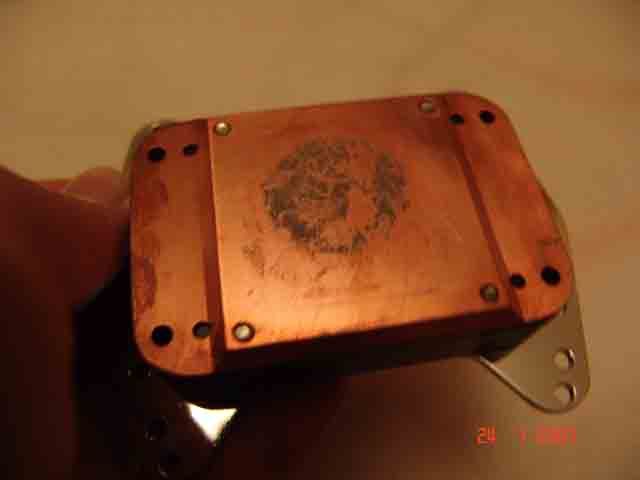
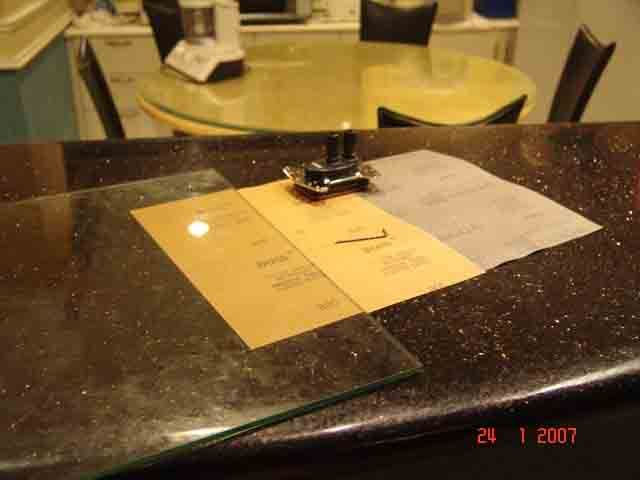
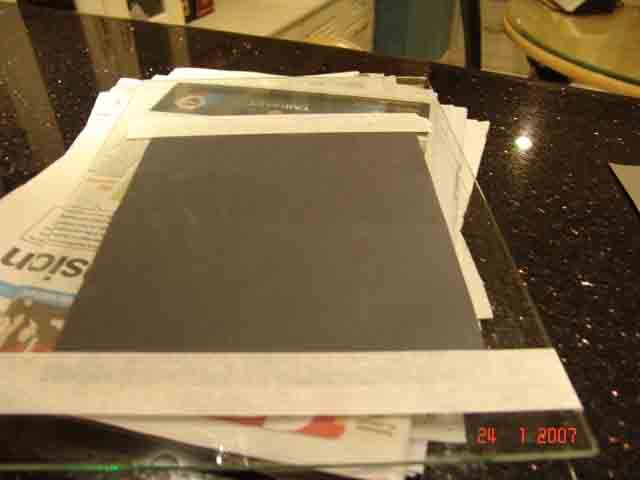
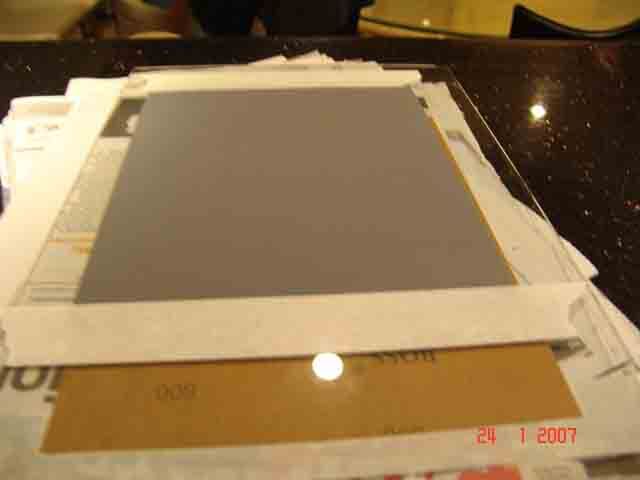
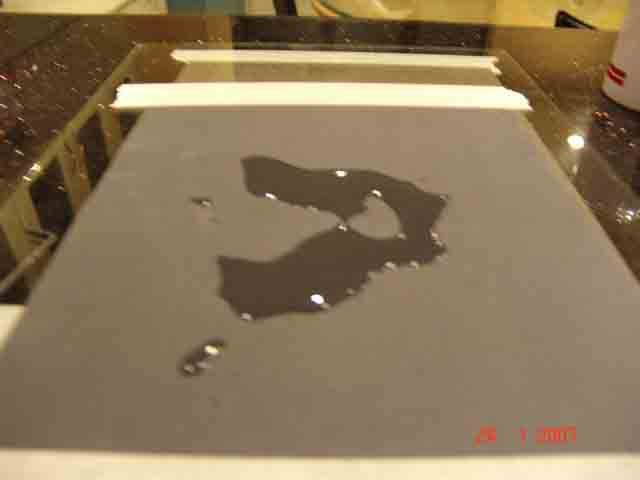
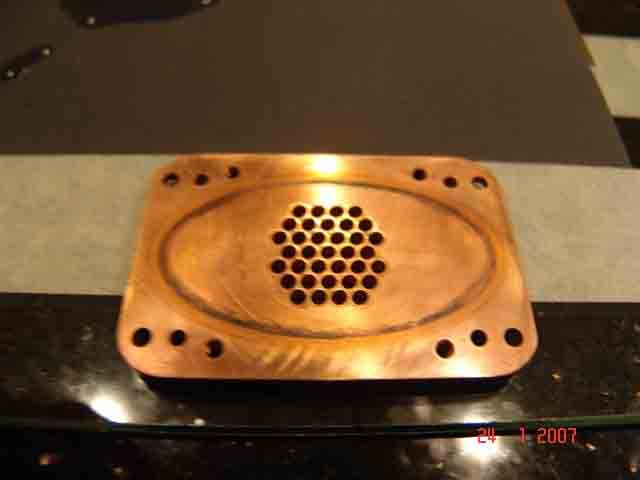
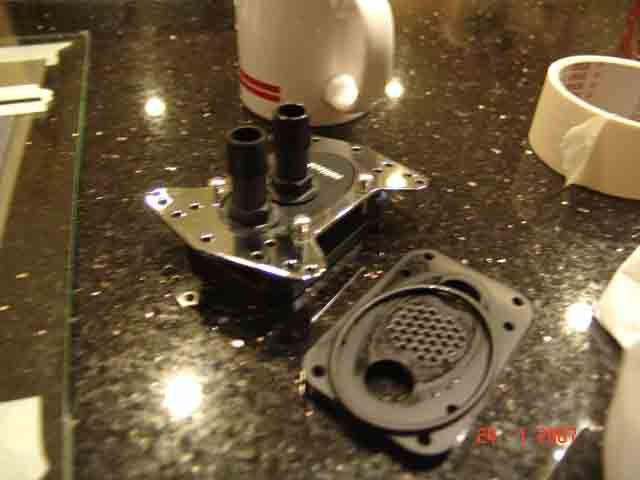
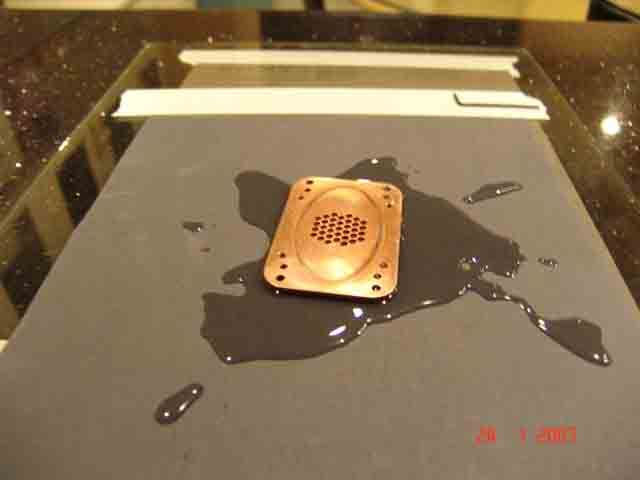




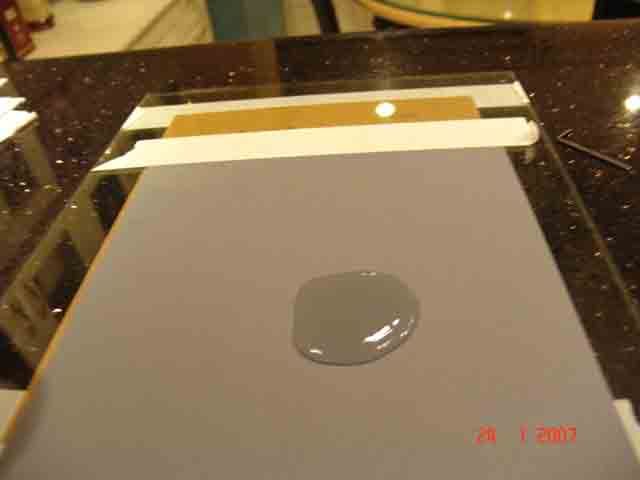
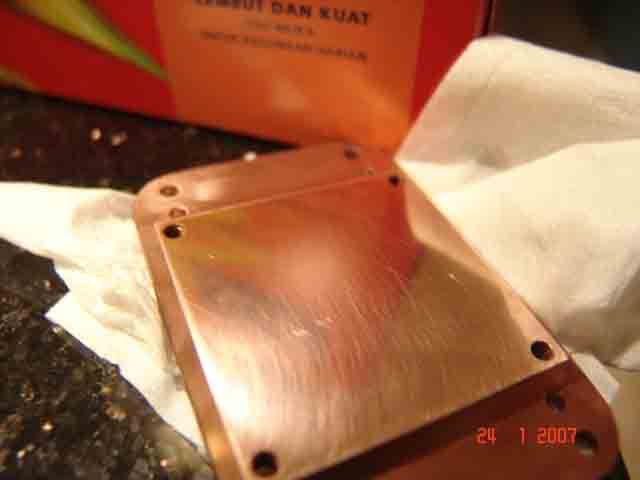
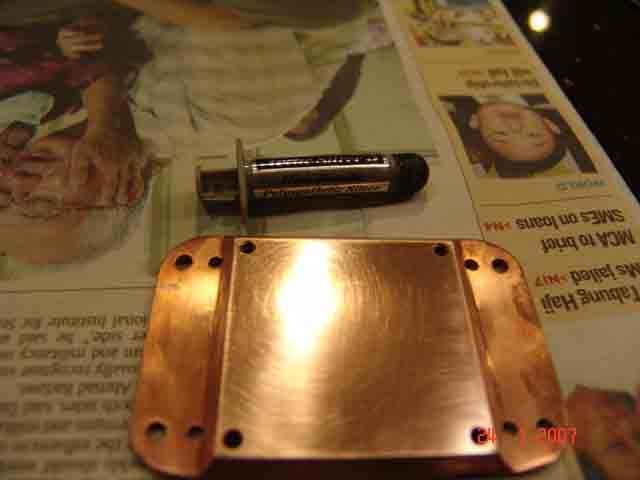
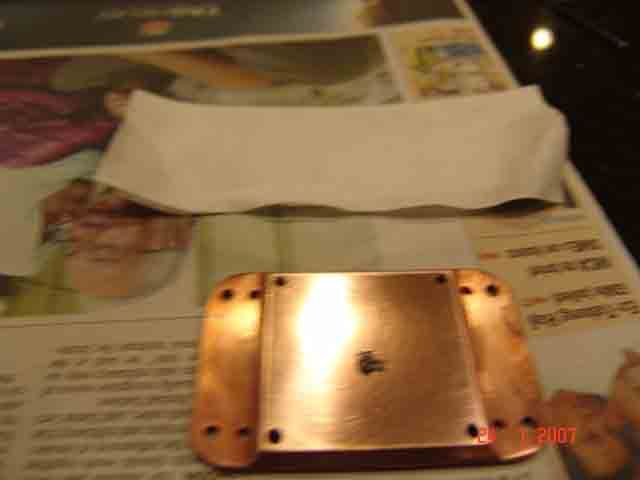
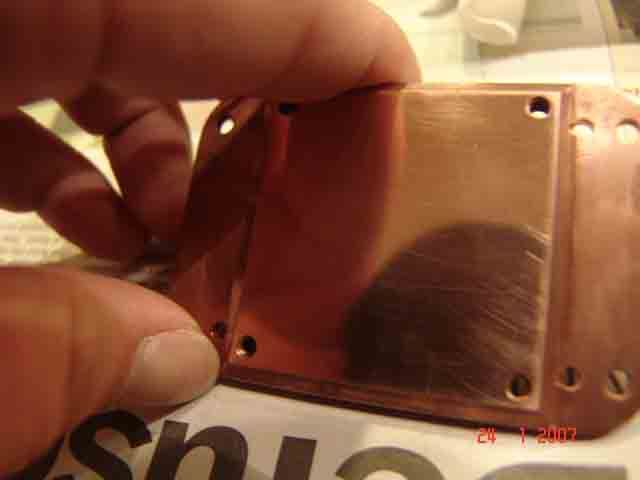


 at Idle, it dropped about 4 degrees only
 if can lower by 10c is really good...my cooler isnt cooling my proc enuff maybe by lapping it can help alot since the surface aint that smooth....come come teach us


 using same grit sandpaper as neoxz


 maybe i'll ask around first...
 maybe i'll try it but first have to find a glass for my project...anyone willing to gimme a hand ere








 care to tell us...






 why? still not satisfy with the WC? or just want to get the most of it


















 0.2239sec
 1.00
1.00
 6 queries
 GZIP Disabled