from my first few experience on the hdx1000, the hdx is not for the casual user..
steep learning curve and any mistake might brick the machine..
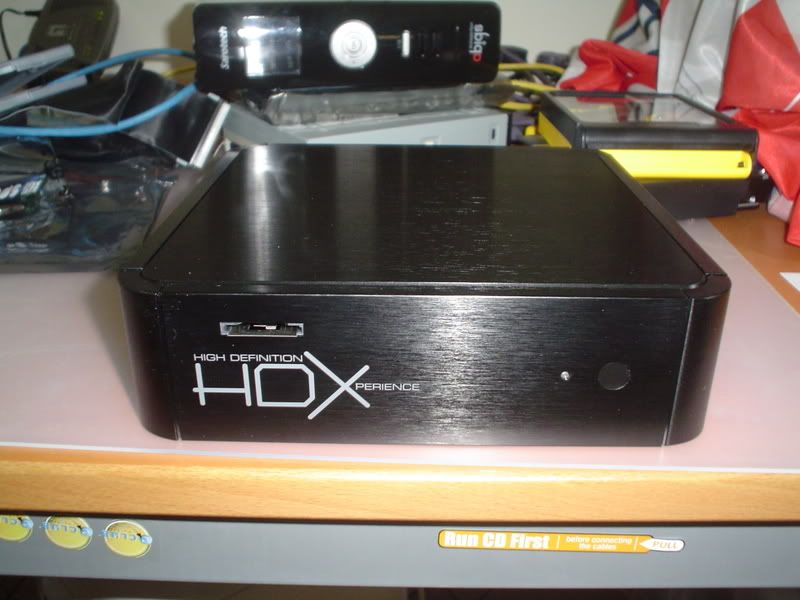
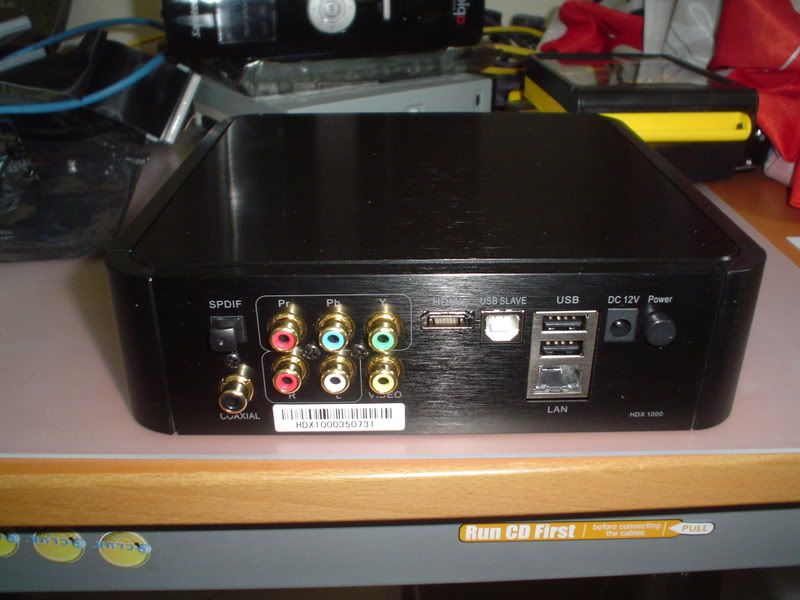
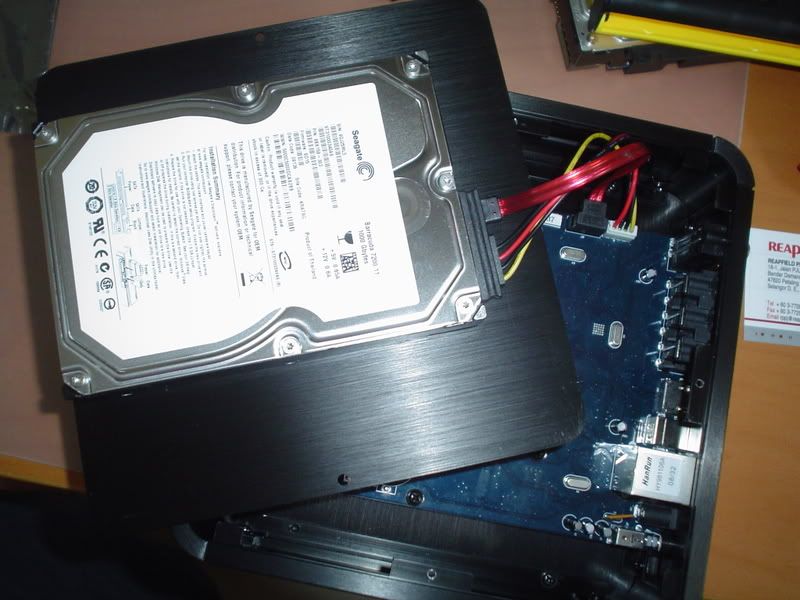
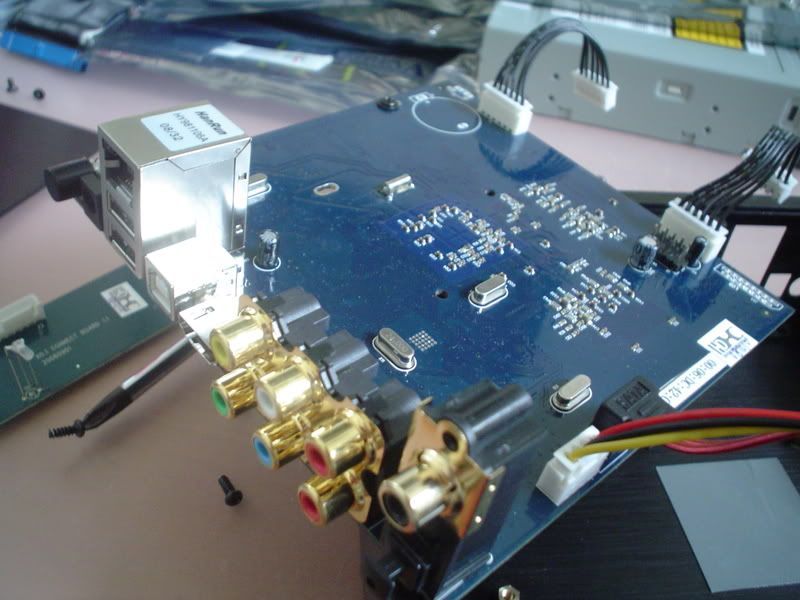
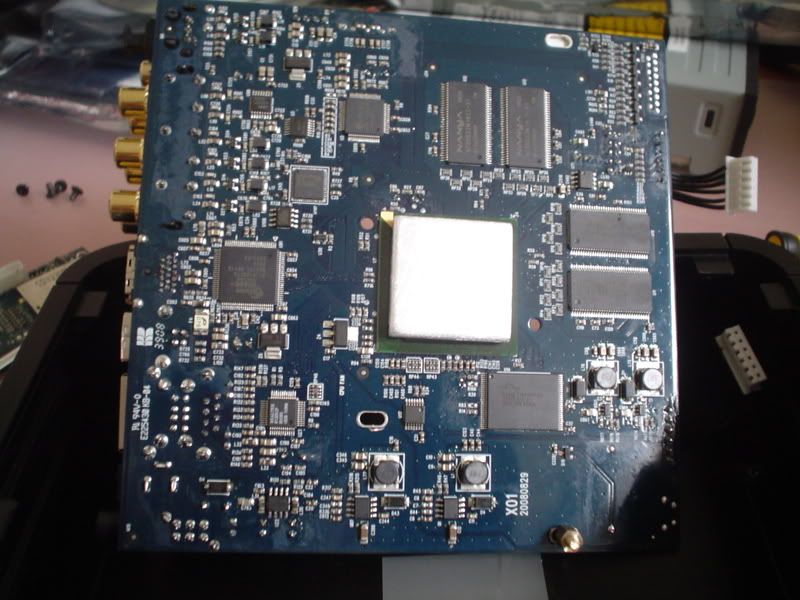
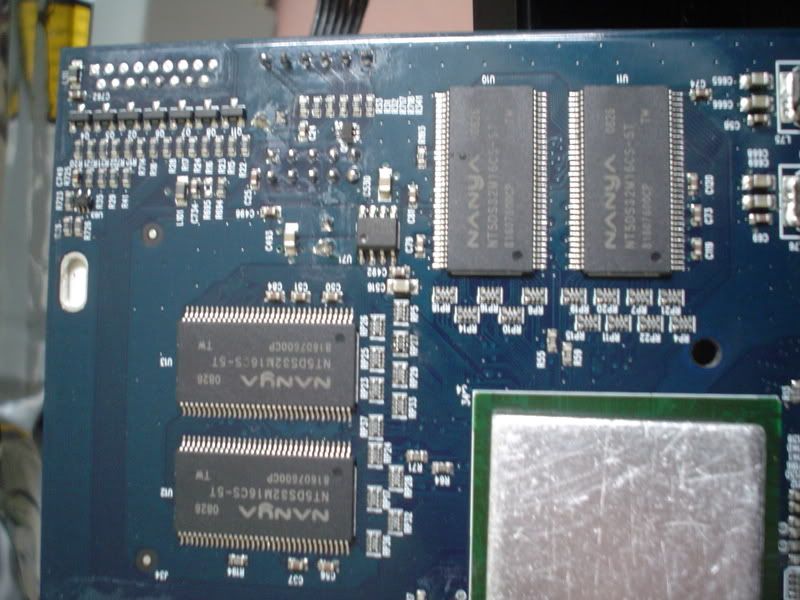
casing and general outlook is very nice...however overall quality (qc) is lousy.. from machine not working to led lights going out...
picture quality on mkv and normal files is excellent...but i did see a bit stuttering on iron man 1080p vc1 mkv files 50% into the movie.. could be problem on vc1 files...
the worst to me is that they do not have a converter for dts.. the output is pure digital raw output.. i cannot set it to analog.. so for people with no amp to convert dts files u won't be able to hear anything (was watching ironman with no sound).. and most of my 1080p files are dts.. dvico is able to go analog...
other dislikes
no delete button
no fast rewind on mkv files
no bookmark on remote
when scrolling list of files..theres a delay like 2 seconds to go to the next page...
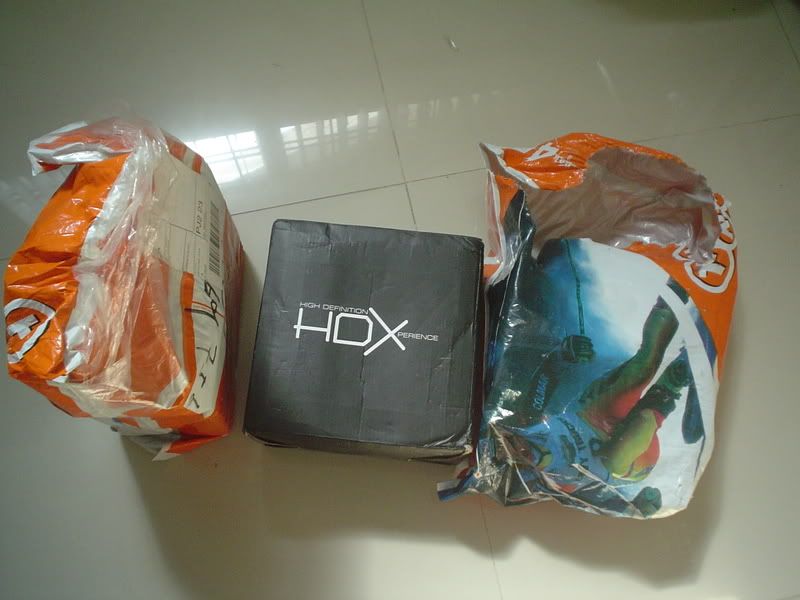
shipment of hdx1000 was in the worst kind of protective materials.. in came in a those courier plastic and the original hdx1000 box.. thats it.. nothing else to protect.. box was like in bash up condition...
likes
box includes hdmi cables...
remote nice feel
very fast detection of usb memory stick
i like how when u press numbers on the remote it quickly goes (example number 4) 40% into the movie
still pumping more files into the machine and testing it later....
update:
ok i was wrong on this one firmware updates is quite easy .. but still not for the casual user
latest update of firmware gives an option in dts for dts-hd raw .. however still no analog for dts

ironman vc1 1080p doesn't stutter 50% into the movie.. after update of firmware...
now for that defective unit , all emails to the singapore branch going to deaf ears.. no response from them yet... after sales looks like crap !!!
just now having problem switching to different tvmode.. here the proper way for those who need to know..
Remotecontrol:
Tv Mode then wait an second or two and then press this
0 = Auto TV Mode
1 = Composite 480i (NTSC)
2 = Composite 576i (PAL)
3 = no function
4 = Component 720p 60hz (NTSC)
5 = Component 1080i 60hz (NTSC)
6 = Component 1080p 60hz (NTSC)
7 = HDMI 720p 60hz (NTSC)
8 = HDMI 1080i 60hz (NTSC)
9 = HDMI 1080p 60hz (NTSC)
because component and Hdmi only give you 60hz NTSC we include an extra function which you can use with TV Mode then again wait one second or two then press CAPS/NUM to switch to 50hz (PAL) you can do it that way also back again to 60hz (NTSC)
also if u on composite mode the blue led light will disapear ...
This post has been edited by andyz: Oct 18 2008, 04:17 PM 

 Oct 14 2008, 10:23 PM


 Quote
Quote


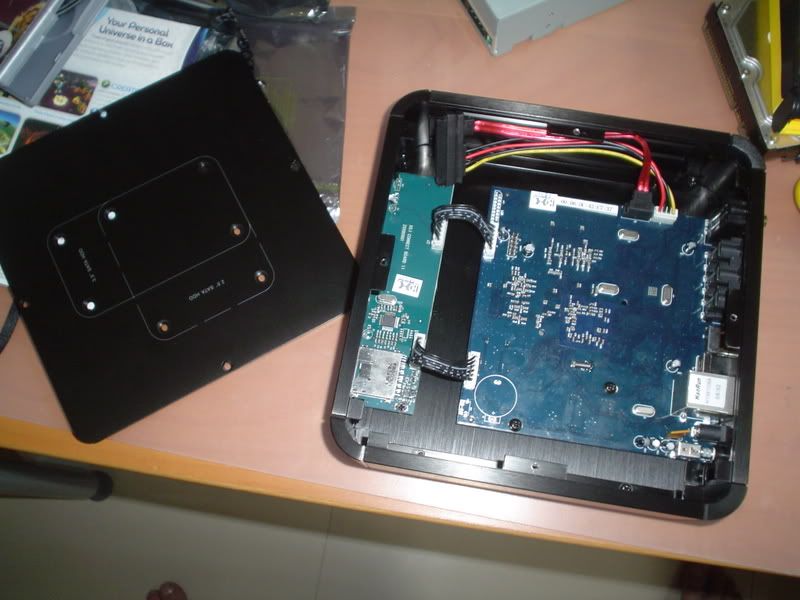
 At least I can upgrade it later.

 looks nice )




 0.0502sec
 0.81
0.81
 6 queries
 GZIP Disabled