

 Sep 10 2008, 04:38 AM, updated 18y ago


1 .The Genius feature requires you to sign into an iTunes account, otherwise it is disabled. You can make the Genius sidebar visible or not, by clicking its button on bottom right of iTunes.
2. HD contents immediately available NOW! This includes at least all of my previously purchased TV Shows such as Lost. Also ,welcome back NBC! Those season passes for The Office, Heroes Season 1 & 2, and Battlestar Galactica is teasing ME!
 I need more credits before I can purchase them. They also include how much storage is required to buy them by seasons. For example, Heroes Season 2 is 14GBs in HD, but only 5.3GB in SD. I'm getting my TV Shows in HD on Blu-rays, only getting SD versions via iTunes.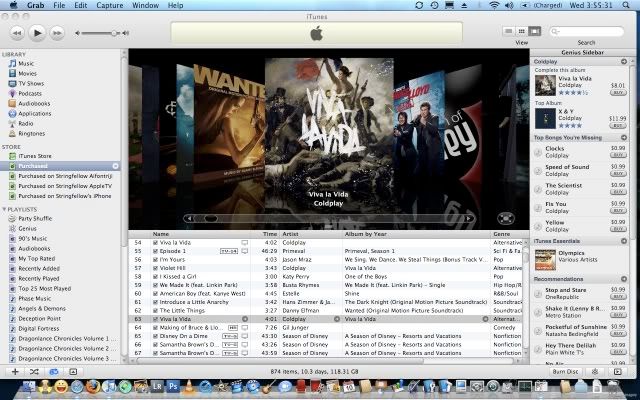
3 .After agreeing with the terms and conditions for Genius, it will start gathering info on your iTunes library, and it takes a while too. Once done, a notification appears that says that you can start using Genius now. To use it, select a song, and on the Genius sidebar, a Genius recommendation, at the time of the writing of this post, based currently on the composer, appears. The Genius feature assumes you are interested in similar sounds from the currently selected song, and recommends it with links for purchase and details. Note that Genius only works for songs at the moment, and also Genius is evolving.........the more data it gathers from users as more and more users uses iTunes 8.0, the smarter it gets, and the better recommendations it gives. Creepy isnt it? Almost sounds like Skynet in Terminator.....
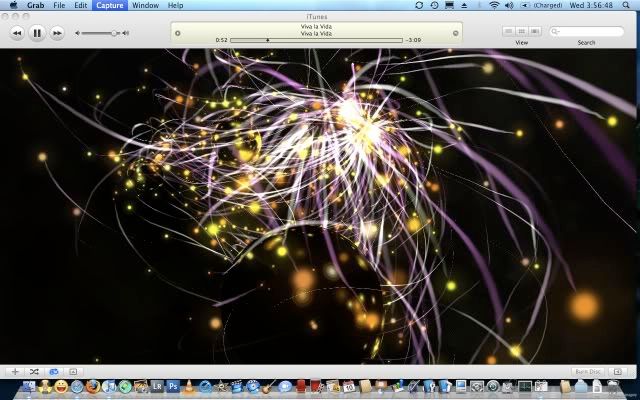
4 .A new Visualizer as promised. Magnetosphere is now available as the iTunes default visualizer when selected. Looks just as described by Kevin Rose, streaks of light jumping between spherical worlds or planet. Very trippy and beautiful. Also , ZERO lag on the visualizer, even when turn on to full screen. This is excellent for parties, gatherings and get-togethers while you turn on your HDTV connected to your Mac. Nice!
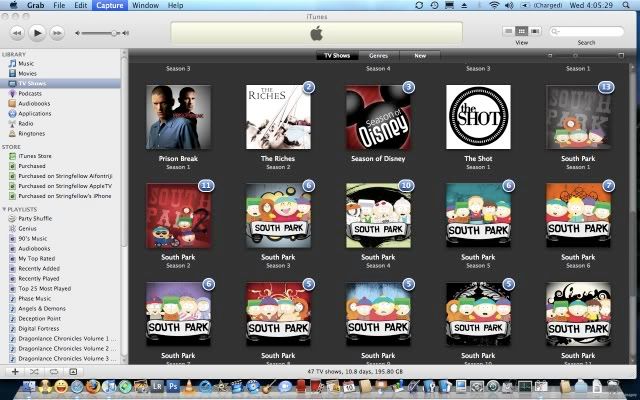
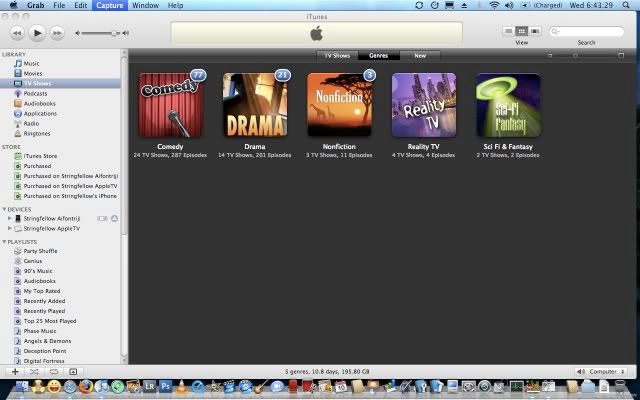
5 .Remember those blue notification bubbles on your iPhone? Now it serves as a way of saying that you have new unwatched episodes on your Mac, instead of what I initially thought as new episodes available. Refer to the screenshot below.
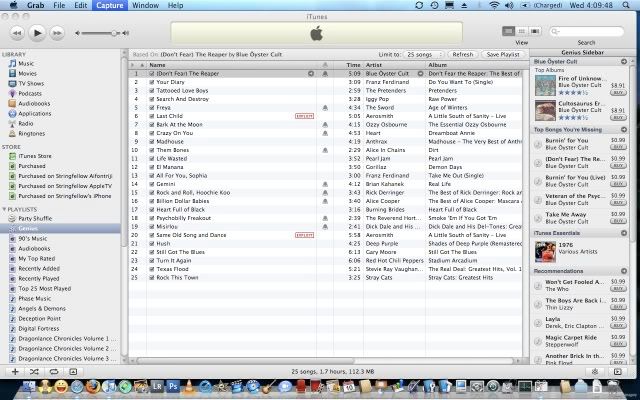
6. Genius Playlist, what is it? It is basically the Genius feature trying to second-guess what you would want to group your songs into and at the same time create a playlist based on those guesstimation. For example, if I choose the song "Dont Fear The Reaper" by Blue Oyster Cult, these songs are what Genius recommends I put inside the Genius playlist.
I choose a song based on a soundtrack, called "Little Things" by Danny Elfman from the soundtrack of "Wanted", it generates songs all based from soundtracks or what it thinks are soundtrack titles, including titles that arent necessary tagged as a soundtrack album. I got songs from a few classical albums I got, in which Genius would already have scoured the iTunes music database and identified it as one of the songs from a soundtrack of a movie. Hence it gets recommendation inside this Genius Playlist because of those criterias.
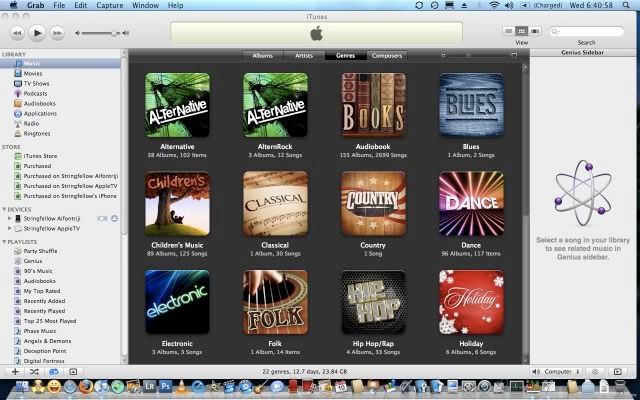
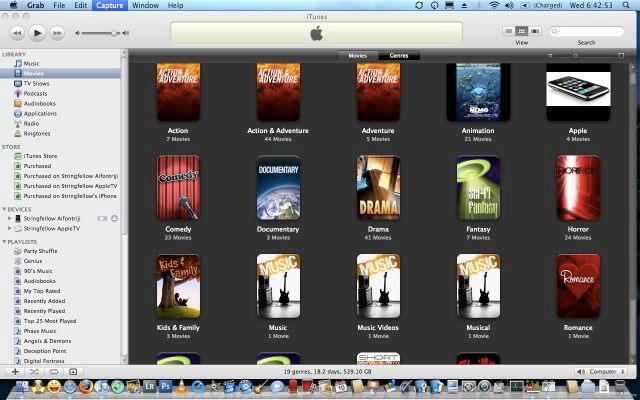
7. The new Grid look is further enhanced to look like this:-
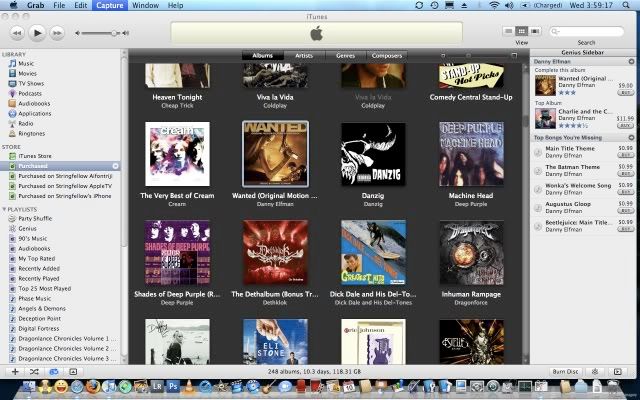
Hovering your cursor over a title on that said grid enable two things. If the said grid item is arranged as "Artist", you can scrub over the grid item to select different albums within the said grid by scrolling left to right and clicking it down when you've come to the selected album you wanted. Those familiar with scrubbing within a photo Event in iPhoto should find this familiar.
8 .One bad glitch I found out is that all my movies contained in Time Capsule are no longer containing their album art/movie poster. I had to individually use the "Get Info" feature to refresh the alias/link to point towards those movies stored in the Time Capsule, and recollect their album art, or in this case, the movie cover art. I've close to 300 movies stored this way, and the thoughts of doing them one by one is not a pleasant one.
 Quote
Quote










 0.0230sec
 0.84
0.84
 5 queries
 GZIP Disabled