Outline ·
[ Standard ] ·
Linear+
Winpwn 2.5.0.2! Unlock/Jb 1st & JB 2nd Gen iphone!, Pls read page 1 first before proceeding!
|
mikelee
|
 Sep 2 2008, 10:23 AM Sep 2 2008, 10:23 AM
|

|
Hi guys,
I am currently on the 1.1.3 oldies firmware. I am thinking of moving up to 2.0.1 firmware. I gotta admit I am new to upgrading of firmware. Here are the steps I am planning to do it:
1) Upgrade to iTunes 7.7
2) Backup contacts using iTunes
3) Perform a firmware update to 2.0.1.
4) Restore back contacts
Are these the correct steps? Thanks.
This post has been edited by mikelee: Sep 2 2008, 10:28 AM
|
|
|
|
|
|
mikelee
|
Sep 2 2008, 11:33 AM
|
|
|
QUOTE(davidgary73 @ Sep 2 2008, 10:38 AM) Yes..Make sure you download the right firmware and all the files needed and follow the guide provided on first post of this thread and you'll be fine. Have fun. I have researched further and realised that 1.1.4 is needed before upgrading to 2.0.1. Anyone who has experience from 1.1.3 moving up to 2.0.1? |
|
|
|
|
|
mikelee
|
Sep 2 2008, 01:01 PM
|
|
|
QUOTE(davidgary73 @ Sep 2 2008, 12:11 PM) Thanks! Appreciate it.  |
|
|
|
|
|
mikelee
|
Sep 2 2008, 11:38 PM
|
|
|
Successfully updated to 2.0.1. Done all within 2 hours. I would like to say thanks to Corvinux for putting up the useful first page and davidgary73 for guiding me those useful links/videos.  |
|
|
|
|
|
mikelee
|
Sep 4 2008, 12:03 PM
|
|
|
After using 2.0.1, I realized that the opening apps are faster than 1.1.3. Huge improvement. |
|
|
|
|
|
mikelee
|
Sep 6 2008, 12:11 PM
|
|
|
QUOTE(johny_thirty @ Sep 5 2008, 11:44 PM) Seaedge,after i restore it back and follow the step with Pwnage tool like i was doing before.....but this time i do not use back up instead i choose new iPhone because if i choose the back up my contact and all my songs will also gone so same la if i choose new iPhone..and its working quite ok for now..but still the keyboard lag. Funny thing is that I choose backup and everything was backed up, even the videos that I previously have. Regarding the keyboard lag, I only feel it when the keyboard is activated. After that, everything seems normal. QUOTE(harmeet15 @ Sep 6 2008, 11:28 AM) 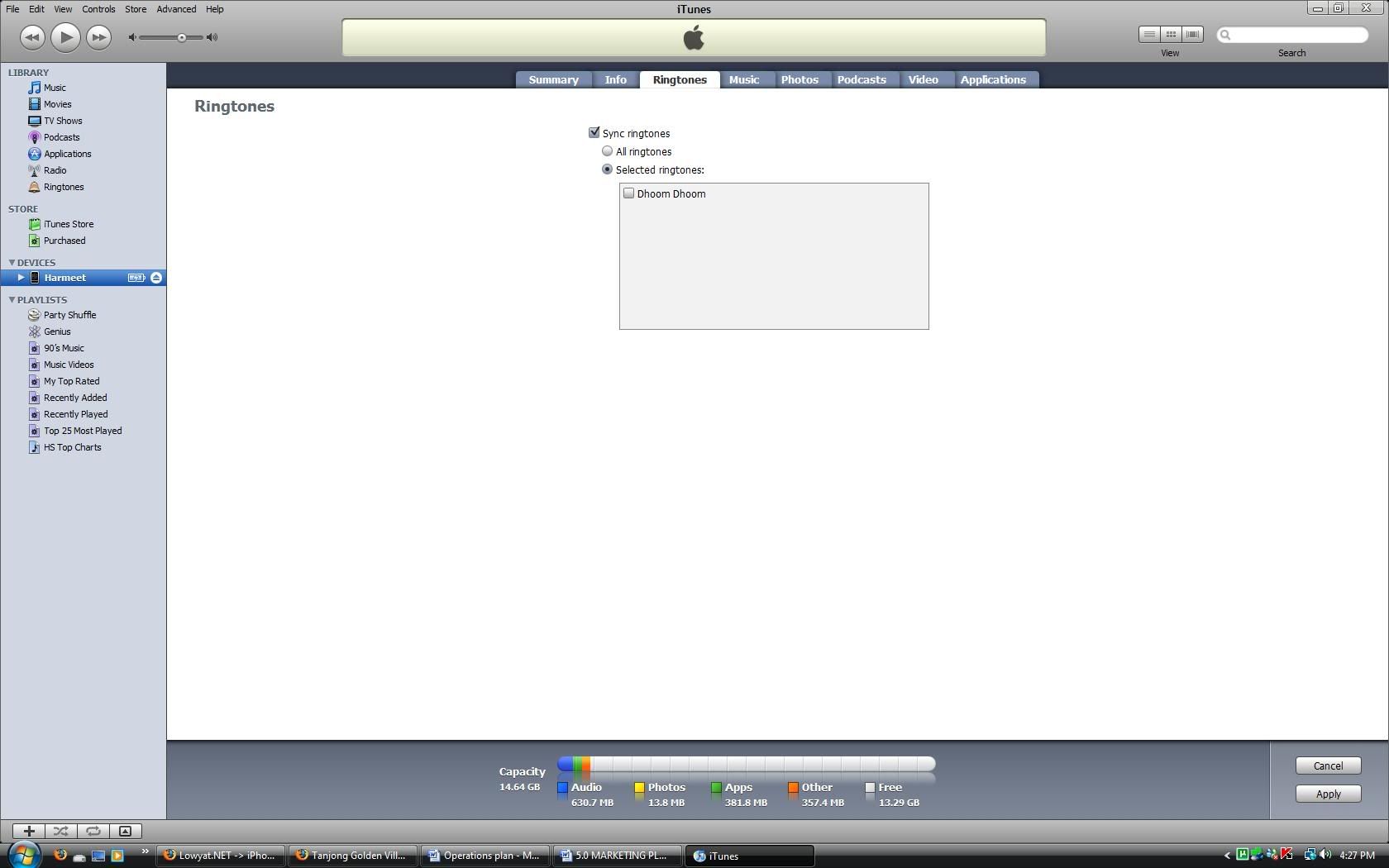 y dun hv option for selecting custom fw? Can you make picture bigger? I can't see what is the problem there. |
|
|
|
|



 Quote
Quote


 0.0221sec
 0.83
0.83
 7 queries
 GZIP Disabled