

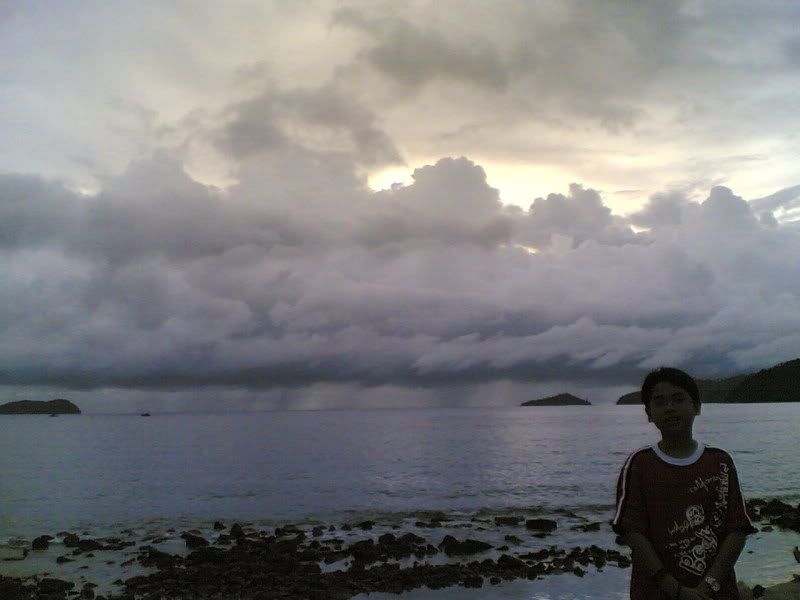
the above photo taken by using my 6630
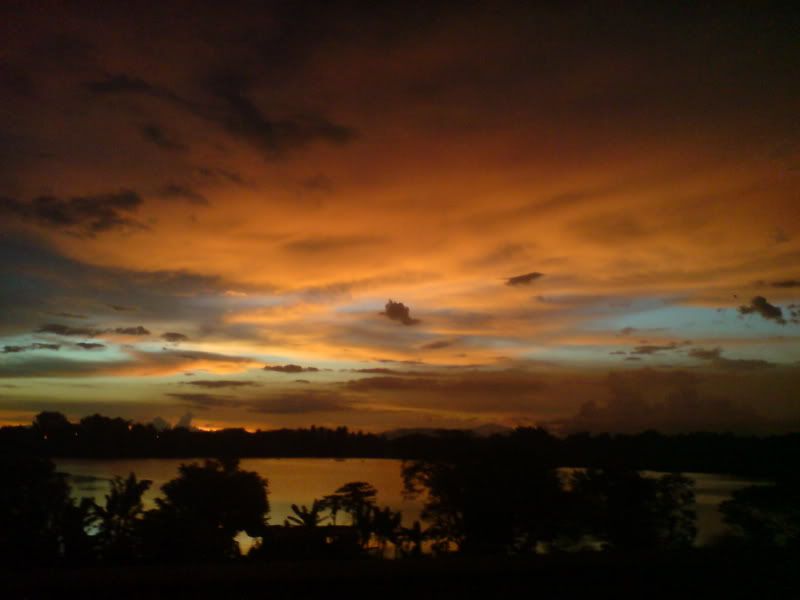
taken by using K800, in moving car plus window
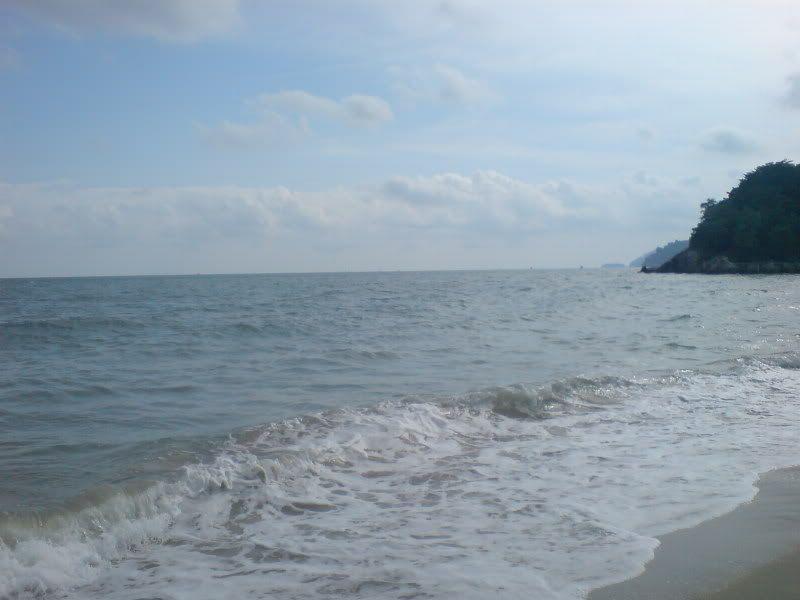
taken by using K800
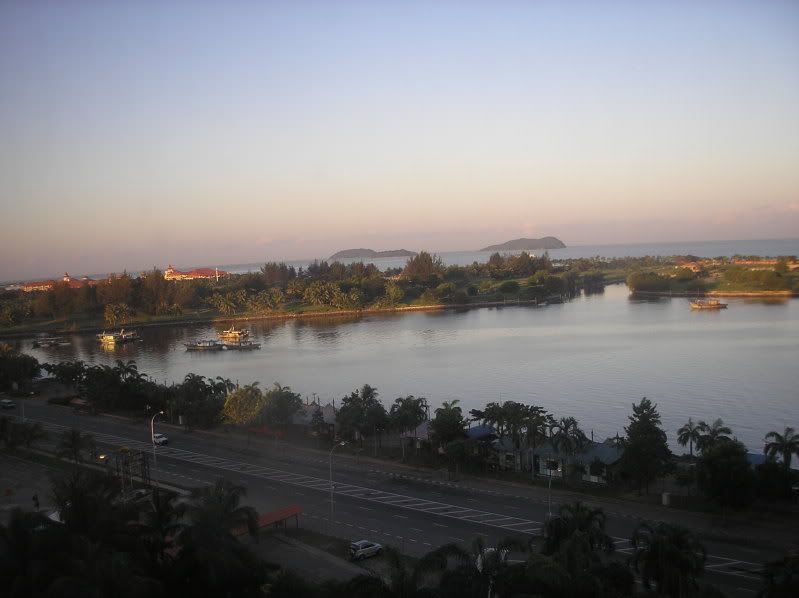
taken by using n73 in promenade hotel,sabah
no editing..its totally original photo...
This post has been edited by kae7: Apr 22 2009, 06:09 PM
~#Camera-Phone Shots Gallery [V8]#~, V8 V8 Vroomm vroomm~~~
|
|
 Apr 22 2009, 06:00 PM Apr 22 2009, 06:00 PM
|
 
All Stars
10,950 posts Joined: Jan 2009 From: Hatton Cross   
|
the above photo taken by using my 6630 taken by using K800, in moving car plus window taken by using K800 taken by using n73 in promenade hotel,sabah no editing..its totally original photo... This post has been edited by kae7: Apr 22 2009, 06:09 PM |
|
|
|
|
|
Apr 22 2009, 10:20 PM
|

Senior Member
876 posts Joined: Oct 2007
|
^above pics is reposta??
biasa ku lihat tapi di mana ya? |
|
|
 Apr 23 2009, 01:56 PM Apr 23 2009, 01:56 PM
|

All Stars
29,764 posts Joined: Jan 2009 From: Johor, Malaysia.
|
Found another program call Qtpfsgui, a FREE HDR maker.
 Attached with few HDR photos generate using Qtpfsgui and enhanced with Photoshop. How do you think? I know I said I not going to post any HDR edit photos, Ops! (Last post, last post  ) )     Qtpfsgui is not as easy as commercial product like Photomatix Pro but it do generate out better HDR feel effect. Qtpfsgui will generate few separate different type of HDR format photo manually and then you need to manually combine it using Photoshop or any graphics application that support layer. Q: What is the meaning of the name Qtpfsgui? A: The name can be decomposed in 3 parts: Qt-pfs-gui. 1. Qt: the program uses QT4 to show its graphical widgets. 2. pfs: the main backend library and original sourcecode base. 3. gui: this stands simply for graphical user interface. Official site: Qtpfsgui * Above photos taken using Samsung Pixon, edit with Qtpfsgui and Photoshop CS4. This post has been edited by Andrewtst: Apr 23 2009, 02:07 PM |
|
|
Apr 23 2009, 02:18 PM
|
|
All Stars
10,950 posts Joined: Jan 2009 From: Hatton Cross
|
QUOTE(Andrewtst @ Apr 23 2009, 01:56 PM) Found another program call Qtpfsgui, a FREE HDR maker. its okay if u want to post hdr photos more..Attached with few HDR photos generate using Qtpfsgui and enhanced with Photoshop. How do you think? I know I said I not going to post any HDR edit photos, Ops! (Last post, last post )» Click to show Spoiler - click again to hide... « Qtpfsgui is not as easy as commercial product like Photomatix Pro but it do generate out better HDR feel effect. Qtpfsgui will generate few separate different type of HDR format photo manually and then you need to manually combine it using Photoshop or any graphics application that support layer. Q: What is the meaning of the name Qtpfsgui? A: The name can be decomposed in 3 parts: Qt-pfs-gui. 1. Qt: the program uses QT4 to show its graphical widgets. 2. pfs: the main backend library and original sourcecode base. 3. gui: this stands simply for graphical user interface. Official site: Qtpfsgui * Above photos taken using Samsung Pixon, edit with Qtpfsgui and Photoshop CS4.  we wont scold you.. lol pakhusin... baru aku prasan ada 2 gambar aku dah etak dlm thread nih.. xpe la.. repost  |
|
|
Apr 23 2009, 02:26 PM
|
|
All Stars
29,764 posts Joined: Jan 2009 From: Johor, Malaysia.
|
QUOTE(kae7 @ Apr 23 2009, 02:18 PM) its okay if u want to post hdr photos more.. Thanks we wont scold you.. lol pakhusin... baru aku prasan ada 2 gambar aku dah etak dlm thread nih.. xpe la.. repost  I seen the kids b4 as well.  |
|
|
Apr 23 2009, 02:28 PM
|
|
Senior Member
876 posts Joined: Oct 2007
|
  this one posted before, but this time with PhotoDJ editing |
|
|
|
|
|
Apr 23 2009, 02:35 PM
|
|
All Stars
29,764 posts Joined: Jan 2009 From: Johor, Malaysia.
|
Sky Sky!
  * Samsung Pixon, color enrich with Photoshop CS4 |
|
|
Apr 23 2009, 02:38 PM
|
|
Senior Member
876 posts Joined: Oct 2007
|
@andrew
your yamaha bike meter is really awesome..  later share tips about hdr ok.  |
|
|
Apr 23 2009, 02:39 PM
|
|
All Stars
10,950 posts Joined: Jan 2009 From: Hatton Cross
|
kinda jealous with samsung pixon..
any other camera phone that can produced image better than pixon..?? |
|
|
Apr 23 2009, 02:42 PM
|
|
Senior Member
876 posts Joined: Oct 2007
|
QUOTE(kae7 @ Apr 23 2009, 02:39 PM) kinda jealous with samsung pixon.. go spam any high-end mobile phones threads in LYN.any other camera phone that can produced image better than pixon..?? tell them, got potential contender here for them to challenge.  |
|
|
 Apr 23 2009, 02:57 PM Apr 23 2009, 02:57 PM
|
|
All Stars
29,764 posts Joined: Jan 2009 From: Johor, Malaysia.
|
QUOTE(pakhusin @ Apr 23 2009, 02:38 PM) @andrew Thanks your yamaha bike meter is really awesome.. later share tips about hdr ok.  Tips ah, no problem  1. you need to have same image in different exposure, 0, +2 and -2 (I use photoshop to change the exposure, this is cheat la, but phone camera no stand to hold it, I can't get same image with 3 times shot lo, he he) 2. Using the Qtpfsgui or Photomatix Pro for generating the HDR effect. For Qtpfsgui 1. Upload the 3 image at once, then manual change the exposure, it still detect actual exposure from EXIF, so since it is cheat, you need to manually change it. 2. Click next and until done. then in another windows, click Tonemap (Tonemap is needed for generating the HDR because usual LCD or CRT is not capable to see HDR image) 3. Generate the file using the default setting, only do for Mantiuk and Fattal. * Change the noise level to 0.0031 if you get crazy noise issue when generating Fattal HDR. 4. Map dual photo in layer at Photoshop. Put Mantiuk on top Fattal and select Soft Lighting and adjust until you satisfied. 5. You may adjust the vibrant, color balance, brightness, contrast and etc at Photoshop if necessary to get more decent HDR look photo. More information using Qtpfsgui at here Qtpfsgui Tutorial (Credit to the author) For Photomatix Pro 1. Upload 3 image at once also by clicking the Generate HDR image button and manually change the exposure value. 2. Click OK and then click Tone Mapping. 3. Change the Strength, Color Saturation, Light Smoothing to get a closer HDR look you prefer and click Process. 4. Save the photo as jpg or tif and enhance more with Photoshop. More information using Photomatix Pro here Photomatix Tutorial (Credit to the author) * I still learning, not perfect as what people can do. You may get more HDR tutorial by just google it. This post has been edited by Andrewtst: Apr 23 2009, 03:17 PM |
|
|
Apr 23 2009, 03:06 PM
|
|
All Stars
29,764 posts Joined: Jan 2009 From: Johor, Malaysia.
|
QUOTE(kae7 @ Apr 23 2009, 02:39 PM) kinda jealous with samsung pixon.. any other camera phone that can produced image better than pixon..?? LG Renoir also really good quality, I only seen one time people posting at a chinese forum, didn't bookmark it, forgotten the url already.  But I still own the photo, I save and check the EXIF, the photo really taken using LG Renoir. |
|
|
Apr 23 2009, 03:52 PM
|
|
All Stars
29,764 posts Joined: Jan 2009 From: Johor, Malaysia.
|
Flower Flower Flowers
Back to normal,    * Samsung Pixon This post has been edited by Andrewtst: Apr 23 2009, 05:05 PM |
|
|
|
|
|
Apr 23 2009, 09:49 PM
|
|
Senior Member
876 posts Joined: Oct 2007
|
lol, wanna add one of my HDR also, thanks to andrew for the tips. HDR so much easier now.
 due to crappy camera, the picture got too much noise. too much noise reduction will cost the details and wont look like HDR already. I use trial version of Neat Image to lower noise after HDR is created, since it's trial, Exif data gone already.  |
|
|
Apr 23 2009, 11:25 PM
|
|
All Stars
29,764 posts Joined: Jan 2009 From: Johor, Malaysia.
|
» Click to show Spoiler - click again to hide... « Nice! you did it and it really nice! I got a question, how you make the baby smooth and slighly shine out(blur white) on the object edge (I dunno how to said, you got that effect on the baby face, baby clothes and also your clothes) Can teach me? hehe * the EXIF data will gone once you play around with HDR effect. (Maybe of 3 image combination, they dunno what to write on the EXIF, so they remove it? only my guess la) This post has been edited by Andrewtst: Apr 23 2009, 11:45 PM |
|
|
Apr 23 2009, 11:54 PM
|
|
Senior Member
876 posts Joined: Oct 2007
|
QUOTE(Andrewtst @ Apr 23 2009, 11:25 PM) » Click to show Spoiler - click again to hide... « Nice! you did it and it really nice! I got a question, how you make the baby smooth and slighly shine out(blur white) on the object edge (I dunno how to said, you got that effect on the baby face and clothes) Can teach me? hehe **Added, the baby is smooth coz after complete all process, I use Neat Image (trial) to clean HDR noise.  This is what you get when HDR using mobile phone. Get a proper digicam lah! This post has been edited by pakhusin: Apr 25 2009, 10:29 AM |
|
|
Apr 24 2009, 01:53 AM
|
|
All Stars
29,764 posts Joined: Jan 2009 From: Johor, Malaysia.
|
QUOTE(pakhusin @ Apr 23 2009, 11:54 PM) I follow directly the tutorial link that u gave before, fortunately I also got Gimp installed on my laptop. I know what u mean, all objects got highlighted "border" to another object right? I also donno how to explain as I follow exactly the tutorial. Only after the HDR process, when combine picture using Gimp, on the "mantiuk" layer, I adjust a bit brightness and contrass before I merged/overlay it to the "fattal" so that it become one .jpg file (complete HDR). Ya ya, that is what I mean, hehe, **Added, the baby is smooth coz after complete all process, I use Neat Image (trial) to clean HDR noise. » Click to show Spoiler - click again to hide... « Thanks for the infor Maybe I shall try Gimp. he he and the car was Wow! cool!This post has been edited by Andrewtst: Apr 24 2009, 02:02 AM |
|
|
 Apr 24 2009, 12:21 PM Apr 24 2009, 12:21 PM
|
|
All Stars
29,764 posts Joined: Jan 2009 From: Johor, Malaysia.
|
Attached some Photos Edit using Photoshop, Qtpfsgui, Photomatix, Noiseware Professional, ACESee Pro and etc.
Open the Spoiler for Original unedited photo.  Photo Edit Original: » Click to show Spoiler - click again to hide... «  Photo Edit Original: » Click to show Spoiler - click again to hide... «  Photo Edit Original: » Click to show Spoiler - click again to hide... «  Photo Edit Original: » Click to show Spoiler - click again to hide... « * Photos taken with Samsung Pixon. Edit with Photo Editing Application. This post has been edited by Andrewtst: Apr 24 2009, 09:26 PM |
|
|
Apr 24 2009, 07:13 PM
|
|
All Stars
29,764 posts Joined: Jan 2009 From: Johor, Malaysia.
|
Object
       * Samsung Pixon This post has been edited by Andrewtst: Apr 25 2009, 01:07 AM |
|
|
Apr 24 2009, 07:29 PM
|

Junior Member
252 posts Joined: Sep 2008 From: kLia/sEpang/niLai/seRiemas
|
QUOTE(pakhusin @ Apr 23 2009, 09:49 PM) lol, wanna add one of my HDR also, thanks to andrew for the tips. HDR so much easier now. hey2..due to crappy camera, the picture got too much noise. too much noise reduction will cost the details and wont look like HDR already. I use trial version of Neat Image to lower noise after HDR is created, since it's trial, Exif data gone already. how come u do this???.. looks real.. |
|
Topic ClosedOptions
|
| Change to: |  0.0328sec 0.0328sec
 0.44 0.44
 6 queries 6 queries
 GZIP Disabled GZIP Disabled
Time is now: 1st December 2025 - 05:10 PM |
 Quote
Quote


