QUOTE(ExCrIpT @ Mar 4 2025, 01:44 AM)
i can't even disable the login step even after unticking the "user must enter a username and password to use this computer" and yet after restarting i still need to login.
This security feature is intentionally difficult to disable, as Microsoft designed it that way.
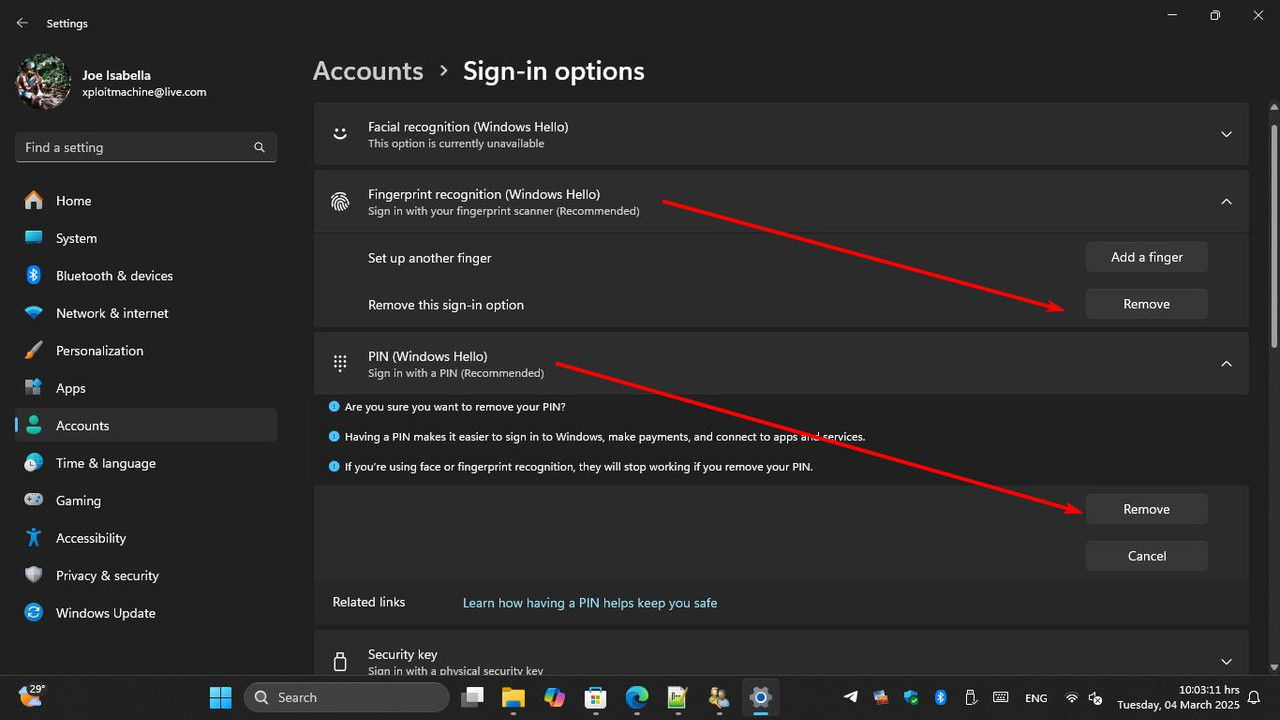
To make things easier, you can add a fingerprint sensor or a webcam with a built-in infrared sensor to enable Windows Hello. This allows you to log in using either your fingerprint or facial recognition.
However, not all webcams support infrared for Windows Hello, so be sure to check the specs before purchasing. I recommend the Lenovo Performance FHD Webcam as a solid option.
One limitation of facial recognition login is that you can’t register multiple faces for a single account. If multiple people share the computer, a fingerprint sensor is the better choice, as Windows Hello allows up to 10 fingerprints to be registered per account.


 Mar 4 2025, 01:00 AM, updated 10 months ago


 Quote
Quote











 0.0248sec
 0.63
0.63
 6 queries
 GZIP Disabled