Outline ·
[ Standard ] ·
Linear+
Unifi's FiberHome router LAN port speed is capped?
|
Zot
|
 Aug 27 2024, 05:00 PM Aug 27 2024, 05:00 PM
|

|
A badly terminated cable can cause the drop in speed also. Using cable tester help to determine how good the cables are. If the cable tested good, then your router port can be faulty.. Corroded pin can be the cause too. Good RJ-45 socket and plug are gold plated. How is the cable laid to top floor? If cable is not shielded type, maybe it is prone to interference if close to electrical wiring. If need to run along the electrical cable, maybe it is good to use fiber optic. It is cheaper than the LAN cable but the converter optic to LAN maybe expensive a bit.  |
|
|
|
|
|
Zot
|
Aug 28 2024, 08:44 AM
|
|
|
QUOTE(Lozy @ Aug 27 2024, 11:39 PM) Just figured out how to use cable tester, yeah it makes sense now to me At first i thought its to test my cable and not the port, but actually i need just a cable to connect the cable tester and my walljack port 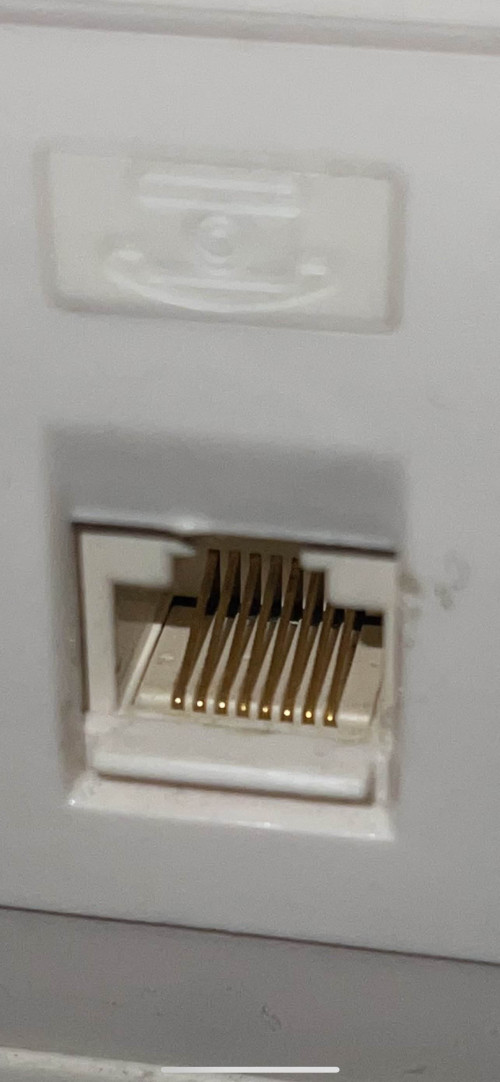 This is what I see from the outside, but all I see are gold plated "pins" No idea unfortunately...and I'm having second thought whether if I even need cable tester at this point or just call someone up to fix the entire thing for me  In your case it is not difficult I think. Take your router from upstairs down to connect direct using your known good cable to the TM port. Try another cable for confirmation if it is still 100Mbps. If it still is, then probably the router. If you get more than 100Mbps, then the cable in the wall. I did not know that the cable to upstairs were already there when you moved in. Probably that cable cannot handle the speed due to spec + length. |
|
|
|
|
|
Zot
|
Aug 28 2024, 09:56 AM
|
|
|
QUOTE(Lozy @ Aug 28 2024, 09:39 AM) Yep tested before already, was able to get full speed if i connect my router to tm’s router directly without using walljack, tried swapping the cables before also for both the routers-walljack path, no luck, speed still being throttled by something… 🥲 The cable going upstairs is inside the wall? This is not installed by you, right? I bet the cable is either the CAT5. The speed is 100Mbps max. This post has been edited by Zot: Aug 28 2024, 09:58 AM |
|
|
|
|
|
Zot
|
Aug 28 2024, 11:10 AM
|
|
|
QUOTE(Lozy @ Aug 28 2024, 10:50 AM) Yes inside the wall, and yes not installed by me Will consider about it once I feel confident to fix it Because the process of opening the walljack and to do all these thing, can definitely make me think "wish i never started all this" If you can read the label in cable inside the wall and read as CAT5 or 5e, then no need to test anything. Just get the cable replaced. On 2nd thought, I would just replace the cable in the wall especially if the cable is placed around 20 years ago If the cable in trunking, then it is not that difficult to replace. |
|
|
|
|
|
Zot
|
Aug 28 2024, 02:59 PM
|
|
|
QUOTE(Lozy @ Aug 28 2024, 02:56 PM) We actually renovated the house 1 year ago, and we didnt have this walljack thingy previously, was a mistake I didnt emphasize which cable to use inside the walljack... Also I cant see anything without opening it up.. this is all I can see from the outside 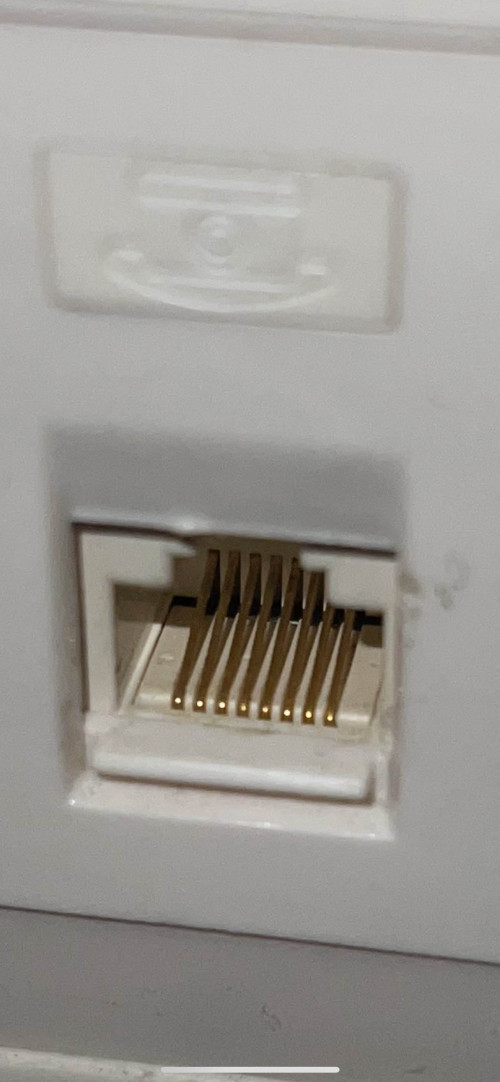 If its trunking means I can just slide my cable down from second floor to first floor or something? Yes. I think it should be like that white PVC pipe used in wiring.. Then can DIY  |
|
|
|
|




 Quote
Quote

 0.0196sec
 0.41
0.41
 6 queries
 GZIP Disabled