I ran the binary on wsl it works fine.Not sure why it didn't work on your machine. I'm not professional coder nor do I have deep understanding of linux. Maybe someone else can figure out why it didn't work on your machine
The code do has limitations. Filename must be 'a' and current working directory must be the same as where the binary is.
My aim was to get the binary as small as possible while making sure the application still works (at least on my machine) even though if it is just for the happy path only.
In that code if execve fails the next instruction will run and causes weird behaviour because I didn't call exit.
I have no intention to participate, you can post the code/binary if you want.I'm not sure if the code meet entry requirement though, I just do it for my own satisfaction to see if I can do it how far I can go. Plus it seems to not working on every machine.
I did as you suggested and managed to get it down to 139 bytes. This is the nice thing about sharing knowledge. I wouldn't have known what you suggested was possible.
New code following your suggestion
CODE
format ELF executable 3
segment readable writable executable
entry main
main:
push ebp
mov ebp, esp
mov ebx, bash
push arg2
push arg1
push ebx
mov ecx,esp ;args for bash
mov al,11 ;execve
int 0x80 ;syscall
arg1 db '-c',0
arg2 db 'cp a 4 && echo 4',0
bash db '/bin/bash', 0
ecx should be an array of arguments. This array is the 2nd argument to execve.
I had a hard time figuring how to do it in assembly
Your array should look something like
["can be anything" , "-c" , "cp a 4 && echo 4"] <-- each element should be pointer to string
In my code i use "bash" as 1st element to save some bytes.It can be anything
mov ebx, bash <-- this put "bash" to ebx which is 1st argument to execve
push ebx <-- then i use it as 1st element to array above to save few bytes
'-c "echo 4"'
You cant do it this way. I tried before it did not work
The reason for "/bin/bash" instead of "bash" because 3rd argument of execve needs a pointer to array of env variables.
In my code I set it to null to save some bytes. My guess since the PATH var is not available I need to include complete path to bash.
I tried just "bash" it didn't work
signatute of execve
execve(executable_name, array_of_pointers_to_strings (list of arguments as I explain above), array_of_pointers_to_strings (list of env var))
execve(const char *pathname, char *const _Nullable argv[], char *const _Nullable envp[]);
** cant add link to doc because probation acc


 Jul 10 2023, 09:19 PM


 Quote
Quote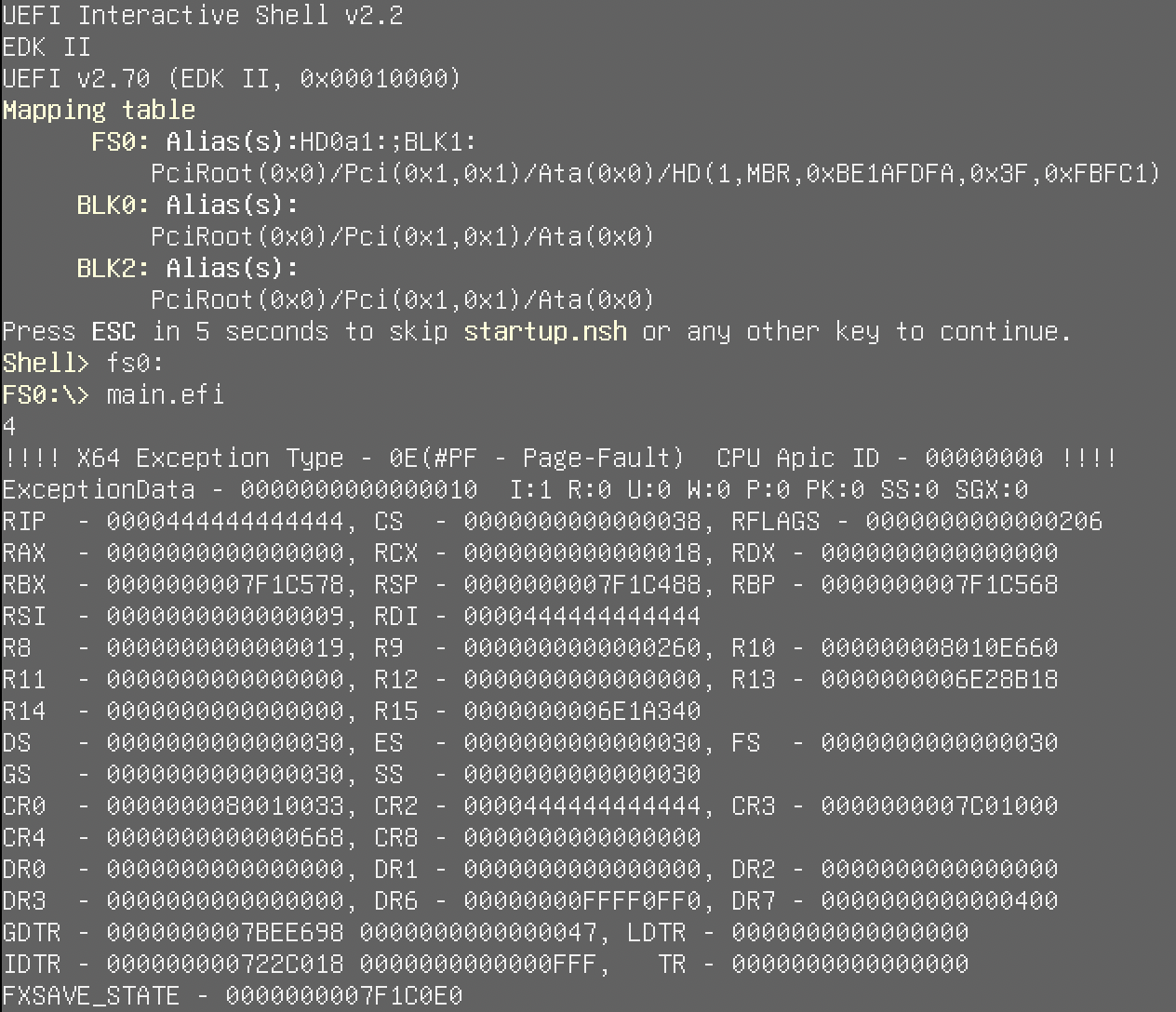


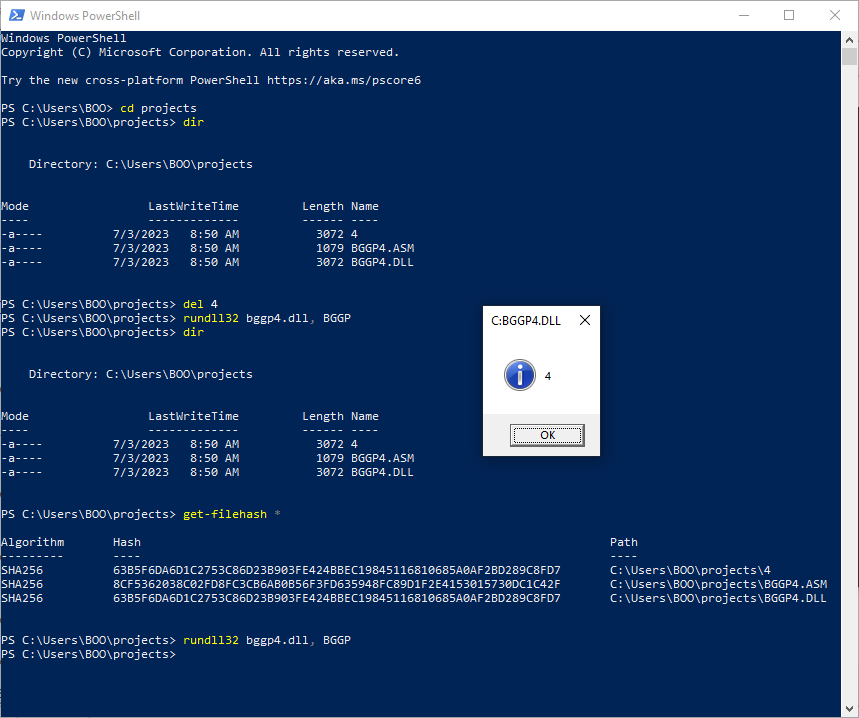





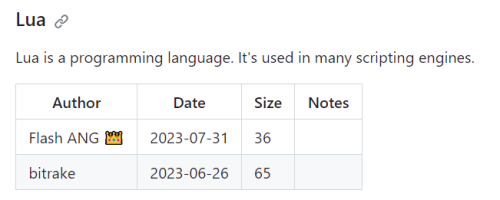

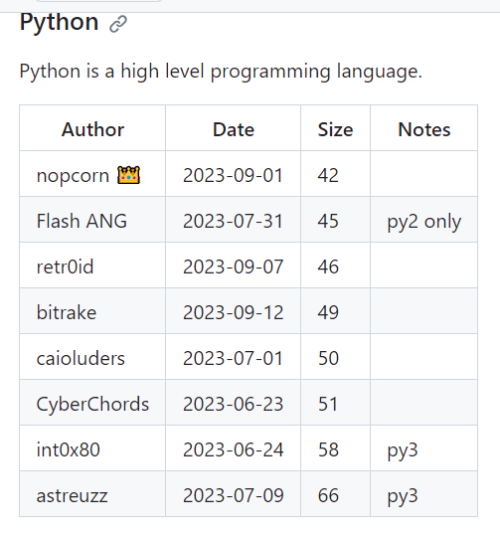

 0.0791sec
 1.15
1.15
 6 queries
 GZIP Disabled