A1)
Steps below:
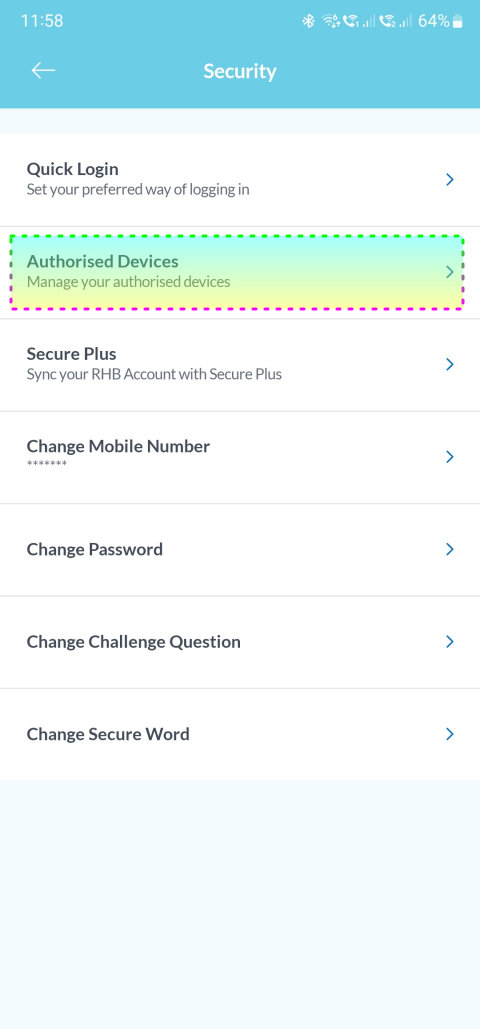
1) Take screenshot of our account/credit card balance in all banking apps. Sign-out from all banking apps. Some banking apps need to "un-link" authorised device 1st. See below:
» Click to show Spoiler - click again to hide... «
2) Take screenshot of our eWallet balance in all e-Wallet apps. Sign-out from all e-Wallet apps.
3) Backup all mobile browsers bookmarks.
4) For other non-Google apps, take necessary screenshots of account details for every apps, if needed. Sign-out from these apps.
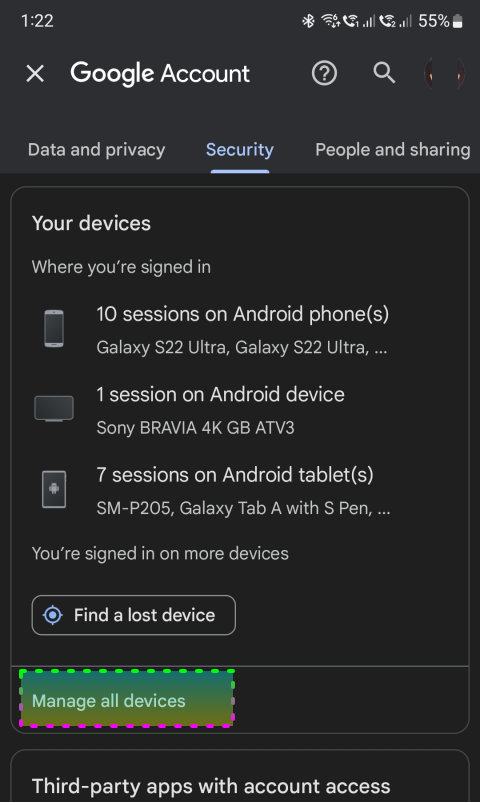
5) Backup all pix/vix/screenshots/WhatsApp chat/etc. Backing up to the cloud service is preferred but also "necessary" thru USB-C drive or to PC.
6) Remove other accounts (eg Mi account) in Android settings.
7) Remove Google accounts in Android settings.
8) Remove biometrics (ie fingerprints & face unlock) database.
9) Remove lock-screen PIN and/or passwords.
10) Reboot. Ensure we can go into the home-screen without key-in PIN/passwords.
11) Turn off device.
12) Remove all SIM cards and microSD card; and insert them into the new/backup device.
13) Hard reset the old device. Watch YouTube on how to hard reset for ur device from the device is turned off.
=====
A2)
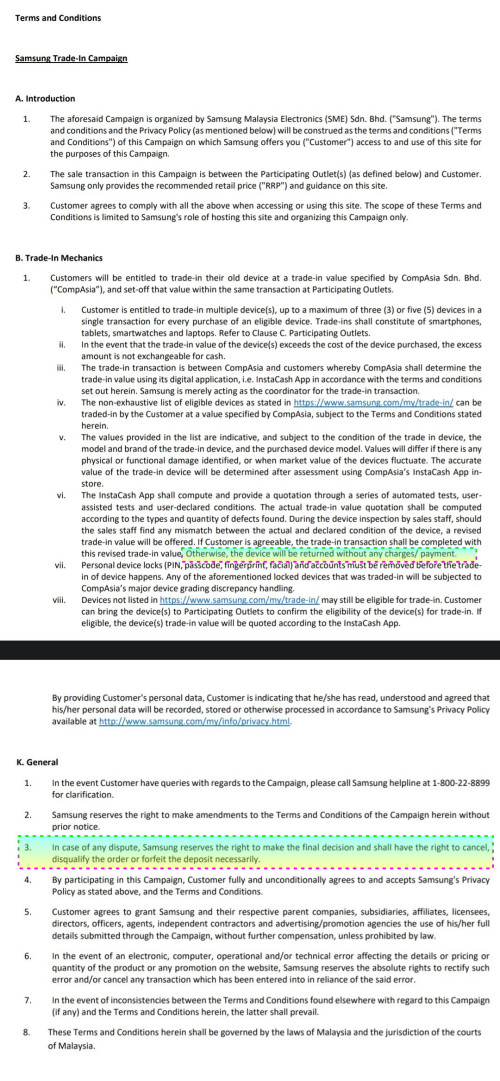
The RM600 trade-in value has been deducted during checkout. If we rejected the InstaCash Agent offering, the order is honored
but SME may also hold our order (if SME preferred to do so
when InstaCash report to SME). See below:
Source:
https://images.samsung.com/is/content/samsu...nC_1-1-2023.pdfThis trade-in process is very vague and hopefully some1 can elaborate further based on his/her
previous SME's trade-in experience.


 Feb 6 2023, 02:21 PM


 Quote
Quote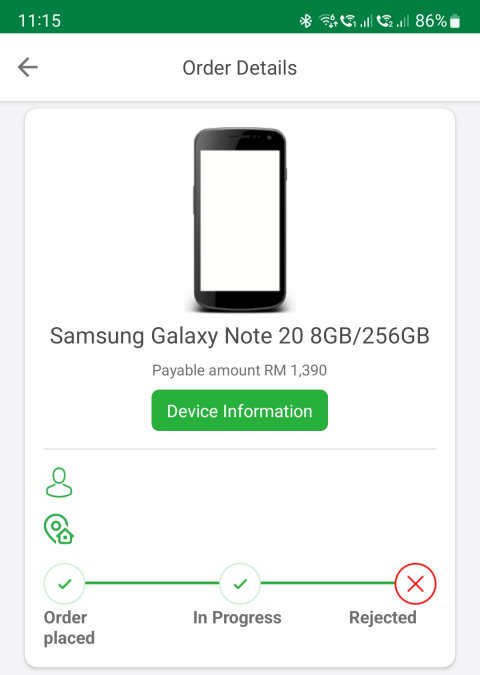


 0.0582sec
 0.15
0.15
 7 queries
 GZIP Disabled