How to enable 5G on Motorola X30 Pro (or any Motorola China/Global phone):
1. Turn Off Phone
2. Remove Sim Card(s)
3. Turn On Phone
4. Go to Settings>Apps>See All Apps>Select thr 3 Dots in the Top right Side and Select Show system apps
5. Look for "Carrier Setting" and open
6. Clear Storage Data then Disable the app
7. Go back and look for "Carrier Service" app and uninstall/disable (skip this step if you cannot find it)
8. Go to Settings>System>Reset Options>Reset Wifi, mobile & Bluetooth
9. Turn off your Phone
10. Insert Sim Card(s)
11. Turn on phone
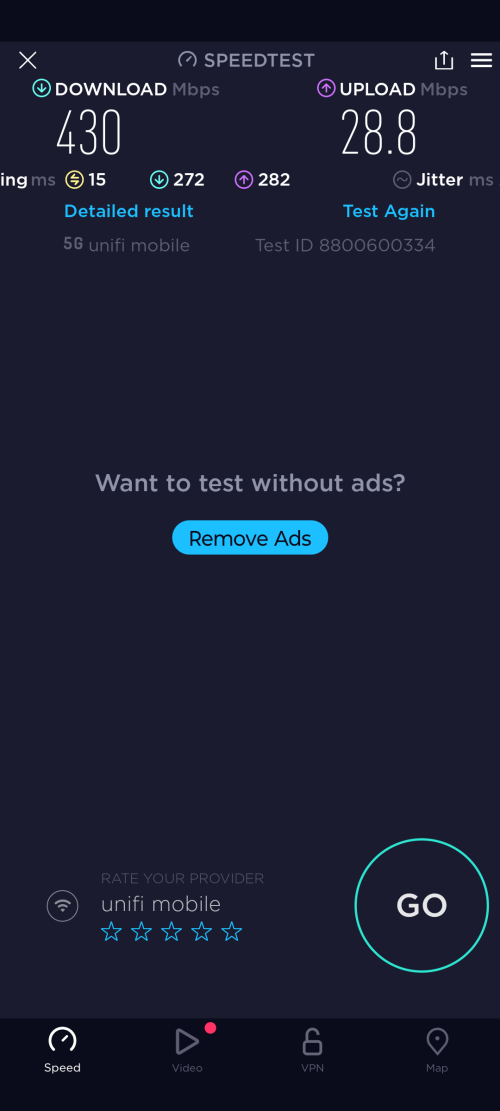
12. Check and you can now see 5G signal.
13. Go to Settings then toggle off "Smart data mode" - if the network signal keeps on switching to 4G. (skip this if you cannot find in Settings).
will try tonight. using edge 30 pro


 Apr 13 2022, 04:42 PM


 Quote
Quote

 0.0336sec
 1.47
1.47
 7 queries
 GZIP Disabled