

 Mar 29 2022, 09:51 AM


QUOTE(jack2 @ Mar 29 2022, 08:19 AM)
how to enable them?
First of all, run these codes on the PhoneVoLTE = *#*#86583#*#*
VoWiFi = *#*#869434#*#*
Then go to Settings > SIM cards & mobile networks > "SIM 1 or SIM 2" depending on where you install your SIM card > Enable "Use VoLTE" > Enable "Make calls using Wi-Fi"
Of course, this also depends on your telco. If you are using Digi, just call their helpline and convince them you're using one of the devices listed below and they will force their system to enable VoLTE
Once VoLTE is activated for your number, VoWiFi should be activated as well
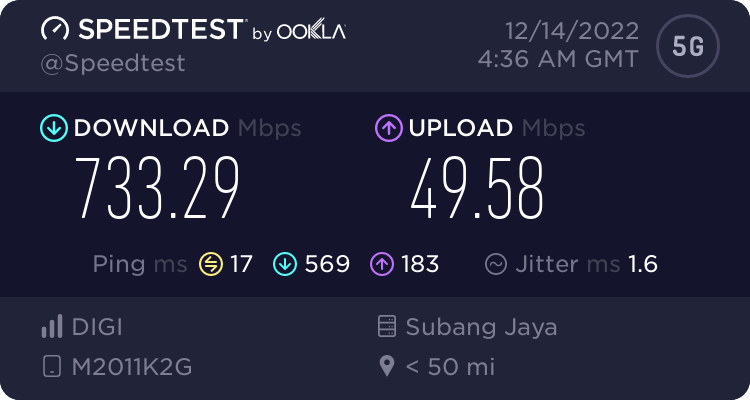
*Digi didn't bother testing Xiaomi devices but VoLTE & VoWiFi works beautifully on my Mi 11 after I activated them
https://help.digi.com.my/en/support/solutio...ith-digi-today-
Don't ask me about other telcos
YouTube video on how to enter those codes above
 Quote
Quote




 0.0296sec
 0.59
0.59
 7 queries
 GZIP Disabled