Outline ·
[ Standard ] ·
Linear+
Virtualization not capable
|
TechForumer
|
 Apr 22 2020, 12:13 PM Apr 22 2020, 12:13 PM
|

|
QUOTE(Muz1234 @ Apr 22 2020, 12:01 PM) Why is my virtualization in task manager not capable? I cannot find Virtualization in my BIOS, PC is Optiplex 330, Windows 10 64-bit. 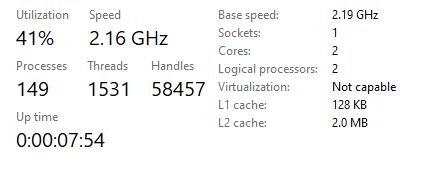 Use LeoMoon CPU-V to detect whether your CPU supports Hardware Virtualization that supports 32-bit and 64-bit Windows. https://leomoon.com/downloads/desktop-apps/leomoon-cpu-v/For Android development: Install the Intel Hardware Accelerated Execution Manager (Intel HAXM), a hardware-assisted virtualization engine (hypervisor) that uses Intel Virtualization Technology (Intel VT) to speed up Android development. https://github.com/intel/haxm/wiki/Installa...ions-on-Windows |
|
|
|
|
|
TechForumer
|
Apr 22 2020, 12:41 PM
|
|
|
LeoMoon CPU-V is the easiest way to know whether everything, including your CPU, BIOS and system supports VT or not. QUOTE LeoMoon CPU-V is the only application on the Internet that will help you to detect if your CPU supports Hardware Virtualization that supports 32-bit and 64-bit Windows. It also detects if Hardware Virtualization is enabled in BIOS and also if Intel Trusted Execution is enabled. Features:. Detect if CPU supports Hardware Virtualization . Detect if Harware Virtualization is Enabled in BIOS . Detect if Intel Trusted Execution is Enabled in BIOS . Supports 32-bit and 64-bit Windows . English, Chinese, and Persian interface 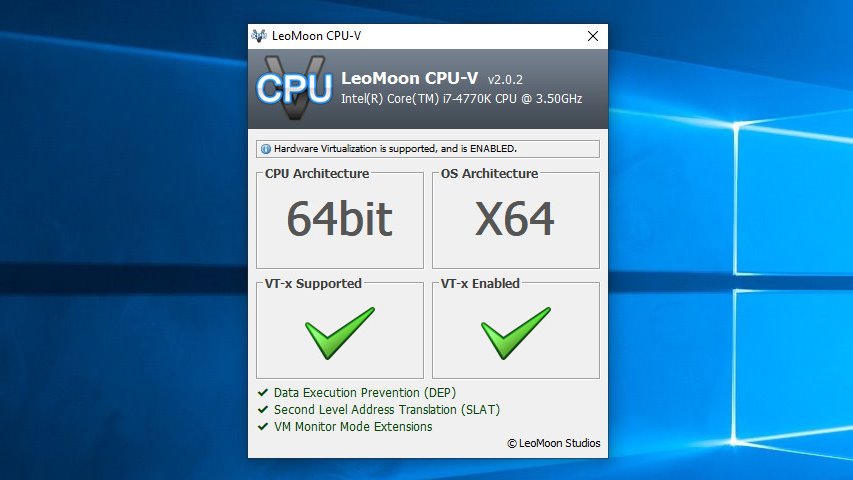 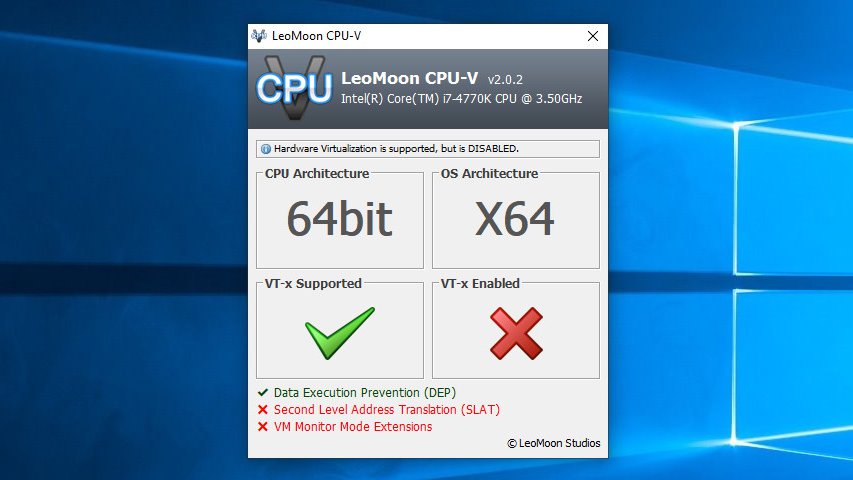 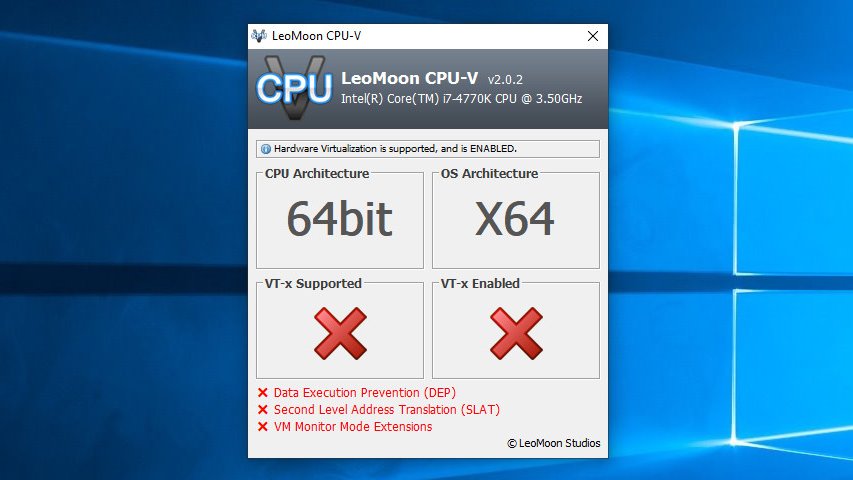 https://leomoon.com/static/?file=leomoon-cpu-v_win.zip https://leomoon.com/static/?file=leomoon-cpu-v_win.zip |
|
|
|
|



 Quote
Quote
 0.0134sec
 0.50
0.50
 6 queries
 GZIP Disabled