


 Apr 2 2020, 01:12 AM


(for whose don't know how to register or don't know how registration looks like)
How to Register your BPN or BSH account
Go to this link to register BPN:
https://bpn.hasil.gov.my/LogMasuk
For BSH:
https://bsh.hasil.gov.my/LogMasuk.aspx
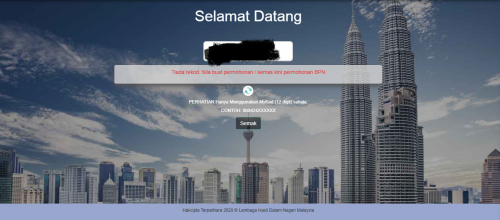
Follow the instruction on picture below:
Big and long photo
Direct Link: https://i.imgur.com/kWSgvno.png

After you registered your account, you can check back your bank detail, your personal information and able to check how much BPN you will get.
Go to see first post, "To check whether you are eligible for BPN / can get BPN"
Link to login to your BPN account:
https://bpn.hasil.gov.my/Account/Login.aspx
https://bpn.hasil.gov.my/LogMasuk
(both link can be use to login)
Login to your BSH account:
https://bsh.hasil.gov.my/Account/Login
This post has been edited by JimmyX: Apr 2 2020, 02:14 AM
 Quote
Quote













 0.0174sec
 0.49
0.49
 6 queries
 GZIP Disabled