QUOTE(lazylilsnoop @ Apr 2 2020, 11:46 AM)
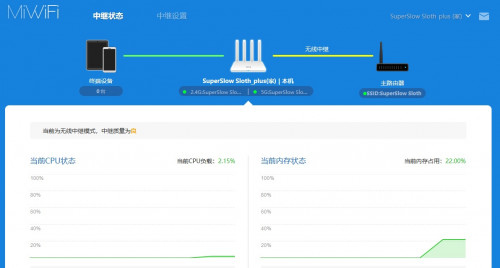
Yes, this is Wireless Amplifier mode.
ok, will try again.
so example my main SSID from Maxis router is "SuperSlow Sloth" for the Xiaomi SSID also put it exactly the same, "SuperSlow Sloth"?
how do i set the Xiaomi Router IP to 192.168.1.253?? i cant read much chinese, i just follow clicking on the layout from the video

when switch to wireless amplifier mode, the DHCP option will automatically remove
somehow the Xiaomi WAN will not work no matter which LAN port from Maxis router. Only LAN port from TM Huawei can light up the Xiaomi's WAN port.
1.For the SSID is up to you, you can use different SSID if you want to know which one you connect to so you can switch different wifi when you're on upstair/downstair. Otherwise you can use the same SSID, so it will stay connected to the one that has better signal.
QUOTE
when switch to wireless amplifier mode, the DHCP option will automatically remove
If wireless amplifier mode, which means extend by connecting your current wifi through wirelessly, it act like a repeater.
Since now you already have AV600(2), you may choose primary station mode.
What you need to do is follow instruction here:-
1. Change your xiaomi router to primary base station (the first option among two)
2. Change the your SSID to your current one (SuperSlow Sloth) or different from current one. (If you want better seemless experience, use the same SSID and password)
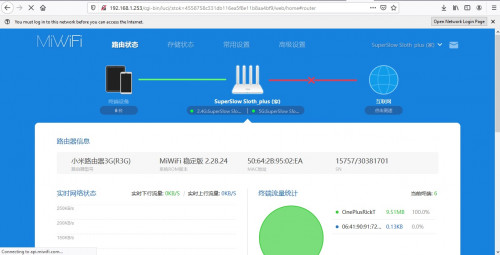
3. Change xiaomi router LAN IP Address from 192.168.31.1 to 192.168.1.253. (Based on the screenshot)

3a. If it refresh, please type in 192.168.1.253 into your browser and continue the rest
4. Untick the DHCP button and press the blue 'SAVE' button. (Follow the screenshot)
5. Plug in the AV600(2) to the LAN port of Xiaomi Router.
This post has been edited by jacktiew: Apr 2 2020, 12:15 PM 

 Mar 31 2020, 11:08 PM, updated 6y ago


 Quote
Quote



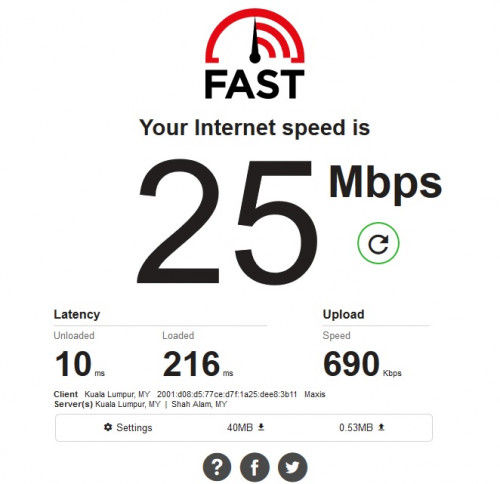
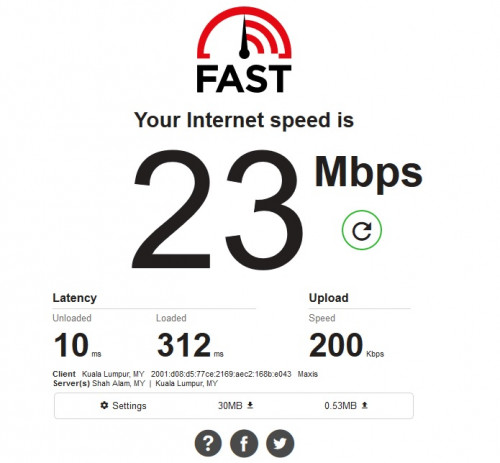
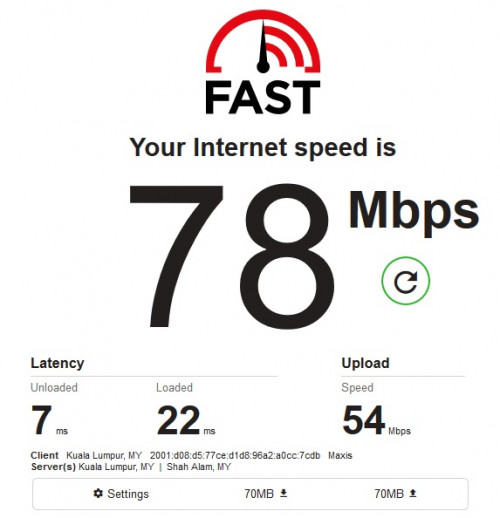
 The range extender also has another inherent issue. Since it is repeating the transmission, the overall network speed will be dropped by half since your data need to go through another hop.




 0.0400sec
 0.91
0.91
 5 queries
 GZIP Disabled