Text on PDF files usually set the text size for letter/A4 readability, it is very inconvenient to use on e-reader that has small screen. You either have to squint your eyes for the whole reading time or try to enlarge it and bear with the lag every time you move or resize the screen. Even on Aura One bigger screen I don't enjoy using it with PDF file.
Then I found out about K2pdfopt (Kindle 2 PDF Optimizer). It is a text re-flow program for PDF files. The way it does is, with bitmap text it will re arrange every words to fit into the device screen size. It have Kindle and Kobo model selectable or you can adjust the DPI and screen size yourself. It can also adjust the text size based on your preferred screen size.
I use this PDF file as an example. I got this from
Fujitsu website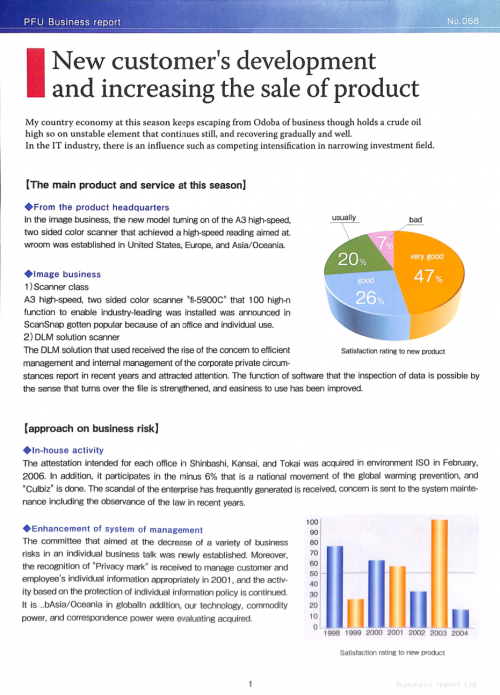
It's a scanned document, the text is in bitmap image.
Now if I were to load this into my Clara HD, this is how it look like on 6" screen
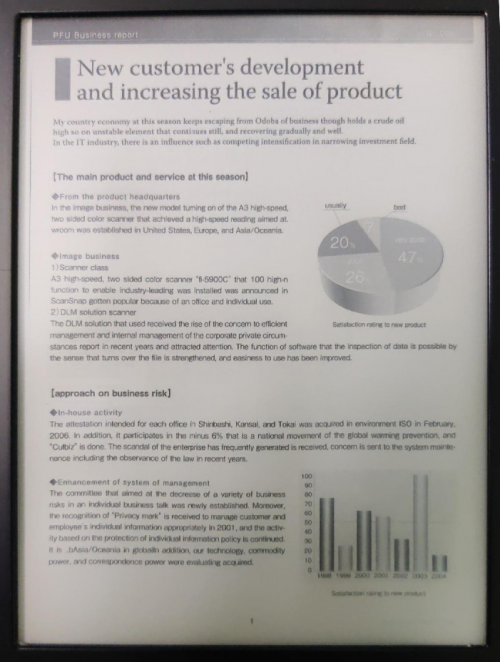
I would need to the device very close to my face and squint my eyes to read the text.
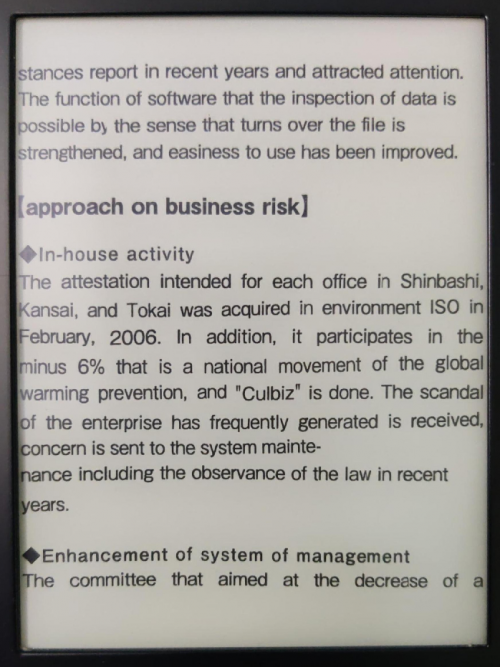
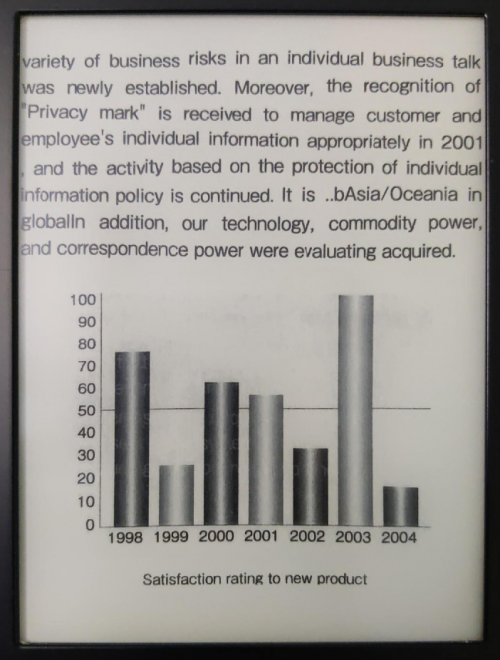
With K2pdfopt, and after some settings, this is how it looks like for each page
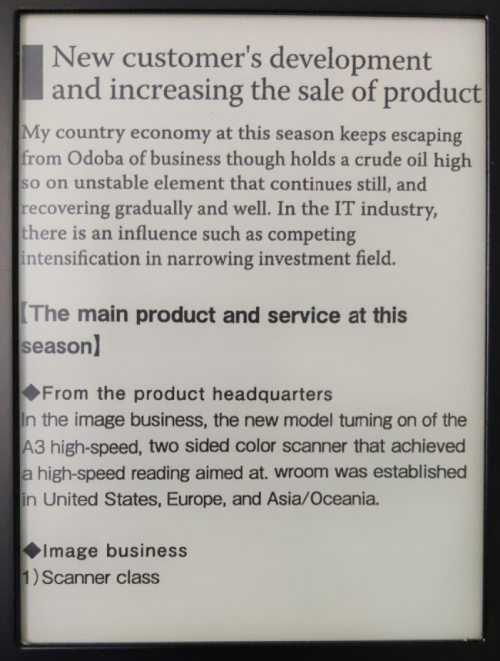
Heading have been cut. Footer also have been cut.
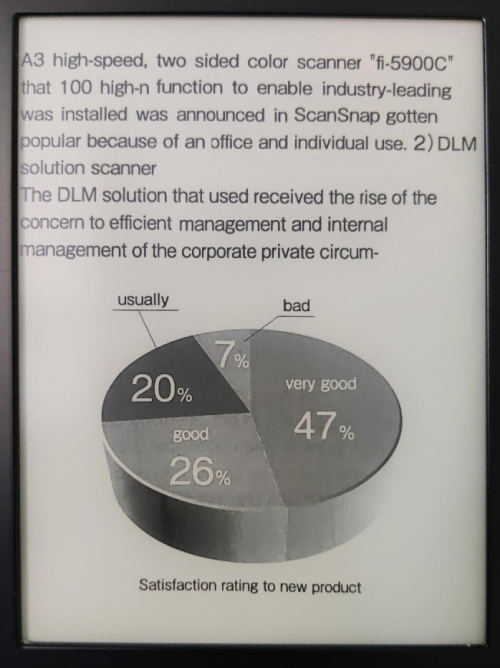
It even re arrange the picture!
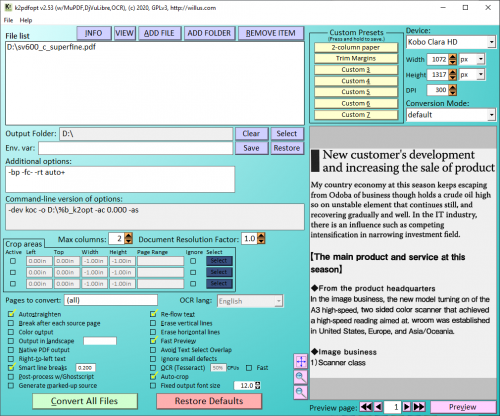
I think there are some settings that I need to change to make it display nicely on Clara HD. But I can't remember what did I change from the default settings. These are the settings that I use.


 Jun 28 2021, 09:39 PM


 Quote
Quote


 0.0203sec
 1.04
1.04
 5 queries
 GZIP Disabled