

 Sep 16 2025, 05:21 PM


QUOTE(jhleo1 @ Sep 16 2025, 04:39 PM)
You meant Unifi TV 2.0 no need to use xxxx@iptv ID? I tried email but same red message ask me login to 1.0.

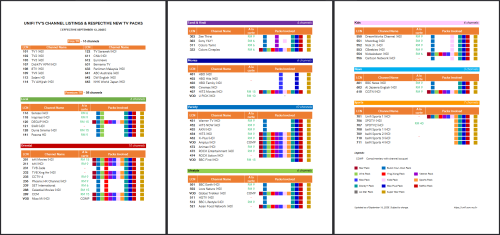
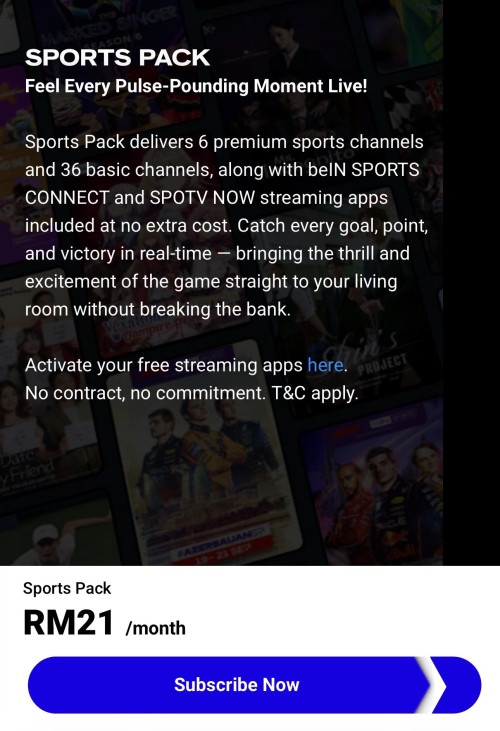
Have patience. Yours will be transitioned soon.Once the fateful day comes,* here are some additional steps. To get more premium channels, visit https://unifi.com.my/new to subscribe — plans start from RM8/month.
- Select your preferred TV pack and verify with your IC or passport. Create your personalized @iptv domain when prompted; xxxx@iptv will serve as your new Unifi TV user ID.
- You’ll be redirected to TM’s Unifi Digital ID portal. Create your account and link your IC/passport for verification. This step is important, as TM will match your details between your Unifi TV pack order and your Unifi Digital ID, which serves as your gateway to managing your Unifi TV account.
- You’ll receive your Unifi TV pack order confirmation via your registered phone and email, containing your new user ID (xxxx@iptv) and password.
- You're done. Welcome to Unifi TV 2.0. Manage your account anytime via the Unifi UniVerse app, Unifi Selfcare portal, or via Unifi TV account portal.
*If it's not happening after all, consider deleting your Unifi TV account (the email one). Create a new account by following the steps above.
Hope it helps.
This post has been edited by doubleM2: Sep 16 2025, 06:05 PM
 Quote
Quote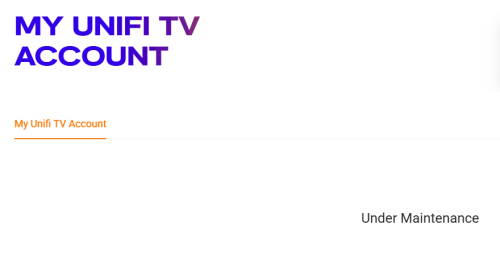


 0.0252sec
 0.35
0.35
 7 queries
 GZIP Disabled