

 Feb 9 2023, 06:25 PM


Hello,
I am existing TFBB user and was given HG8145X6 modem router.
Any idea how to set a scheduled reboot on the router itself?
I noticed that the speed is greatly reduced after a several days, and a reboot will bring back the reboot speed. Tried logging onto the router to find this function, but to no avail, I believe it was removed by the carrier Time itself.
Anyone running custom / stock Huawei firmware on these?
This post has been edited by victor87: Feb 9 2023, 06:26 PM
TIME [OFFICIAL] TIME Fibre Broadband™ v4, Experience the ONE TRUE 2Gbps
 Quote
Quote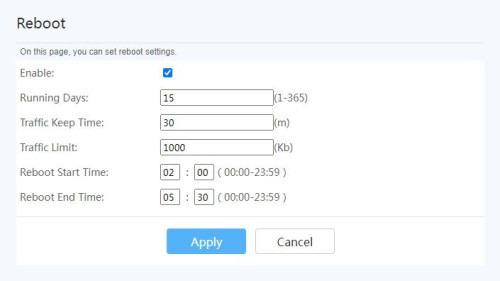


 0.0313sec
 1.00
1.00
 7 queries
 GZIP Disabled