QUOTE(westlife @ Feb 7 2024, 07:35 AM)
1) First of all what standard is ur wifi mesh? Wifi 5 I assumed? If wifi 5 no issue to get 500Mbps and above if the coverage and signal are good
2) u likely can check the signal strength from yr child node to the master node via the wifi router GUI. Check it to see what is the signal strength.
3) if signal strength from ur child node to master node is good, check if ur device such as yr phone is connected to child node or still connected to the master node when u roam around. How intelligent ur node to switch between the master and child node depending on the devices and ur wifi mesh. There are features like node steering which the node will redirect ur devices to the node with strongest signal but this feature even both node and device support it, it may not work well in real.
Since ur master and child node are too close to each other, the device may still connect to master node which is further and result in slower speed while u are actually physically closer to master node.
4) for mesh system it requires a lot of trial and error before u found the best locations to place ur master and child nodes.
5) besides ur plan is 100Mbps only? Becos given that u are in front of master node and again get such slow speed, it indicates big prob.
Thanks for your reply bro.. I'm not really familiar with IT stuff but let me try my best to answer as much as I can.
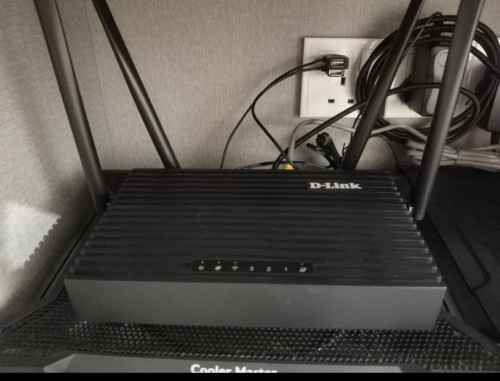
1. Main router is D-Link DIR-X1860Z AX1800 Wifi 6 router. Mesh router is D-link DIR-X3000Z AX3000 Wifi 6 router as well
2. I tried login once and yes I remembered there's such option to check on the signal strength, let me check that again tonight.
3. Child node means "secondary MESH router" and master node means "main router" I guess? Is there a way to check whether is our device connected to which router since both are sharing the same SSID? My main and secondary router are connected to each other using 5Ghz network, but when I scan for network, it shows one 5GHz SSID which i assumed it is correct, but there are two 2.4GHz SSID which sounds a bit strange to me, not sure if this is something normal.
4. Ok got it, have to try from one place to another place then

5. Yes, I'm on U mobile fibre 100mbps plan. When I'm right in front of my main router, it gets quite a decent speed in between 95-103mbps on both d/l and u/l. However when I'm in my room which I have the secondary mesh right in front of the room, it shows me signal drop to half with speed fluctuates. Anyway, I should have test the secondary router in few places to see which location works the best. Thanks anyway.



 Nov 26 2021, 08:05 PM


 Quote
Quote




 0.0466sec
 0.55
0.55
 7 queries
 GZIP Disabled