QUOTE(blacktubi @ Jun 20 2023, 10:03 AM)
If my memory serves me right, that model does not support wired mesh
I see, but TIME advertise it as WiFi 6 Mesh Node though, I am subscribing to their 500mbps package. Probably need to check back with TIME.
QUOTE(jjj2 @ Jun 21 2023, 04:57 PM)
Use your PC to login to your WA8021V5 via 192.168.101.1, select the mode to DHCP.
This will not be in full mesh, instead it will be in wired AP mode.
Thanks.
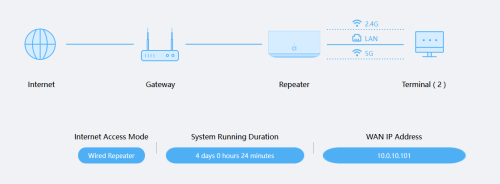
Yea, it is running as an AP only (Wired Repeater), not mesh. Thought it should be running in mesh.
QUOTE(BOTAK_WAI @ Jun 21 2023, 07:00 PM)
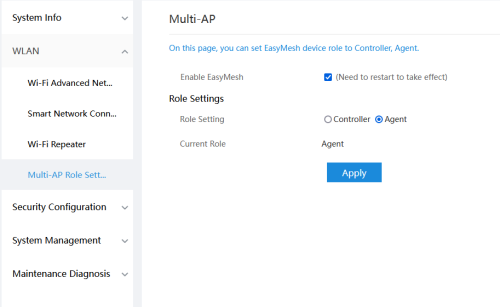
tried login to WA8021V5 and set as mesh client instead of default mesh controller?
There is a role setting as Controller or Agent, currently is as Agent, but both option doesn't work as mesh either.
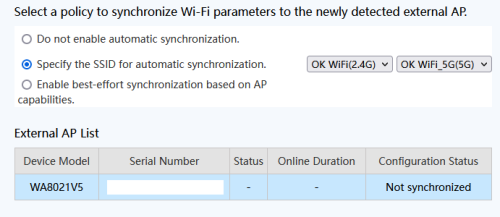
Currently, I just set both SSID to be the same, so that it would somewhat switch over automatically, albeit no seamlessly.


 Jun 20 2023, 01:45 AM


 Quote
Quote

 0.0290sec
 0.33
0.33
 7 queries
 GZIP Disabled