

 Jun 25 2007, 04:37 PM


Oh well...
Anyway, for the benefits of the n00b owners like myself.
Not sure if it is posted here before or not...
Here's a quick guide on how to change the RAM if you plan on upgrading.
The RAM that is located on the bottom side of the laptop is kinda straight forward.
The 2nd piece of RAM is located beneath the keyboard (I actually just found that out not too long ago.

 ...like I said...i'm a n00b...)
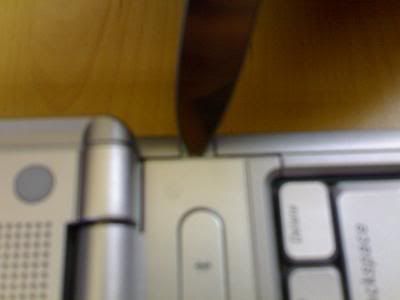
First, we need to open up the panel located on the top part of the keyboard where the Power button is located. just use a small blade to unclick the piece and slowly lift it up. (flip the screen back so that it is flat...it is easier to remove the panel that way)
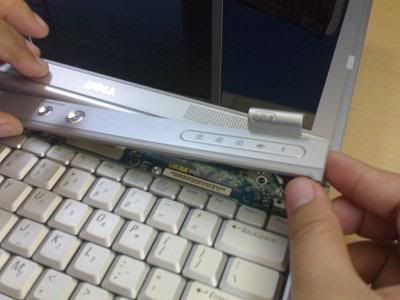
Then, there are 3 screws that we need to remove for the keyboard.
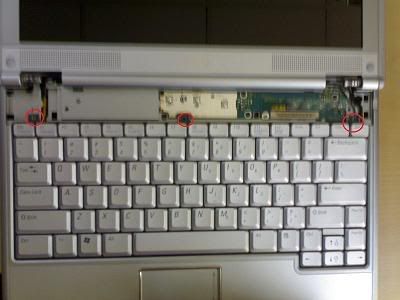
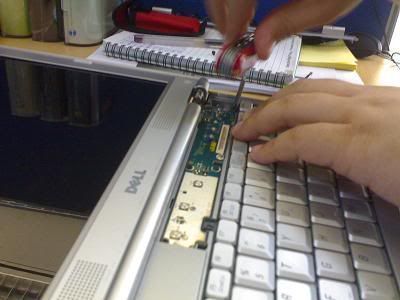
Slowly lift up the keyboard and you'll find the RAM there. (becareful here as the keyboard is still connected to the motherboard.
Then, push the clip that is holding the Ram to either side and the RAM will pop up.
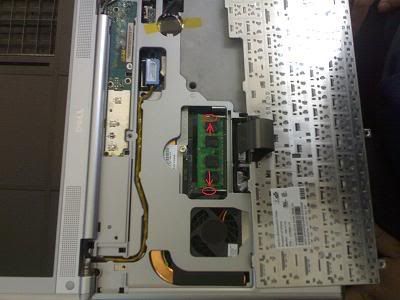
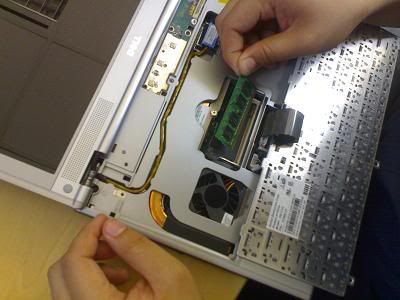
Dell is kind enough to put there BIG BIG..."DIMM A DDR2 ONLY"...So that Dunggus like me don't actually put in the wrong type of RAM...
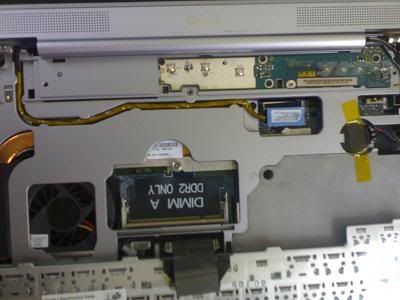
Tadda....RAM upgraded....


 Quote
Quote
 1.0057sec
 1.02
1.02
 7 queries
 GZIP Disabled