QUOTE(sitescope @ Jul 15 2019, 09:25 AM)
ordered this during lazada mid year sales. no heatsink type.https://s.lazada.com.my/s.ZXw95
still waiting…
The SSD Thread V6, Solid State Drive, Continued.
|
|
Jul 15 2019, 10:52 AM
Return to original view | IPv6 | Post
#1
|
![]() ![]() ![]() ![]() ![]() ![]() ![]()
Senior Member
4,148 posts Joined: Jan 2003 From: Cheras, KL |
QUOTE(sitescope @ Jul 15 2019, 09:25 AM) ordered this during lazada mid year sales. no heatsink type.https://s.lazada.com.my/s.ZXw95 still waiting… |
|
|
|
|
|
Jul 15 2019, 02:39 PM
Return to original view | IPv6 | Post
#2
|
![]() ![]() ![]() ![]() ![]() ![]() ![]()
Senior Member
4,148 posts Joined: Jan 2003 From: Cheras, KL |
|
|
|
Jul 15 2019, 04:29 PM
Return to original view | IPv6 | Post
#3
|
![]() ![]() ![]() ![]() ![]() ![]() ![]()
Senior Member
4,148 posts Joined: Jan 2003 From: Cheras, KL |
|
|
|
Jul 17 2019, 11:27 AM
Return to original view | IPv6 | Post
#4
|
![]() ![]() ![]() ![]() ![]() ![]() ![]()
Senior Member
4,148 posts Joined: Jan 2003 From: Cheras, KL |
QUOTE(sitescope @ Jul 15 2019, 11:36 AM) how about thishttps://www.silverstonetek.com/product_acce...6&tb=51&area=en and this https://www.silverstonetek.com/product_stor...1&tb=31&area=en |
|
|
Jul 17 2019, 01:03 PM
Return to original view | IPv6 | Post
#5
|
![]() ![]() ![]() ![]() ![]() ![]() ![]()
Senior Member
4,148 posts Joined: Jan 2003 From: Cheras, KL |
|
|
|
Jul 23 2019, 03:40 PM
Return to original view | IPv6 | Post
#6
|
![]() ![]() ![]() ![]() ![]() ![]() ![]()
Senior Member
4,148 posts Joined: Jan 2003 From: Cheras, KL |
QUOTE(Skylinestar @ Jul 22 2019, 05:13 PM) Planning to use Kingston UV500 for my games. wow, your sata m.2 almost run as hot as nvme m.2--- First time installing M.2 SSD. Shall I worry about the temperature? It's next to my graphics card. ![]() compared to my 3.5" spinner ![]() Room ambient is 31°c. but no worry the temperature la...even nvme m.2 will shoot up to 70°c then throttled. |
|
|
|
|
|
Jul 31 2019, 07:16 PM
Return to original view | IPv6 | Post
#7
|
![]() ![]() ![]() ![]() ![]() ![]() ![]()
Senior Member
4,148 posts Joined: Jan 2003 From: Cheras, KL |
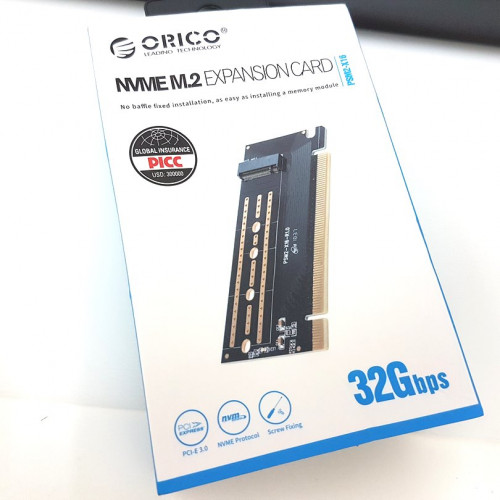
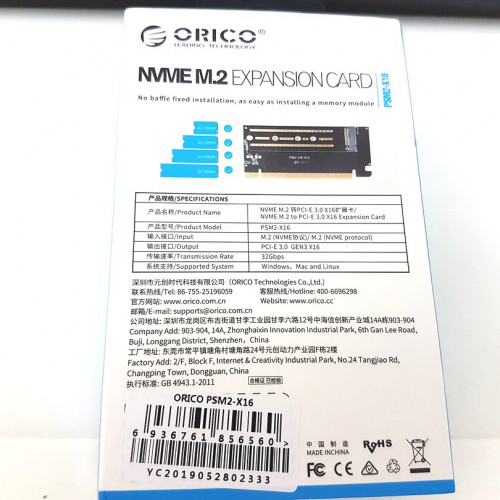
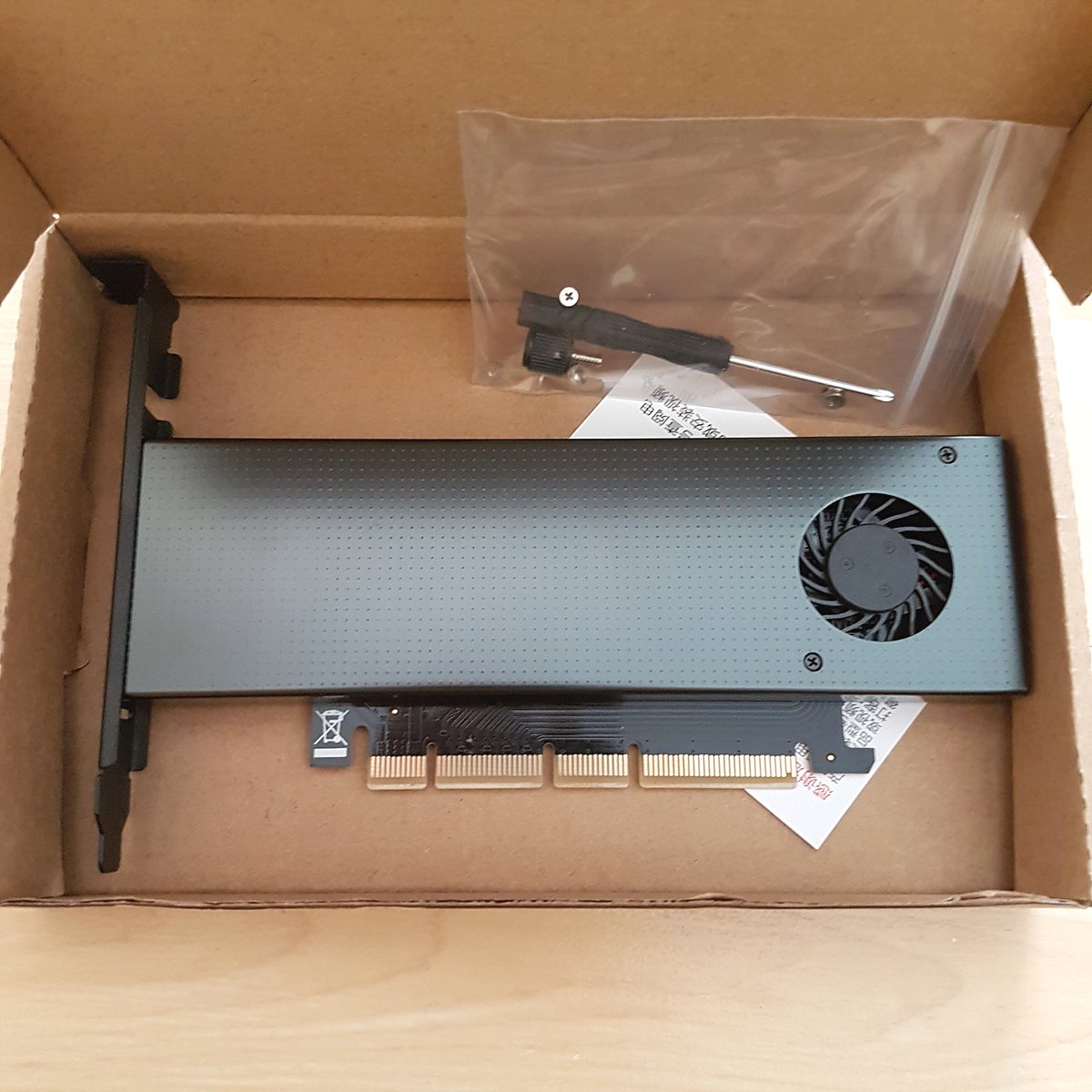
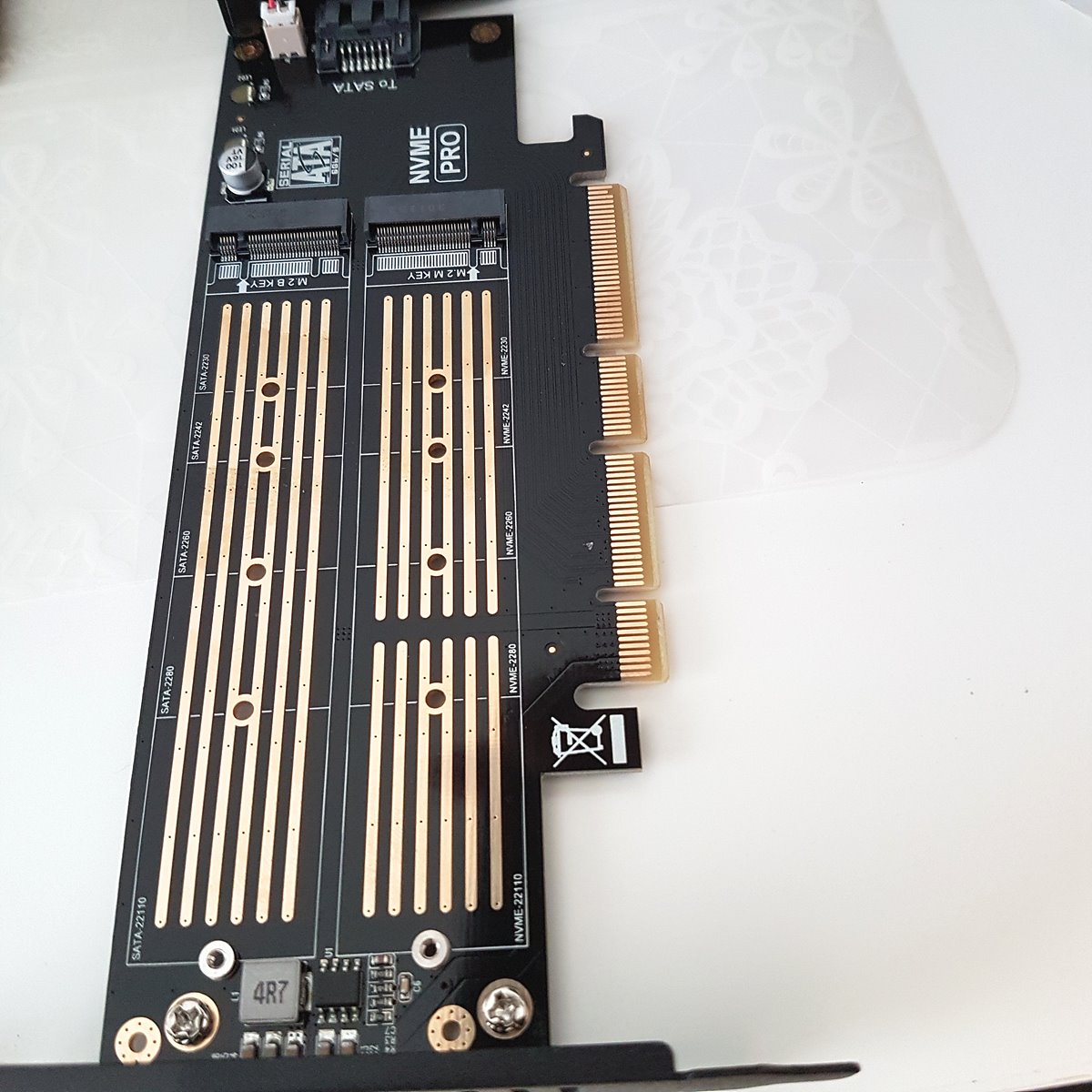
I just received this today, but it doesn't suitable to my Gigabyte H97 mobo. Want to let go or swap with M.2 SATA to 2.5" SATA adapter. Although it works in full speed, but got bug with my pc. I have to wait 30 seconds after shutdown my pc then only can press turn on again, else it won't be detected. It seems like kind of auto jumper to switch between PCI-e Gen1 Gen2 Gen3 and cause incompatibility. The adapter comes with 2 screws and a mini screwdriver. Just Google around, maybe the problem is I didn't use any dedicated UEFI boot GPU. ![]() ![]() This post has been edited by BOTAK_WAI: Jul 31 2019, 09:41 PM |
|
|
Aug 4 2019, 06:07 PM
Return to original view | IPv6 | Post
#8
|
![]() ![]() ![]() ![]() ![]() ![]() ![]()
Senior Member
4,148 posts Joined: Jan 2003 From: Cheras, KL |
|
|
|
Aug 10 2019, 05:11 PM
Return to original view | IPv6 | Post
#9
|
![]() ![]() ![]() ![]() ![]() ![]() ![]()
Senior Member
4,148 posts Joined: Jan 2003 From: Cheras, KL |
QUOTE(Skylinestar @ Aug 10 2019, 12:09 PM) have you found out the actual cause? really uefi gpu? no...i have no idea.my rig is per my siggy spec. will it support that adaptor? i sold that to someone else but i didn't receive any feedback from him. i still have 1 sealed unit. if you interested can pm me. |
|
|
Nov 17 2020, 05:19 PM
Return to original view | IPv6 | Post
#10
|
![]() ![]() ![]() ![]() ![]() ![]() ![]()
Senior Member
4,148 posts Joined: Jan 2003 From: Cheras, KL |
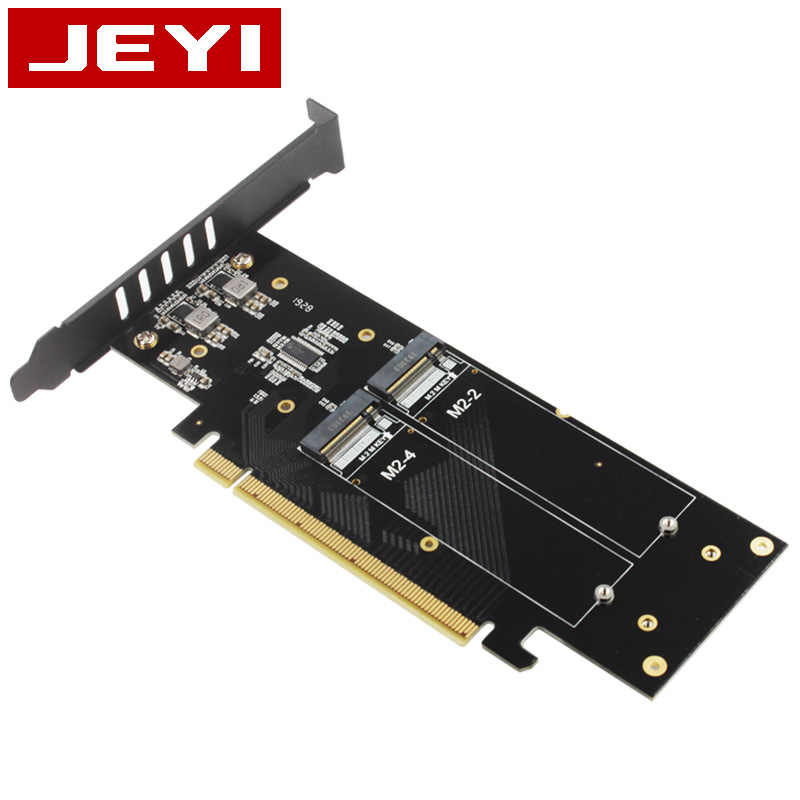
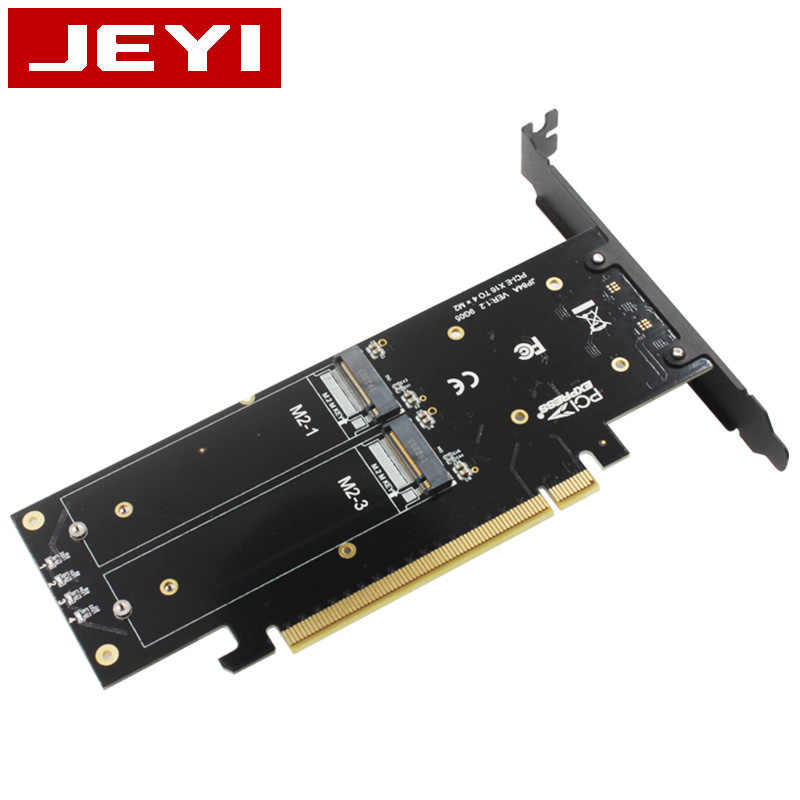
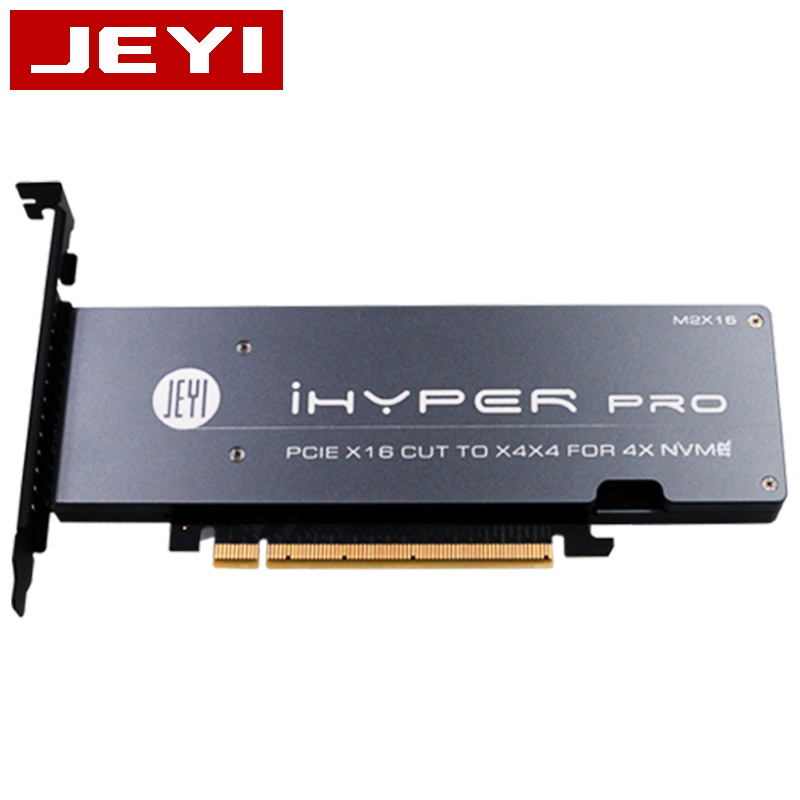
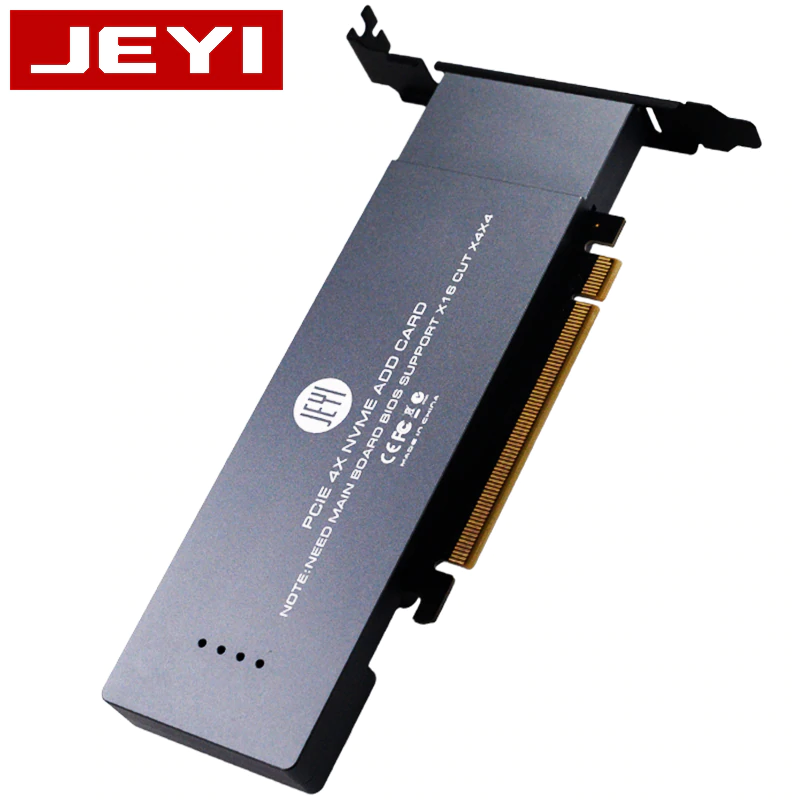
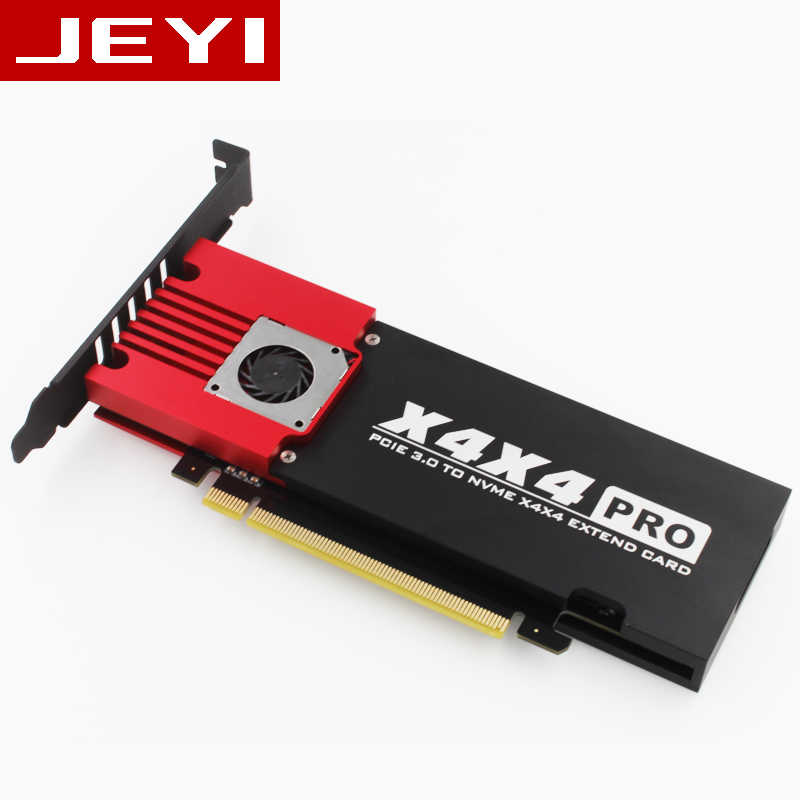
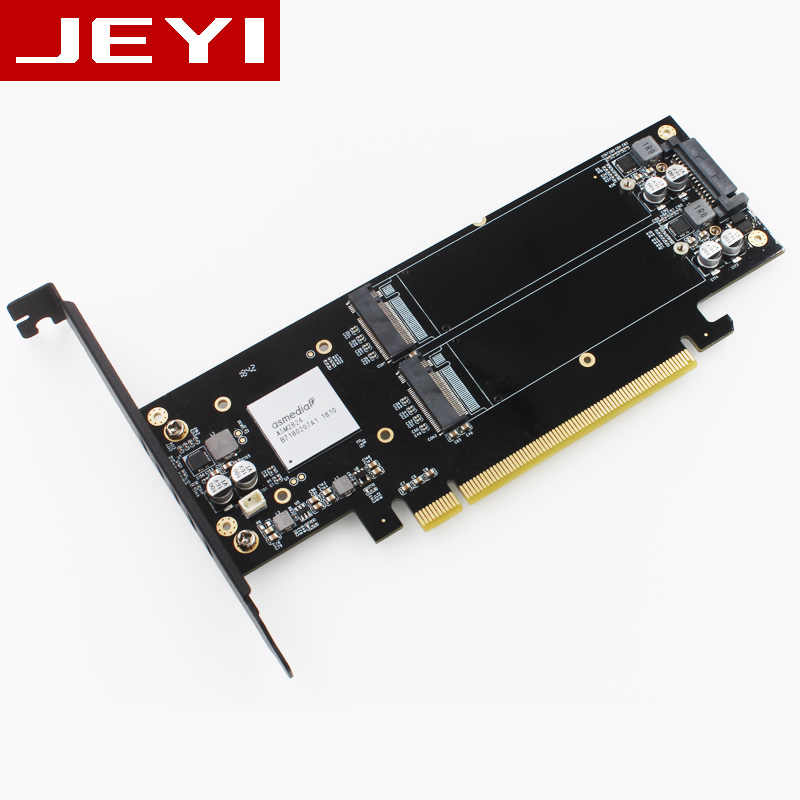
QUOTE(sHawTY @ Mar 22 2020, 03:00 PM) JEYI 4 x M.2 NVMe RAID Card Without Heatsink Jeyi SK9 with fan ![]() ![]() JEYI 4 x M.2 NVMe RAID Card With Heatsink ![]() ![]() JEYI 4 x M.2 NVMe JBOD Card With Heatsink ![]() ![]() bought on 11.11 support 1 nvme + 1 sata can boot perfectly unlike my previous Orico PSM2-X16, last time i use this orico only can use the nvme for storage drive, if use as boot up drive it will boot but after restart pc then bios won't detect the boot drive anymore. ![]() ![]() |
|
|
Nov 17 2020, 05:32 PM
Return to original view | IPv6 | Post
#11
|
![]() ![]() ![]() ![]() ![]() ![]() ![]()
Senior Member
4,148 posts Joined: Jan 2003 From: Cheras, KL |
|
|
|
Dec 6 2020, 12:28 PM
Return to original view | IPv6 | Post
#12
|
![]() ![]() ![]() ![]() ![]() ![]() ![]()
Senior Member
4,148 posts Joined: Jan 2003 From: Cheras, KL |
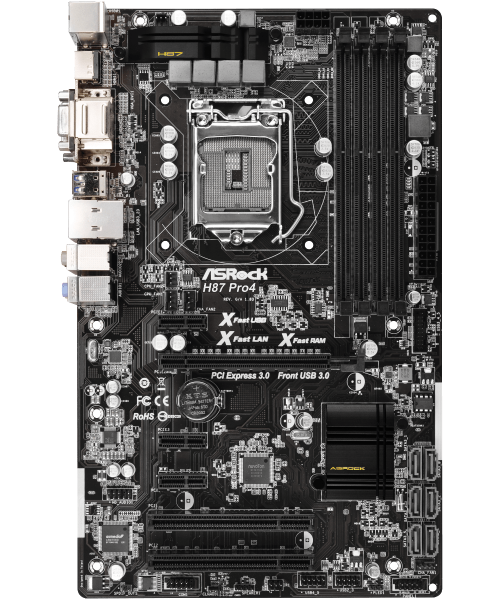
QUOTE(euphoriaa @ Dec 6 2020, 10:53 AM) I have the olddd Asrock H87 Pro4 that does not come with any m.2 slot but thinking to upgrade my storage to m.2 nvme SSD. So before I take the plunge, anyone here can give some advice? no u can't…u lack of pcie x4 slot…change mobo is the only solution.1. Can this motherboard support the m.2 nvme drive as a boot drive with the BETA Bios 2.40? Quoted from AsRock technical personnel - "Dear Luk, Thanks for posting your query to ASRock forum. This is technical support from ASRock. This motherboard does not support M.2 natively. However, we have added the M.2 support to BETA BIOS 2.40. So the users are able to use PCIe to M.2 adapter with M.2 on the system. Please note that BIOS 2.40 is a BETA BIOS, there will be chances that M.2 cannot be detected because of the PCIe to M.2 adapter card. BIOS 2.40 can be found with the following link: https://www.asrock.com/mb/Intel/H87%20Pro4/#BIOS With thanks, ASRock TSD " 2. Seeing that in Asrock's official website, the H87 specs as - 1 x PCI Express 3.0 x16 slot (PCIE2: x16 mode) - 3 x PCI Express 2.0 x1 slots - 2 x PCI slots My graphic card is currently occupying the PCIE 3.0 slot, so if I were to buy a PCIE - M.2 NVME adapter, which slot will it be going to? As majority of the adapter list as only support PCI E X16, X8 and X4. Here are a few adapter that I have shortlisted: 1. https://www.lazada.com.my/ugreen-pcie-to-m2...3778654999.html 2. https://www.lazada.com.my/ampcom-m2-nvme-to...3002540382.html 3. https://shopee.com.my/JEYI-SK9-m.2-Expansio...0200.2347167239 Would any of this work with my mobo? Any advice is appreciated. Here is a photo of the motherboard. ![]() or u could buy sata type of m.2 ssd together with sata m.2 to 2.5" sata adapter and connect to your mobo with sata cable… if u want higher speed why not buy 2 same ssd and do raid 0 on it. nvme m.2 isn't for your mobo because your gpu already occupied the x16 slot This post has been edited by BOTAK_WAI: Dec 6 2020, 02:32 PM |

|
|
Dec 6 2020, 02:34 PM
Return to original view | IPv6 | Post
#13
|
![]() ![]() ![]() ![]() ![]() ![]() ![]()
Senior Member
4,148 posts Joined: Jan 2003 From: Cheras, KL |
QUOTE(chocobo7779 @ Dec 6 2020, 12:56 PM) Technically you can slot a PCIe x4 card in a x1 slot, as long as you have the correct adapter for that (or the slot itself is open ended) - PCIe is quite good when it comes to form factor flexibility yea…i know…but didn't see any m.2 pcie adapter card with that kind of pinThat being said, it's not worth doing that due to severe bandwidth constraints, i.e. the drive will perform slower than a regular SATA one due to the slots can only provide a maximum theoretical speed of 500MB/s some more pointless for him to do so. |
|
Topic ClosedOptions
|
| Change to: | 0.0882sec
0.27
7 queries
GZIP Disabled
Time is now: 5th December 2025 - 10:55 PM |