

 Oct 4 2018, 12:14 PM


I test connect to my office Access Point = OK, connect to my house TP-AC1200 = failed
Do I need to set anything special on my house router ? * Note house DHCP enable + firewall disable
Thank you......
QUOTE(JayceOoi @ Jul 10 2017, 01:56 PM)
Author's Note: The original review can be found at my blog - S20 Smart Socket Review @ JayceOoi.com.
Introduction
There are more and more Internet of things (IoT) supported nowadays. Yup, check out ITEAD Wi-Fi S20 Smart Socket that I have. It can make your 'dumb' electric appliances to be smart and get connected to the Internet. It comes with EU, US, UK and CN plug standard. Turn on/off any connected device with eWeLink app or by pressing the manual control knob of the WiFi outlet. Or set timers to auto-turn on / off it. Sound great? Let's find out...
Special Thanks
This review is possible thanks to below companies. Be sure to check them out too...
Package Content & Design
There is ITEAD Wi-Fi S20 Smart Socket only in the package. All the stuffs like user guide and application are able to be downloaded from Internet.

The one that I have is UK plug version. Build quality is great with sturdy plastic. The power button is located at bottom front. There is LED light indicator around the button as well. Green for connected to Internet while blue for power on.


Specifications
Installation is pretty much simple and fast. Basically, you need to create account in eWeLink application. Connect S20 Smart Socket to your wireless router. That's it. No worry, just follow the steps by steps instructions in the app will do.

Software
E-Welink is a free universal smart home remote control software. It can remotely control hardware products of different types and brands including ITEAD. You can download it from Google Play Store and Apple App Store. It supports dozens of smart devices, including smart socket, LED lamp, fan, heater, air purifier, etc.

Performance Result
ITEAD S20 Smart Socket wireless range is excellent. I have no problem to get it connected from the farthest place - kitchen away from the wireless router. Yes, it can be connected on any wall socket in my double storage house. As for usage, it is straight forward. You can turn on / off the connected device manually through eWeLink app. Or set timer that suit your needs. That's it.

By the way, Amazon Alexa is supported as well. Too bad that I don't have Amazon Alexa to test it. So you need to try it yourself in this case. For your information, eWeLink is connected to their cloud server for all the process. If the server cannot be accessed, you still can control S20 Smart Socket but limited to local network only.
Advantages
Remote control your existing electric appliances is not a dream anymore with ITEAD Wi-Fi S20 Smart Socket. Yup, it surely make my life easier and save some electric bill with timer and remote control ability. Interested? More information can be found at ITEAD Website. And get yours there.

Introduction
There are more and more Internet of things (IoT) supported nowadays. Yup, check out ITEAD Wi-Fi S20 Smart Socket that I have. It can make your 'dumb' electric appliances to be smart and get connected to the Internet. It comes with EU, US, UK and CN plug standard. Turn on/off any connected device with eWeLink app or by pressing the manual control knob of the WiFi outlet. Or set timers to auto-turn on / off it. Sound great? Let's find out...
Special Thanks
This review is possible thanks to below companies. Be sure to check them out too...
- ITEAD for this ITEAD Wi-Fi S20 Smart Socket
- Easy installation, easy handling
- Support checking status on APP
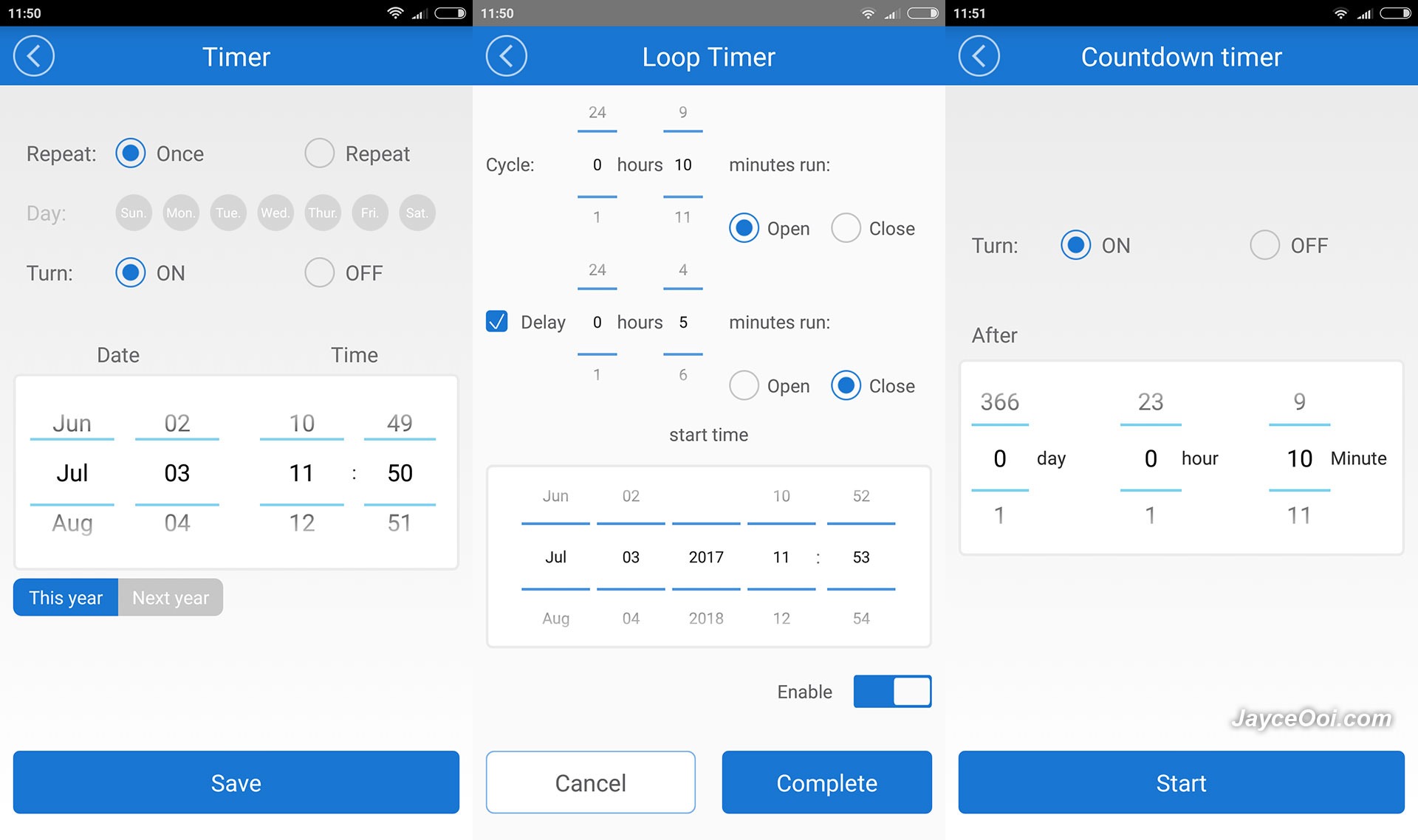
- Support single/repeat/countdown timing tasks
- Support unlimited WiFi smart sockets one smartphone
- Works with Alexa
- Works with Nest
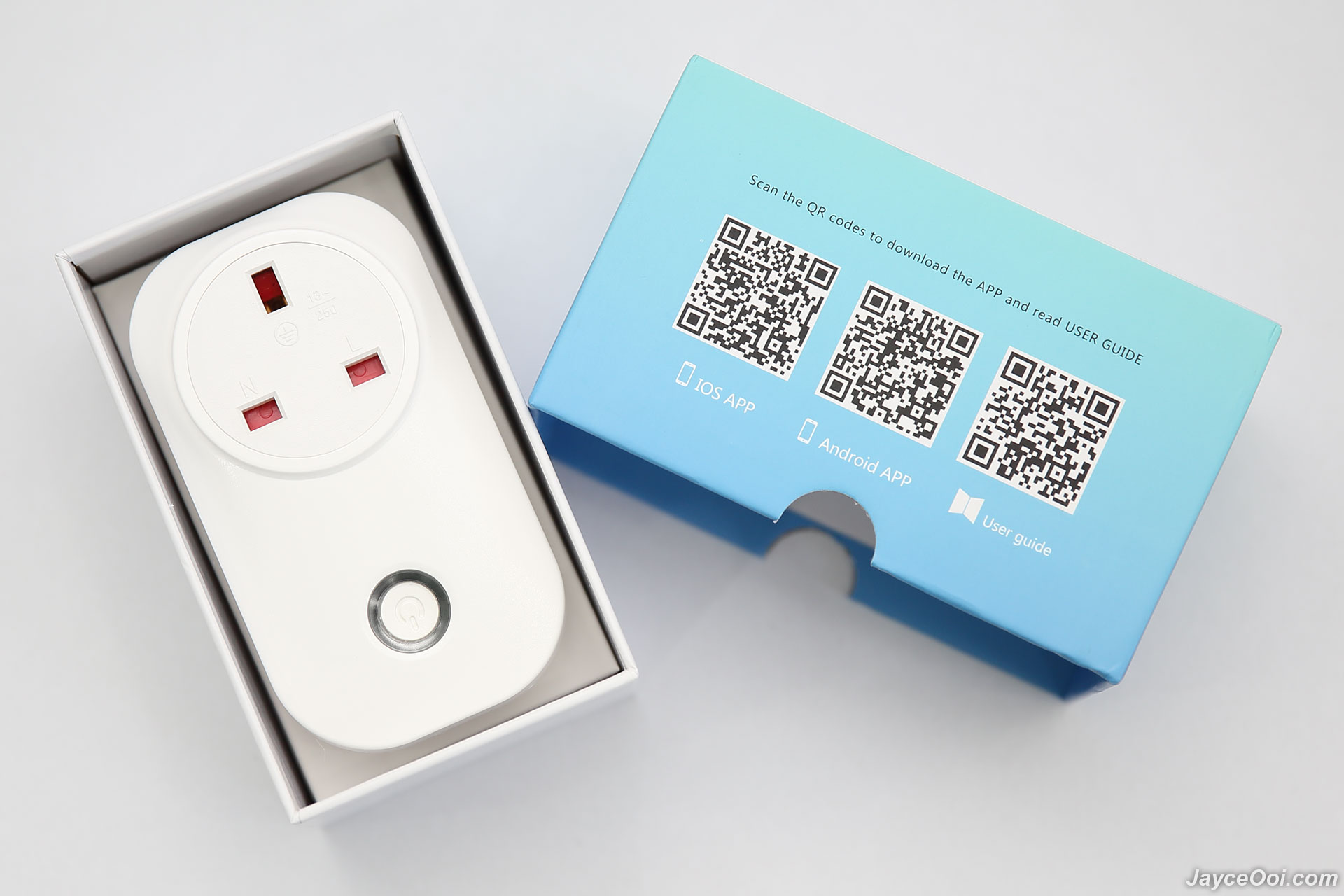
Package Content & Design
There is ITEAD Wi-Fi S20 Smart Socket only in the package. All the stuffs like user guide and application are able to be downloaded from Internet.
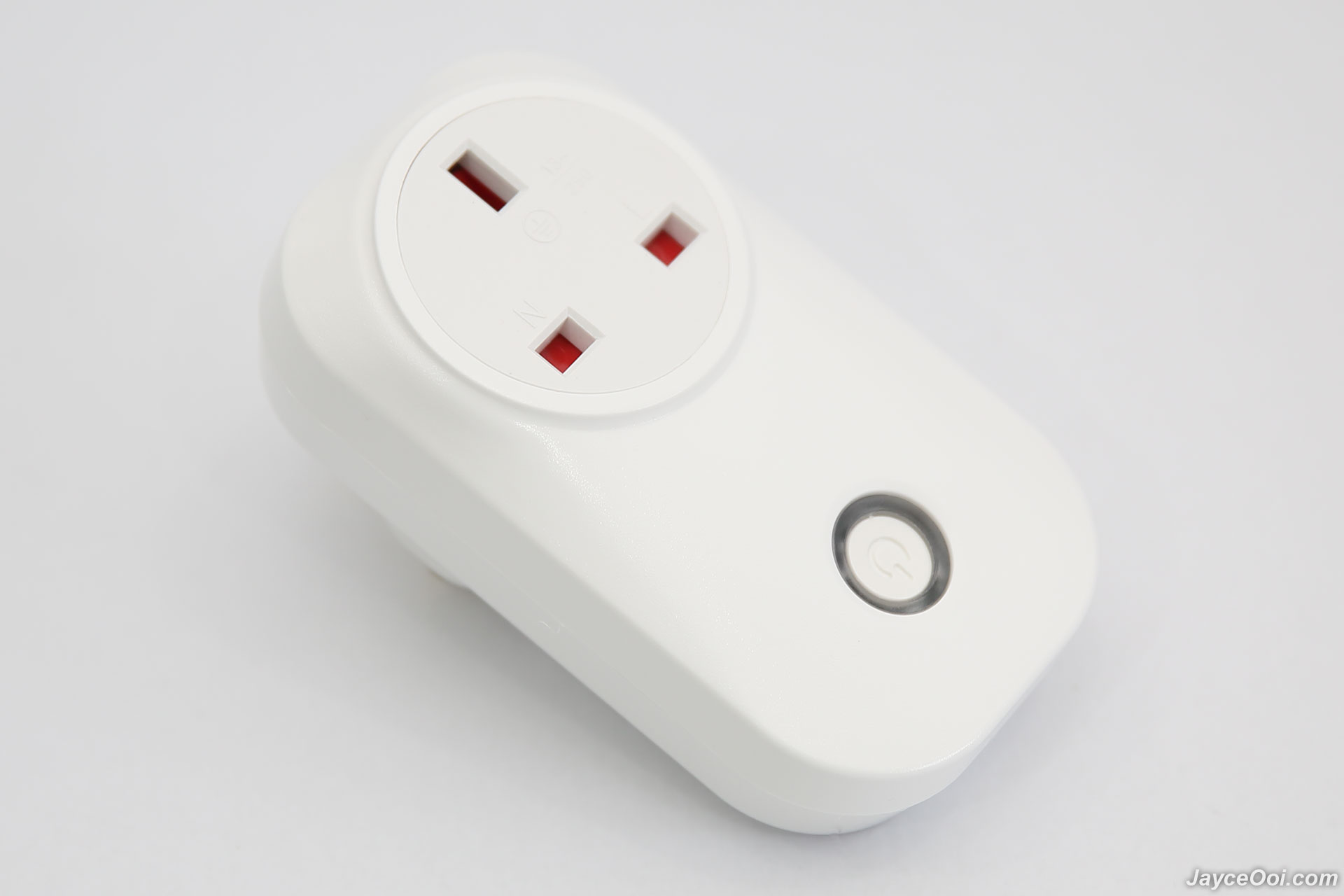
The one that I have is UK plug version. Build quality is great with sturdy plastic. The power button is located at bottom front. There is LED light indicator around the button as well. Green for connected to Internet while blue for power on.
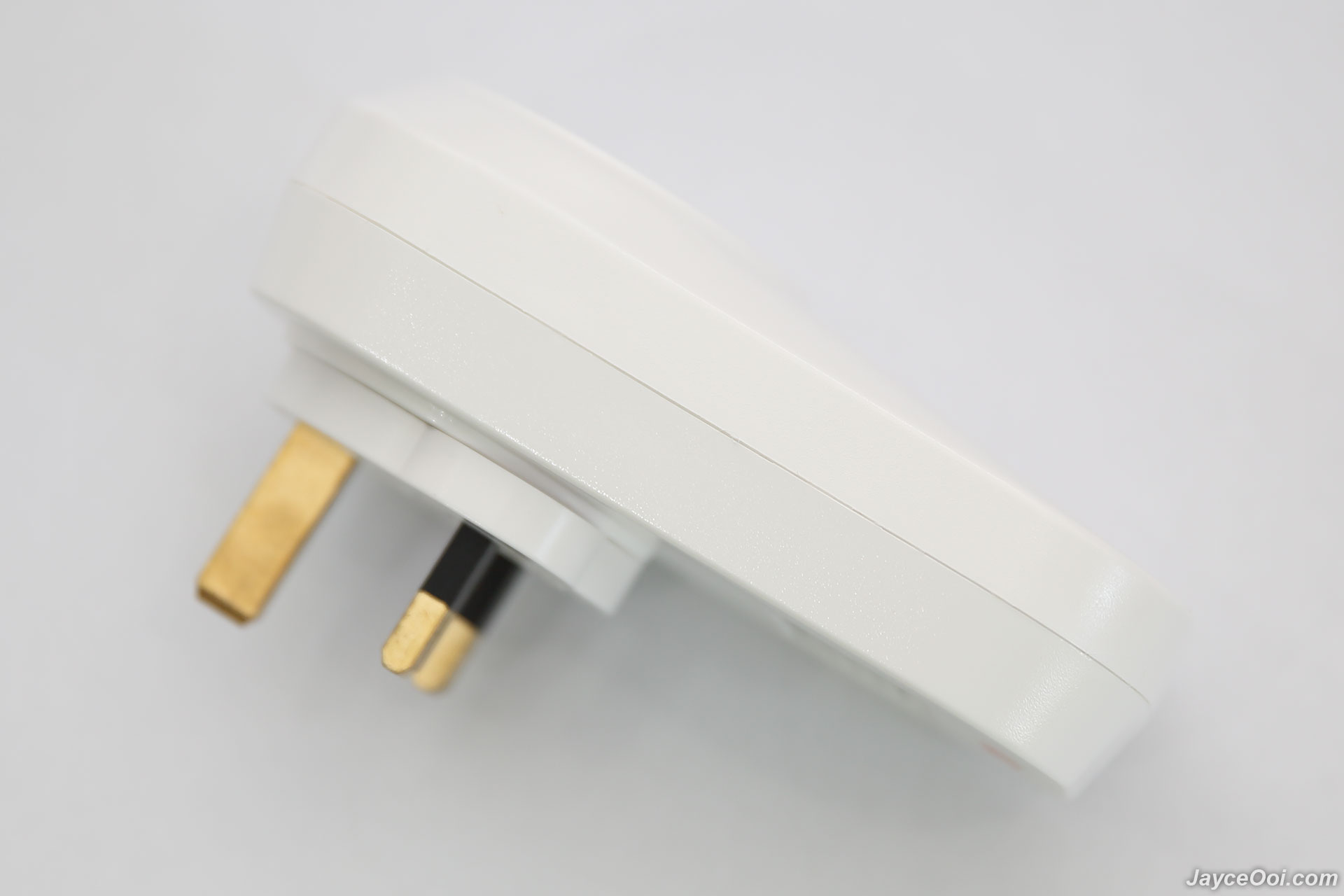
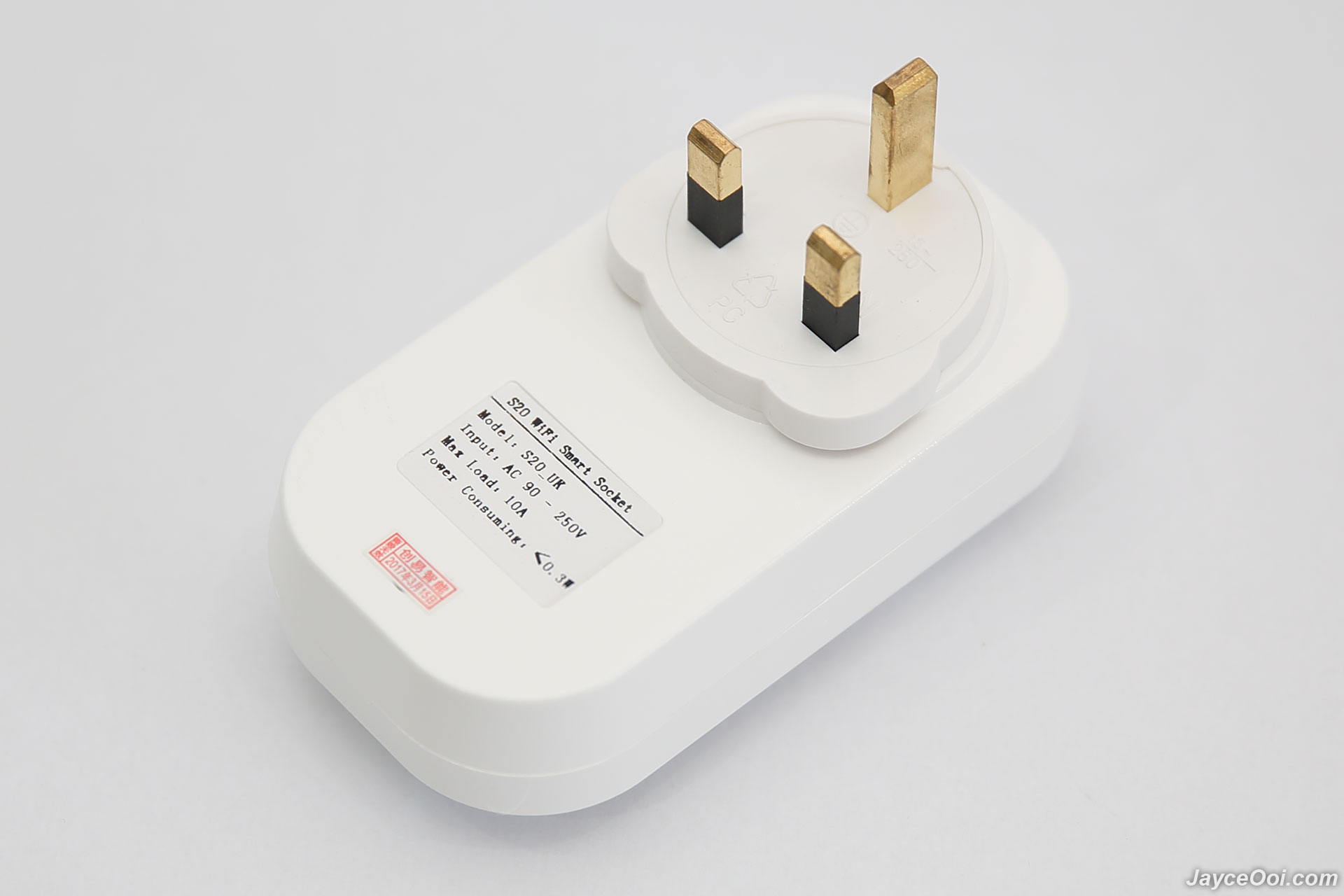
Specifications
- US/ UK/ CN/ EU plug (type F)
- Power input: 10A, 90-250V
- Max power: 2000W (resistive load)
- Shell material: Retardant PC
- Wireless standard:802.11.b/g/n
- Encryption: WEP/TKIP/AES
- Security mechanism: WEP/WPA-PSK/WPA2-PSK/WPA/WPA2/WAPI/WPS2
- Operating temperature: 0ºC-40ºC (32°F-104°F)
- Operating Humidity: 5%-90%RH, Non-condensing
Installation is pretty much simple and fast. Basically, you need to create account in eWeLink application. Connect S20 Smart Socket to your wireless router. That's it. No worry, just follow the steps by steps instructions in the app will do.

Software
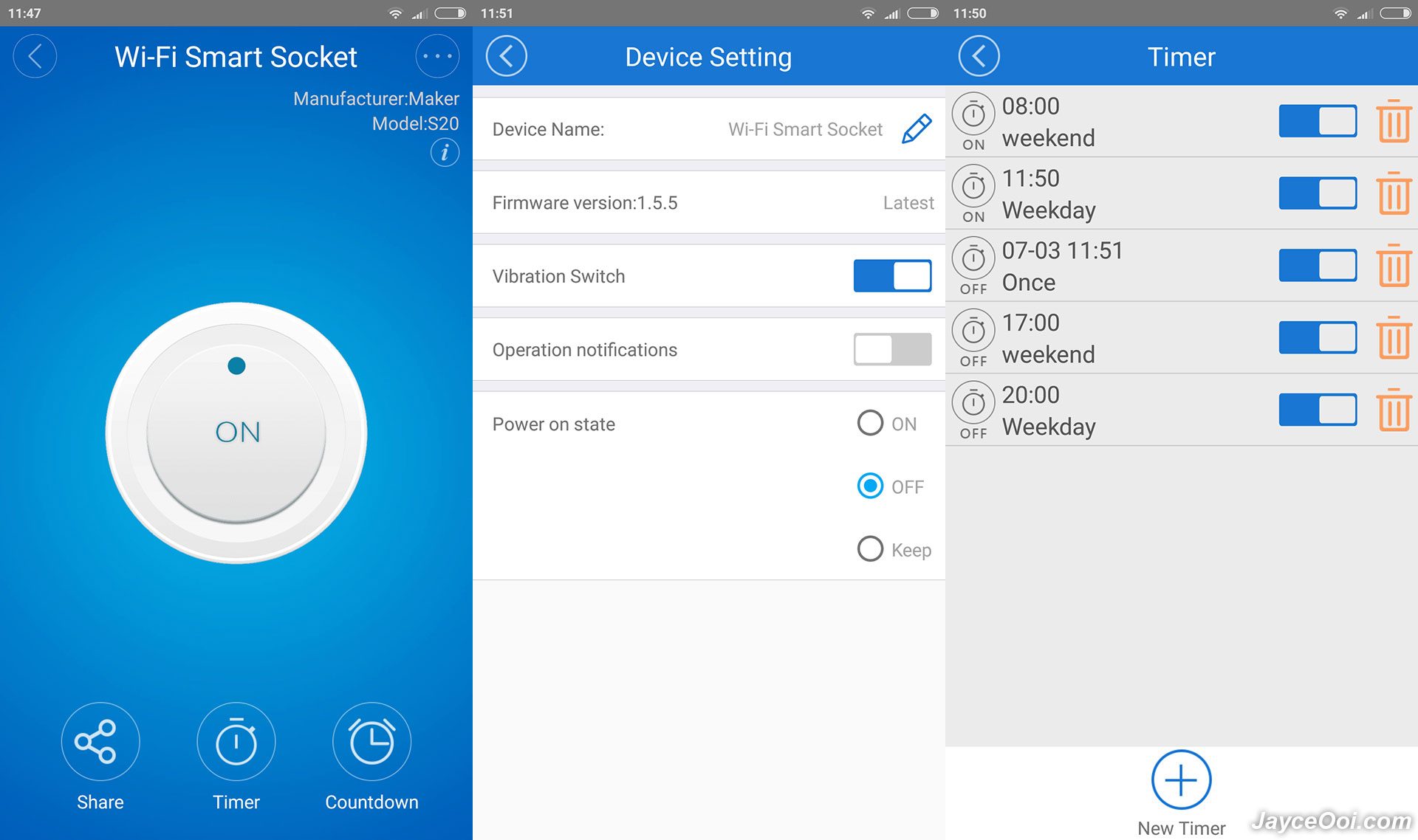
E-Welink is a free universal smart home remote control software. It can remotely control hardware products of different types and brands including ITEAD. You can download it from Google Play Store and Apple App Store. It supports dozens of smart devices, including smart socket, LED lamp, fan, heater, air purifier, etc.
Performance Result
ITEAD S20 Smart Socket wireless range is excellent. I have no problem to get it connected from the farthest place - kitchen away from the wireless router. Yes, it can be connected on any wall socket in my double storage house. As for usage, it is straight forward. You can turn on / off the connected device manually through eWeLink app. Or set timer that suit your needs. That's it.
By the way, Amazon Alexa is supported as well. Too bad that I don't have Amazon Alexa to test it. So you need to try it yourself in this case. For your information, eWeLink is connected to their cloud server for all the process. If the server cannot be accessed, you still can control S20 Smart Socket but limited to local network only.
Advantages
- Ease your life & save electric bill
- Excellent wireless range
- Decent build quality
- Easy to use
- Lot of app permissions needed
Remote control your existing electric appliances is not a dream anymore with ITEAD Wi-Fi S20 Smart Socket. Yup, it surely make my life easier and save some electric bill with timer and remote control ability. Interested? More information can be found at ITEAD Website. And get yours there.
 Quote
Quote
 0.0177sec
 0.32
0.32
 7 queries
 GZIP Disabled