Maxis esim doesn't have main line.
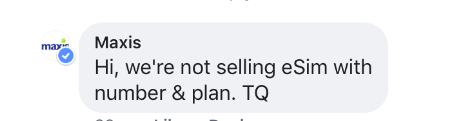
esim is a share line number which tied up with maxis one plan either 98, 128, 158 or 188
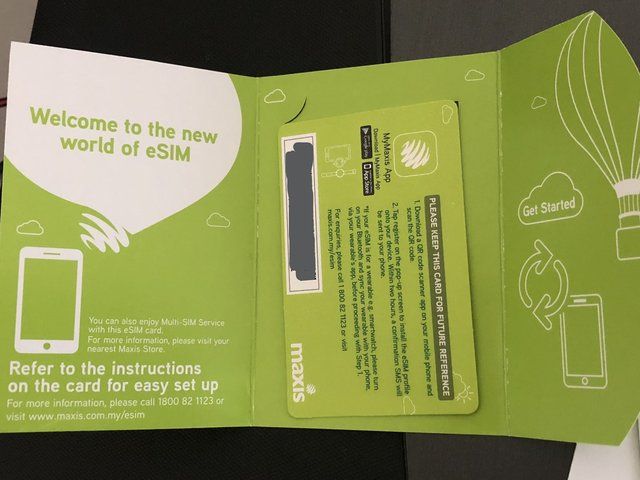
I got mine esim since last week at KLCC Maxis Main centre.
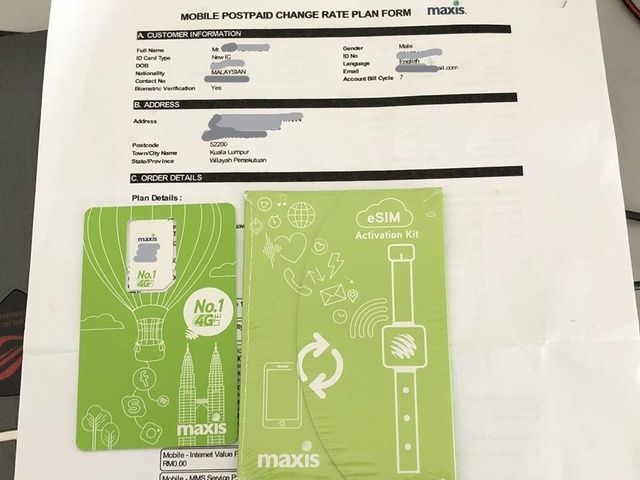
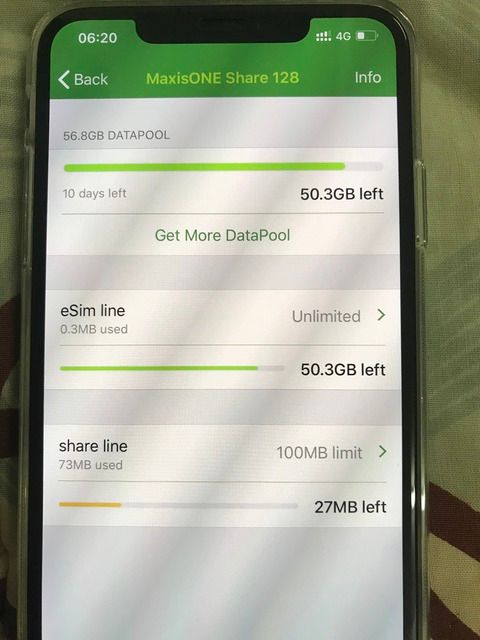
Do not telling the maxis officer you want apply esim for new apple iphone xs / xs max use purpose ,
they will reject you all the way.
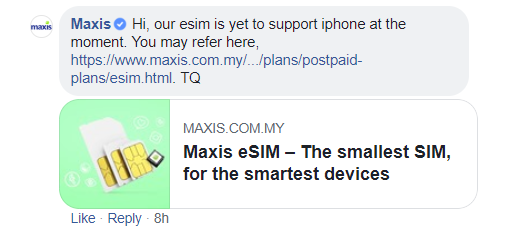
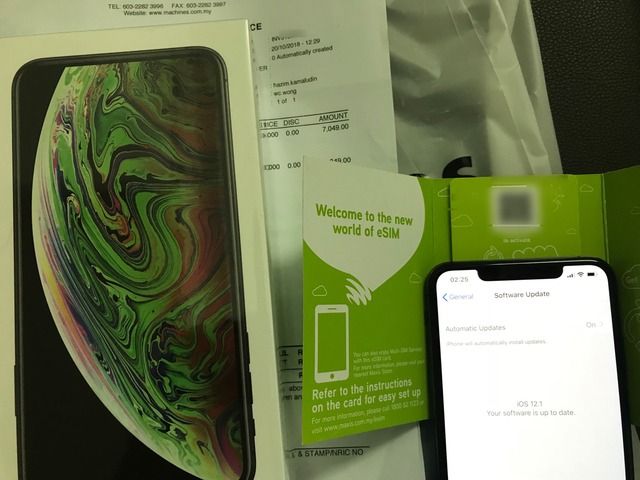
Here you are I've updated my iPHONE XS MAX to 12.1 beta 5 and set up with esim along.
===============================================
Tips to get maxis esim :
Existing maxis user :
if your Maxis plan already had share line, just asking them convert this share line to esim ,
due to the reason your wife / girl friend presented you a gift ( Huawei watch 2 ) ,
Tell the customer service you already checked via official site , only maxis esim support & compatible with.
If they asking you show the watch to prove with, they will need to take esim number locked with your huawei 2 watch ,
Telling them the watch left at home enough ,
You just come to ask for advise and request convert currently share line to become esim line only.
In this case , only they will proceed it to you.
If your Maxis plan do not have any share line , also can subscribe a share line ( Rm48 per line)
and using the same reason due to somebody present you Huawei WATCH 2.
You need this share line convert it to esim.
After all, please updated your phone IOS from 12.0.1 to 12.1 (beta 5) , do not use beta 1 ( signal weak) , beta 5 is more stable and compatible with esim.
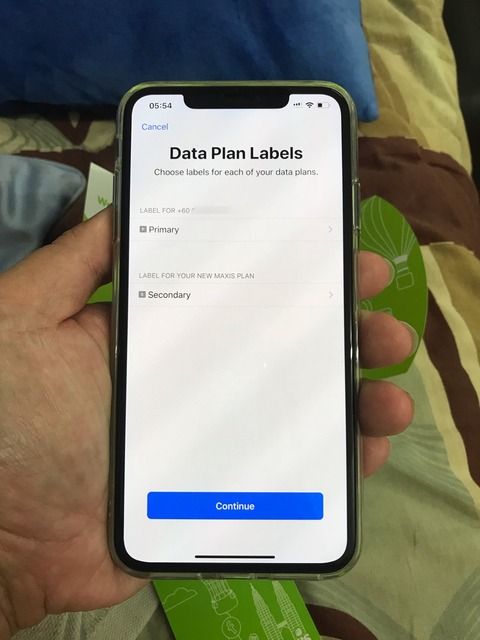
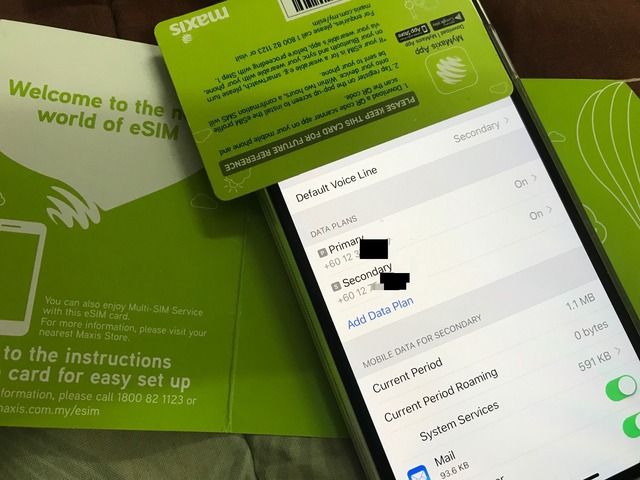
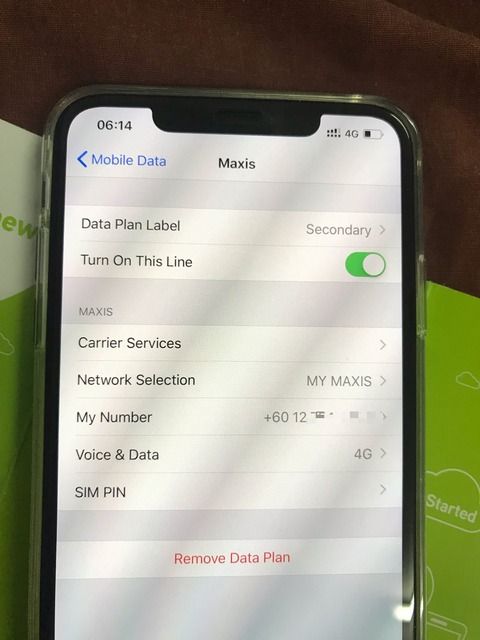
Then only you using your iphone xs / xs max ---> add data plan -----> scan the maxis esim QR code ----> setting your data plan labels .
Done, That's it.


 Oct 20 2018, 01:04 PM


 Quote
Quote


 0.1361sec
 0.43
0.43
 7 queries
 GZIP Disabled