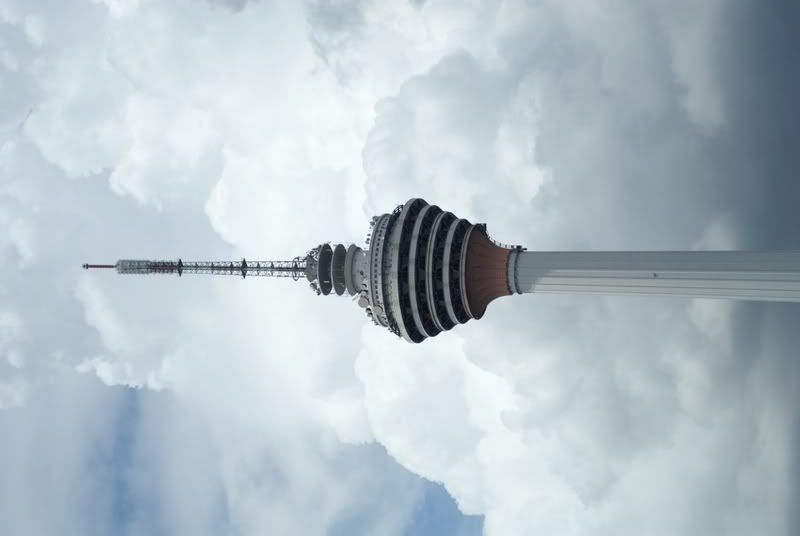
1. KL Tower

2. The Brand Logo

3.The Time

4. On the street

This post has been edited by kenzio: Jan 13 2008, 12:47 PM
kenzio with A100, Closing Thread.....retiring now...bye
|
|
Jan 23 2007, 06:24 PM, updated 18y ago
Show posts by this member only | Post
#1
|
![]() ![]()
Junior Member
241 posts Joined: Aug 2006 |
Hi there! I'm a beginner in dSLR. I don't have any particular preference in taking what type of picture as long as it pleasant my eyes. So,
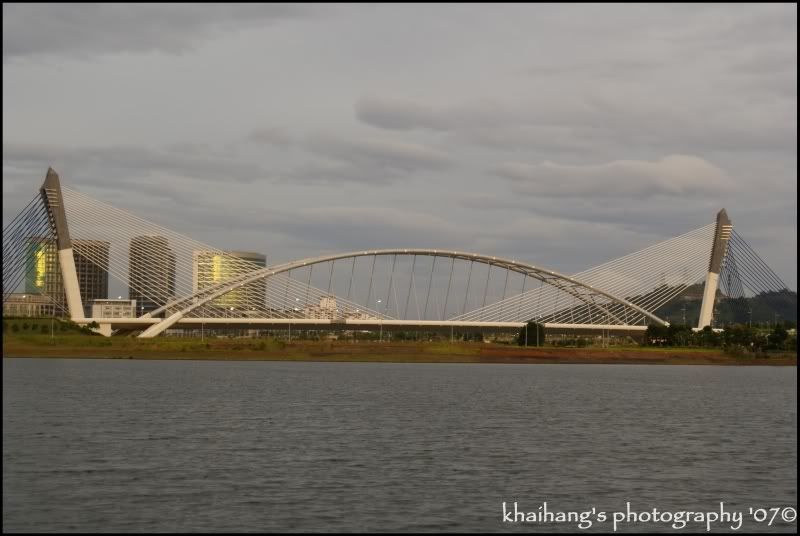
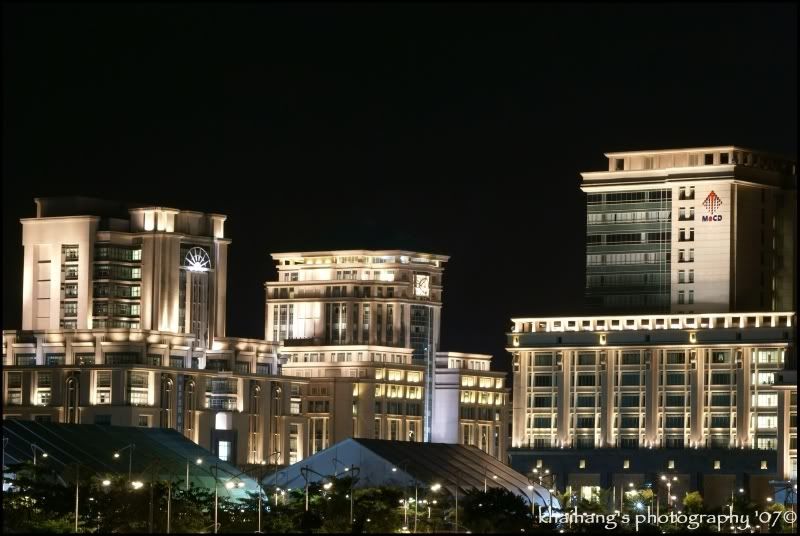
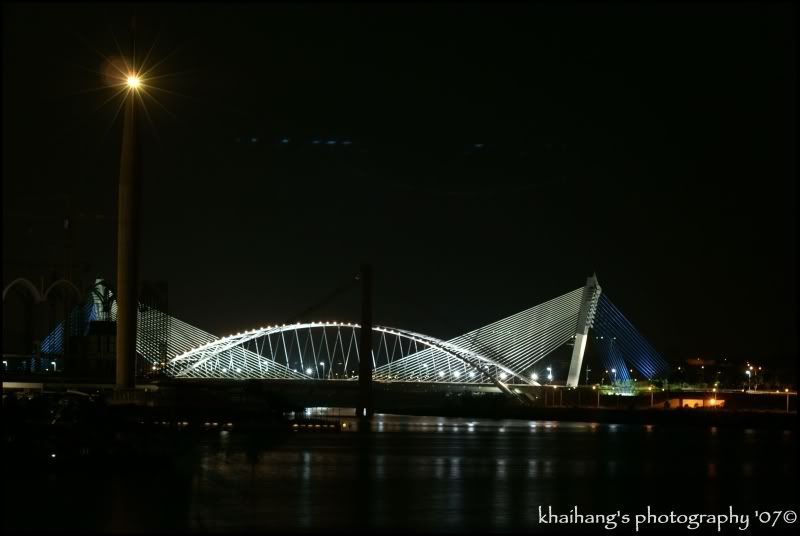
1. KL Tower ![]() 2. The Brand Logo ![]() 3.The Time ![]() 4. On the street ![]() This post has been edited by kenzio: Jan 13 2008, 12:47 PM |
|
|
|
|
|
Jan 23 2007, 07:41 PM
Show posts by this member only | Post
#2
|
![]() ![]() ![]() ![]() ![]() ![]()
Senior Member
1,672 posts Joined: Jun 2005 |
judging from your photos, except for the first one, your shutter speed must be about 1/100 and below. And that your hands has not gotten used to the weight of the camera.
Also, need to work on metering, and WB, and composition as well. don't worry too much about what others say, just follow your instinct on taking photos. You do not become an artist by imitation. Create your own style and build up on it. |
|
|
Jan 23 2007, 08:10 PM
Show posts by this member only | Post
#3
|
![]() ![]()
Junior Member
241 posts Joined: Aug 2006 |
QUOTE(gold3knight @ Jan 23 2007, 07:41 PM) judging from your photos, except for the first one, your shutter speed must be about 1/100 and below. And that your hands has not gotten used to the weight of the camera. Thanks for your comment....and yes....it were all the first few test shots right after the camera purchased...hence still finding difficulties on handling it Also, need to work on metering, and WB, and composition as well. don't worry too much about what others say, just follow your instinct on taking photos. You do not become an artist by imitation. Create your own style and build up on it. |
|
|
Jan 23 2007, 10:26 PM
Show posts by this member only | Post
#4
|
|
Staff
4,380 posts Joined: Mar 2005 From: petaling jaya,puchong jaya,pandan jaya,putra jaya |
try tilt the kl tower's pic a bit to the left. a bit senget rite?
|
|
|
Jan 23 2007, 10:44 PM
Show posts by this member only | Post
#5
|
![]() ![]()
Junior Member
295 posts Joined: Apr 2006 |
maybe a bit of touch up from photoshop might save the day..
|
|
|
Jan 23 2007, 11:16 PM
Show posts by this member only | Post
#6
|
![]() ![]()
Junior Member
241 posts Joined: Aug 2006 |
QUOTE(scotty @ Jan 23 2007, 10:26 PM) Yeah....like the leaning tower of Pisa.... |
|
|
|
|
|
Jan 23 2007, 11:18 PM
Show posts by this member only | Post
#7
|
![]() ![]()
Junior Member
241 posts Joined: Aug 2006 |
|
|
|
Jan 23 2007, 11:45 PM
Show posts by this member only | Post
#8
|
![]() ![]() ![]() ![]()
Senior Member
666 posts Joined: Jan 2005 From: Penang |
Congratulations to own new gadgets!! you are using F2.8? which lens?
Do share more pics!! |
|
|
Jan 24 2007, 12:06 AM
Show posts by this member only | Post
#9
|
![]() ![]()
Junior Member
241 posts Joined: Aug 2006 |
|
|
|
Jan 24 2007, 09:54 AM
|
|
VIP
5,938 posts Joined: Jan 2003 From: Now In The City of Merlion |
i not sure bout Sony, but u think there is an option to turn on the electronic guide line on ur VF right? turn it on and use it to judge 'straitness' of your compo, if your lens doesnot distort a lot, it will be pretty much handy in times such as shooting the tower.
|
|
|
Jan 24 2007, 10:14 AM
|
|
VIP
4,077 posts Joined: Jan 2003 From: í•œêµ |
lao eh
ah gua picture also you take ar |
|
|
Jan 24 2007, 01:31 PM
|
![]() ![]()
Junior Member
241 posts Joined: Aug 2006 |
QUOTE(Maniac @ Jan 24 2007, 09:54 AM) i not sure bout Sony, but u think there is an option to turn on the electronic guide line on ur VF right? turn it on and use it to judge 'straitness' of your compo, if your lens doesnot distort a lot, it will be pretty much handy in times such as shooting the tower. Thanks...but neither me know there's any option of that, but will try to find out more in the manual and try it out... |
|
|
Jan 24 2007, 01:34 PM
|
![]() ![]()
Junior Member
241 posts Joined: Aug 2006 |
QUOTE(VincC454 @ Jan 24 2007, 10:14 AM) It just so happen that this guy |
|
|
|
|
|
Jan 24 2007, 05:38 PM
|
|
|
Elite
4,956 posts Joined: Jan 2003 From: KL |
SWEET you have a beercan! How much did you pay for it? How come you have a Minolta 28mm F2.8 you're new to this (assuming you had a film Minolta, you'd have your composition practice.)
There are no electronic guide lines, but notice the diagonal corner lines: CODE / \ -
\ / Those are lined up to divide the picture in thirds exactly. You can select those AF points by pressing on the keypad diagonally. |
|
|
|
Jan 24 2007, 10:57 PM
|
|
![]() ![]() ![]() ![]()
Senior Member
666 posts Joined: Jan 2005 From: Penang |
QUOTE(albnok @ Jan 24 2007, 05:38 PM) SWEET you have a beercan! How much did you pay for it? How come you have a Minolta 28mm F2.8 you're new to this (assuming you had a film Minolta, you'd have your composition practice.) Yeah! There are no electronic guide lines, but notice the diagonal corner lines: CODE / \ -
\ / Those are lined up to divide the picture in thirds exactly. You can select those AF points by pressing on the keypad diagonally. |
|
|
|
Jan 25 2007, 12:27 AM
|
|
![]() ![]()
Junior Member
241 posts Joined: Aug 2006 |
QUOTE(albnok @ Jan 24 2007, 05:38 PM) SWEET you have a beercan! How much did you pay for it? How come you have a Minolta 28mm F2.8 you're new to this (assuming you had a film Minolta, you'd have your composition practice.) Long time didn't touch on slr edy...need more practice to pick up any skills that I long forgotten.... There are no electronic guide lines, but notice the diagonal corner lines: CODE / \ -
\ / Those are lined up to divide the picture in thirds exactly. You can select those AF points by pressing on the keypad diagonally. Thanks for your sharing info as well....will practice more and post more for judging!! QUOTE(cityfish @ Jan 24 2007, 10:57 PM) Yeah...I had read his blog and saw his shots....that's another supporting material for my decision on the dslr......it's great!!! This post has been edited by kenzio: Jan 28 2007, 11:22 AM |

|
|
|
Jan 28 2007, 11:23 AM
|
![]() ![]()
Junior Member
241 posts Joined: Aug 2006 |
How can I add watermark to my pic and also the black/white frame as well...??
|
|
|
Jan 28 2007, 03:04 PM
|
![]() ![]()
Junior Member
241 posts Joined: Aug 2006 |
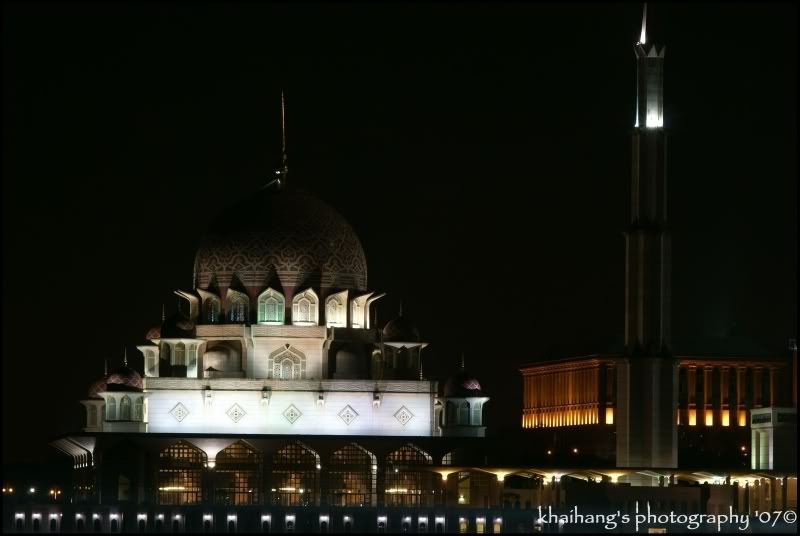
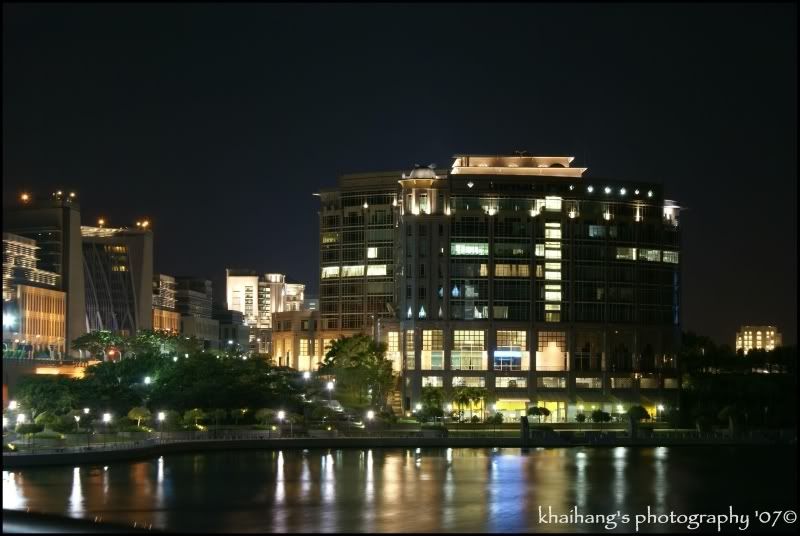
Some updates on the photos taken 3 days ago at Putrajaya....
5)Putra Bridge taken from CBJ (respect the ori color) ![]() 6)Putra Bridge (photoshoped) ![]() 7)Putra Bridge (Strengthen the color with PS) ![]() 8)Putra Bridge (Soften version of #7) ![]() Tell me which one you prefer most.... |
|
|
Jan 28 2007, 03:10 PM
|
![]() ![]()
Junior Member
241 posts Joined: Aug 2006 |
More of Putrajaya Shots....
9) ![]() 10) ![]() 11) ![]() 12) ![]() Thanks for viewing and comments are welcome most... |
|
|
Jan 28 2007, 04:15 PM
|
![]() ![]()
Junior Member
295 posts Joined: Apr 2006 |
About the bridge, i prefer the 2nd last... Nice colour balance..
|
|
Topic ClosedOptions
|
| Change to: | 0.0233sec
0.43
5 queries
GZIP Disabled
Time is now: 24th December 2025 - 03:25 AM |