

 Jul 22 2016, 03:40 PM, updated 4y ago


Viofo A119 review unit courtesy of gearbest
Viofo product page: viofo
Specifications and features list:
• Novatek 96660 chipset
• OmniVision OV4689 image sensor
• 2 inch TFT screen
• 160 degree viewing angle, 6G F1.8
• Resolution: 2560x1440 30fps; 1920x1080 60fps; 1920x1080 30fps
• Support up to 64GB microSD card.
• WDR
• Super Capacitor
• Supports GPS with GPS mount
The Box
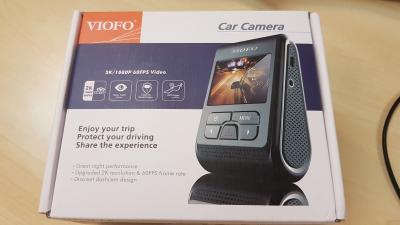

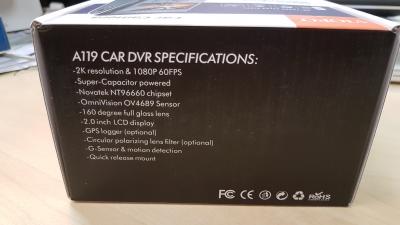
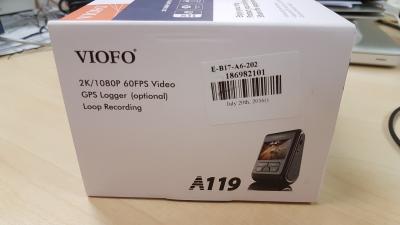

Open box


Contents

• A119
• Mini USB Cable 3 meters
• Mini USB Short Cable
• 2 port USB Car Charger
• 1 x nylon string
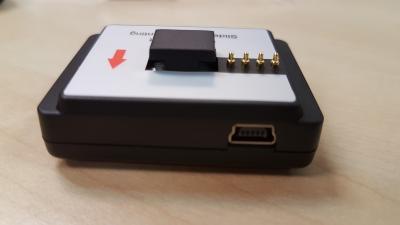
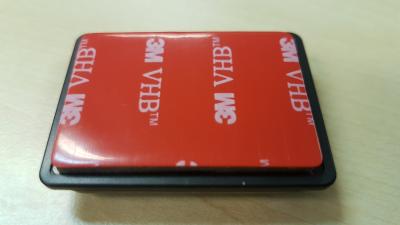
• GPS Mount with 3M double sided tape
• Non-GPS Mount with 3M double sided tape
• 5 x Cable Clip
• Spare 3M double sided tape
• Manual in English
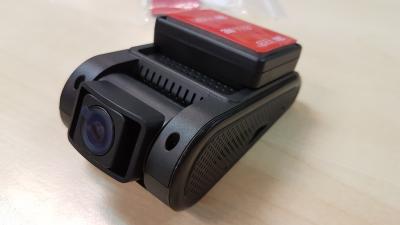
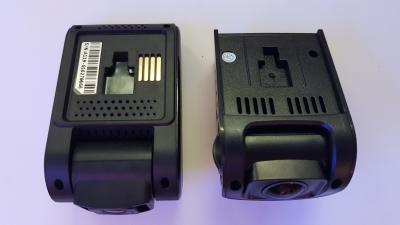
A119
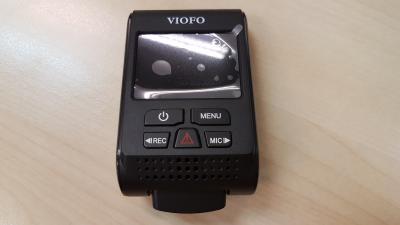

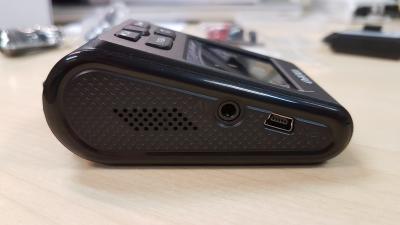
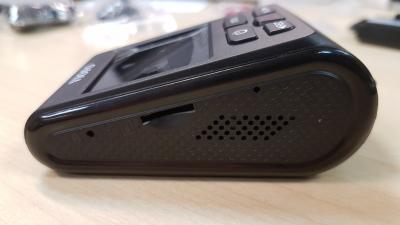
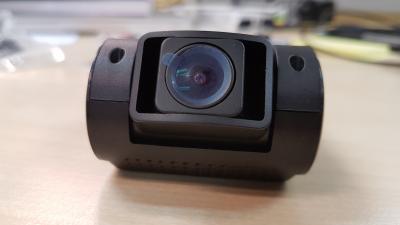
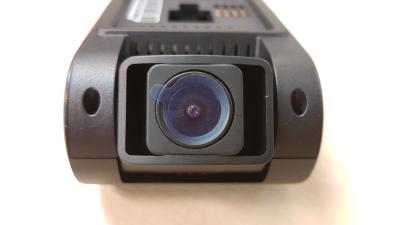
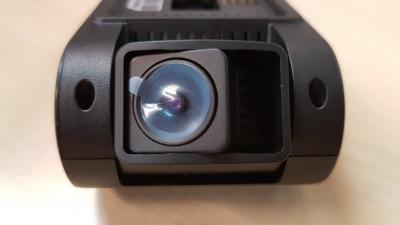
A119 movable lens
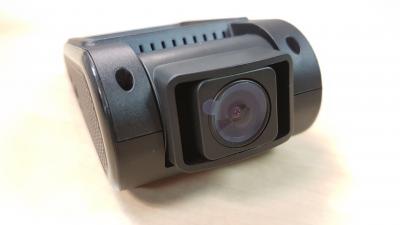


GPS mount

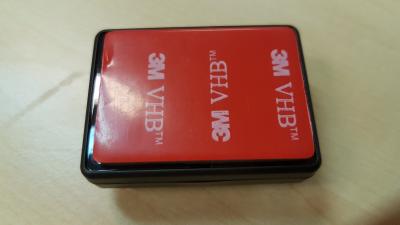
Non-GPS mount

A119 with GPS mount

2 port USB charger


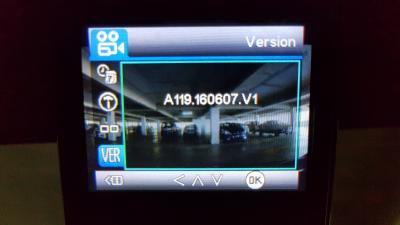
Firmware version that came with the A119
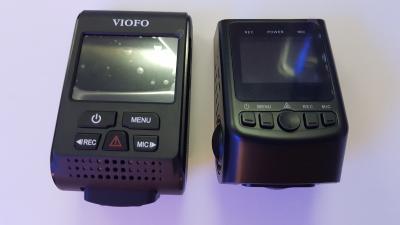
Siblings - A119 & A118C



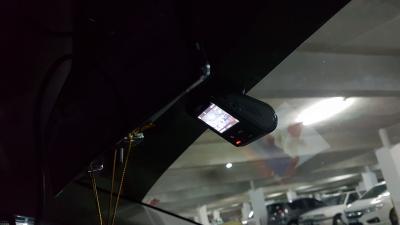
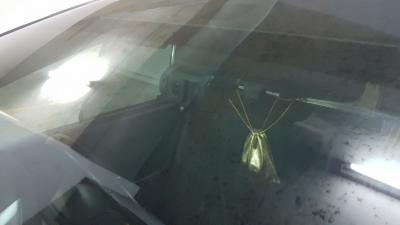
Setup

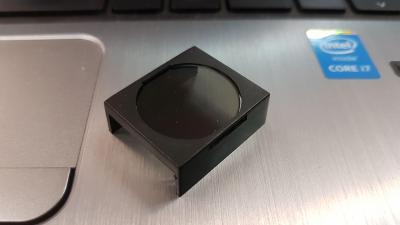
CPL filter test sample from Viofo

Videos
Day
Night
Night with Beta Firmware 0805
Evening with Beta Firmware 0805
Viofo A119 Wet & Hazy Morning 1 with Beta Firmware v0813
Viofo A119 Wet & Hazy Morning 2 with Beta Firmware v0813
Night with Firmware v0829
A119 with and without the CPL filter test sample
After rotating the lens, managed to minimize the reflections... Now have to find that sweet spot...
New batches of A119 comes with the grooves on the lens cover for the CPL filter


Latest A119 firmware is released, version number is V3.1, below is the download link:
https://dl.dropboxusercontent.com/u/2249321...are/FWBA119.bin
Change log:
1. Added: Parking mode feature
2. Added: Lock the previous file while the button pressed in the begin of 15s of current file
3. Improved: Change the sound for taking screen shot while pressing the menu button
4. Improved: One click to stop recording, mute/unmute while in screen save mode
5. Improved: No embed GPS info in the movie while GPS feature disabled.
6. Fixed: Screen on issue while detected on detection in screen save mode
How to update:
Please do the following to upgrade the dash cam
If your camera firmware version is V1.1 or earlier, please upgrade the loader LDBA119.bin first.
If you have already installed the V2.0 firmware, not necessary to upgrade the loader, please ignore the #3--#6 steps.
From V1.4 firmware, the firmware will be automatically deleted from Micro SD card after upgrade completed.
Use max. 32GB card formatted by camera or on computer as FAT32
Insert card in camera and connect it to computer using USB cable
Copy just the LDBA119.bin on the root of the card
After LDBA119.bin is copied to the card disconnect the camera from computer
Reconnect the camera to your computer and wait few seconds until you can choose Mass Storage from camera menu
Delete LDBA119.bin from the card using your PC and
Copy the FWBA119.bin file on the root of the card
Reconnect the camera to your computer and wait more seconds until you can choose Mass Storage from camera menu, the front red LED will be blinking while upgrading.
Now you can disconnect the camera from PC and enjoy new A119 implementations.
This post has been edited by blurjoey: Sep 19 2017, 09:22 PM
 Quote
Quote


 0.0322sec
 0.36
0.36
 6 queries
 GZIP Disabled