Outline ·
[ Standard ] ·
Linear+
The Official Maxis FTTH Thread | v5, Maxis Home Fibre Internet, from RM89
|
jkfoong
|
 Jan 21 2018, 04:38 PM Jan 21 2018, 04:38 PM
|

|
QUOTE(fadzly @ Jan 20 2018, 01:01 PM) Wow.. that MGM promo still available? Nice.. i managed to get RM20 rebate/month last month. Who wants me to refer u guys (RM20/month for a year) can pm me also. PM me bro |
|
|
|
|
|
jkfoong
|
Sep 4 2025, 03:30 PM
|
|
|
QUOTE(Keatsan @ Aug 25 2025, 01:26 PM) If it's the KAON wifi 6 router, the admin login should be either below. Option A username: administrator password: router serial number Option B username: MaxARSysOpr password: !!bestHOME!!XXXX (last 4 s/n) Then try Enable the DHCP Server for both IPv4 & IPv6 Then use Stateless ipv6 I couldn't login with these two credentials. What else could it be? Possible if the technician change the password? Firmware version : 1.2.50_r33 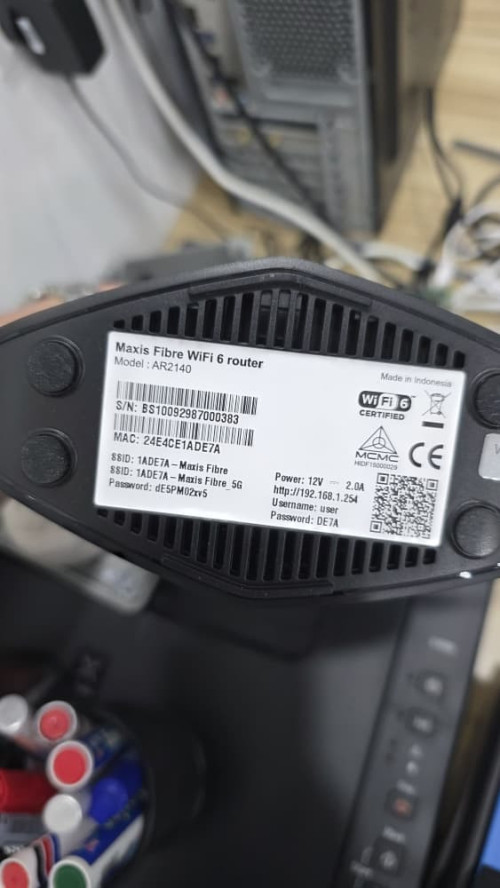 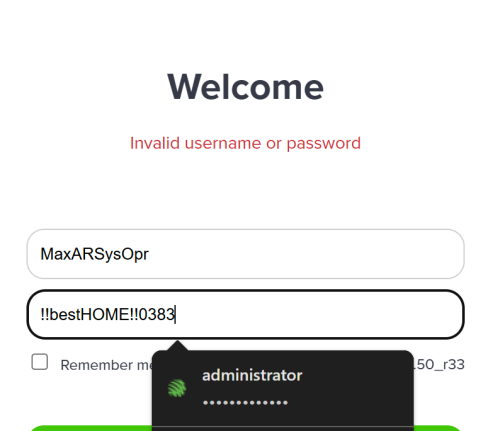 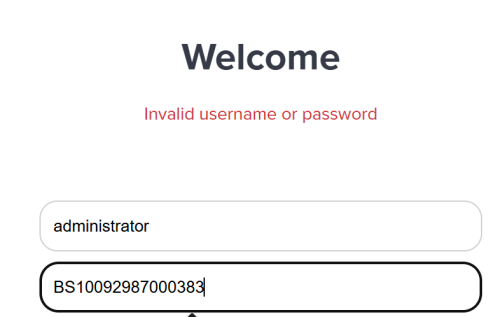 This post has been edited by jkfoong: Sep 4 2025, 03:33 PM This post has been edited by jkfoong: Sep 4 2025, 03:33 PM |
|
|
|
|
|
jkfoong
|
Sep 4 2025, 05:00 PM
|
|
|
QUOTE(jusbella @ Sep 4 2025, 04:53 PM) MaxDNSprUsr !!bestHOME!!xxxx Where xxxx is your last Mac address router 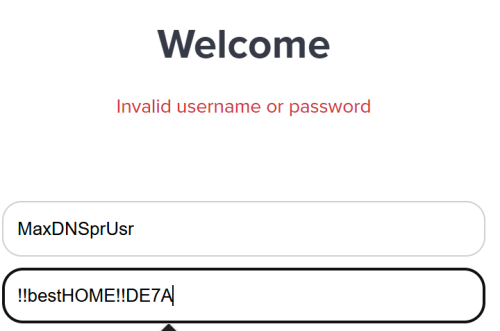 Same cannot |
|
|
|
|
|
jkfoong
|
Sep 5 2025, 03:36 PM
|
|
|
QUOTE(jsnhoh @ Sep 4 2025, 05:05 PM) why not call to Maxis center and get the user id and password ?? QUOTE(PRSXFENG @ Sep 4 2025, 08:29 PM) that one is secret technician only account, they wont share it Yeah I don't think they will share it. I thought they remotely update all the password from their side so it should be the same? This post has been edited by jkfoong: Sep 5 2025, 04:05 PM |
|
|
|
|



 Quote
Quote
 0.2045sec
 0.47
0.47
 7 queries
 GZIP Disabled