QUOTE(joytest @ Feb 23 2015, 04:43 PM)
Anyone here using dr.ketan's L1 lollipop ROM ?
The instructions seem to indicate you need to flash the modem TWICE.
I did some research it seems on our device (N910C), modems must be flashed via odin, with the phone switched off and entering download mode with 3 buttons. I think step 6 is an elaboration of 5A for N910c devices, you only have to flash the modem once via Odin.
QUOTE(BlackKiraEW @ Feb 23 2015, 11:51 PM)
Been hesitating thou ... I might not flash custom rom on it. But I would like to root it. What you think? Wanted to remove some bloatware + greenify. Good choice or nah?
If you have rooted your other devices before, you know the benefits of gaining root, which is more than getting Lollipop earlier.
All custom roms will carry over bugs from the stock rom they are based on. So, for example if you want a stable "Waze fixed" Lollipop you will mostly have to wait until the next official release. Custom rom developers customizes/tweaks the current stock rom to their preference and needs, they can't really fix bugs on the stock rom(mostly, unless they are very talented or the bug is minor), they can however fix bugs caused by themselves after the customization.
Now, to root or not to root.... People who never root their devices will never understand and miss the benefits of root. For those who did root their devices, the main reason they hesitated on Note 4 is they might lose their warranty due to KNOX counter Samsung implemented on Note 4(and Note 3). Unlike other devices you can easily root and return to stock without a trace, Samsung will put a permanent mark on your device when root is detected.
So should you root? Try weighing between: Root benefits vs Samsung Warranty vs Troubles of gaining root. You will find out yourself.

For me, I root to debloat and mainly for data backup/restore, fyi, I rooted every Android devices I owned and have carried over restorable data(SMS/Call logs/Wifi/Apps/etc) from HTC Desire HD -> HTC Sensation -> Note 2 -> Note 3, but I have yet to root my Note 4 due to the reasons above! I will root once we get a better Lollipop build (Waze issue fixed) which will give me more time to test the device thoroughly to avoid any needs for Samsung warranty.
QUOTE(Papyruse @ Feb 24 2015, 12:43 AM)
Flashing a custom Rom is not really a good choice for a flagship device and we are going to lose some functionality of the phone itself. Nexus 6 would be a rather smart choice if we don't like the original taste of Samsung. For rooting, I mean, one year is long. Who knows what happen to your device and I would not choose to void my warranty just to remove some bloatwares which may not be extensively threaten the user experience than it seems to be. Of course it is just a matter of personal preference and the choice is yours. =)
You will not lose any original functionality if the custom rom is base Samsung's stock build.
EDIT: Sorry, you will lose KNOX container and its features, but it is something I personally have never used.
QUOTE(ccc8910 @ Feb 24 2015, 12:45 AM)
Hi guys. Need your urgent help here. I just got my note 4 last month. However I encounter this problem. Every time I log into certain website it prompt out below error message. No matter how I clear my memory and apps it still the same.
I tried uninstall a anti virus apps and it showed my mobile is under risk due to this mobile tracket apps. But I can't uninstall it. Anyone here can help?
This was mentioned a few posts earlier. I believe this is an Advertisement coded on the webpage to target android chrome browser. Until google fixed it, you can try switching browser and "clear browsing data" in Chrome's privacy settings to avoid it temporary.
This post has been edited by Kellicros: Feb 24 2015, 01:09 AM 

 Feb 18 2015, 01:11 AM


 Quote
Quote

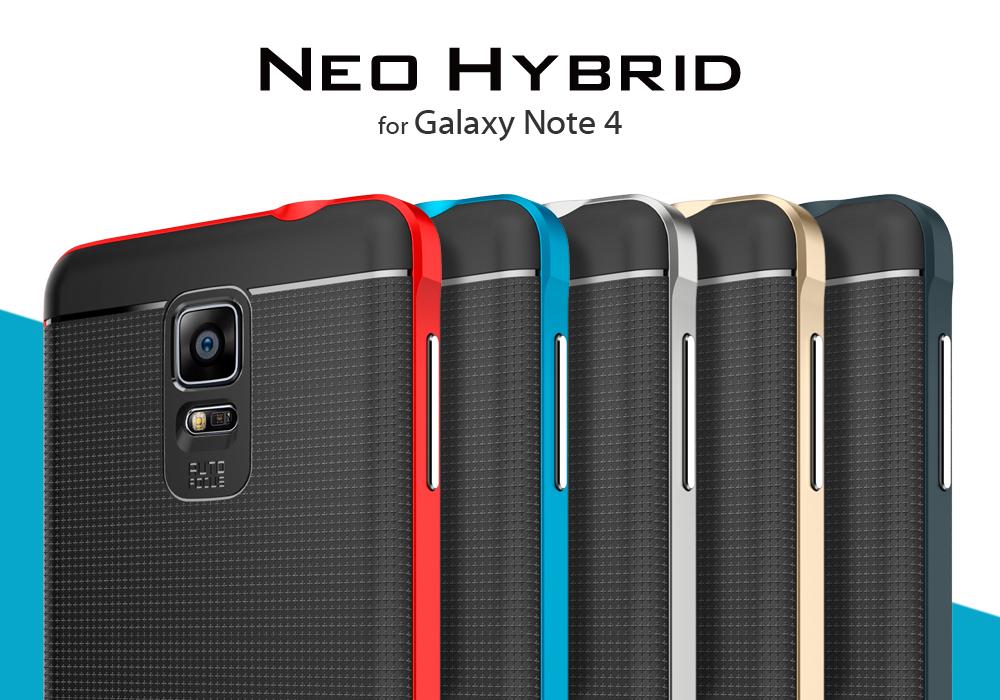


 . Some of us over here already got the silver and gunmetal. Mine is Gun Metal


 0.0701sec
 0.48
0.48
 7 queries
 GZIP Disabled