Outline ·
[ Standard ] ·
Linear+
MSI Gaming Notebook Thread V3
|
mental007
|
 Nov 11 2014, 05:20 PM Nov 11 2014, 05:20 PM
|
Getting Started


|
QUOTE(MSI-NB @ Nov 11 2014, 09:48 AM) Kindly visit our service centre for cleaning  I don't think your Penang Service Centre will be able to help clean btw. They are just representative that don't have the power to check the laptop etc. Everything need call/refer to HQ. I even asked them whether can open to upgrade RAM and they also said need to refer HQ for it. LOL |
|
|
|
|
|
mental007
|
Nov 12 2014, 06:13 PM
|
Getting Started
|
QUOTE(MSI-NB @ Nov 12 2014, 04:50 PM) Hi there, we suggest you may call to our service centre for more information: 1300-88-2273 (operating from Mon-Fri, 9am-6pm, except public holiday). Alternatively, you may also contact our product info centre @ 1300-22-1986 for assistance. Hope this helps! Its no use. The last time I took my laptop for repair also called their service centre hotline. And they asked me to bring to Penang service centre. And then penang service centre said need refer HQ and send to KL HQ for upgrades/repair. Everything need send to HQ. Its like there is no technician in Penang service centre. Maybe need improve on that. This post has been edited by mental007: Nov 12 2014, 06:19 PM |
|
|
|
|
|
mental007
|
Nov 13 2014, 11:47 PM
|
Getting Started
|
QUOTE(LostAndFound @ Nov 13 2014, 04:08 PM) ... Just called KJ service center and received a really dissatisfying answer. I want to buy an mSata SSD for my brother as a present, but one stupid sticker over a screw prevents me from installing myself (which I've already done for my own other-brand laptop). Service center quote me at RM140 for installation labour charges! Even my car workshop also don't charge so high for 2-3 hours of work, this 5 minute task want to charge RM140. Anyone knows how to self-install without voiding warranty? SC quoted me RM75 for RAM installation. hey, this is less than 1 minute. my old lenovo is free when upgrade. Pass them the laptop, change in within 1 min and done, no charges.  |
|
|
|
|
|
mental007
|
Dec 4 2014, 05:04 PM
|
Getting Started
|
QUOTE(MSI-NB @ Dec 4 2014, 12:30 PM) If you have purchase any MSI Gaming Notebook, check out the MSI promotions below and redeem your freebies!  [NEW!]MSI Year End Promotion [NEW!]MSI Year End Promotion » Click to show Spoiler - click again to hide... « Purchase any MSI Gaming Notebook from 22nd Sept - 31st Dec 2014, you may choose to own a Dota 2 Heroclix: The Dire Starter Set or......... a MSI Dragon Doll!! Redeem yours now: http://event.msi.com/mb/2014/beatitpromoPromotion Date: 22nd Sept 2014 - 31st Dec 2014 *T&C applies, while stocks last. 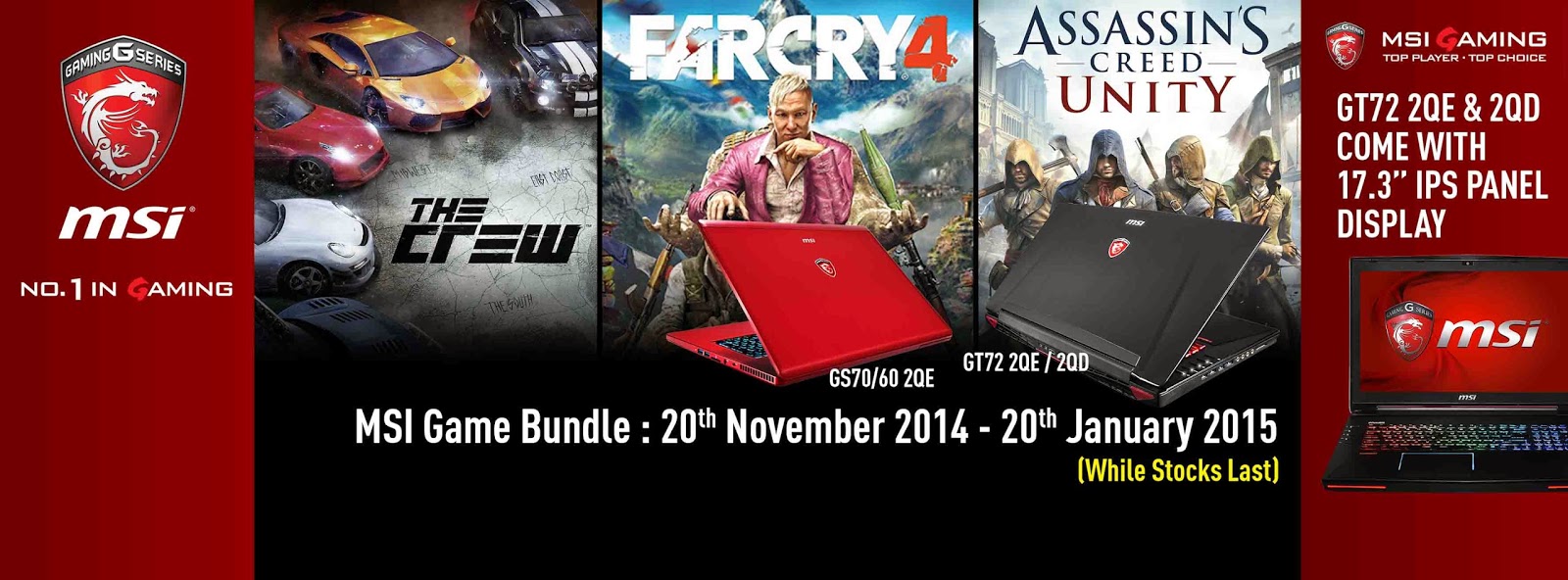 » Click to show Spoiler - click again to hide... « You're a gamer, and we have the hottest titles this holiday for whatever you like to play. Buy any MSI Notebook with GTX 970M/980M. and get a game code. You can pick the path of an assassin, a freedom fighter, or a racer, and download Assassin's Creed Unity, Far Cry 4, or The Crew for free. For further details, please follow the steps below of registration for getting game code. Promotion Date: 20th November 2014 - 20th January 2015Game Code Expiry Date: 20th February 2015Game Code Redeem Type: Digital CodeEligible MSI Notebook Models:GT72 2QE
GT72 2QD
GS70 2QE
GS60 2QEBundle Games (Choose 1 out of 3 games):The Crew
Far Cry 4
Assassin's Creed UnityNote: To be eligible, consumers must purchase MSI Notebook with GTX970M or GTX980M from 20th Nov 2014 to 20th Jan 2015. The redemption is available from 20th Nov 2014 to 20th Jan 2015 or till supplies last.Read here for guide to redeem your game code: http://bit.ly/msimynb_nvidiapickyourpath2014 » Click to show Spoiler - click again to hide... « Purchase MSI GS Series from 1st Dec 2014 - 31st Jan 2015 and redeem your game copy of FINAL FANTASY XIV: A Realm Reborn (EU version) worth RM105! Promotion Date: 1st Dec 2014 - 31st Jan 2015 Eligible Notebook Models: GS70 2QE GS70 2PE GS70 2PC GS60 2QE GS60 2PE GS60 2PC GS60 2PL Redemption period: 1st Dec 2014 - 15th February 2015 or while stock lasts. This redemption is only valid for purchases with MSI Authorized Dealers ( http://bit.ly/mymsinb_wheretobuy). How to redeem your game?Simply PM us on MSI Notebook Malaysia Facebook page with the following details to redeem your game (or click on this link: http://bit.ly/msimynb_fbpm) Full Name (As Per NRIC): Contact Number: Email: Notebook Serial Number: Attach with scanned invoice *T&C applies.  Do you receive any emails after register? I purchased the GE60 series. I don't get any emails from it not sure whether I already registered or not. |
|
|
|
|
|
mental007
|
Dec 17 2014, 12:38 AM
|
Getting Started
|
SSD for ge60 series only available for those who purchase on 8th dec onwards? Damn. I should have wait for awhile. =.=
|
|
|
|
|
|
mental007
|
Jan 3 2015, 11:50 PM
|
Getting Started
|
QUOTE(Blitz85 @ Jan 3 2015, 09:01 PM) Does anyone have blue screen issue after upgrading MSI GE60-2PE notebook with Kingmax mSATA SSD 128Gb (promotional price RM99 from MSI)? MSI service center does not know how to sovle this issue and they just keep changing my notebook parts (second Kingmax SSD and later motherboard) and run stress test. So far the blue screen issue still persists. I had complained this issue to MSI and expecting a result from them by 5th January 2015. I think i got this same issue. Sometime doing something/playing game will freeze for 30seconds. Like the disk activity went up to 100% for like 30 seconds. If you don't do anything will ok after 30 seconds. If you spam click or what, it will blue screen. so far I live with it for like few months already. Not sure SSD problem or my RAM. |
|
|
|
|
|
mental007
|
Jan 4 2015, 04:06 PM
|
Getting Started
|
QUOTE(ZRong223 @ Jan 4 2015, 12:19 AM) Try updating BIOS and firmware? don't want to touch all those now. already masuk kilang once after updating bios.  |
|
|
|
|
|
mental007
|
Jan 4 2015, 07:18 PM
|
Getting Started
|
QUOTE(ZRong223 @ Jan 4 2015, 06:45 PM) Mind to elaborate what happened? I updated my for a lot of times already. No problem so far. Except that the latest BIOS creates single "pop" sound when my laptop is starting up. actually it was firmware that caused the bios not working. like when you are going to enter bios using "del". it will stucked with only white dash appear. http://www.tonymacx86.com/attachments/gene...821972380_n.jpgCouldn't enter recovery and stuff or even switching boot sequence. |
|
|
|
|
|
mental007
|
Jan 19 2015, 11:40 PM
|
Getting Started
|
QUOTE(Blitz85 @ Jan 19 2015, 08:26 PM) I sent my laptop to the service center in Kelana Square to install the SSD so no idea if it can be done ourselves. MSI doesn't allow us to do it anyway since it will void the warranty if we open the back case ourselves. The service center charged RM140 for labor fee which is very pricy. My blue screen issue finally resolved after I contact MSI office directly. Am happy with the quick follow up by MSI office. Hope they will improve their service center quality because the Kelana square service center is really hopeless. Please add me to the family of GE60-2PE. how they solve ur blue screen issue? Mind elaborate? |
|
|
|
|
|
mental007
|
May 8 2015, 07:25 PM
|
Getting Started
|
How to setup steelseries macro in multiple keys to activate certain macro?
lets say i want Alt+2 to activate a text which is "hello" so that it doesn't interference with the original "2".
the steelseries engine currently can only assign to one of the key only.
thanks.
|
|
|
|
|
|
mental007
|
Aug 14 2015, 03:17 PM
|
Getting Started
|
Using MSI GE60 2PE, uninstalled audio and Sound blaster cinema and tried to reinstall it. Sound blaster cinema shows there is no supported audio device.
Anyone know the solution? Windows 10.
|
|
|
|
|
|
mental007
|
Aug 16 2015, 12:11 AM
|
Getting Started
|
hello guys, my MSI GE60 2PE mic seems got problem. People keep complaining my voice too soft they can't hear it through skype. But the fact is i already shouting they said its too soft.
Drivers issue or hardware? Its been the same since day 1.
Thanks.
|
|
|
|
|



 Quote
Quote
 0.0464sec
 0.35
0.35
 7 queries
 GZIP Disabled