QUOTE(SSJBen @ Apr 18 2020, 04:19 PM)
@bolded
If you want to keep Atmos, then no you can't actually correct all your speakers. But there is no point to actually.
The thing is, EQing anything above the room transition frequency (which is usally 300-350hz) can become detrimental. The reason for that is because mics become very directional above 400hz, much more directional than our human ears (yes, our human ears suck - real bad). This means that many auto room EQ tend to overcompensate (especially YPAO and MCACC due to them using a form IRR filters) and correct much more than they need to which in turn harms your mid range and more importantly, kill or overboost your treble region.
There is a laymen way of saying turning on audyssey muffles everything or YPAO makes everything sound too bright, although that's not technically accurate and they don't understand why it's doing it - the notion makes sense as a whole.
You can get a minidsp and EQ the frequencies below 100hz (or whatever your crossover point is set to below that). Then use Audyssey (note: only the Audyssey app allows you to limit the range of EQ, the built-in one on the receiver does not) to correct everything else from 100hz to 300-500hz. Leave the rest alone.
Yes watch HT Guru's video as well as Audioholics. They are good starting points to understanding minidsp and REW more. Then come over to the avsforum REW thread if you need more technical questions answered.
Thanks man, it's so much clearer now. Yes I've been seeing many talking about how room correction touching anything above 300 as a bad thing, now I understand why.
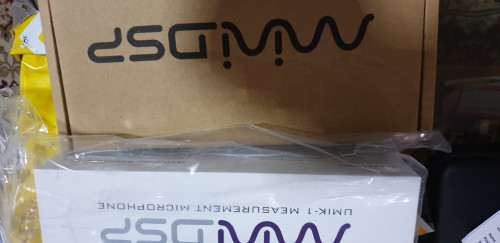
I have the app now although it wants me to re do the calibration at first launch. I'm gonna just get the minidsp and umik 1 and use it to eq the sub and then use the app for 100-300hz at the same time.
Was using 60hz as the crossover for a while before but for the past few weeks 100hz has been really good and fuller sounding.
Yes, will ask further questions over avsforum REW thread once I have the devices. Thanks again!


 Sep 25 2019, 07:24 PM


 Quote
Quote



 0.0225sec
 0.58
0.58
 7 queries
 GZIP Disabled