Welcome Guest ( Log In | Register )

3 Pages  1 2 3 >Bottom

Outline · [ Standard ] · Linear+

Portable Players Creative Zen Vision:M Owner's Club!, ~Owners, come join the club!~

views
     
TSjohnliew
post Jun 8 2006, 09:15 AM, updated 18y ago

Casual
***
Junior Member
339 posts

Joined: Apr 2006
From: Kepong, Malaysia


Hey guys!

For all you owners of the Creative Zen Vision:M, come and drop by a line! This is some of the stuff you can do here:

*Share why you choose black instead of white!
*Did you buy it for movies or music?
*Which firmware you are using!
*How long did does it take to transfer 1GB of data!
*What cool accessories you have!
*Is yours a scratch magnet?
*How do you carry yours?
*What is your player/can combo?

And so on!

To read more about Zen Vision:M, refer to:

Hikaru's Vision:M Bulk - Comparison Writeup! Thanks Hikaru for allowing to link to your post

About the great debacle of iPod or Vision:M, read here:

The Great Debate - Creative vs Apple, Zen Vision:M or Ipod 5G/6G

Owner List!
========


1. johnliew - Black - Grado SR60, Creative EP-480, Sennheisser CX300
2. khtan2000 - color unknown - can unknown
3. creap - color unknown - Sennheisser CX300
4. supazta - Black - Philips SHP200 and SHP1000.
5. fizyboy - color unknown - can unknown
6. surferx - White - can unknown
7. Jackieboy - White - can unknown

This post has been edited by johnliew: Jul 29 2006, 10:40 AM
TSjohnliew
post Jun 8 2006, 09:46 AM

Casual
***
Junior Member
339 posts

Joined: Apr 2006
From: Kepong, Malaysia


Here's the low down:

I got mine last night from My Gadgets, Ground Floor, Low Yat Plaza, KL @ RM1160! How I bargained was, because Creative is currently running a promotion, which bundles Vision:M with Creative's own HN-505 "Noice-Canceling" Headphones, which is, er.. crap, IMHO. The headphones "costs" RM129, and the bundle price is RM1299.

So I told the My Gadget guy (Kelvin, nice guy), that I have no need the the headphones, so give me good discount based on the value of the headphones la! smile.gif

Anyway, mine is black, currently coupled with Grado Labs SR-60. Will be "inheriting" my cousin's secret headphone amp soon smile.gif

Tranfer rate is outstanding so far (my current MP3 library is about 1.2GB, and took about roughly 2 mins (not scientifically calculated though). Will update all later.

I immediately flashed to firmware version 1.30.02 (as the previous released 1.40.02 was faulty, according to Creative forum @ http://forums.creative.com/creativelabs/board?board.id=pmc, and an interesting surprise is that, all setting and data was kept! This is my first firmware upgrade of any device that kept everything intact!

Tip: Firmware upgrade requires that the battery to be almost fully charged, as the installer will not allow it if it thinks it's to low <30%.

My only small gripe about the firmware, is maybe the touch strip is more sensative than before, even after I changed the sensativity to Low. Maybe it's my perspiring hands, maybe not tongue.gif

So far so good, a couple of episodes of Lost (HDTV rip), Top Gear <chuckles> and smooth sailing so far. All played without issues.

Will update all when I have more millage on it smile.gif


TSjohnliew
post Jun 8 2006, 02:28 PM

Casual
***
Junior Member
339 posts

Joined: Apr 2006
From: Kepong, Malaysia


khtan2000: sorry to hear about that. I'll cross my finger <tight> smile.gif As for the convertion, did you depend on the Creative software to do it? You might want to consider other <read:reliable> conversion software, e.g. Nero or DivX Pro.

As for the radio problem, did you try going into Recovery Mode and reload the firmware (not updating the firmware from PC, this is a Vision:M standalone function, pls refer to manual for full instruction). Failing that, reloading the firmware from PC is not a bad idea (since you don't lose data:)).

Hope this helps.
TSjohnliew
post Jun 8 2006, 03:48 PM

Casual
***
Junior Member
339 posts

Joined: Apr 2006
From: Kepong, Malaysia


Hey guys,

Here is a scary one smile.gif I went to compare do a AB auditioning of EP-480 vs Sennheiser MX500 in MediaPlex at Level 3, KLCC, and I got to eat my own words tongue.gif

I always insists that bundled earphones/cans are crap. But when I listened to Senn MX500, man oh man. Was I disappointed. I had to crank up the volume to level 20, repeated the track, Song 6 - Daniel Powter, and what I got was..totally no bass...nothing at all.. nadda... Mid and high were okey, and it probably did a better job in mids than the EP-480 (which came with my Vision:M), but EP-480 blow it out of the waters in terms of overall performance and bass.

So that's it folks, dun throw away the EP-480. Keep it as as spare (I got my Grado <evil grin>) and stay away from MX500... IMHO
TSjohnliew
post Jun 8 2006, 09:37 PM

Casual
***
Junior Member
339 posts

Joined: Apr 2006
From: Kepong, Malaysia


LittleGhost: Plenty of documented cases where people hook their portable MP3 players, especially iPods to headamps. Should not be a problem. If really needed to, you can use the Connector, the AV port as line out. You just need to disable video from the menu, and it'll become a line out port.
TSjohnliew
post Jun 9 2006, 09:02 AM

Casual
***
Junior Member
339 posts

Joined: Apr 2006
From: Kepong, Malaysia


LittleGhost: I will find out for you, suppose to "inherit" a pocketamp from my cousin soon. I guess the result depends on the following (in order)

1. Earphones/headphones impedance- high impedance cans are harder to drive (need more volume), therefore could be a good thing for amp-ed situations e.g. like my Grados smile.gif

2. Amp gain - some amps can switch btwn low and high gain settings, so when you feel it's "over-amped" (if there is such a word tongue.gif), switch it to low gain

3. Player/source volume - for amped situation, always turn off the EQ and the volume shall never be more than 50%.

If all 3 fails, just seem that it a bad combi of everything sad.gif You need to get higher impedance headphones (not earphones) and low gain amp...

Good luck~
TSjohnliew
post Jun 9 2006, 09:05 AM

Casual
***
Junior Member
339 posts

Joined: Apr 2006
From: Kepong, Malaysia


Hey guys, about the stripepad, I have learned to feather touch it, instead of like how we are so used in using the notebook touchpad, which we usually put too much pressure on it.

By feather touching it the ZVM, it gets much more easier to control smile.gif Guess it's like any other sensative (read:delicate) stuff huh? tongue.gif
TSjohnliew
post Jun 9 2006, 09:20 AM

Casual
***
Junior Member
339 posts

Joined: Apr 2006
From: Kepong, Malaysia


QUOTE(david890701 @ Jun 8 2006, 09:46 PM)
I just got mine today , totally disappointed with the function. The navigating button really , pissed me off . Others, i dont really want to comment , let others comment it .

Now i gave my ZVM to my sister as a gift , rather stick with my ipod 30gb . Ipod still rulez .
*
David: Hey, sorry to hear that ZVM did not work for you smile.gif It's all based on personal preference.

IMHO, ZVM is definately NOT for those who just listen to MP3 using default earphones (eek, especially the default iPod ones), in another words, for people that just want to listen to a lot of music, but not reaching audiophile levels.

ZVM is definately for the following group of people (IMHO anyway smile.gif)
1. Audiophiles - it has way better Signal to Noice ratio than iPods (any model), plus it has adjustable EQ

2. TV series junkies - this is your's truely... I need to download and run to a train. It supports the mass majority of downloads ...oops, i mean "acquirable sources from the Internet...". iPod needs the dreaded Quicktime conversion, which even highend PCs will take some time.

3. Value for money people - aka me again! - It has microphone, comes with wall charger, (btw, USB charging kills batts), FM radio (yeah, I know, there are reports of the radio hanging)

Ok, my 20 cents worth (no longer 2 cent due to the inflation...)
TSjohnliew
post Jun 9 2006, 11:03 AM

Casual
***
Junior Member
339 posts

Joined: Apr 2006
From: Kepong, Malaysia


LittleGhost: Glad to help. Although unfortunately, this discussion is beyond ZVM discussion, sorry smile.gif May I suggest the DIY Amp Club instead? (which I am hoping to join soon:))

The dai-kors and tai-kar-ches there can help you with the inline attenuator question...

DIY Amp Club

This post has been edited by johnliew: Jun 9 2006, 11:19 AM
TSjohnliew
post Jun 9 2006, 11:16 AM

Casual
***
Junior Member
339 posts

Joined: Apr 2006
From: Kepong, Malaysia


QUOTE(khtan2000 @ Jun 9 2006, 11:00 AM)
...is it true the usb charging could kill the battery ?

probably now cannot as i heard the firmware currently(although the same number as mine) its different from my original which can charge from any usb connection, the current firmware only allows computer with creative software installed to charge via usb(this is what i heard, not yet tested), also the current one now enables me to use my player while still connected to the usb cable(when no reading or uploading)
*
It's an urban legend, that USB or any other trickle chargers like car chargers, will kill the battery, although there are many people which can contest to that, including myself tongue.gif

Well you see, I own a Motorola SLVR (OT here, sorry), and it came with a USB charger/sync cable. I noticed that my battery goes koo-koo after I charge it using USB. Symptoms include:

1. The "fully charged" phone only lasts half the period, compared to charging using wall charger,
2. It does not handle half way charging (i.e. charging when u still have 50% batt) very well, as sometimes it reports Fully Charged in less than 15 mins!

Therefore, no way I am gonna charge my baby ZVM via USB! tongue.gif

I have talked to a few friends before, and they all say that USB/Car charger will shorten battery life expentancy. Possible (non-educated) guess include:

1. USB cables, unlike wall chargers, does not have a regulator chip build onto it
2. People tend not to charge fully when using USB/Car, due to convenience, therefore taking up more "batt lifetime charge cycle" often than normal (Note: all battery can only charge X number of times. After X, it can no longer hold the charge, check with your manufacturor for guess-timated X figure smile.gif)

Back to topic... I flashed my ZVM to 1.30.02 (read my #1 post), and it still can charge from USB (unfortunately, for me tongue.gif), but I can't really use it when it is USB connected (i think), coz its in Sync Mode. Will confirm about the Sync Mode later.

TSjohnliew
post Jun 9 2006, 11:28 AM

Casual
***
Junior Member
339 posts

Joined: Apr 2006
From: Kepong, Malaysia


Hey owners!

Leave a msg here, so we can keep track and make this a truly "Owner's Club"!

p/s everyone is welcomed to post comments though, we just want to keep track how has an actual unit...
TSjohnliew
post Jun 9 2006, 03:53 PM

Casual
***
Junior Member
339 posts

Joined: Apr 2006
From: Kepong, Malaysia


BTW,

I got myself this ==> Logitech® PlayGear Share(tm)

Because I will keep my ZVM in my Crumpler pouch (which I bought for my Sony Clie), and I noticed that when I plug on my Grados, it kinda stick out really wierd.

So I was searching up and down from electronic spare part shop, to electrical shop, to computer shop, cannot find any solution to make a L-shape mini plug convertor....

So last resort, also to protect my ZVM's headphone jack (coz I change from my EP-480 and Grados often), I went to Sony Wings and bought the PlayGear Share @ RM59.00 shakehead.gif Damn expensive...

It's rather sturdy, and the arm is flexible. I did not notice any audio quality lost, even using the outer jack (the one furthest from the jack).

Anyone else got a better suggestion?

This post has been edited by johnliew: Jun 9 2006, 03:55 PM
TSjohnliew
post Jun 9 2006, 11:23 PM

Casual
***
Junior Member
339 posts

Joined: Apr 2006
From: Kepong, Malaysia


khtan: That was quick for you to notice! Thanks!

Guys, new firmware available here ==> Creative ZEN Vision:M Firmware 1.41.01

Added Features or Enhancements:

* Supports the playback of Audible Type 2 and 4 tracks.

Fixes:

* Ensures proper playback of picture and audio files during a slideshow.
* Ensures that subscription and purchased audio files can resume playing when you turn your player on after a prolonged period of time.
* Ensures accurate time display when you turn your player on after a prolonged period of time.

For latest technical discussion, and see how other people faired with the new 1.41.01 firmware, refer here ==> Official Creative Forum, 1.41.01 thread

I will be updating mine tonight, will let everyone know how it goes smile.gif
TSjohnliew
post Jun 10 2006, 11:11 AM

Casual
***
Junior Member
339 posts

Joined: Apr 2006
From: Kepong, Malaysia


Update: Just upgraded my firmware to 1.41.01 and radio still working smile.gif Tested all other function as well. So guys, I guess it's generally alright to update to this version of firmware!

Good luck!
TSjohnliew
post Jun 12 2006, 09:23 AM

Casual
***
Junior Member
339 posts

Joined: Apr 2006
From: Kepong, Malaysia


Hey all,

Just update everyone, I have ordered my BoxWave FlexiSkin from the web site, will be writing an impression as soon as it arrives...
TSjohnliew
post Jun 22 2006, 02:36 PM

Casual
***
Junior Member
339 posts

Joined: Apr 2006
From: Kepong, Malaysia


Hey all,

My Boxwave FlexiSkin has arrived!

The package arrived one day earlier then expected, which was a nice surprise, considering that it come across the Pacific Ocean! Thumbs up for the US postal service! BTW, it was shipped via First Class Mail, and it cleared Malaysia customs without any issue.

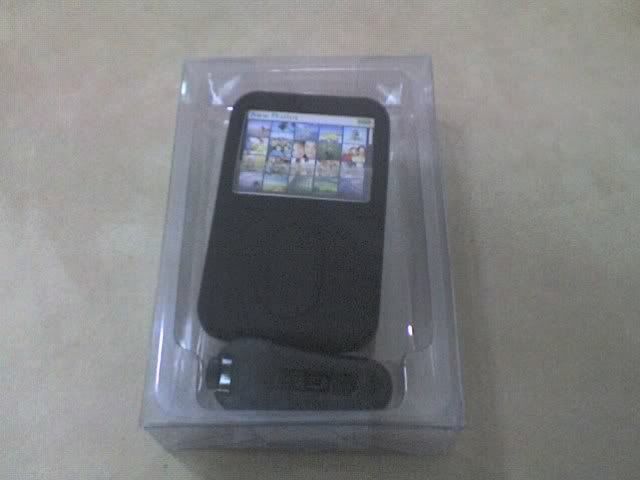
Here is the package:

user posted image

The packaging was a plain transparent plastic, with no marking of whatsoever. Here is the front:

user posted image

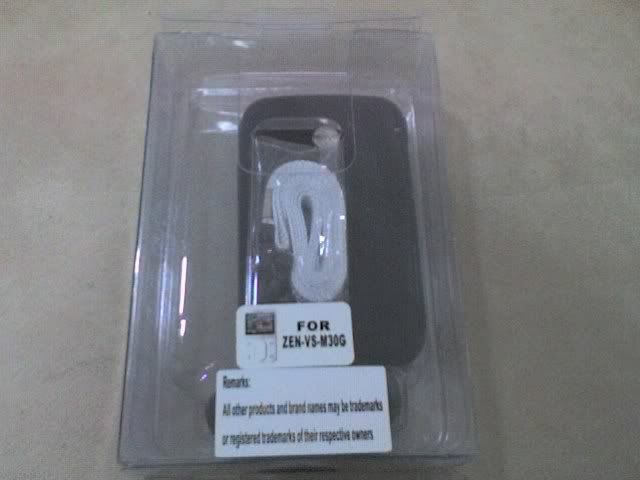
And here is the back, as you can see the label of the product and the lanyard. The label says "For Zen-VS-M30G". I'll leave it to you all to decode what it means.

user posted image

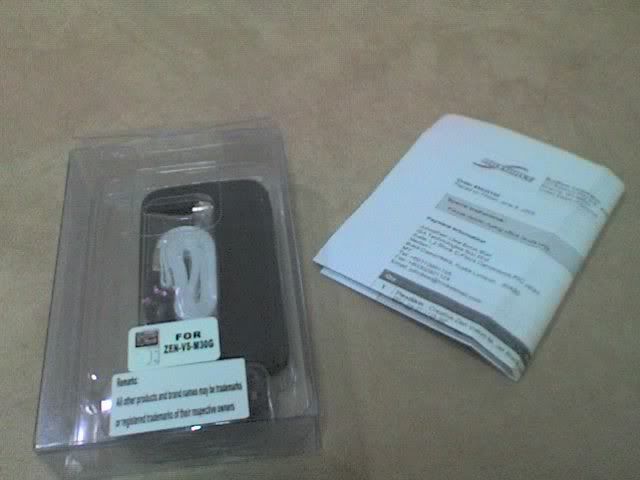
Further emptying the box, I found the invoice.

user posted image

First impression was... dude, where is the manual/instruction? OK, I know it's just a silicon skin, but it's my first one, so panicked a little.

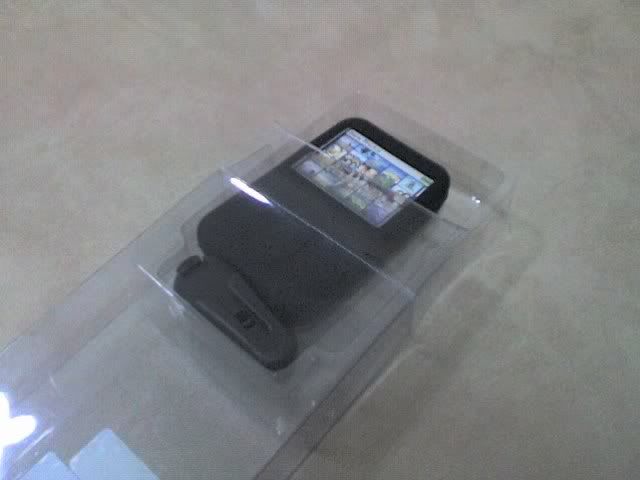
OK, never mind. Going on, taking it out of the transparent display box:

user posted image

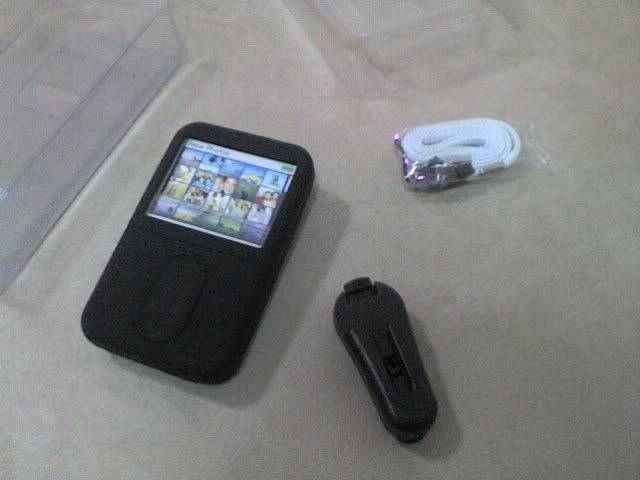
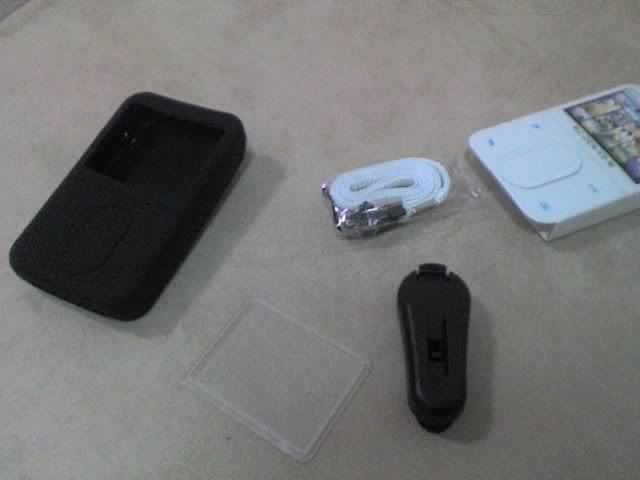
Emptying the contents, here is what you get:

user posted image

. One black silicon skin
. One belt clip
. One lanyard
. One screen protector

Hmm. I thought that something is amiss here. Where is the screen protector? It turns out that it hidden inside the skin, which also houses the cardboard model Zen Vision:M. Out it goes to my wife, which I told her that I gotten a white unit for her... /me got slapped. tongue.gif

user posted image

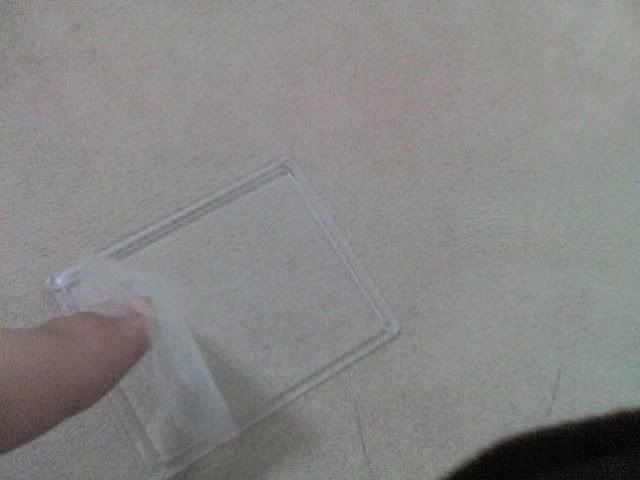
The screen protector is made of stiff transparent plastic, although it's a bit too reflective for my taste. But it's not more (or less) reflective than the ZVM screen anyway.


TSjohnliew
post Jun 22 2006, 02:39 PM

Casual
***
Junior Member
339 posts

Joined: Apr 2006
From: Kepong, Malaysia


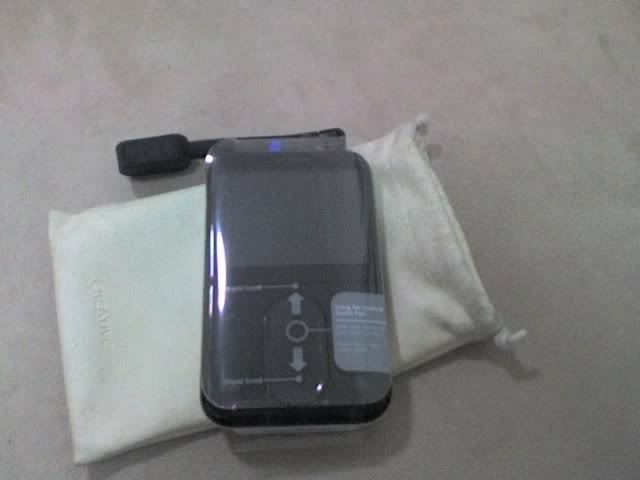
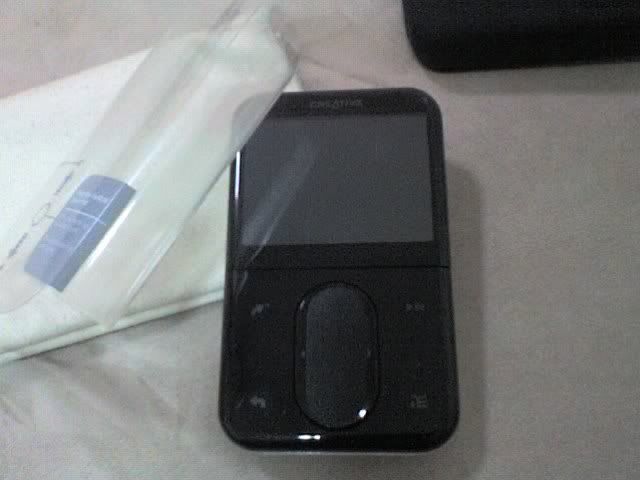
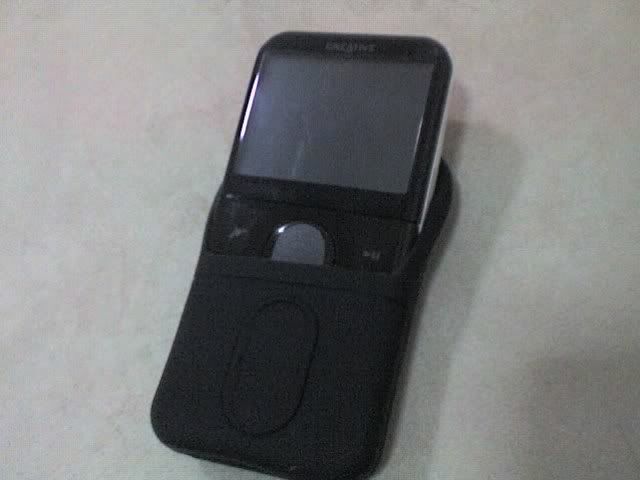
OK, here is my ZVMiB (ZVM in Black). Still has the default plastic cover that came with the packaging. At the bottom, is the default suede pouch cover that came with the packaging. One word of advice, please take off the default plastic cover, because it caused quite a scratching to my unit sad.gif

user posted image

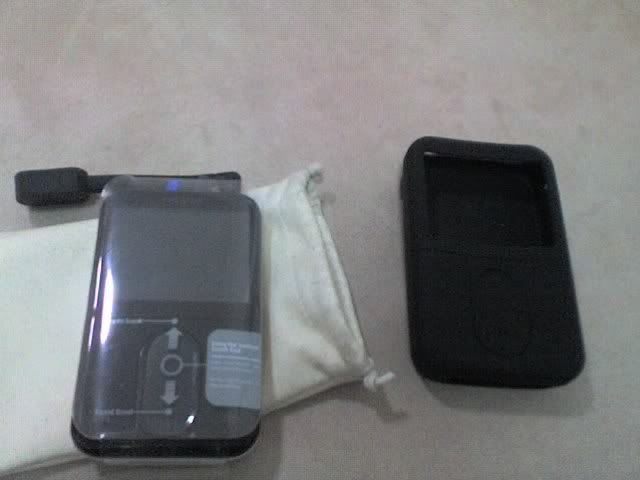
Hey there buddy, meet you new friend:

user posted image

Off it goes, naked:

user posted image

And scratched sad.gif

user posted image

The back of my unit, scratch-less, thanks to the sandblasted nature.

user posted image

Using my common sense (thanks to the missing manual), I formalized a strategy to put the baby in. OK, here it comes! Through the large opening, bottom first.

user posted image

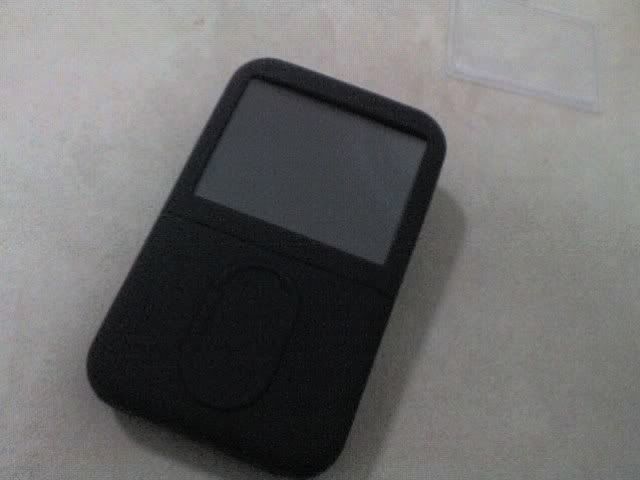
Nice fit!

user posted image

Taking off the protector for the screen protector (d'oh)...

user posted image

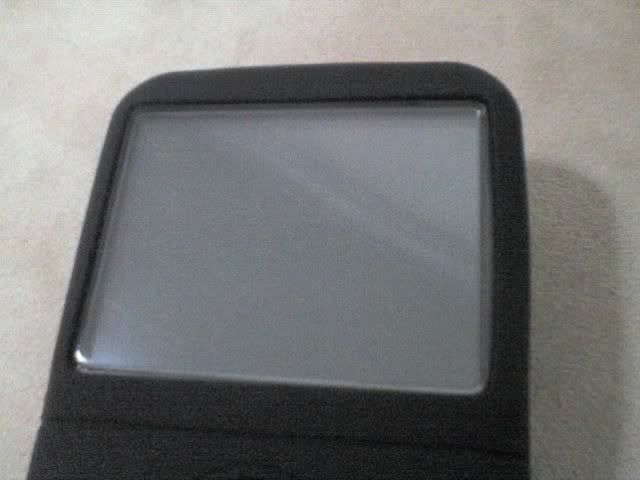
And slid it into the case, snugly.

user posted image

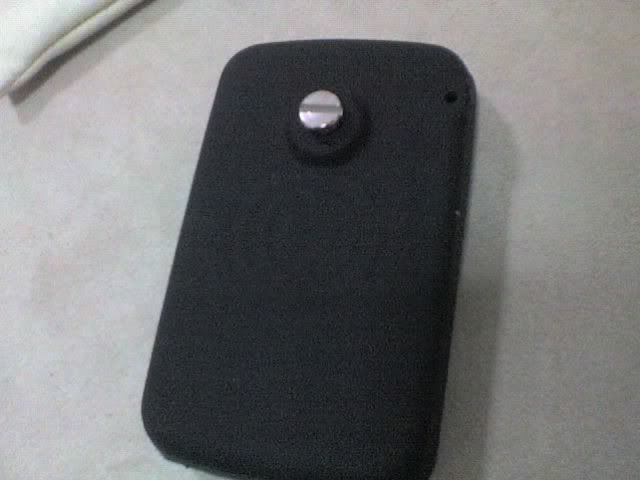
Here's the back of the case. The belt clip holds to the FlexiSkin by means on a large metal screw at the back.

user posted image

This post has been edited by johnliew: Jun 22 2006, 02:59 PM
TSjohnliew
post Jun 22 2006, 02:41 PM

Casual
***
Junior Member
339 posts

Joined: Apr 2006
From: Kepong, Malaysia


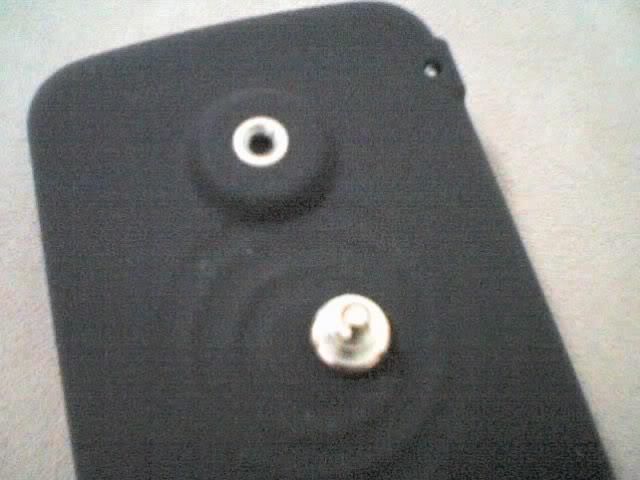
I decided to take off the screw, because I already have a nice Crumpler pouch to house my ZVM. Using a screw driver, and a little bit of force, the screw comes off:
user posted image

Following are shots of the different views after everything is fitted:

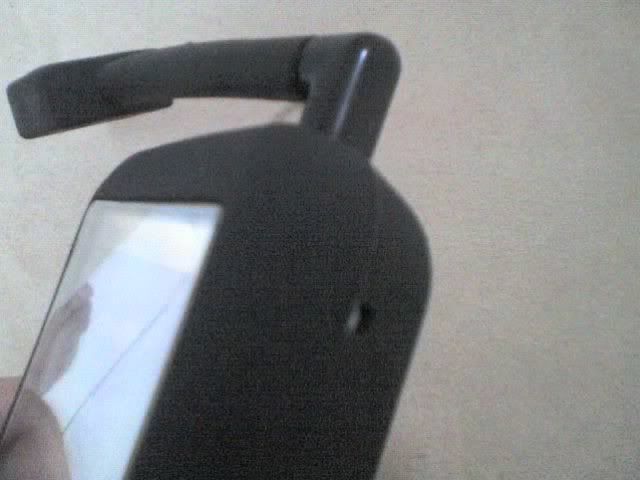
Right view. Note the cutout for the build in mic:
user posted image

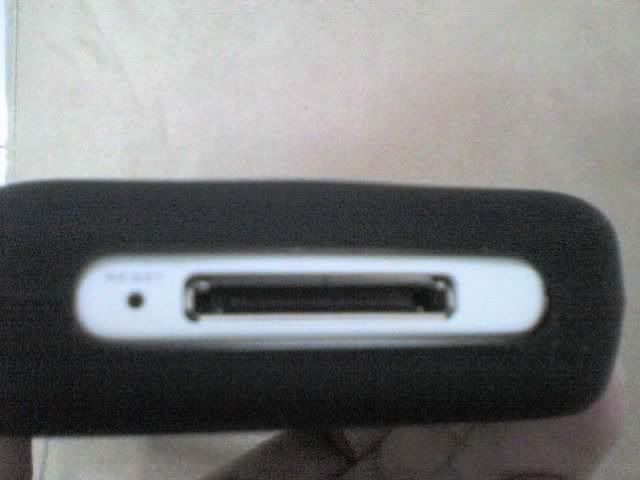
Bottom view. The connector fits fine, without any obstruction. No idea about the cradle, which I don't have (and unobtainable in Malaysia, BTW).
user posted image

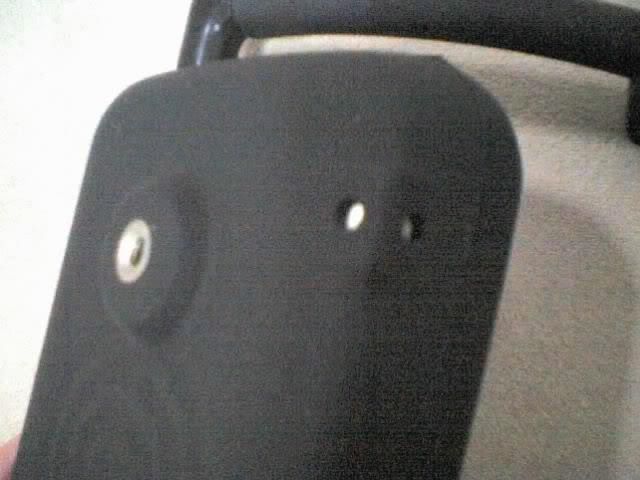
Back side view. Note the lanyard hole. I decided not to use the lanyard, because it's too long, and I think the screen protector will pop off if I tugged the lanyard too hard.
user posted image

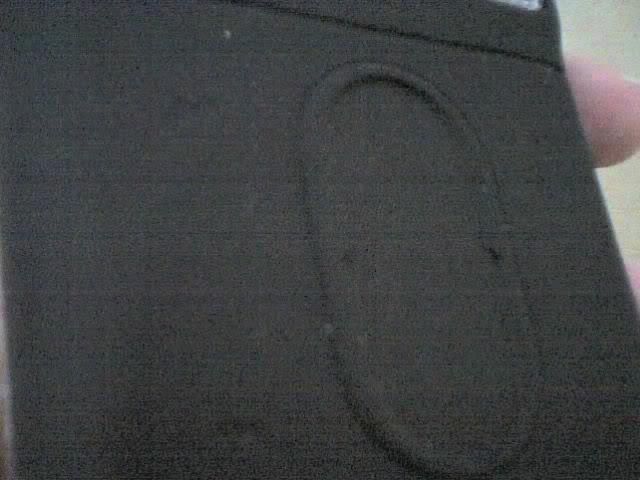
Front view. Notice the perforated markings, which you can feel using your finger:
user posted image

Top view. Everything accessible.

More on the screen protector. The protector has a little "leg", which are dots, in the 4 corners. It sits on the 4 corners of the screen, so the protector will not move around. The protector itself adds a bit of height to the screen, as you might be able to see from here:
user posted image

But it sits totally flush with the rest of the skin. Here is how it looks like from the side:
user posted image

BTW, the black L shaped thing sticking out of the headphone jack is the Logitech PlayGear Share.

Summary
=======
I paid USD 26.95 for the package, and the shipping was USD7.50, bringing the total to RM130.91 (based on USD1 = RM3.80). It was a bit costly, but I had no other choice because there is no equivalent available anywhere in Low Yat, Klang Valley or anywhere in Malaysia that I could find.

The touch of the material is actually very soft, very silky, unlike more silicon products, which are somewhat sticky at times. There were some talks that the FlexiSkin will attract dust, which I do not agree. Even if you get dusts on it, it's can be easily blow/wipe off.

The fit was okey, not super "condom-slap-on" tight, but form fitting. I don't think the ZVM will fall out easily. All of the cutouts are perfectly located, but I have to say that the cuts could be cleaner. But I guess you can only do a better job using laser  It's not Jet Black (totally black) as some people thought, but it was okey with me. If you want to know how black, it's just as black any other silicon iPod skin.

One other nice pleasant side effect of having the skin on is that the touch strip has gotten more accurate. This is possibly to the fact that my hands are already sweaty, and Synaptic touchpads are generally flimsy when you fingers are damp. Synaptic technology is used in almost all recent notebooks, Zen products and iPod's ClickWheel.

I tried on the belt clip, which looks pretty sturdy. It clips onto the skin with a reassuring "click" and taking it off the clip was a no issue matter as well.

So here is a summary:

+ Nice silky touch
+ Sturdy belt clip
+ Hard plastic screen protector

- Questionable lanyard hole
- Expensive (compared to iPod or Kroo alternatives)
- Shipping from US required

IMHO Rating: Recommended, unless you get something similar cheaper locally.

TSjohnliew
post Jun 26 2006, 10:34 AM

Casual
***
Junior Member
339 posts

Joined: Apr 2006
From: Kepong, Malaysia


Hey ZVM owners!

Own up smile.gif Let me know your ZVM experiences...
TSjohnliew
post Jul 3 2006, 03:31 PM

Casual
***
Junior Member
339 posts

Joined: Apr 2006
From: Kepong, Malaysia


QUOTE(enCORe @ Jul 2 2006, 02:07 PM)
drool.gif droooling with saliva
mad.gif envy you got one, make it stay safe & sound  thumbup.gif

you bought it with credit card ? from official site or retail seller ?
*
Encore: Just to and get it! smile.gif Got it directly from www.boxwave.com...

3 Pages  1 2 3 >Top
 

Change to:
| Lo-Fi Version
0.0255sec    0.54    7 queries    GZIP Disabled
Time is now: 20th December 2025 - 09:57 PM