QUOTE(owikh84 @ Jun 17 2013, 09:55 PM)
Let me guess.
Your main win7 is Service Pack 1 (SP1)
fresh win7 is vanilla (none-SP1)
SP1 has AVX instruction which vanilla doesn't.


Didn't know that
However, I guess all is not lost. Played some games e.g. BF3, bioshock infinite and my OC is stable and vcore is at the usual 1.129v and not 1.2v.
Read about adaptive voltage from the 1st page link (the 3 step guide to overclocking i7/i5). I guess that's the reason why my proc shot up to 1.2v but more or less safe as most CPU-intensive process don't jack up the vcore more than what is set in bios.
QUOTE
Caveat – big, massive, honking, pay attention to this – caveat! When using adaptive voltage, the top of the curve isn’t necessarily the whole story. ASUS drove this point home when we met and I’m doing so now; we all need to do this as a public service to our users and readers. Even though you set 1.25 V as your maximum voltage, under certain very heavy loading conditions (i.e. stress testing), the voltage can and will exceed the maximum you have set. Let me say that again – if you stress test using adaptive voltage, even with the maximum set to 1.25 V, the CPU will – guaranteed – request and receive more voltage than you have told the motherboard to deliver it. It’s just the way this works.
In the ASUS demonstrations, setting a maximum 1.25 V in this scenario and then running something like AIDA64, Prime95, etc – any stress testing application designed to stress more than normal loads – the CPU requests and gets ~1.36 V. There is nothing you can do about this and it will happen whether you want it to or not. The only way to prevent stress testing programs from pulling extra voltage is to use a manually set voltage, which takes away your CPU’s ability to reduce voltage when idle.
All is not lost though! You probably noticed every time I told you what would happen it went hand in hand with stress testing. That’s because those are the only scenarios that will lead to this behavior. In all other circumstances so far as ASUS can tell, the CPU will cap at the set 1.25 V and never exceed it. Even if you’re Folding@Home it should maintain the 1.25 V cap (though those folding at home are under 100% load all the time and I’d suggest using a manual voltage for those machines just in case). Likewise, video encoding, audio encoding, compression, rendering – any CPU-intensive process, your CPU will maintain the 1.25 V cap.
So, now that you know the very important caveat, set 1.25 V as your maximum voltage with adaptive voltage, enable C1E and EIST (which throttle your multiplier and voltage when not under load) and go on with your merry life knowing your CPU is as relaxed as it can get when idle.
QUOTE(cstkl1 @ Jun 17 2013, 05:34 PM)
Theres 4 ways to clock
Fully manual
Adaptive
Offset
SVID
adaptive issue is the vcore can be more than what u set.
So far seems manual on vcore n ring bus with offset on vcssa/cpu io d/a is the best. Fully c-state.
One day when I have time to OC again, I will ask you how to set the "offset on vcssa/cpu io digital/analogue".......
For now, back to stock clock!
 This post has been edited by kmarc: Jun 17 2013, 10:30 PM

 Jun 3 2013, 10:07 PM


 Quote
Quote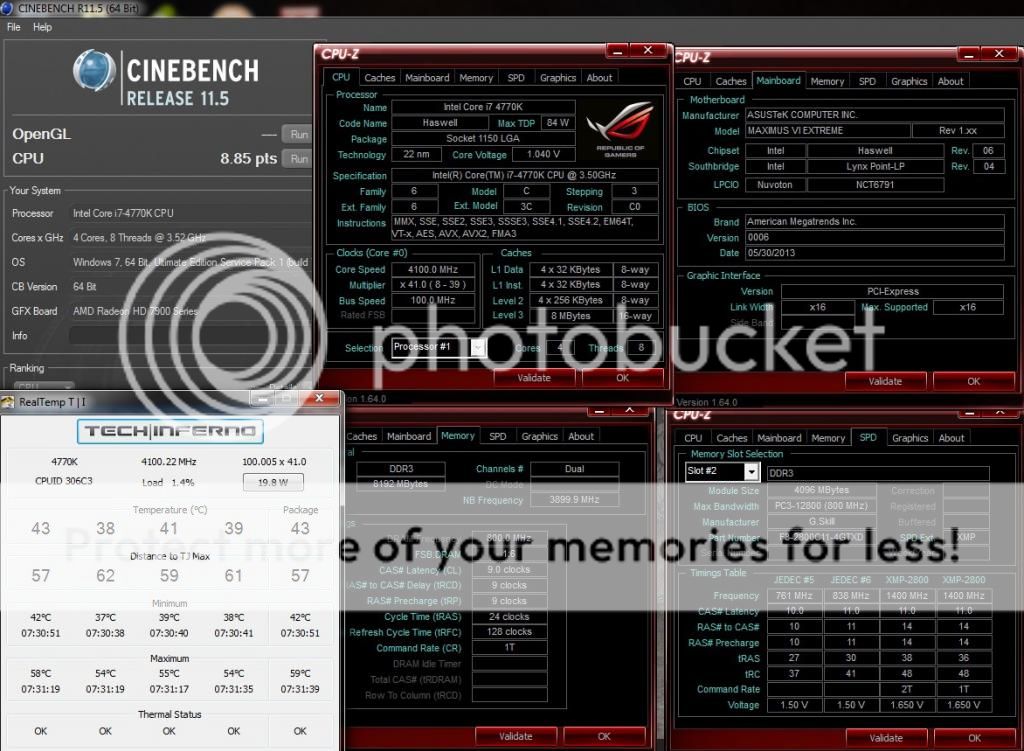


 Isn't vcore at idle supposed to be lower (or rather, vcore at load higher)?


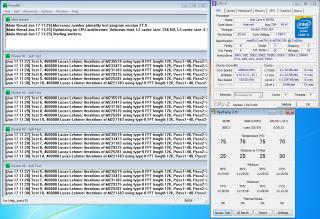
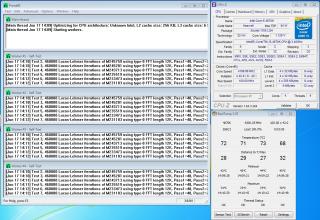


 ) - OC 4.2Ghz @ 1.1v, vcore 1.198v in CPUz, realtemp 81-82'c (in a few seconds)!!!!
  ). Thx for the clear explanation.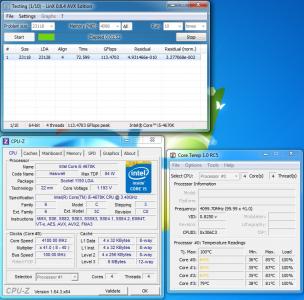

 0.0486sec
 0.24
0.24
 7 queries
 GZIP Disabled