QUOTE(ASUSmy @ Feb 5 2024, 09:57 AM)
Hi ntw,
May I ask, are you using merlin firmware/third party firmware on the RT-AC68U?
If yes, please use the firmware restoration tools to restore the official firmware.
Thank you
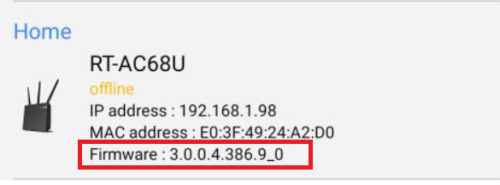
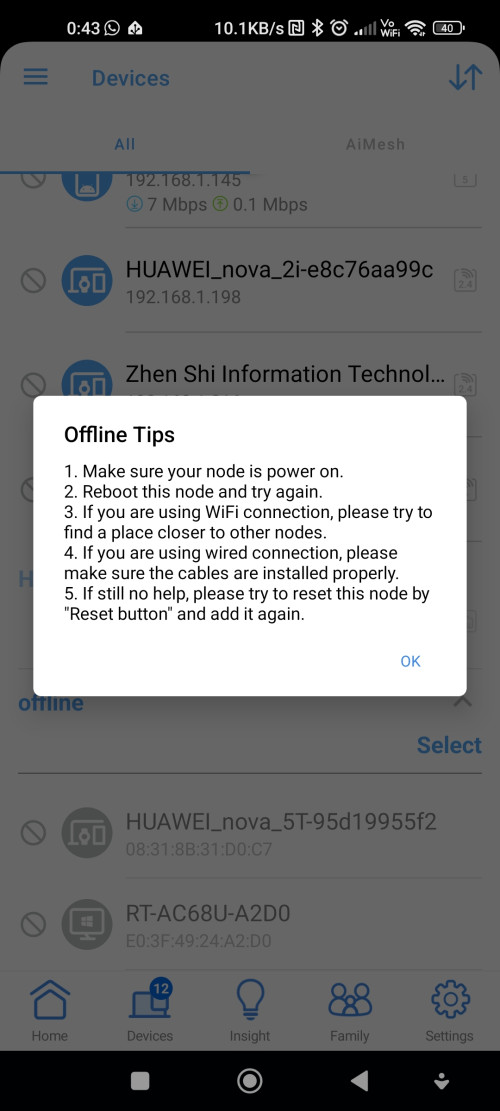
Not aware of that myself, purchased this as a second hand unit. When I tried to restore firmware, then uploaded went to 40% then restarted again for twontimes, then show Failed to recover the system.
Using firmware restoration tool 2.1.0.3, RT-AC68U firmware 3.0.0.4.386_51668
Update:
Followed the steps on
snbforum1. Hard factory reset the RT-AC68U
2. Connect to the ASUS_F0_2G network, make sure can login to 192.168.1.1 Then power off the RT-AC68U.
3. Turn on RT-AC68U. Repeat step 2 again. Power off the RT-AC68U at least twice.
4. Connect RJ45 from RT-AC86U LAN port to RT-AC-68U WAN port.
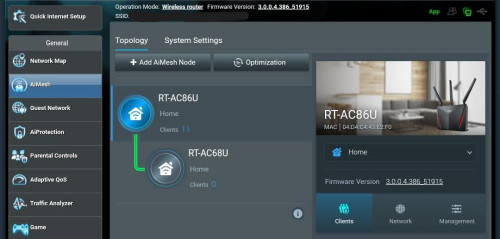
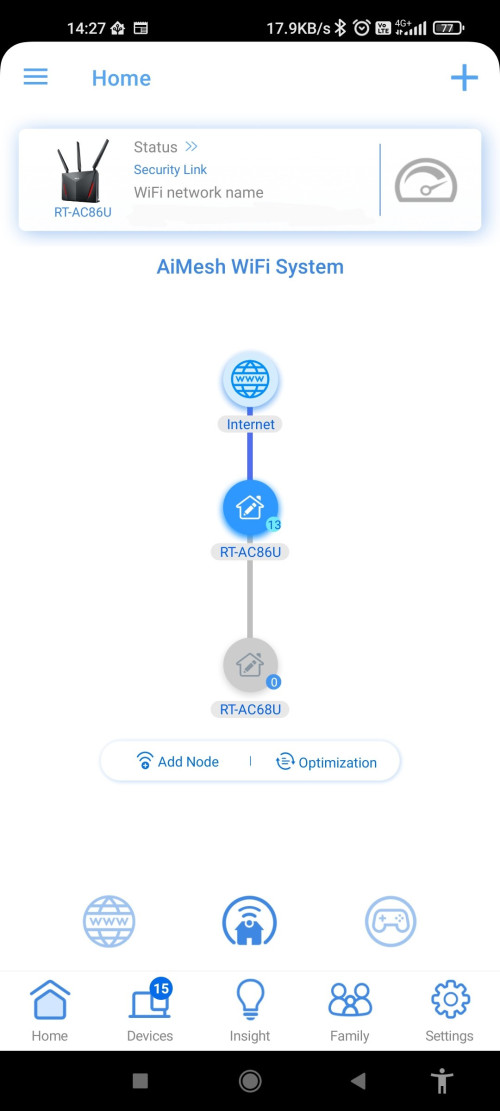
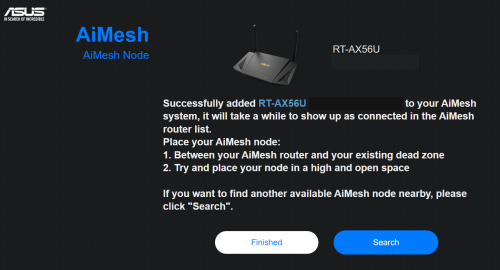
5. Connect to WiFi from RT-AC86U. Go to AiMesh page, Add AiMesh node
6. Make sure the RT-AC68U is discovered with the Ethernet connection.
7. Add the RT-AC68U as Aimesh node.
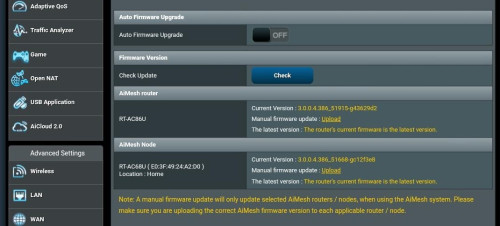
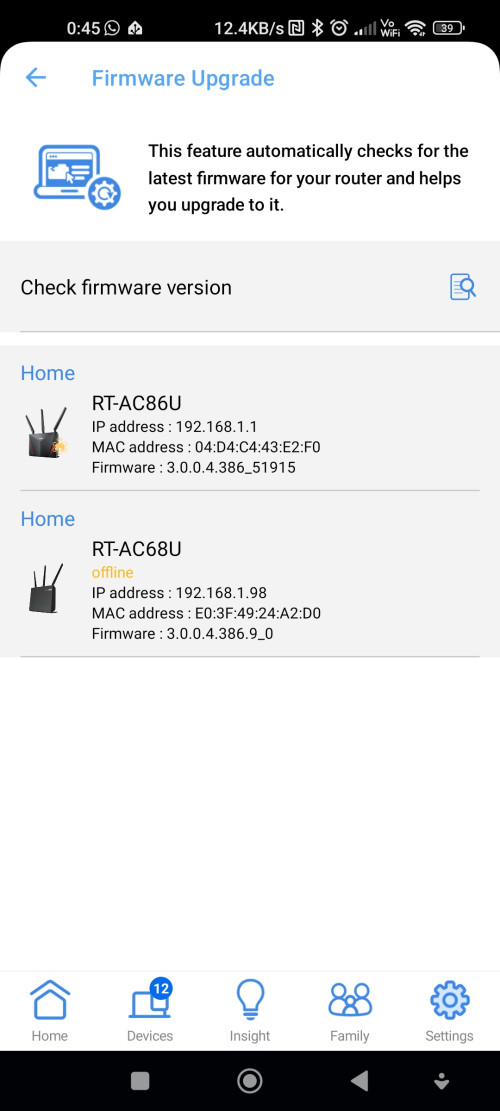
After this RT-AC68U is able to be added as Aimesh node. While the RT-AC86U is still connected with RJ45, go to Administration> Firmware Upgrade, and perform a Manual Firmware Upload with the latest fw 3.0.0.4.386_51668. Then can disconnect the RJ45 cable, move the RT-AC68U to the intended location and reboot both routers and the Aimesh network is shown as connected.
 This post has been edited by ntw: Feb 5 2024, 08:27 PM

 Apr 6 2020, 06:59 PM


 Quote
Quote





 0.0809sec
 0.70
0.70
 7 queries
 GZIP Disabled