

 Dec 22 2019, 04:43 PM


QUOTE(ASUSmy @ Dec 10 2019, 09:59 AM)
Hi Merlinboy,
Can you try to check
1) Factory reset and redo the setup
2) QoS is turn off
3) The NAT Acceleration is enabled
3) Downgrade to older firmware version
I can see that there is older firmware version from the link below.
https://www.asus.com/Networking/RTAC55U/HelpDesk_Download/
Thank you

Pls help me ASUS my ,I had bought rt ac88u ,I was set up successfully and try connected with about 10 devise (all use the wifi) BUT the wifi very unstable and I’m sure my Maxis fiber 300Mbps working perfectly cause I was try the old router work very well.Can you try to check
1) Factory reset and redo the setup
2) QoS is turn off
3) The NAT Acceleration is enabled
3) Downgrade to older firmware version
I can see that there is older firmware version from the link below.
https://www.asus.com/Networking/RTAC55U/HelpDesk_Download/
Thank you
 Quote
Quote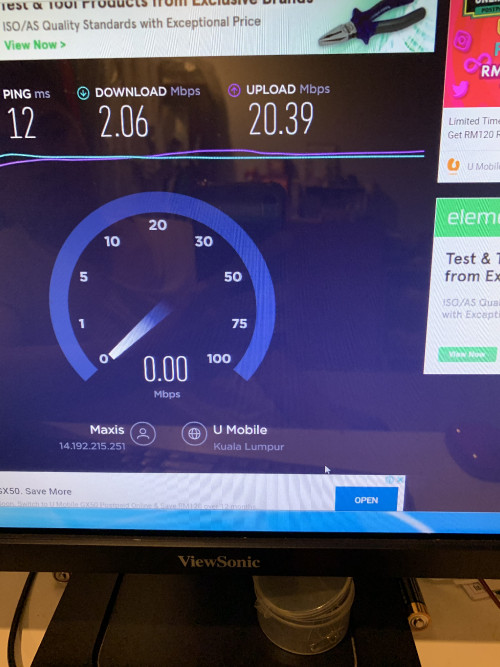

 0.0386sec
 0.30
0.30
 7 queries
 GZIP Disabled