

 More on entertainment
Attached thumbnail(s)

Hardware Your Mac Desktop / Apple Hardware
|
|
 Mar 1 2010, 06:02 PM Mar 1 2010, 06:02 PM
|
 
Senior Member
5,124 posts Joined: May 2008 From: Mummy's tummy 
|
My setup
More on entertainment Attached thumbnail(s)
|
|
|
|
|
|
Mar 1 2010, 11:55 PM
|

Senior Member
3,952 posts Joined: Apr 2005 From: Sector 1921B, Delta Quadrant 
|
QUOTE(cRazYee @ Feb 11 2010, 04:47 AM) more screen = more productive output What's with this and the latest stock...? U2411...?i need it as well. The day is near Added on February 19, 2010, 10:15 amyeah! the day is here! just got my Dell U2410, but yet to power up the display with my mac waiting for the adapter now but it's not the latest stock so the seller will ask dell to ship another one for me, and pick up this later  If yes, I think you should've gone for the U2711 instead... This post has been edited by Eithanius: Mar 1 2010, 11:56 PM |
|
|
Mar 3 2010, 09:18 PM
|

Senior Member
2,642 posts Joined: Jan 2005 From: Penang
|
stil U2410 just newer revision
last year one was REV 00, this year one is REV01 i got no space for U2711 |
|
|
Mar 3 2010, 09:44 PM
|
|
Senior Member
3,952 posts Joined: Apr 2005 From: Sector 1921B, Delta Quadrant
|
QUOTE(cRazYee @ Mar 3 2010, 09:18 PM) stil U2410 just newer revision haha... true... I don't really fancy Dell monitor stands, looks bulky compared to Apple's Display stand. My computer table is 2-tier, my 2407WFP had to placed so upfront because of the 2nd-tier blocks the stand, it almost block my hi-fi speakers on the sides. I really can't imagine the 27-inch Dell, but now I'm happy with 2-display setup so far - 24-inch on 1st tier, 20-inch on 2nd, the 27-inch will have to wait... last year one was REV 00, this year one is REV01 i got no space for U2711  |
|
|
Mar 4 2010, 05:03 AM
|

Junior Member
65 posts Joined: Sep 2005 
|
My imac set-up in the office. Language editing work

|
|
|
Mar 4 2010, 07:10 PM
|
|
Senior Member
2,642 posts Joined: Jan 2005 From: Penang
|
QUOTE(Eithanius @ Mar 3 2010, 09:44 PM) haha... true... I don't really fancy Dell monitor stands, looks bulky compared to Apple's Display stand. My computer table is 2-tier, my 2407WFP had to placed so upfront because of the 2nd-tier blocks the stand, it almost block my hi-fi speakers on the sides. I really can't imagine the 27-inch Dell, but now I'm happy with 2-display setup so far - 24-inch on 1st tier, 20-inch on 2nd, the 27-inch will have to wait... right now i;m still figuring out how to get most out from my 2 displays mbp 15 is small, U2410 is huge, but dunno how to set properly to make it works right to me like in aperture, you will open full screen on secondary screen, but the weird stuff is, if i set my MBP is default screen, the picture wont open up full screen in my U2410 weird weird weird. |
|
|
|
|
|
Mar 5 2010, 12:39 AM
|

Senior Member
6,496 posts Joined: Jan 2003 From: Kota Damansara 
|
Just close the 15" and use 24" simple.
|
|
|
Mar 5 2010, 08:44 AM
|

Senior Member
5,580 posts Joined: Jan 2005
|
deleted.....
This post has been edited by Seng_Kiat: Mar 5 2010, 10:03 AM |
|
|
Mar 5 2010, 09:30 AM
|
|
Senior Member
2,642 posts Joined: Jan 2005 From: Penang
|
QUOTE(wei @ Mar 5 2010, 12:39 AM) Just close the 15" and use 24" simple. i would prefer compare site by siteclose 15" mean i need another keyboard yet... no space for it for the moment |
|
|
Mar 5 2010, 09:57 AM
|
|
Senior Member
6,496 posts Joined: Jan 2003 From: Kota Damansara
|
err... you meant "side by side"??
You can always hide your MBP vertically to save space. |
|
|
Mar 5 2010, 10:47 AM
|

Senior Member
1,255 posts Joined: Aug 2006 From: Langkawi
|
I agree with wei, just close the 15. Working on 2 displays is a pain, especially while trying to move things around from one to another. Moving the mouse pointer is difficult enough. If I need 2 or more screens, would rather work with Spaces.
|
|
|
Mar 5 2010, 03:58 PM
|
|
Senior Member
6,496 posts Joined: Jan 2003 From: Kota Damansara
|
To be honest, on my case, on multiple display setup, only 1 will be the main display where major interaction took place. Others will remain as info/preview/stats display only. But in the end, I still prefer 1 display.
|
|
|
Mar 6 2010, 06:14 AM
|
|
Senior Member
2,642 posts Joined: Jan 2005 From: Penang
|
the long waiting adapter, order it b4 CNY
 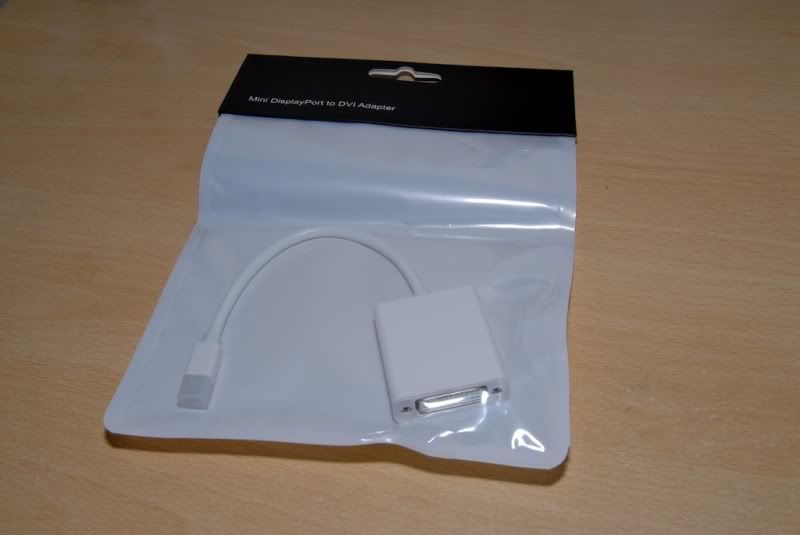 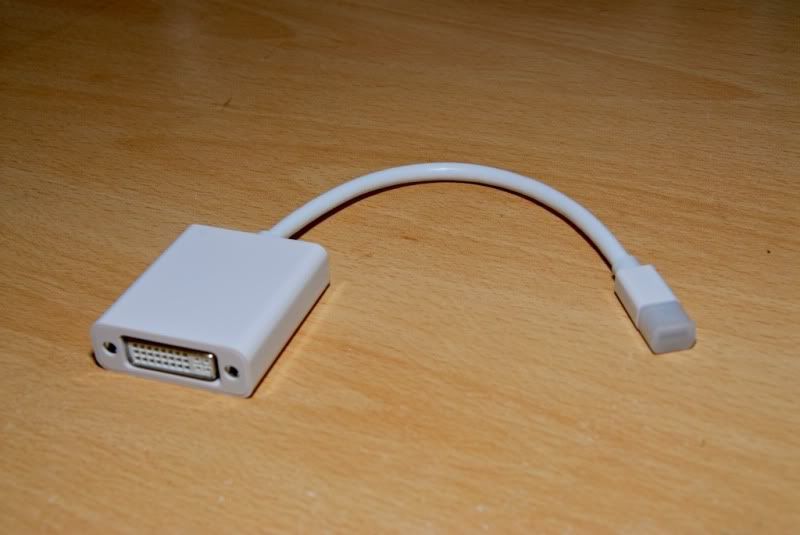 during try out 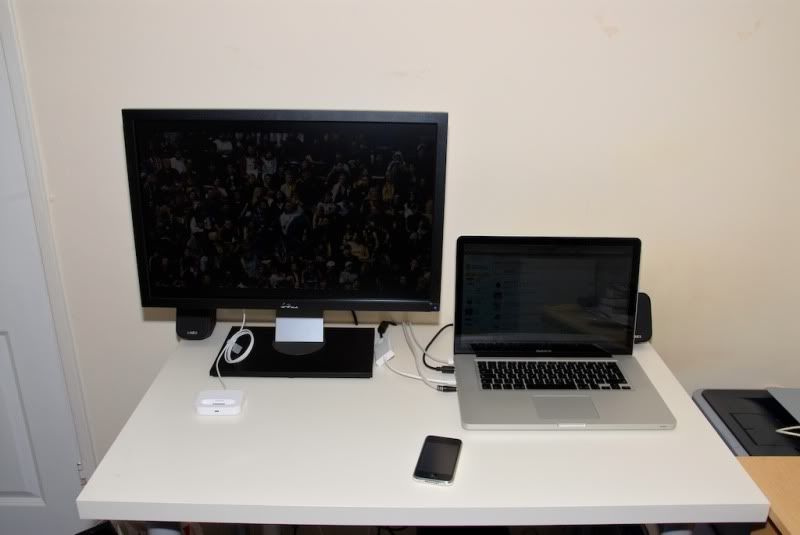 Added on March 6, 2010, 6:18 amCurrent Set up, change the primary screen to big one, YES i need a keyboard, but still thinking which one to get. Working in one big screen is great. i'm ok with move between display, but sometimes, some app just dominant entire system when full screen; previously though can work by watching some stuffs. 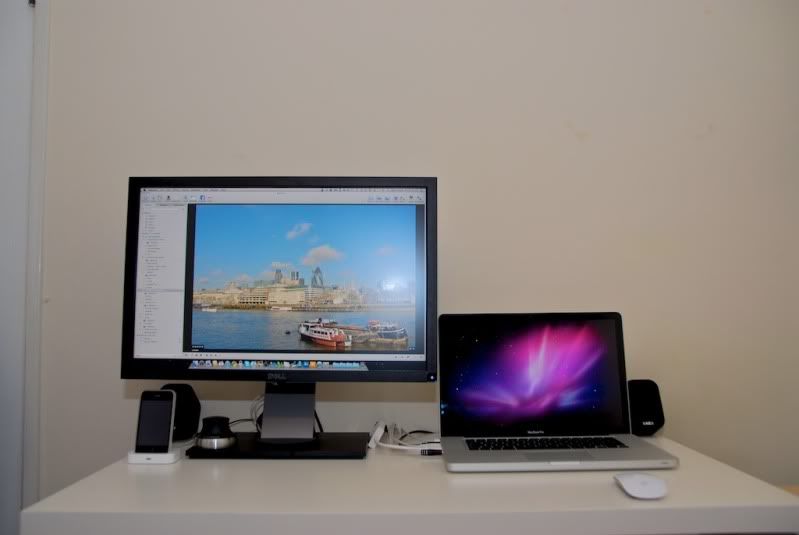 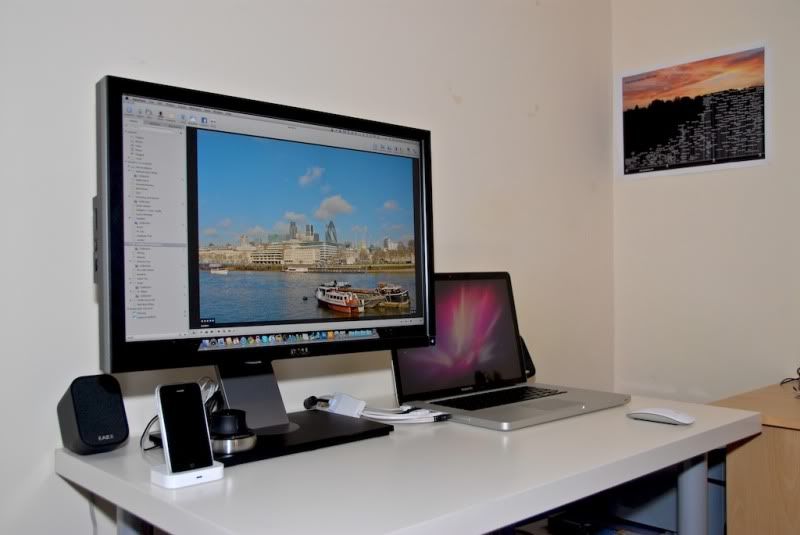 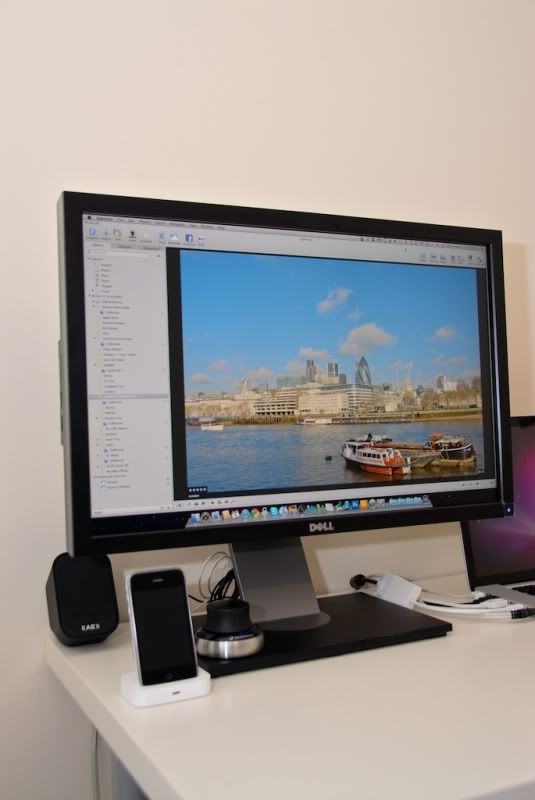 another display awaiting, dunno what to do with it 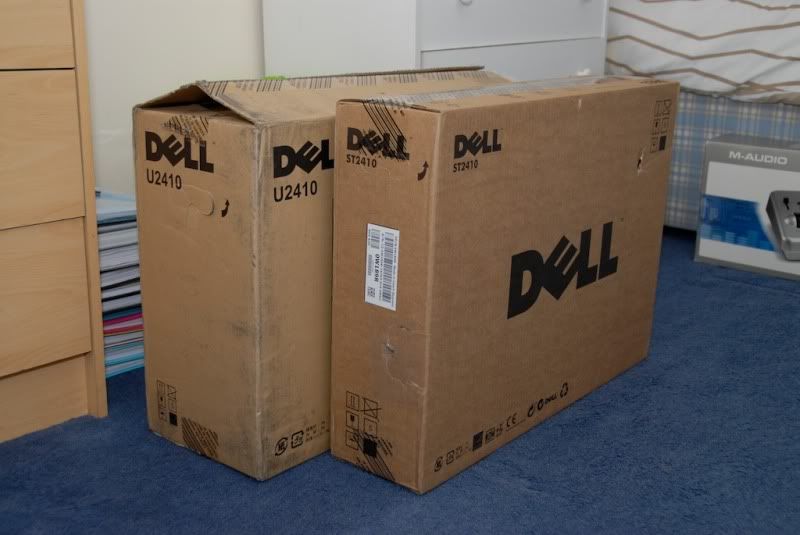 BUT it's not my property, the ST2410. It's still belong to DELL This post has been edited by cRazYee: Mar 6 2010, 06:18 AM |
|
|
|
|
|
Mar 6 2010, 08:26 PM
|

Junior Member
401 posts Joined: Jul 2008
|
i love ultrasharp but hhm arent they too high for the eye level.. i think i wud prefer a display as close as possible to the table. or is it my posture totally wrong uhhuhu.
|
|
|
Mar 6 2010, 11:03 PM
|

Junior Member
383 posts Joined: Jul 2007 From: atas pokok 
|
how much you bought the cable???buying hands on from apple store retail is expensive
 |
|
|
Mar 7 2010, 11:43 AM
|
|
Senior Member
2,642 posts Joined: Jan 2005 From: Penang
|
QUOTE(zemmien @ Mar 6 2010, 08:26 PM) i love ultrasharp but hhm arent they too high for the eye level.. i think i wud prefer a display as close as possible to the table. or is it my posture totally wrong uhhuhu. well, it's high adjustablebut this is what you can expect for 24" to be honest, if just for normal typing and browsing purpose, 21/20 is the best, as we are so close to the display Added on March 7, 2010, 11:44 am QUOTE(zergg @ Mar 6 2010, 11:03 PM) how much you bought the cable???buying hands on from apple store retail is expensive http://cgi.ebay.co.uk/ws/eBayISAPI.dll?Vie...e=STRK:MEWNX:IThere it's just £5.58 or you wan direct mini display port to dvi, 1.8 cable http://cgi.ebay.co.uk/6ft-1-8M-Mini-Displa...0#ht_1045wt_941 This post has been edited by cRazYee: Mar 7 2010, 11:45 AM |
|
|
Mar 7 2010, 03:40 PM
|

Senior Member
782 posts Joined: Nov 2004 From: Down under
|
Here is my workstation together with my bf's ... Spot the mac. It's still new and i have yet to buy a cooler pad for it. Not sure if i need once, since i never use it with my previous laptops before. My second mac, previously using PowerMac G4. Haha, ancient dinosaur!
My laptops, MacBook White, and Lenovo (work - windows) 
The overall workstation, 6 external screens  
Added on March 7, 2010, 3:48 pm QUOTE(cRazYee @ Mar 6 2010, 06:14 AM) the long waiting adapter, order it b4 CNY May i know how much is the adapter? This post has been edited by static: Mar 7 2010, 03:48 PM |
|
|
Mar 7 2010, 09:03 PM
|
|
Senior Member
2,642 posts Joined: Jan 2005 From: Penang
|
i posted it up there.
OMG, how are you gonna work in small space like this |
|
|
Mar 7 2010, 10:59 PM
|
|
Senior Member
782 posts Joined: Nov 2004 From: Down under
|
Ah, okay, overlooked it
 Small apartment, small workstation. Very packed cannot tahan! Because bf is a day trader, hence need screens to see charts. Me on the other hand, only home at night as i have a day job |
|
|
Mar 8 2010, 10:30 AM
|

Senior Member
2,003 posts Joined: Sep 2008 From: Lowyat.NET
|
So many screens. >.<
Can fit two person in work? |
|
Topic ClosedOptions
|
| Change to: |  0.0312sec 0.0312sec
 0.57 0.57
 6 queries 6 queries
 GZIP Disabled GZIP Disabled
Time is now: 8th December 2025 - 03:44 PM |
 Quote
Quote